Web Accessibility Testing MCP
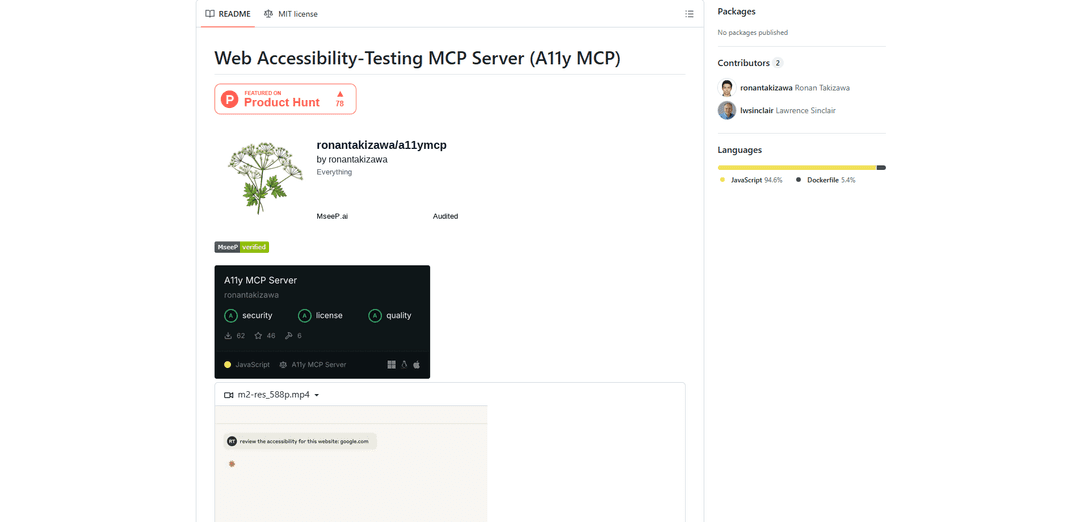
A11y MCP is a Model Context Protocol server that enables AI language models to perform automated web accessibility testing by integrating with Deque's Axe-core API and Puppeteer to analyze web content for WCAG compliance.
https://github.com/ronantakizawa/a11ymcp?ref=producthunt
製品情報
更新日:2026年01月15日
Web Accessibility Testing MCPとは
Web Accessibility Testing MCP (A11y MCP) is an open-source tool that bridges the gap between AI language models and web accessibility testing capabilities. Built as a Model Context Protocol (MCP) server, it provides AI assistants with direct access to professional accessibility testing APIs and tools. The server leverages Deque's Axe-core API and Puppeteer to perform comprehensive accessibility audits on web pages and HTML content, ensuring compliance with Web Content Accessibility Guidelines (WCAG) standards 2.0, 2.1, and 2.2.
Web Accessibility Testing MCPの主な機能
Web Accessibility Testing MCP (A11y MCP) is a Model Context Protocol server that enables AI language models to perform automated accessibility testing on websites and HTML content. It integrates with Deque's Axe-core API and Puppeteer to analyze web content for WCAG compliance, check color contrast ratios, validate ARIA attributes, and identify accessibility issues while providing detailed reports and remediation guidance.
Comprehensive WCAG Testing: Tests content against multiple WCAG standards (2.0, 2.1, 2.2) and provides detailed violation reports with specific remediation recommendations
Flexible Testing Options: Supports testing both public URLs and raw HTML snippets, allowing developers to check accessibility at any stage of development
Advanced Color Analysis: Performs detailed color contrast analysis between foreground and background elements, considering font size and weight for WCAG compliance
ARIA Validation: Validates proper implementation of ARIA attributes and roles to ensure screen reader compatibility
Web Accessibility Testing MCPのユースケース
Development Integration: Developers can integrate accessibility testing directly into their IDE workflow to catch issues early in the development process
Compliance Auditing: Organizations can perform automated accessibility audits of their websites to ensure compliance with accessibility standards and regulations
Content Management: Content creators can verify their HTML content meets accessibility requirements before publishing
Educational Tool: Teaching teams and students about web accessibility by providing immediate feedback on accessibility issues and how to fix them
メリット
Seamless integration with AI language models through MCP protocol
Provides detailed, actionable feedback with specific remediation steps
Supports multiple testing scenarios (URLs, HTML snippets) and standards
デメリット
Requires local setup and configuration
Not an official tool from Deque Labs
Limited to static analysis without user interaction testing
Web Accessibility Testing MCPの使い方
Install and Configure MCP Settings: Edit the MCP settings file based on your OS: For macOS: '~/Library/Application Support/Claude/claude_desktop_config.json', For Windows: '%APPDATA%\Claude\settings\claude_mcp_settings.json', For Linux: '~/.config/Claude/settings/claude_mcp_settings.json'
Add Server Configuration: Add the following configuration to your MCP settings file: { "mcpServers": { "a11y-accessibility": { "command": "npx", "args": [ "-y", "a11y-mcp-server" ] } } }
Test URL Accessibility: Use the test_accessibility tool by providing a URL parameter: { "url": "https://example.com", "tags": ["wcag2aa"] }
Test HTML String: Use the test_html_string tool to test raw HTML content: { "html": "<div><img src='image.jpg'></div>", "tags": ["wcag2aa"] }
Check Color Contrast: Use check_color_contrast tool to verify WCAG contrast requirements: { "foreground": "#777777", "background": "#EEEEEE", "fontSize": 16, "isBold": false }
Validate ARIA Attributes: Test ARIA attribute usage with HTML content: { "html": "<div role='button' aria-pressed='false'>Click me</div>" }
Check Orientation Lock: Test for orientation lock issues in HTML content: { "html": "<html><head><meta name='viewport' content='width=device-width, orientation=portrait'></head><body>Content</body></html>" }
Review Test Results: Analyze the JSON response which includes violations, passes, incomplete tests, and detailed information about any accessibility issues found
Web Accessibility Testing MCPのよくある質問
A11y MCP is a Model Context Protocol (MCP) server that enables LLMs (Large Language Models) to perform web accessibility testing. It uses Deque Axe-core API and Puppeteer to analyze web content for WCAG compliance and identify accessibility issues.




Web Accessibility Testing MCPに類似した最新のAIツール
ExoTest
ExoTestは、スタートアップと特定のニッチの専門テスターを結びつけ、製品投入前に包括的なフィードバックと実行可能な洞察を提供するAI駆動の製品テストプラットフォームです
AI Dev Assess
AI Dev Assessは、HR専門家や技術面接官がソフトウェア開発者候補者を効率的に評価するために、役割特有の面接質問と評価マトリックスを自動的に生成するAI駆動のツールです
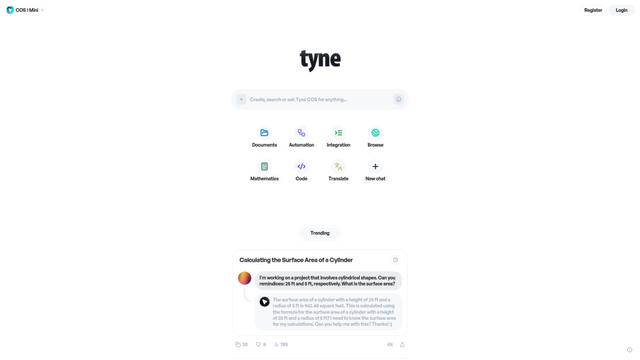
Tyne
Tyneは、データ分析、歩留まり改善システム、およびAIソリューションを通じて企業の日常のニーズを効率化するプロフェッショナルなAI駆動のソフトウェアおよびコンサルティング会社です
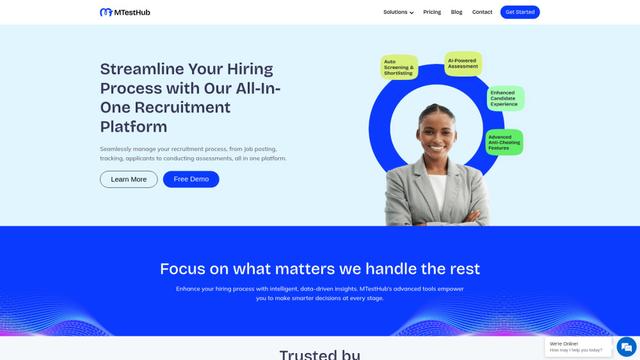
MTestHub
MTestHubは、採用プロセスを自動スクリーニング、スキル評価、高度な不正防止措置で効率化するオールインワンのAI駆動の採用および評価プラットフォームです。
Web Accessibility Testing MCPに似た人気のAIツール
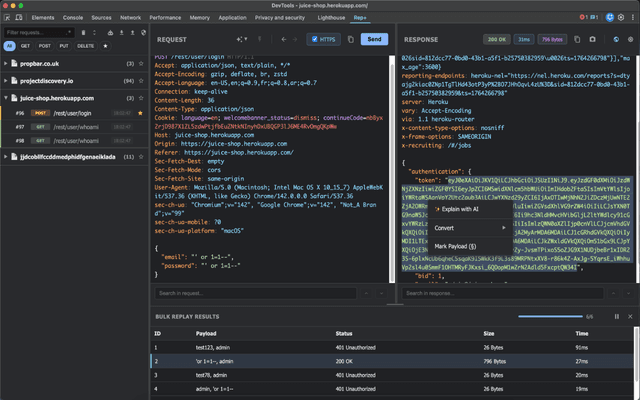
rep+
rep+ は、Burp Suite Repeater の機能をブラウザに直接取り込む強力な Chrome DevTools 拡張機能であり、プロキシ設定なしで HTTP リクエストのテスト、セキュリティ分析、および AI を活用した攻撃の提案を可能にします。
Gatling AI Assistant for VS Code
Gatling AI Assistant は、Visual Studio Code 用の AI 搭載拡張機能で、開発者が Gatling の負荷テストフレームワークを使用して負荷テストシナリオを作成および管理するのに役立ちます。
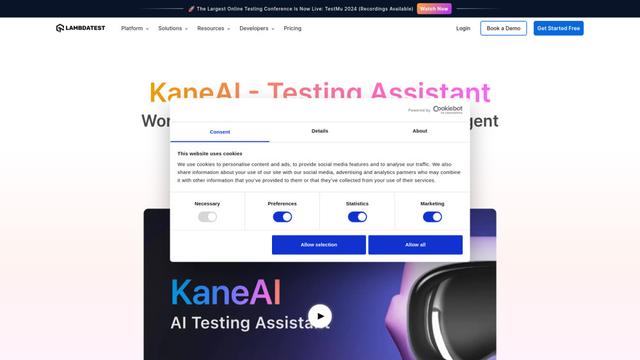
KaneAI
KaneAIは、ユーザーが自然言語を使用してテストを作成、デバッグ、進化させることを可能にする、世界初のエンドツーエンドのAI駆動ソフトウェアテストエージェントです。
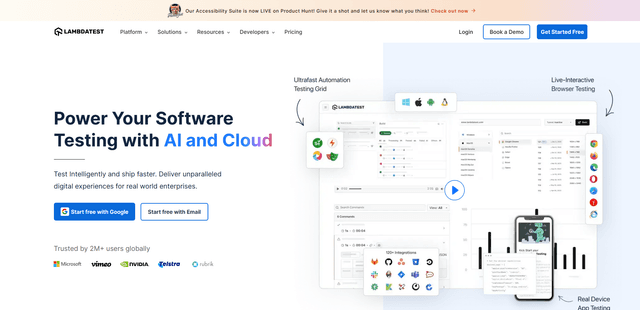
LambdaTest
LambdaTestは、AIネイティブのテストオーケストレーションおよび実行プラットフォームであり、3000以上のブラウザ環境で手動テストと自動テストの両方を可能にし、クラウドでのソフトウェアテストに最適な選択肢となっています。