
WorkBuddy
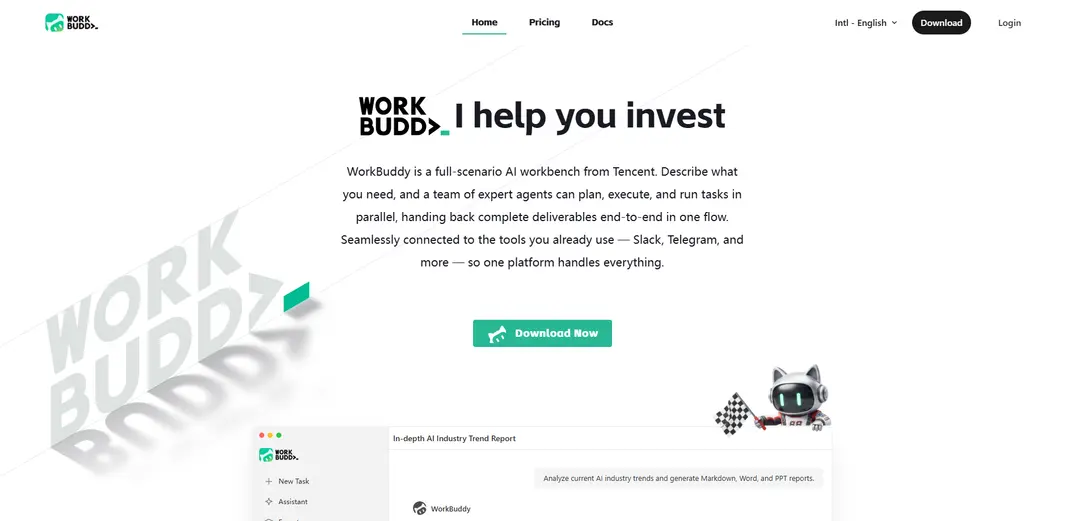
WorkBuddy is Tencent’s AI-native, multi-agent desktop workbench that turns a single natural-language request into parallelized execution across your files and tools, delivering finished artifacts like reports, decks, and spreadsheets directly where you work.
https://www.workbuddy.ai/?ref=producthunt
Product Information
Updated:Jul 8, 2026
What is WorkBuddy
WorkBuddy is an AI agent for everyday office professionals developed within Tencent’s ecosystem (from the Tencent Cloud CodeBuddy team) and positioned as an “AI teammate” rather than a chat-only assistant. Instead of stopping at suggestions, it is designed to complete end-to-end workplace tasks—such as organizing files, analyzing spreadsheets, conducting web research, and generating deliverables like Markdown/Word/PPT reports and presentations. It integrates with common workplace tools and can be triggered from multiple touchpoints (including mobile messaging), aiming to reduce tool-switching and manual middle-layer work in routine office workflows.
Key Features of WorkBuddy
WorkBuddy is a Tencent-built AI agent workbench for everyday office work that turns a single natural-language request into an end-to-end deliverable. It can plan multi-step tasks, run multiple specialized agents in parallel, connect to common workplace tools (e.g., Office, Jira, Slack, Notion, Google Drive, GitHub, Linear), and output finished artifacts like reports, spreadsheets, charts, and PPT/Word/Markdown documents—reducing tool-switching and manual coordination while keeping humans in the review loop.
Natural-language task delegation: Describe a goal in one sentence and WorkBuddy translates it into an actionable plan, executes the steps, and returns usable outputs rather than just suggestions.
Parallel multi-agent execution: Breaks complex work into sub-tasks handled simultaneously by specialized agents, speeding up multi-part deliverables like research + analysis + writing + slide creation.
Deep Research reporting workflow: Supports structured research pipelines (search paths, cross-checking sources, synthesizing conclusions) and generates competitor matrices and strategic recommendations quickly.
Multi-tool integrations and connectors: Connects with common productivity and collaboration platforms (e.g., Office, Notion, Slack, Jira, Google Drive, GitHub, Linear) to move work into the tools and files teams already use.
Multi-platform access and remote triggering: Designed for multi-platform connectivity so tasks can be initiated from different contexts (including mobile/enterprise chat entry points like WeChat/WeCom mentioned in user feedback) and picked up later with results delivered back.
Model routing and token/cost control (Tencent Cloud ecosystem): Via Tencent Cloud components (e.g., TokenHub), supports switching among multiple large models and managing token usage for more stable calls and controllable costs in multi-scenario deployments.
Use Cases of WorkBuddy
Executive-ready market/industry research: Generate an AI industry trend report with citations and structure, then export as Markdown/Word/PPT for leadership updates, board decks, or strategy offsites.
Sales and operations weekly reporting: Summarize spreadsheets and dashboards into weekly reports with key metrics, charts, and narrative insights—reducing manual Excel + PowerPoint work and tool switching.
Product and engineering coordination: Turn feature requests into structured requirements, planning artifacts, and documentation, while syncing context with tools like Jira/Linear and sharing results in Slack.
HR and administrative documentation: Draft policies, onboarding docs, and internal summaries; convert meeting notes into clear minutes and presentation slides tailored to specific departments (e.g., marketing section only).
Cross-border SMB content and deliverables: For small/medium teams, quickly produce multilingual collateral (reports, proposals, slide decks) and standardize deliverables without needing heavy technical setup.
Non-technical rapid creation support: Use built-in expert/agent help to produce professional documents, PPTs, and simple project outputs even for users who don’t code, acting like an “AI work partner” for everyday professionals.
Pros
End-to-end deliverables (reports/decks/spreadsheets) rather than chat-only suggestions, reducing manual follow-up work
Parallel multi-agent approach improves throughput for multi-step tasks and complex office workflows
Broad integration footprint helps teams work inside existing tools (Office, Jira, Slack, Notion, Drive, GitHub, Linear)
Backed by Tencent Cloud ecosystem with options for model switching and managed deployment paths
Cons
Regional/ecosystem bias: documentation, pricing transparency, and some features may be optimized for Tencent’s ecosystem or China-first experiences
Quality control needed: like any agent system, outputs should be verified before external sharing or decision-making
Reliability/performance can vary (users mention occasional retry errors and lag)
Advanced customization (model routing, custom tool connections) may require IT involvement
How to Use WorkBuddy
1) Open WorkBuddy and sign in: Go to https://www.workbuddy.ai/ and launch WorkBuddy. Sign in with your Tencent account (registration may be required).
2) Start from a clear one-sentence goal: In the input box, describe the outcome you want (not just a question). Example: “Analyze current AI industry trends and generate Markdown, Word, and PPT reports.” WorkBuddy is designed to take a single natural-language instruction and turn it into a finished deliverable.
3) Specify the deliverable format(s) and style up front: Tell WorkBuddy exactly what artifacts to produce (e.g., report + competitor matrix + recommendations) and the output formats (Markdown/Word/PPT). Add tone/style constraints like “professional,” “executive-ready,” or “include charts.”
4) Provide or connect the context and tools it should use: Attach relevant files/folders (e.g., spreadsheets, PDFs, research docs) and connect the tools you already work in (examples shown include Jira, Google Drive, GitHub, Linear, Notion, Slack, and Office). This lets WorkBuddy pull inputs and deliver outputs where you work.
5) Authorize local file access when prompted: If you want WorkBuddy to organize files or generate documents into local directories, grant access to the specific local folder(s) the first time. This authorization enables file operations like sorting, renaming, and saving generated deliverables.
6) Let WorkBuddy plan and decompose the task: After you submit the request, WorkBuddy breaks the work into sub-steps (e.g., research paths, source cross-checking, outline, drafting, formatting). It uses parallel multi-agent execution to run parts of the task simultaneously.
7) Review intermediate outputs and steer if needed: As WorkBuddy progresses, review the plan, outline, or early drafts. If something is off (scope, structure, depth), reply with corrections like “focus more on enterprise adoption,” “add a competitor matrix,” or “shorten to 10 slides.”
8) Generate and export the final artifacts: WorkBuddy produces ready-to-use outputs such as structured reports, spreadsheets, charts, and slide decks. Confirm the final versions and export/save them into your chosen destination (local folder or connected tools).
9) Run common office automations with simple commands: Use one-line requests for recurring office work: “Organize my desktop files,” “Analyze this spreadsheet and summarize key trends,” “Create a weekly report from these notes,” or “Turn these documents into an executive summary.”
10) Use remote/mobile triggering when convenient: If available in your environment, send instructions remotely (sources mention smooth instruction sending via WeChat/WeCom and remote mobile connectivity). Start a task on the go and pick up the finished deliverable later on your computer.
11) Use credits and choose a plan that matches your workload: Start on the free tier to try core capabilities. For heavier usage, upgrade to a paid plan (the site lists Pro at $9.95/mo with 1,000 credits/month and Team at $40/seat/mo with pooled credits and admin/billing features).
12) Iterate and reuse successful prompt templates: When you find a prompt that reliably produces the right structure (e.g., a market research PPT format), save and reuse it for future tasks—changing only the topic, timeframe, audience, and required outputs.
WorkBuddy FAQs
WorkBuddy is a full-scenario AI agent desktop workstation from Tencent designed for everyday office work. It acts like an AI teammate that can plan and execute tasks end-to-end, not just chat.
WorkBuddy Video
Popular Articles

Proferex: A Cloud-Based Ad Tracking and Campaign Optimization Platform
Nov 4, 2026

How to Create Viral Talking Baby Podcast Videos with AI: Step-by-Step Guide
Nov 2, 2026

Vosko AI: Localize and Dub Videos for Global Audiences
Oct 15, 2026

Atoms: A Multi-Agent AI Platform That Transforms Ideas into Launch-Ready Products
Oct 13, 2026
Latest AI Tools Similar to WorkBuddy
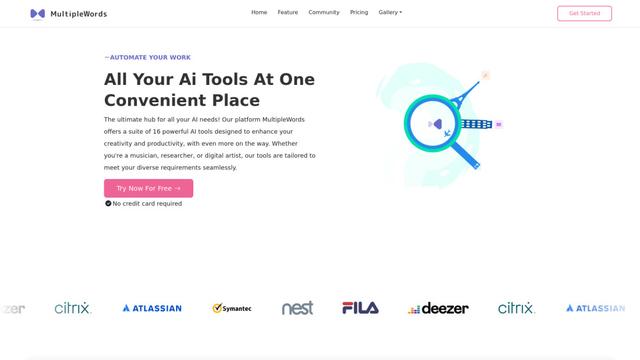
MultipleWords
MultipleWords is a comprehensive AI platform offering 16 powerful tools for content creation and manipulation across audio, video, and image editing with cross-platform accessibility.
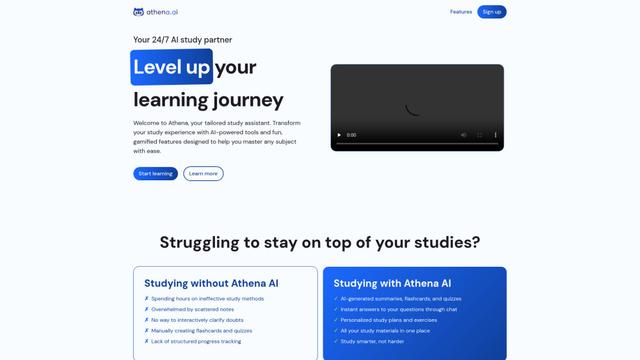
Athena AI
Athena AI is a versatile AI-powered platform offering personalized study assistance, business solutions, and life coaching through features like document analysis, quiz generation, flashcards, and interactive chat capabilities.
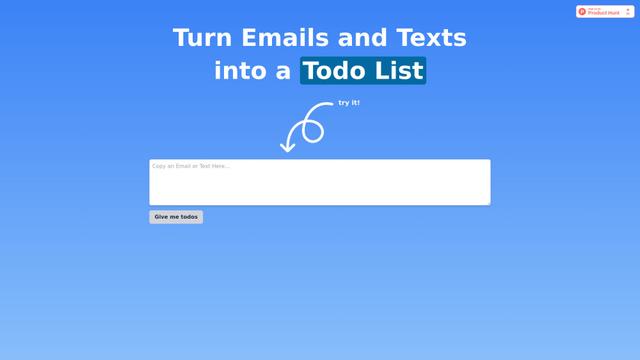
Taidai.io
Taidai.io is an AI-powered tool that automatically converts notes, emails, and text content into actionable todo lists.
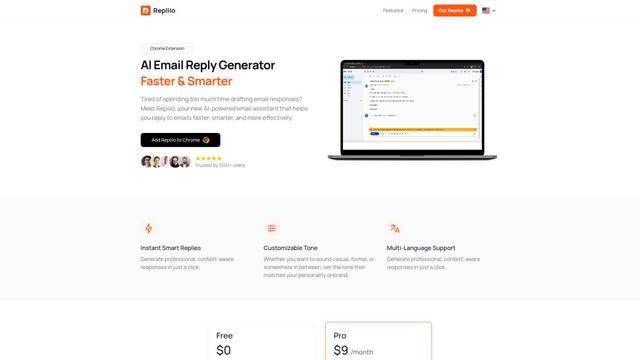
Repliio
Repliio is an AI-powered email assistant Chrome extension that helps users generate professional, context-aware email responses quickly with customizable tones and multi-language support.
Popular AI Tools Like WorkBuddy
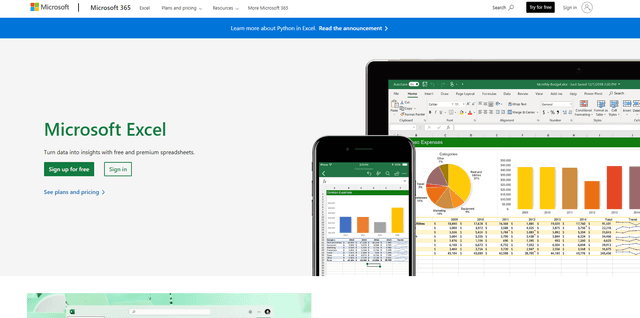
Microsoft Excel: Spreadsheets
Microsoft Excel is the industry-leading spreadsheet software that allows users to organize, analyze, and visualize data through powerful features like formulas, charts, and AI-powered insights.
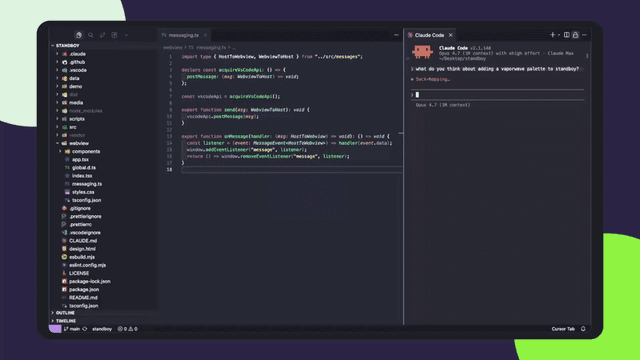
Standboy
Standboy is a VS Code/Cursor extension that auto-expands a Game Boy (GB/GBC/GBA) emulator in the sidebar during AI agent activity, then auto-hides and pauses—resuming mid-frame next time—while keeping a persistent ROM library, saves, and cover art.
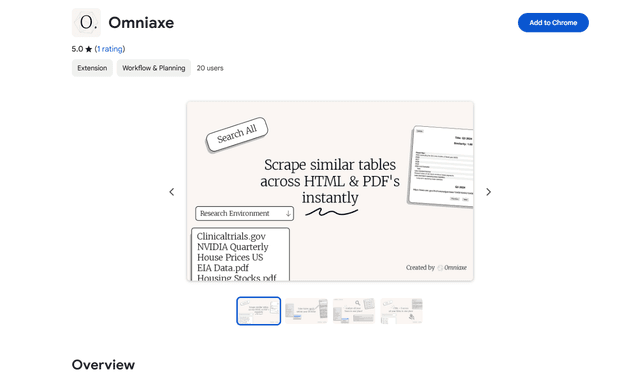
Omniaxe
Omniaxe is an all-in-one Chrome extension research tool that combines seamless data extraction, AI-powered analysis, and centralized note-taking capabilities designed specifically for analysts, researchers and students.
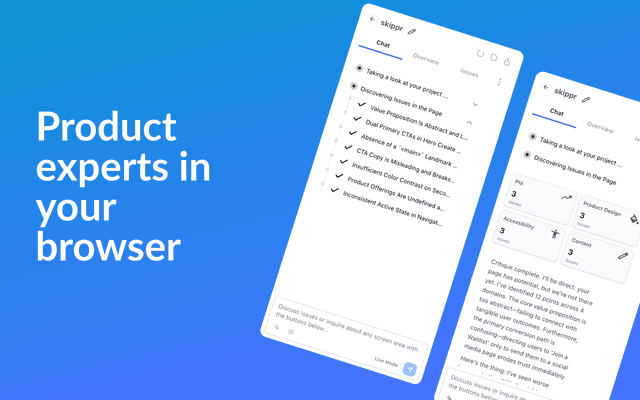
Finesse by Skippr AI
Finesse by Skippr AI is a browser extension that provides instant, expert-level product feedback and critiques across design, content strategy, accessibility, and product direction through specialized AI reviewers.