
Willow
Willow is a local-first desktop AI agent that automates browser and desktop tasks, remembers your work with on-device memory and an Obsidian-compatible vault, and lets you use your own cloud or local models for private, subscription-free assistance.
https://willowai.app/?ref=producthunt

Product Information
Updated:Jul 15, 2026
What is Willow
Willow is a native desktop application designed to be a “real agent” that can operate your computer—not just chat about what to do. Built with a privacy-by-architecture approach, Willow keeps the agent loop, tools, memory, and knowledge on your machine, storing conversations and memory in a local SQLite database and notes in plain Markdown files. It can help with everyday work like organizing files, summarizing meetings, drafting follow-ups, and completing multi-step workflows by directly interacting with your browser and desktop. Willow is currently available on macOS, with Windows and Linux listed as coming soon, and it’s sold as a one-time lifetime license rather than a subscription.
Key Features of Willow
Willow is a local-first desktop AI agent that runs natively on your computer and is designed to do real work—not just chat—by automating your browser and desktop, managing files, and executing multi-step tasks end to end. It keeps conversations, memory, and knowledge on-device (SQLite + Markdown/Obsidian-compatible vault), supports bring-your-own AI providers (OpenAI, Anthropic, Gemini, Mistral, Groq) or fully offline local models via Ollama, and emphasizes privacy-by-architecture with no vendor lock-in through open formats and an MIT-licensed core. It’s sold as a one-time €299 lifetime license with no subscription, while you pay model providers directly for usage.
Local-first agent loop: The agent, tools, memory, and knowledge run on your machine, so your work context stays on-device rather than being hosted in a third-party cloud.
Browser + desktop automation: Willow can click, type, scroll, fill forms, and navigate multi-step workflows across web and desktop apps to complete tasks end to end.
Bring your own models (cloud or offline): Connect your own API keys for major providers (e.g., OpenAI/Anthropic/Gemini) or point Willow at Ollama to run completely offline; requests go directly from your device to your provider.
Persistent memory + Obsidian-compatible vault: Uses local vector memory plus a Markdown vault (Obsidian-friendly) so it remembers your work and becomes more useful over time.
Sandboxed code execution + file access: Can write and run code in a sandbox and operate on local files (e.g., batch renaming, organizing folders) to automate technical and administrative tasks.
Token-efficient context handling + cost tracking: Search and embeddings run locally and only relevant snippets are sent to the model, reducing prompt size; a usage dashboard tracks tokens and cost per task/model.
Use Cases of Willow
Founder / operator inbox and follow-ups: Watches mail and calendar, drafts replies for approval, summarizes meetings, and keeps follow-ups moving while maintaining on-device privacy.
Developer productivity automation: Writes scripts, runs them locally, checks dependencies/changelogs, and handles repetitive engineering chores with file and code tooling.
Research and study assistant: Reads papers and sources, produces structured literature notes into a Markdown vault, and can schedule recurring briefings (optionally offline with local models).
Consulting and client engagement memory: Captures calls/notes, drafts follow-up emails and proposals using your local vault context, and answers questions like what commitments were made to which client.
Everyday personal admin automation: Compares offers from inbox threads, fills booking forms with human approval before payment, and generates daily recaps of what you worked on.
Pros
Privacy by architecture: data, memory, and knowledge stay on-device (SQLite + Markdown) rather than being uploaded to a vendor cloud.
No subscription and no vendor lock-in: one-time lifetime license, open formats, MIT-licensed core, and BYO models/providers.
Real automation: can control browser/desktop, manage files, and run sandboxed code to complete tasks end to end.
Cons
Platform availability is limited: macOS is available now; Windows and Linux are listed as “soon.”
Ongoing model costs may still apply when using cloud providers since you pay providers directly for token usage.
Deep desktop/browser automation can require careful oversight for sensitive actions (e.g., forms or payments), even with approval steps.
How to Use Willow
1) Install Willow on your computer: Download and install the native Willow desktop app (macOS is available now; Windows and Linux are listed as coming soon). No cloud account is required to start.
2) Launch Willow for the first time: Open the Willow app on your computer to begin setup and access the agent interface.
3) Connect an AI model provider (or run offline): In Willow, add your own AI provider credentials (API key) or point Willow to a local model via Ollama to run fully offline. Supported options listed include Anthropic, OpenAI, Google Gemini, Mistral, Groq, LiteLLM, and Ollama.
4) Choose the right model per task: Switch between cloud or local models depending on the job (e.g., faster/cheaper models for routine tasks, stronger models for complex work).
5) Set up your local knowledge vault (Obsidian-compatible): Configure Willow’s Markdown vault so it can store and organize notes and structured knowledge locally in plain Markdown files (Obsidian-compatible).
6) Enable local memory and storage: Use Willow’s built-in local memory so it can remember your work over time. Willow stores conversations and memory on-device (e.g., in a local SQLite database) and keeps your notes in local Markdown files.
7) Start with a simple question to validate your setup: Ask a basic prompt like “What did I work on yesterday?” to confirm Willow can respond using its local context and memory.
8) Automate a browser task end-to-end: Give Willow a multi-step instruction such as “Open the booking site and fill the form.” Willow can drive the browser by clicking, typing, scrolling, and filling forms.
9) Automate desktop and file tasks: Ask Willow to manage local files and folders, for example: “Organize my Downloads folder by project.” Willow can access files and perform desktop actions locally.
10) Use code execution for repetitive work: Request a script and have Willow run it in its sandboxed environment, e.g., “Write a script that renames these 400 files, then run it.”
11) Create scheduled workflows: Set up scheduled workflows so Willow runs agent tasks on your clock (e.g., daily briefings or recurring checks) while staying local-first.
12) Use meeting, voice, and screen context (when applicable): Use Willow’s meeting capture/transcription and context features so it can stay aware of what you’re doing and produce outputs like summaries and follow-ups.
13) Track token usage and cost per task: Open Willow’s usage dashboard to see tokens and cost per task/model. Since you bring your own provider key, you pay providers directly (or pay nothing for model usage if running a local Ollama model).
14) Troubleshoot with the built-in diagnostics tool: If you hit issues, generate a privacy-safe diagnostics ZIP (logs and settings only; no chats, keys, or personal data) and email it to [email protected] for investigation.
Willow FAQs
Yes. Willow runs locally on your Mac. The agent loop, tools, memory, and knowledge vault run on your machine.
Willow Video
Popular Articles

Vosko AI: Localize and Dub Videos for Global Audiences
Oct 15, 2026

Atoms: A Multi-Agent AI Platform That Transforms Ideas into Launch-Ready Products
Oct 13, 2026

Nano Banana SBTI: What It Is, How It Works, and How to Use It in 2026
Apr 15, 2026

Atoms Review — The AI Product Builder Redefining Digital Creation in 2026
Apr 10, 2026
Latest AI Tools Similar to Willow
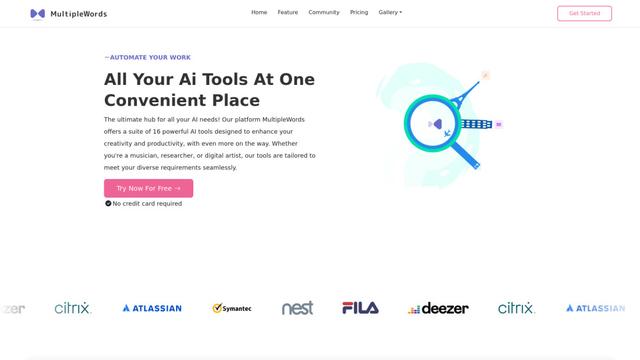
MultipleWords
MultipleWords is a comprehensive AI platform offering 16 powerful tools for content creation and manipulation across audio, video, and image editing with cross-platform accessibility.
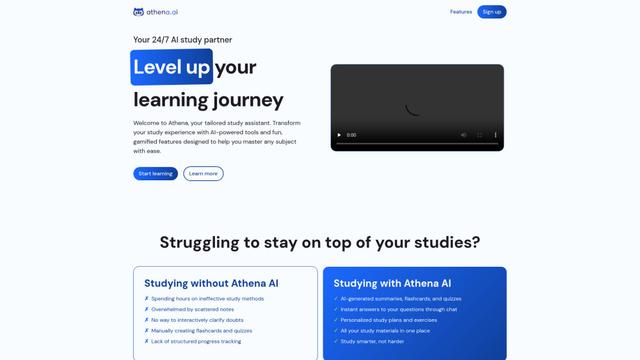
Athena AI
Athena AI is a versatile AI-powered platform offering personalized study assistance, business solutions, and life coaching through features like document analysis, quiz generation, flashcards, and interactive chat capabilities.
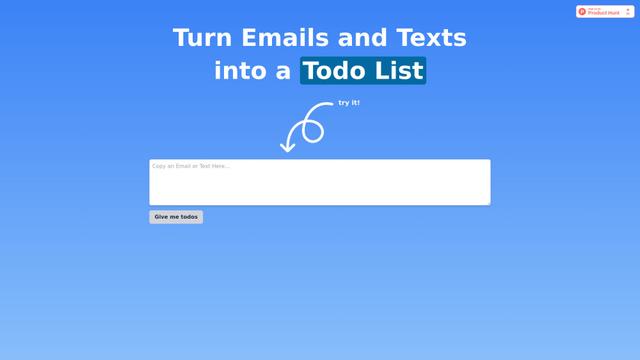
Taidai.io
Taidai.io is an AI-powered tool that automatically converts notes, emails, and text content into actionable todo lists.
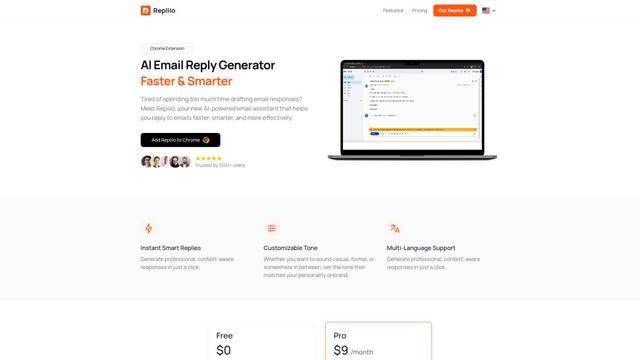
Repliio
Repliio is an AI-powered email assistant Chrome extension that helps users generate professional, context-aware email responses quickly with customizable tones and multi-language support.
Popular AI Tools Like Willow
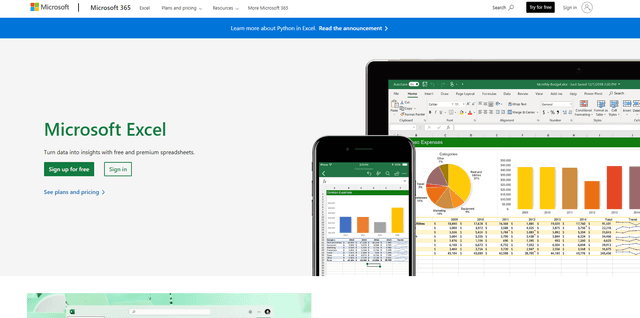
Microsoft Excel: Spreadsheets
Microsoft Excel is the industry-leading spreadsheet software that allows users to organize, analyze, and visualize data through powerful features like formulas, charts, and AI-powered insights.
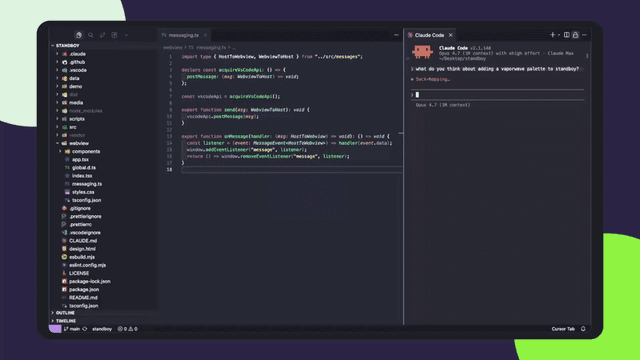
Standboy
Standboy is a VS Code/Cursor extension that auto-expands a Game Boy (GB/GBC/GBA) emulator in the sidebar during AI agent activity, then auto-hides and pauses—resuming mid-frame next time—while keeping a persistent ROM library, saves, and cover art.
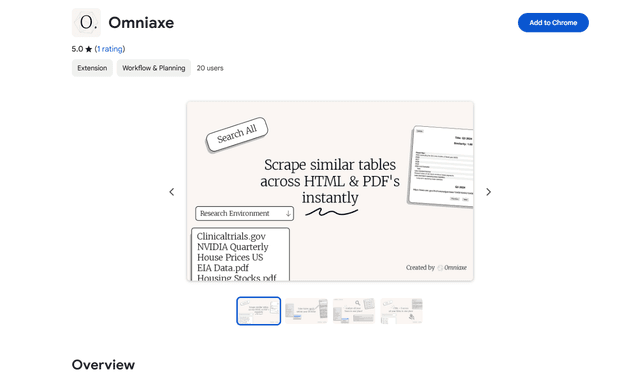
Omniaxe
Omniaxe is an all-in-one Chrome extension research tool that combines seamless data extraction, AI-powered analysis, and centralized note-taking capabilities designed specifically for analysts, researchers and students.
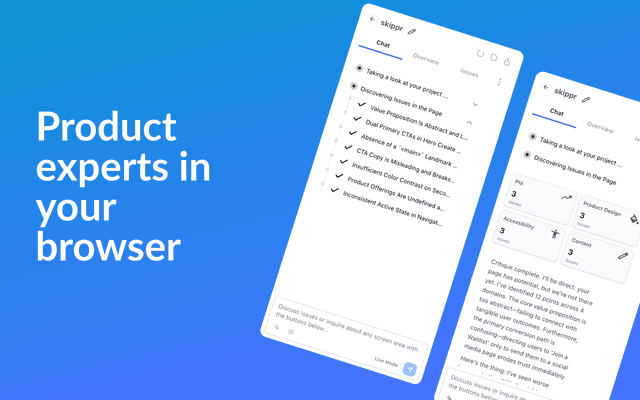
Finesse by Skippr AI
Finesse by Skippr AI is a browser extension that provides instant, expert-level product feedback and critiques across design, content strategy, accessibility, and product direction through specialized AI reviewers.