Whistle
Whistle is a privacy-first AI training planner for iPhone, iPad, and Apple Watch that builds and adapts structured multi-sport plans using your goals, schedule, Apple Health data, and local weather, while tracking training load and recovery context over time.
https://apps.apple.com/at/app/whistle-ai-workout-planner/id6739144449?l=en-GB&ref=producthunt
Product Information
Updated:Jun 15, 2026
What is Whistle
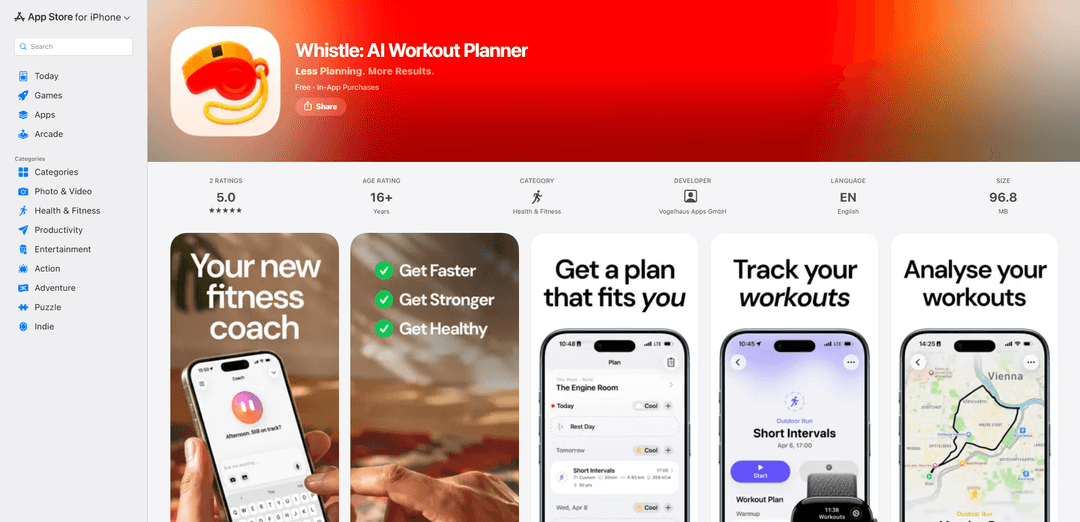
Whistle: AI Workout Planner is a Health & Fitness app by Vogelhaus Apps GmbH that helps you plan training for running, cycling, swimming, strength work, and more. Instead of focusing only on single sessions, it supports structured week-by-week programs, flexible day-to-day planning, and progress understanding through insights like training load, projected load, and trend views. It integrates with Apple Health (HealthKit) and supports Apple Watch so you can send planned workouts to your wrist and start them easily. Whistle is designed with a privacy-first approach and does not require an account, with data stored locally and in your personal iCloud where possible.
Key Features of Whistle
Whistle is an AI workout and training planner for iPhone, iPad, and Apple Watch that helps users build structured workouts and longer training programs across running, cycling, swimming, strength, and mixed training. It uses optional Apple Health data (workouts, activity, heart rate, sleep, recovery, vitals) plus local weather to provide context-aware planning, training load and projected load views, workout predictions (e.g., duration/distance/calories), and progress insights like charts, heatmaps, and streaks. Plans can be adapted when schedules change, workouts can be saved as templates, and planned sessions can be sent to Apple Watch to start from the wrist using Apple’s Workout app experience, with a privacy-first approach that doesn’t require an account.
AI coach for week + program planning: Conversational coach that can build a training week or multi-week program, adjust workouts when life changes, review progress, and explain training signals using your goals and schedule.
Structured workout builder + templates: Create sessions with warmups, intervals, targets, and cooldowns; save repeatable workouts as templates to reschedule quickly.
Training load & projected load tracking: Shows how much work you’re absorbing (training load) and how planned workouts may shape your upcoming week (projected load) to support better pacing and consistency.
Recovery, sleep, and vitals context (Apple Health): Optionally integrates Apple Health data (sleep, recovery, heart rate, vitals, workouts) to tailor guidance and provide daily context; positioned as training insight rather than medical advice.
Workout predictions & planning analytics: Predicts likely distance/duration/calories/load for planned workouts and provides dashboards, charts, heatmaps, and streaks to review trends over time.
Weather-aware planning + Apple Watch execution: Uses multi-day forecasts for outdoor planning; sends planned workouts to Apple Watch so you can start them from your wrist and stay within Apple’s Workout app experience.
Use Cases of Whistle
Endurance training (running/cycling/swimming): Athletes can generate periodized plans, monitor training load, and adapt sessions based on recovery and weather to prepare for races or events.
Strength and cross-training programming: Gym-goers can plan structured strength sessions with targets (reps/weights), reuse templates, and balance lifting with cardio using projected weekly load.
Busy professionals optimizing weekly schedules: Users with variable calendars can ask the coach to build a realistic week, move workouts around, and maintain consistency with quick template scheduling.
Apple Watch-first workout execution: People who prefer training without phone interaction can push planned sessions to Apple Watch and start workouts from the wrist with familiar Apple Workout flows.
Data-informed coaching support (personal or remote coaching): Individuals working with a coach can use Whistle’s load, recovery, and insight views to communicate progress and make evidence-based adjustments.
Pros
Broad training coverage (endurance + strength + mixed) with both single workouts and multi-week programs
Context-aware planning using optional Apple Health signals and local weather, plus load/projection and prediction features
Apple Watch integration to execute planned workouts from the wrist; privacy-first with no required account
Cons
Best experience depends on Apple ecosystem (iOS/iPadOS/watchOS) and permissions/data availability (Apple Health, weather)
Some advanced capabilities require paid tiers (Pro/Ultra) and depend on device/region support
Not medical advice; recovery/vitals insights may be limited by the quality/consistency of wearable data
How to Use Whistle
1) Install Whistle: On your iPhone (iOS 18+), open the App Store listing for “Whistle: AI Workout Planner” and install the app.
2) Open Whistle and choose your privacy/data sharing: Launch Whistle. No account is required. When prompted, optionally grant permissions (e.g., Apple Health/HealthKit) if you want Whistle to use workouts, activity, heart rate, recovery, sleep, and vitals for more personalized planning.
3) Connect Apple Health (optional but recommended): If you choose to share data, enable Apple Health access so Whistle can read relevant training and recovery signals and use them for planning context (workouts, sleep, vitals, etc.).
4) Set your training goal and schedule: Tell Whistle what you’re training for and your weekly availability. Whistle’s coach can use your goals and schedule (plus recent workouts/recovery/sleep/vitals and local weather, if available) to plan your week.
5) Start a guided setup to generate a structured program: Use the guided setup to create a longer training program (not just a single workout). Follow the program week by week in the Plan area of the app.
6) Bring an existing plan into Whistle (optional): If you already follow a training plan, add that structure into Whistle so your week is organized and the coach can help you keep it on track.
7) Plan workouts for today, the week, or a longer block: In the Plan tab, schedule sessions for a single day, the week ahead, or a multi-week block. Whistle supports running, cycling, swimming, strength work, and more.
8) Build a structured workout session: Create workouts with warmups, intervals, targets, and cooldowns. For strength-focused sessions, add repetition counts and weight goals to exercises (where supported).
9) Save repeatable sessions as templates: Save workouts you do often as templates so you can schedule them again quickly later.
10) Ask the AI Coach to plan or adjust: Use the coach to: build a training week, create a longer program, adjust a workout, move or delete planned items, review progress, or ask for explanations about what your body signals may indicate (the app notes it’s not medical advice).
11) Use training context to make day-to-day decisions: Review the dashboard signals Whistle provides (as available): training load, projected load (based on planned workouts), recovery/sleep/vital trends, workout predictions (distance/duration/calories/load), and weather-aware planning with multi-day forecasts for outdoor sessions.
12) Review consistency and progress over time: Use Whistle’s insights (charts/heatmaps/streaks, where available) to understand consistency and how your training is trending across weeks.
13) Send planned workouts to Apple Watch: If you have an Apple Watch (watchOS 11+), send upcoming planned workouts to your watch so they’re ready to start from your wrist.
14) Start workouts from your wrist using Apple’s Workout experience: On Apple Watch, open the workout and start it from the familiar Apple Workout app experience, as supported by Whistle.
15) Keep plans flexible when life changes: When your schedule or recovery changes, ask the coach to adapt your week or modify individual workouts so your plan stays realistic and structured.
Whistle FAQs
Whistle is an AI training planner for running, cycling, swimming, strength training, and other workouts. It helps you build structured plans around your goals, adapt them when life changes, and understand your training over time.
Whistle Video
Popular Articles

Atoms: A Multi-Agent AI Platform That Transforms Ideas into Launch-Ready Products
May 22, 2026

Nano Banana SBTI: What It Is, How It Works, and How to Use It in 2026
Apr 15, 2026

Atoms Review — The AI Product Builder Redefining Digital Creation in 2026
Apr 10, 2026

Kilo Claw: How to Deploy and Use a True "Do‑It‑For‑You" AI Agent(2026 Update)
Apr 3, 2026
Latest AI Tools Similar to Whistle
Fit Aura
Fit Aura is an AI-powered diet and nutrition platform that creates personalized meal plans, generates recipes, and helps track fitness progress for achieving health goals.
QuazaAI
QuazaAI is an innovative fitness platform that combines artificial intelligence, motion tracking technology, and gaming elements to transform traditional workouts into engaging, interactive adventures.
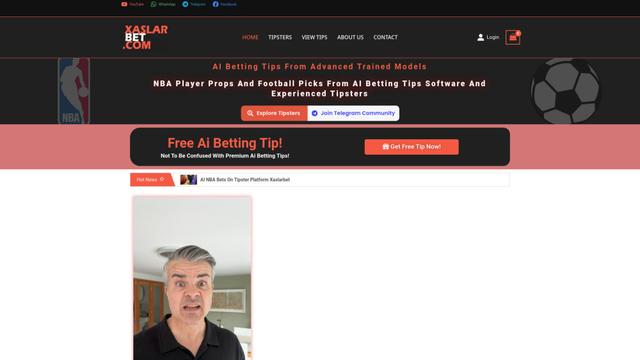
Xaslar Bet
Xaslar Bet is an AI-powered sports betting platform offering tips and predictions for NBA player props and football matches.
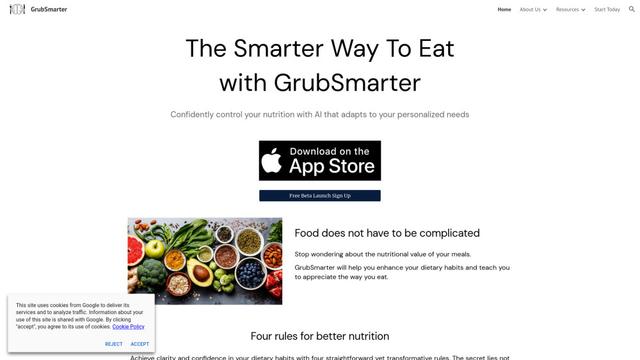
GrubSmarter
GrubSmarter is an AI-powered nutrition app that helps users confidently control their diet by adapting to personalized needs and teaching better eating habits.
Popular AI Tools Like Whistle
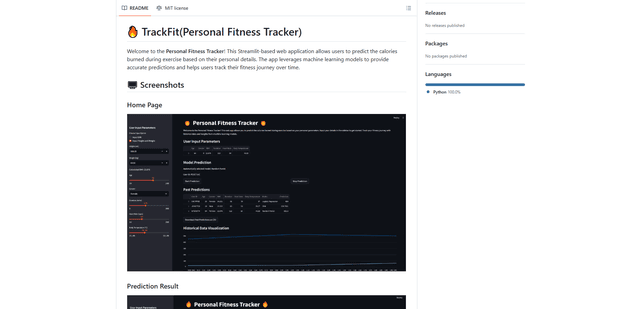
TrackFit
TrackFit is a comprehensive AI-powered fitness tracking system that combines smartwatch sensor data, machine learning models, and personalized analytics to help users monitor workouts, track progress, and improve exercise form in real-time.
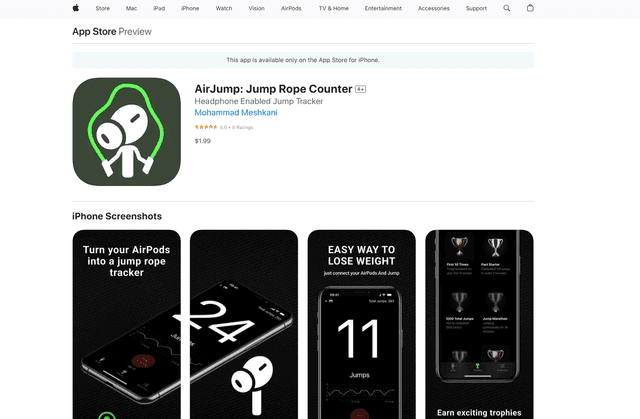
AirJump
AirJump is an innovative fitness app that uses AirPods' motion sensors to automatically track and count jump rope workouts while providing real-time statistics and achievement-based motivation.
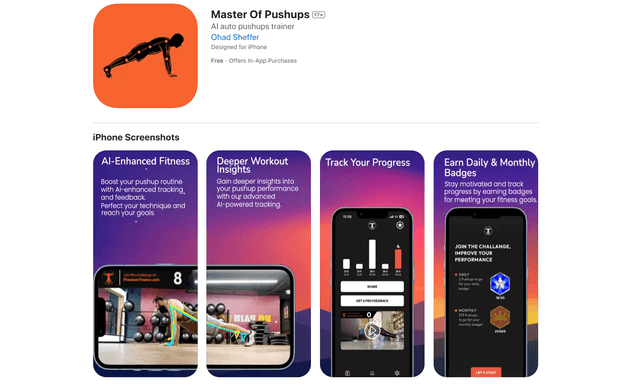
Master of Pushups
FreemiumSports & Fitness
Master of Pushups is an AI-powered fitness app that helps users perfect their pushup technique, track progress, and build strength through automated form detection and personalized training programs.
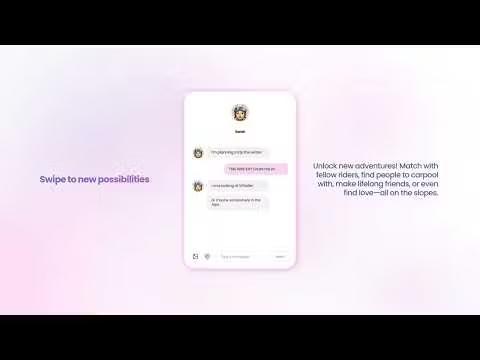
Shredder
Shredder is a versatile app offering both a powerful chess program for players of all levels and a skiing/snowboarding companion that tracks performance and connects riders with similar skill levels.