
Voquill
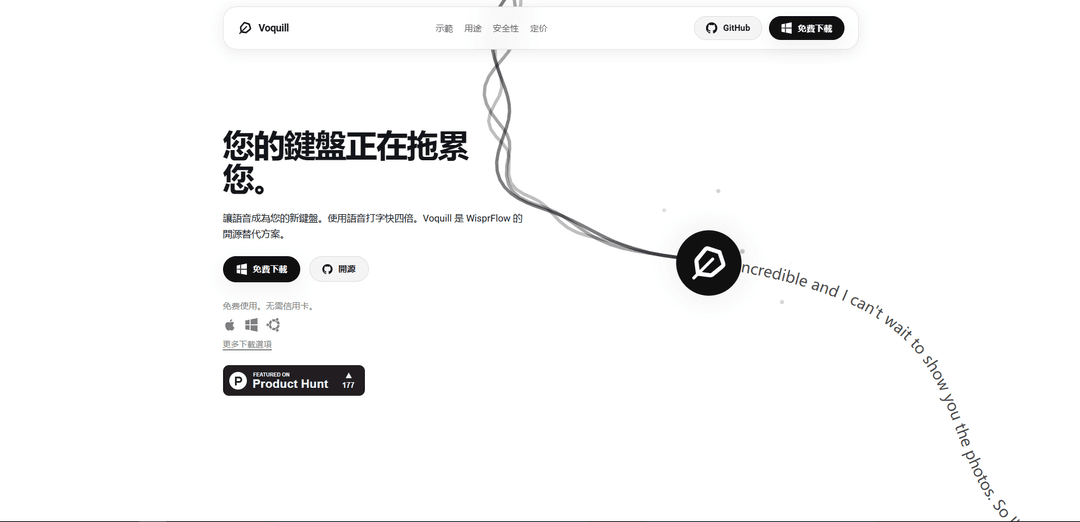
Voquill is an open-source, cross-platform speech-to-text workspace that enables users to dictate into any desktop application with AI-powered text cleanup and personal glossary synchronization.
https://voquill.com/?ref=producthunt
Product Information
Updated:Jan 15, 2026
What is Voquill
Voquill is a privacy-first voice dictation tool designed as an open-source alternative to traditional speech-to-text applications. It works across macOS, Windows, and Linux operating systems, allowing users to convert voice to text in any application at natural speaking speeds of approximately 200+ words per minute. The tool is built with full transparency and gives users complete control over their data privacy by offering options for local on-device processing or cloud processing through API integration.
Key Features of Voquill
Voquill is an open-source, cross-platform voice dictation application that converts speech to text at natural speaking speed (200+ words per minute). It features AI-powered text cleanup, works across any desktop application, and offers flexible deployment options including local processing, cloud processing, or custom API integration. The tool emphasizes privacy and data security while providing professional-grade transcription with automatic removal of filler words and disfluencies.
Universal Compatibility: Works system-wide across macOS, Windows, and Linux, functioning in any text field or application without limitations
AI-Powered Text Cleanup: Automatically removes filler words, hesitations, and disfluencies while correcting grammar to produce polished output
Flexible Processing Options: Offers choice between local on-device processing, cloud processing through Groq API, or custom API integration for complete control over privacy and performance
Custom Terminology Support: Maintains personal glossaries and supports specialized terminology for professional fields like law, medicine, and programming
Use Cases of Voquill
Professional Documentation: Enables rapid creation of emails, reports, and documentation with professional-grade formatting and terminology
Meeting Note Taking: Captures real-time meeting notes and brainstorming sessions while allowing focus on the conversation
Accessibility Support: Assists users with hand fatigue or disabilities by providing efficient voice-based text input across applications
Content Creation: Facilitates faster content creation for bloggers, writers, and professionals by converting spoken thoughts to text
Pros
Open-source and transparent codebase
Strong privacy features with local processing option
Cross-platform compatibility
4x faster than traditional typing
Cons
Some advanced features require paid subscription
May require setup of own API credentials for certain features
How to Use Voquill
Download and Install: Download Voquill for free from voquill.com for your operating system (Windows, macOS, or Linux). No sign-up or credit card required.
Choose Processing Mode: Select between local mode (offline, processes on your device) or cloud mode (using Groq API). For cloud mode, you can use your own API key.
Launch Application: Open Voquill after installation. The tool works system-wide across any application with text input.
Click to Activate: Click the Voquill button inside any text field where you want to dictate (emails, documents, chat messages, etc).
Start Dictating: Begin speaking naturally at conversation speed. Voquill will convert your voice to text in real-time.
AI Cleanup: The AI automatically cleans up the transcript by removing filler words, hesitations, false starts and disfluencies while preserving your meaning.
Custom Dictionary (Optional): Add specialized terminology and industry-specific terms to ensure accurate recognition for your field.
Review and Edit: Review the cleaned-up text output and make any final edits if needed before sending/saving.
Voquill FAQs
Voquill is an open-source, cross-platform speech-to-text workspace that lets you dictate into any desktop application, clean the transcript with AI, and keep your personal glossary in sync. It works as a voice-first keyboard that helps you type four times faster.
Voquill Video
Popular Articles

Vosko AI: Localize and Dub Videos for Global Audiences
Oct 15, 2026

Atoms: A Multi-Agent AI Platform That Transforms Ideas into Launch-Ready Products
Oct 13, 2026

Nano Banana SBTI: What It Is, How It Works, and How to Use It in 2026
Apr 15, 2026

Atoms Review — The AI Product Builder Redefining Digital Creation in 2026
Apr 10, 2026
Latest AI Tools Similar to Voquill
EchoWave
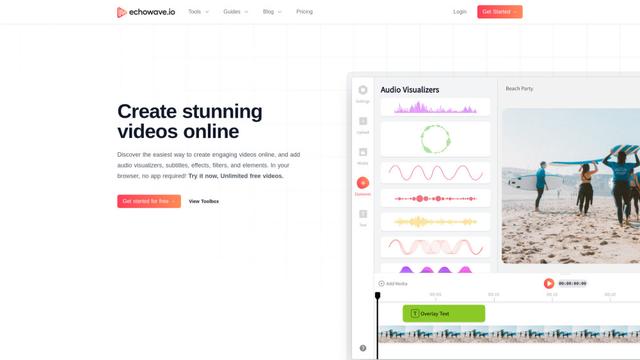
EchoWave is an online video and audio editing platform that enables creators to convert audio content into engaging videos with waveform visualizations, subtitles, and effects for social media sharing.
AIdeaflow Podcast
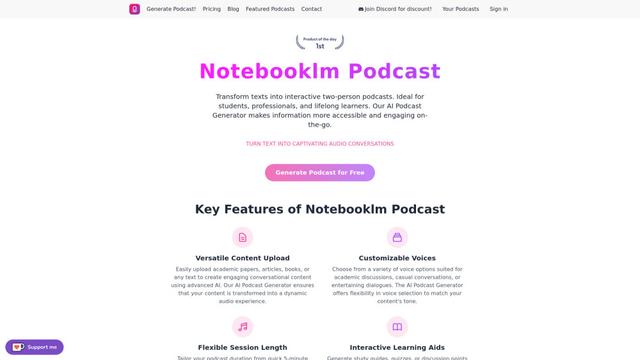
AIdeaflow Podcast is an AI-powered platform that transforms text into engaging podcast content with natural conversations across 120+ voices and multiple languages.
TranscribetoText.AI
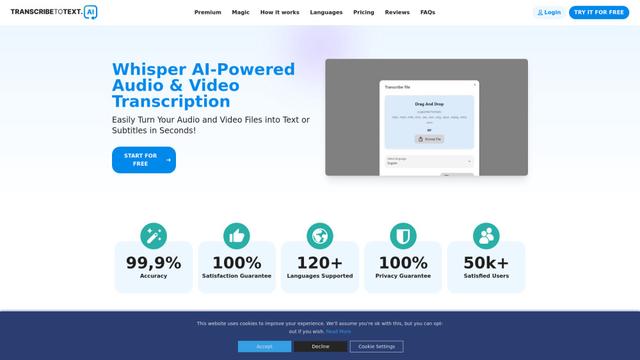
TranscribeToText.AI is a powerful online transcription service that converts audio and video files to text in over 120 languages with 99.9% accuracy, offering unlimited transcription access and flexible output options.
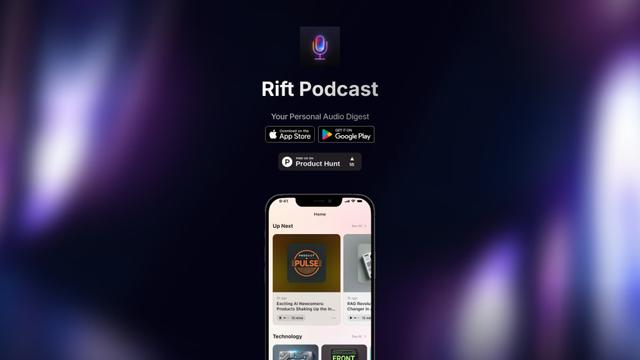
Rift Podcast
Rift Podcast is an AI-powered application that transforms web content into personalized audio podcasts, offering exclusive insights curated from various tech platforms and delivered in just 15 minutes daily.
Popular AI Tools Like Voquill
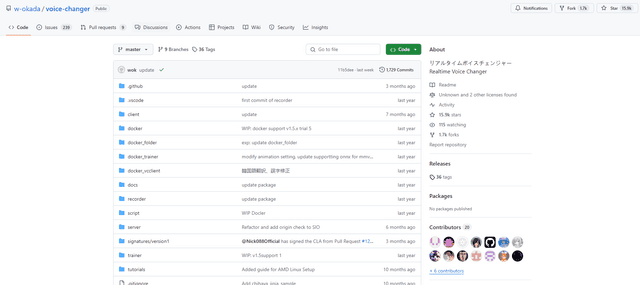
W-Okada Voice Changer
W-Okada Voice Changer is an open-source real-time voice conversion software that uses AI to transform voices with high quality and low latency.
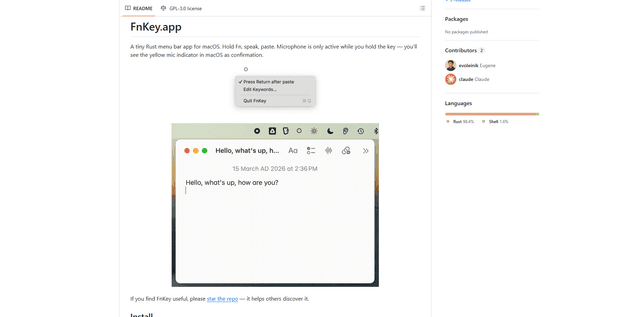
FnKey
FnKey is a lightweight macOS menu bar application that enables quick voice-to-text transcription by holding the Fn key to speak and automatically pastes the transcribed text when released.
Background noise removal
A powerful Chrome extension that uses advanced AI technology to remove unwanted background noise from audio and video files, offering real-time noise cancellation for crystal-clear sound quality.
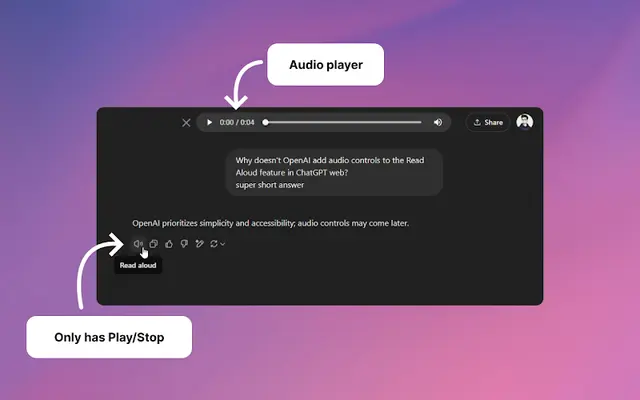
Audio player for ChatGPT
A Chrome extension that enhances ChatGPT's Read Aloud feature by adding a user-friendly audio player with basic controls like play/pause, seek bar, and duration display.