
Voicr for Mac
Voicr is a native macOS dictation app that combines voice transcription, AI-powered text polishing, multi-language translation, and context-aware writing assistance to transform spoken words into professional text across any application.
https://voicr.pro/?ref=producthunt

Product Information
Updated:Apr 15, 2026
What is Voicr for Mac
Voicr for Mac is a comprehensive voice-to-text solution designed specifically for macOS users who want to replace typing with natural speech. By simply holding the FN key from anywhere on your Mac, Voicr captures your voice, transcribes it with high accuracy, and automatically pastes polished, professional text directly into your active application—whether that's email, Slack, documents, browsers, or even terminal. Built as a lightweight native macOS app, Voicr combines four essential tools into one: a dictation app, note taker, translator, and AI writing assistant. It supports 27 languages with the ability to speak in one language and output in another, making it ideal for multilingual professionals. With privacy-first architecture that processes everything locally and stores no data on servers, Voicr offers a seamless, fast, and secure way to boost productivity without compromising data security.
Key Features of Voicr for Mac
Voicr for Mac is a native macOS voice-to-text application that combines dictation, translation, AI writing assistance, and note-taking into one streamlined tool. Users simply hold the FN key to record their voice from anywhere on their Mac, and Voicr automatically transcribes, polishes, and pastes the result directly into any active application without using the clipboard. The app supports 27 languages with real-time translation capabilities, features AI-powered text polishing that removes filler words and adjusts tone, and includes smart per-app rules that automatically apply different writing styles based on context. Built as a lightweight native Mac app, Voicr prioritizes privacy by processing everything locally without storing data on servers, while offering features like automatic note-saving, text correction with Option+Space, and full transcription history.
One-Key Voice Dictation: Hold FN key from any app to record voice, which is automatically transcribed and pasted directly into the active application without requiring clipboard operations or manual pasting
27-Language Translation: Speak in any of 27 supported languages and receive output in your chosen language, enabling seamless multilingual communication and content creation
AI Text Polishing: Automatically removes filler words, fixes grammar, and calibrates tone to transform casual speech into polished, professional text without manual editing
Smart Per-App Rules: Automatically detects active applications and applies custom writing rules for each—casual tone for Slack, formal for email, technical for code editors
Instant Text Refinement: Select any text in any app and press Option+Space to instantly rewrite it with improved grammar, adjusted tone, or increased conciseness using custom presets
Privacy-First Architecture: Processes all voice data locally on device without storing information on external servers, ensuring complete privacy and data security
Use Cases of Voicr for Mac
Multilingual Business Communication: Professionals working across international teams can speak in their native language and have messages automatically translated and formatted appropriately for email, Slack, or other communication platforms
Content Creation and Writing: Writers, bloggers, and content creators can capture ideas through voice memos that are automatically transformed into polished, ready-to-publish text, eliminating the voice memo graveyard problem
Technical Documentation: Developers and technical writers can dictate code reviews, documentation, and technical specifications with app-specific rules that maintain appropriate technical terminology and formatting
Meeting Notes and Action Items: Busy professionals can quickly capture meeting notes, action items, and follow-ups by speaking naturally during or after meetings, with automatic formatting and organization
Mobile Productivity: Users can draft and send professional emails or messages during commutes or while walking by speaking naturally and having the text polished and ready before they sit down
Accessibility Support: Individuals who type slower than they think or have physical limitations can maintain productivity by using voice input with automatic professional formatting across all applications
Pros
Native macOS app with minimal resource usage (100MB RAM max, 0% CPU at idle) and fast performance
Works universally across all Mac applications without requiring app-specific integrations
Complete privacy with local processing and no data stored on external servers
Comprehensive feature set combining dictation, translation, AI polishing, and notes in one tool
Cons
Limited to macOS 14 Sonoma or later, excluding users with older Mac systems
Monthly word limits on paid plans (20,000 for GO, 100,000 for PRO) may be restrictive for heavy users
Requires subscription after 7-day trial with no permanent license option
Mac-only availability with no iOS, Windows, or cross-platform support mentioned
How to Use Voicr for Mac
1: Download and install Voicr for Mac (requires macOS 14 Sonoma or later)
2: Launch Voicr - no account required for setup
3: Configure your input and output languages from the 27 supported languages
4: Set up custom Smart Rules for different apps (optional) - choose casual tone for Slack, formal for Gmail, technical for VS Code, etc.
5: To dictate text: Open any app where you want to type (email, Slack, docs, browser, terminal)
6: Hold down the FN key to start recording your voice
7: Speak naturally in any of the 27 supported languages
8: Release the FN key when finished speaking
9: Voicr automatically transcribes, translates (if needed), polishes with AI, and pastes the text directly into your active app - no clipboard or Command+V needed
10: To save as a note: Hold Control + FN instead of just FN to record and save directly as a note
11: To refine existing text: Select any text in any app and press Option + Space to have Voicr rewrite it with improved grammar, tone, or conciseness
12: Access your history: Browse, search, and copy from all your previous transcriptions saved automatically in the app
Voicr for Mac FAQs
Voicr requires macOS 15+ (Sequoia or later) and an Apple Silicon chip (M1 or later). It is optimized for Apple's Neural Engine for maximum performance and efficiency. The app is built natively for macOS and uses zero CPU at rest while consuming only 100MB of RAM at maximum.
Voicr for Mac Video
Popular Articles

Atoms: A Multi-Agent AI Platform That Transforms Ideas into Launch-Ready Products
Oct 13, 2026

Nano Banana SBTI: What It Is, How It Works, and How to Use It in 2026
Apr 15, 2026

Atoms Review — The AI Product Builder Redefining Digital Creation in 2026
Apr 10, 2026

Kilo Claw: How to Deploy and Use a True "Do‑It‑For‑You" AI Agent(2026 Update)
Apr 3, 2026
Latest AI Tools Similar to Voicr for Mac
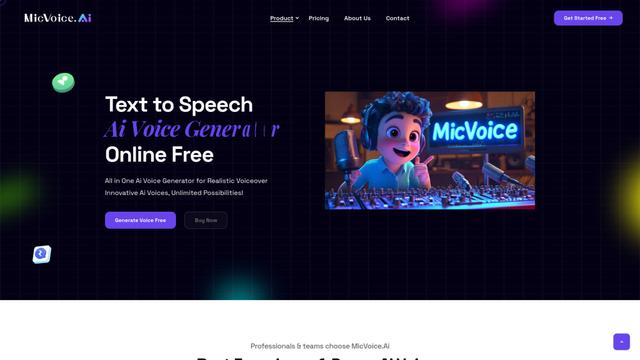
MicVoice.Ai
MicVoice.Ai is an all-in-one AI voice generator platform that transforms written text into high-quality, natural-sounding speech with over 5000 realistic AI voices supporting 17+ languages.

Narrai
Narrai is an AI-powered mobile app that instantly creates voice narration and background music for short videos by automatically generating relevant scripts and offering multiple narrator personas.

Vagent
Vagent is a lightweight voice interface that enables users to interact with custom AI agents through voice commands, providing a natural and intuitive way to control automations with support for 60+ languages.
F5 TTS
F5-TTS is a state-of-the-art, non-autoregressive text-to-speech system that uses Flow Matching and Diffusion Transformer techniques to generate highly natural and expressive speech with zero-shot voice cloning capabilities.
Popular AI Tools Like Voicr for Mac
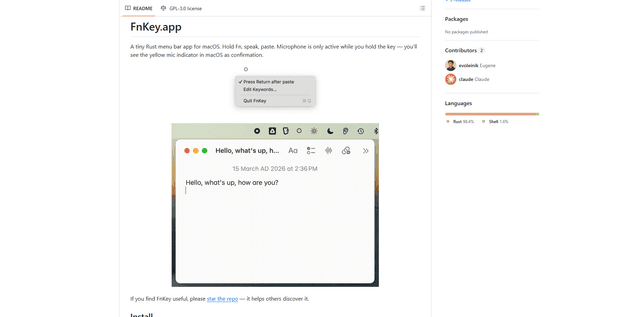
FnKey
FnKey is a lightweight macOS menu bar application that enables quick voice-to-text transcription by holding the Fn key to speak and automatically pastes the transcribed text when released.
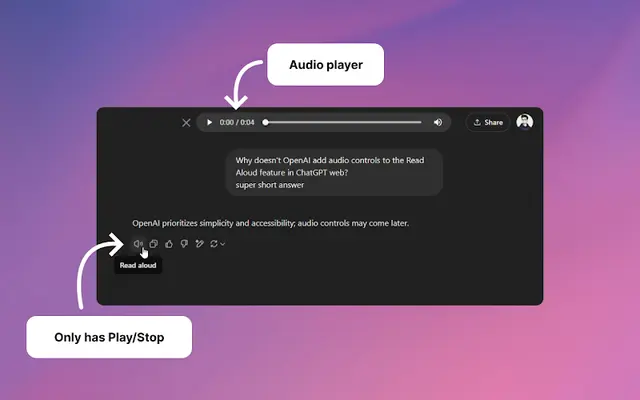
Audio player for ChatGPT
A Chrome extension that enhances ChatGPT's Read Aloud feature by adding a user-friendly audio player with basic controls like play/pause, seek bar, and duration display.
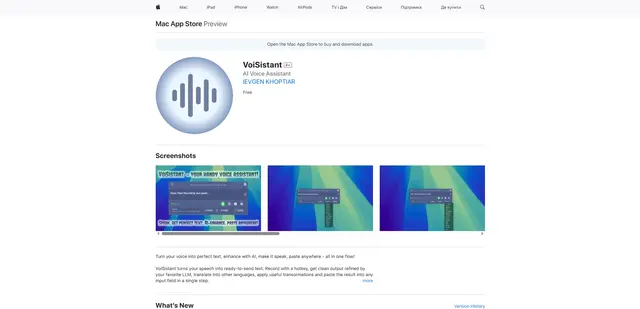
VoiSistant
VoiSistant is a comprehensive voice-to-text application that combines speech recognition, AI enhancement, translation, and text-to-speech capabilities in one seamless workflow.
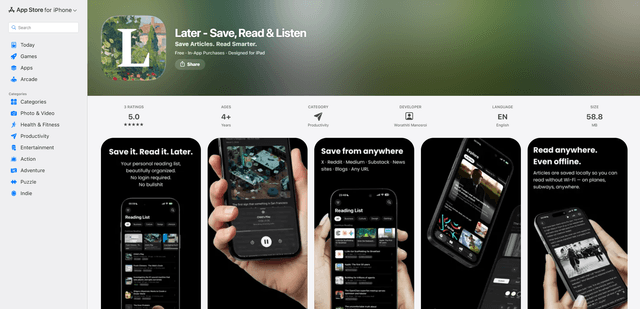
LaterAI
Later is an AI-powered read-it-later app that lets you save articles, read them in a distraction-free environment, and listen to them with natural-sounding AI voices - all while maintaining complete privacy with on-device processing.