
Voicr
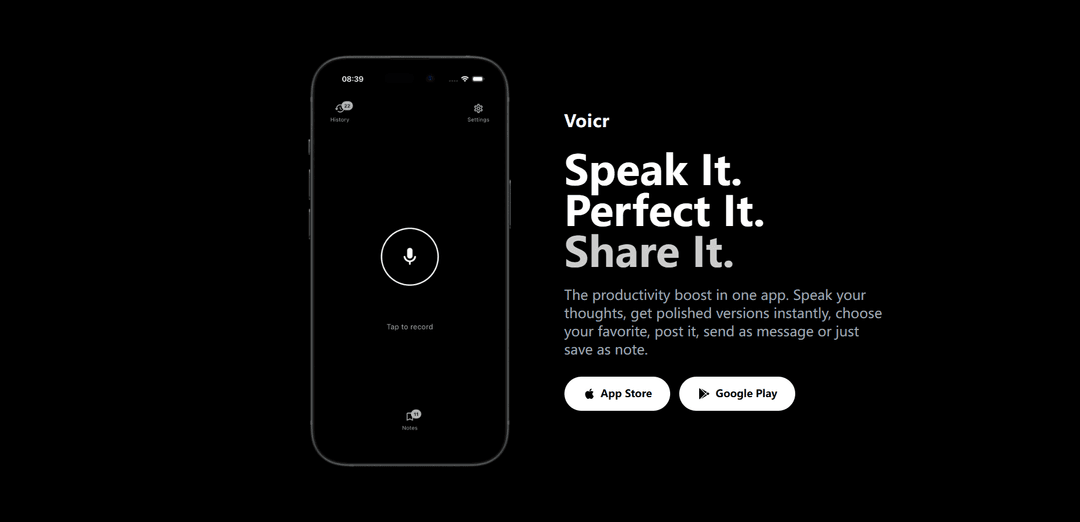
Voicr is an AI-powered voice-to-text app that transforms spoken words into polished, customizable text content ready for sharing across various platforms.
https://getvoicr.com/?ref=producthunt
Product Information
Updated:Mar 8, 2026
What is Voicr
Voicr is a revolutionary productivity app that bridges the gap between spoken thoughts and written communication. It serves as a smart voice recording tool that not only transcribes your speech but also uses AI to refine and polish your words into professional, context-appropriate text. Whether you're creating social media posts, drafting emails, or capturing quick notes, Voicr eliminates the need for manual typing while ensuring your thoughts are presented in the best possible way.
Key Features of Voicr
Voicr is a voice-to-text productivity app that allows users to record their thoughts via voice and instantly transform them into polished text using AI. The app provides multiple AI-refined versions of the spoken content, lets users customize the tone, and offers features like automatic saving, note organization, and easy sharing across different platforms.
Voice-to-Text Conversion: Records spoken words and instantly transcribes them into text with multiple AI-polished versions
Notes Library & History: Automatically saves all recordings and polished text in an organized library for easy access and future reference
Customizable AI Prompts: Allows users to tailor the AI's output tone and style to match specific needs and preferences
Multi-Platform Sharing: Enables seamless sharing of polished text across various apps and platforms with copy-to-clipboard functionality
Use Cases of Voicr
Professional Communication: Quickly draft and polish emails or business messages while on the go
Social Media Content Creation: Generate well-crafted social media posts by speaking thoughts naturally
Note Taking: Capture and organize ideas, thoughts, or meeting notes hands-free with automatic organization
Personal Messaging: Create perfectly worded messages for friends and family by speaking naturally
Pros
No typing required - completely hands-free operation
Multiple AI-polished versions provide options
Automatic saving prevents loss of ideas
Cons
Requires internet connection for AI processing
Limited to mobile platforms (iOS and Android only)
How to Use Voicr
Download and Install: Download Voicr from either the App Store (iOS) or Google Play Store (Android) and install it on your device
Open the App: Launch the Voicr app on your device
Start Recording: Tap the microphone button to begin recording your voice
Speak Your Content: Speak whatever content you want to convert into text - could be notes, social posts, or any other thoughts
Review AI Versions: Once finished speaking, the app will provide your original transcript plus 3 AI-polished versions of your content
Select Preferred Version: Choose the version that best matches your desired tone and purpose
Share or Save: Either copy the text to clipboard, share directly to other apps, or save it to your notes library for later use
Customize Settings (Optional): Adjust AI prompts in settings to customize the tone and style of the output text according to your preferences
Access History: Review past recordings and their polished versions from the history section whenever needed
Voicr FAQs
Voicr is an AI-powered app that transforms voice recordings into polished text. It allows users to speak their thoughts and get instant AI-generated transcriptions with multiple polished versions of the text.
Voicr Video
Popular Articles

Atoms: A Multi-Agent AI Platform That Transforms Ideas into Launch-Ready Products
May 22, 2026

Nano Banana SBTI: What It Is, How It Works, and How to Use It in 2026
Apr 15, 2026

Atoms Review — The AI Product Builder Redefining Digital Creation in 2026
Apr 10, 2026

Kilo Claw: How to Deploy and Use a True "Do‑It‑For‑You" AI Agent(2026 Update)
Apr 3, 2026
Latest AI Tools Similar to Voicr
EchoWave
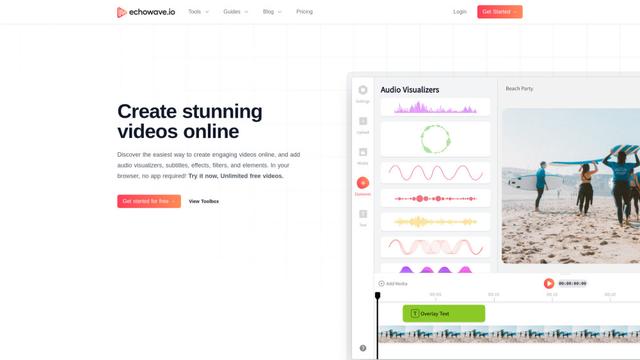
EchoWave is an online video and audio editing platform that enables creators to convert audio content into engaging videos with waveform visualizations, subtitles, and effects for social media sharing.
AIdeaflow Podcast
AIdeaflow Podcast is an AI-powered platform that transforms text into engaging podcast content with natural conversations across 120+ voices and multiple languages.
TranscribetoText.AI
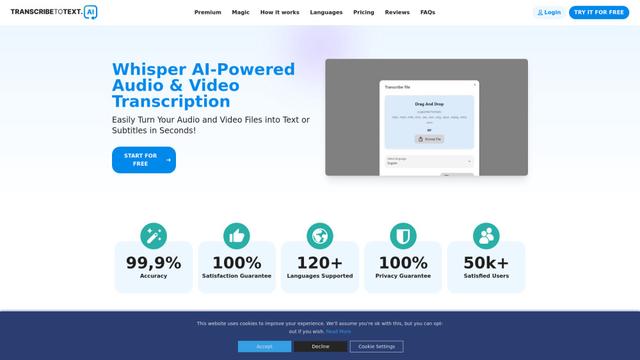
TranscribeToText.AI is a powerful online transcription service that converts audio and video files to text in over 120 languages with 99.9% accuracy, offering unlimited transcription access and flexible output options.
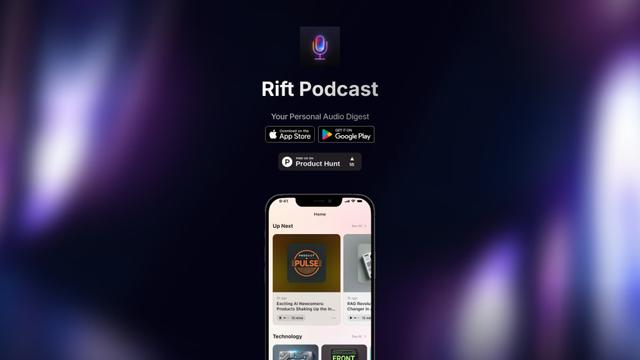
Rift Podcast
Rift Podcast is an AI-powered application that transforms web content into personalized audio podcasts, offering exclusive insights curated from various tech platforms and delivered in just 15 minutes daily.
Popular AI Tools Like Voicr
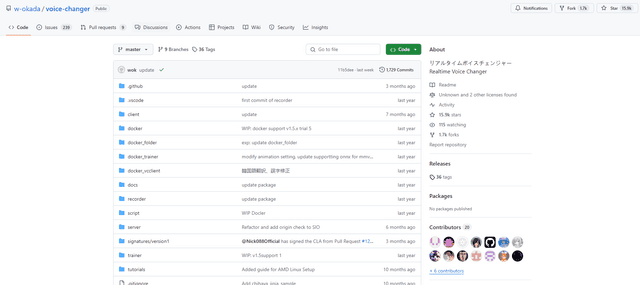
W-Okada Voice Changer
W-Okada Voice Changer is an open-source real-time voice conversion software that uses AI to transform voices with high quality and low latency.
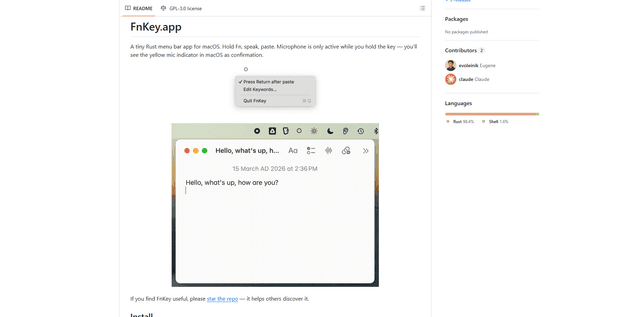
FnKey
FnKey is a lightweight macOS menu bar application that enables quick voice-to-text transcription by holding the Fn key to speak and automatically pastes the transcribed text when released.
Background noise removal
A powerful Chrome extension that uses advanced AI technology to remove unwanted background noise from audio and video files, offering real-time noise cancellation for crystal-clear sound quality.
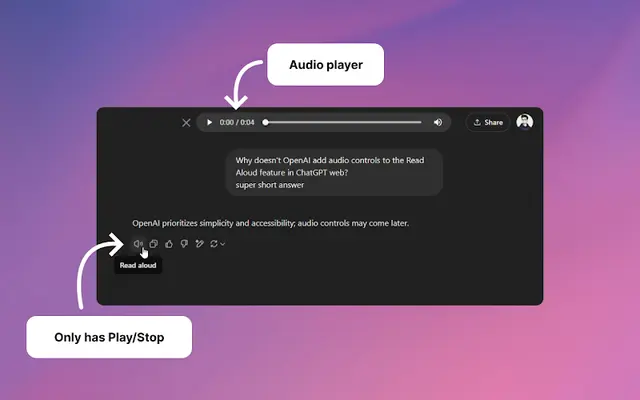
Audio player for ChatGPT
A Chrome extension that enhances ChatGPT's Read Aloud feature by adding a user-friendly audio player with basic controls like play/pause, seek bar, and duration display.