Vocova
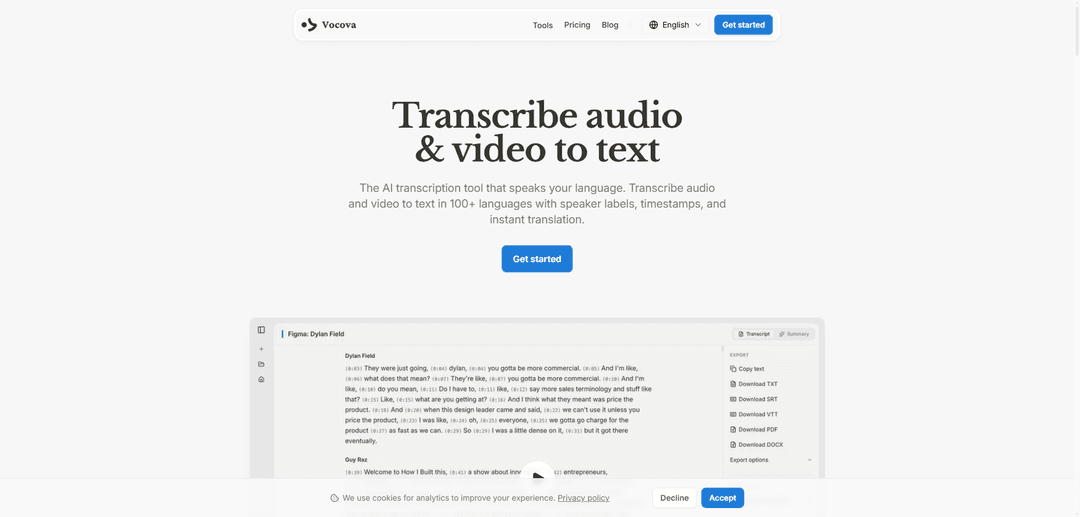
Vocova is an AI-powered transcription tool that converts audio and video to text in 100+ languages with features like speaker identification, timestamps, and instant translation to 145+ languages.
https://vocova.app/?ref=producthunt
Product Information
Updated:Mar 8, 2026
What is Vocova
Vocova is a cloud-based transcription platform that leverages state-of-the-art AI models to automatically convert speech to text. It supports importing content from over 1,000 platforms including YouTube, TikTok, Zoom, and various podcast hosts. The tool is designed to make transcription fast, accurate and effortless while maintaining data privacy and security. Users can access, edit and share their transcripts from any device through their browser without requiring any downloads or installations.
Key Features of Vocova
Vocova is an AI-powered transcription tool that converts audio and video to text in over 100 languages. It features automatic speaker identification, timestamps, and instant translation to 145+ languages. Users can import content from 1,000+ platforms including YouTube, TikTok, and Zoom, edit transcripts inline, and export in multiple formats like PDF, DOCX, SRT, and VTT. The platform offers cloud storage, sharing capabilities, and bilingual transcript options.
Multi-platform Import: Ability to import audio/video from 1,000+ platforms including YouTube, TikTok, Zoom, and cloud storage services without downloading and reuploading
Multilingual Support: Transcription in 100+ languages with auto-detection and translation capabilities to 145+ languages, including bilingual export options
Advanced Export Options: Multiple export formats including PDF, DOCX, SRT, VTT, and CSV, with options for bilingual side-by-side display
AI-Powered Accuracy: State-of-the-art speech recognition models with automatic speaker identification and precise word-level timestamps
Use Cases of Vocova
Meeting Documentation: Transform meetings into searchable notes with action items, eliminating the need for manual note-taking
Content Creation: Help content creators repurpose audio/video content into text formats for blogs, subtitles, and social media
Educational Support: Convert lectures and courses into accessible, searchable text materials for students
Legal Documentation: Transcribe depositions and court proceedings without relying on court reporter availability
Pros
Free to start with no credit card required
Cloud storage with permanent access to transcriptions
Strong privacy protection for user data
User-friendly interface with no installation needed
Cons
Some advanced features may require paid subscription
Accuracy may vary depending on audio quality and language
How to Use Vocova
Step 1: Upload Audio/Video: Either drag and drop an audio/video file (MP3, WAV, MP4, etc.) or paste a URL from platforms like YouTube, TikTok, and 1000+ other supported platforms. The system will automatically extract the audio.
Step 2: Select Language (Optional): The system can auto-detect the spoken language, but you can manually select from 100+ supported languages if needed. Multiple languages are supported including English, Chinese, Spanish, Japanese, etc.
Step 3: Wait for AI Transcription: The AI will process your audio and generate an accurate transcript with speaker labels and timestamps automatically. You can track the progress in real-time.
Step 4: Review and Edit: Review the generated transcript and edit text, speakers, and timestamps if needed. You can also translate the transcript into 140+ languages with one click.
Step 5: Export/Share: Export your transcript in multiple formats including PDF, DOCX, SRT, VTT, TXT, or CSV. You can also generate a shareable link to your transcript that others can view without needing an account.
Vocova FAQs
Vocova is an AI transcription tool that converts audio and video to text in 100+ languages with features like speaker labels, timestamps, and instant translation. It works with files uploaded directly or through links from 1,000+ platforms including YouTube, TikTok, Zoom, and Google Meet.
Vocova Video
Popular Articles

Atoms: A Multi-Agent AI Platform That Transforms Ideas into Launch-Ready Products
May 22, 2026

Nano Banana SBTI: What It Is, How It Works, and How to Use It in 2026
Apr 15, 2026

Atoms Review — The AI Product Builder Redefining Digital Creation in 2026
Apr 10, 2026

Kilo Claw: How to Deploy and Use a True "Do‑It‑For‑You" AI Agent(2026 Update)
Apr 3, 2026
Latest AI Tools Similar to Vocova

Ticknotes
Ticknotes is an AI-powered meeting assistant that automatically records, transcribes, and generates personalized meeting summaries, action items, and key insights from audio, video, and text content.

Feta
Feta is an AI-powered meeting tool that helps product and engineering teams run efficient meetings by capturing discussions, automating tasks, and providing actionable insights through smart summaries and integrations.
TranscriptionPlus
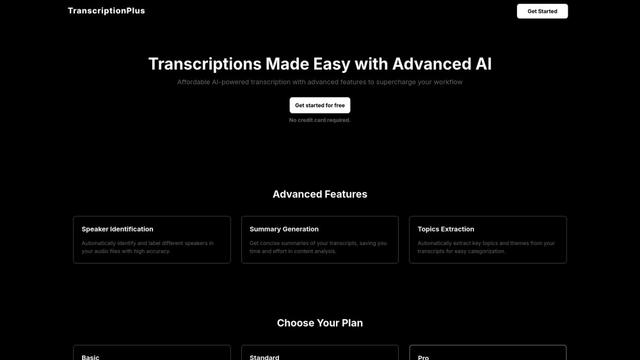
TranscriptionPlus is an AI-powered transcription service that offers accurate speech-to-text conversion with advanced features like speaker identification, summary generation, and multi-language support at affordable pricing tiers.
AudioScribe.io
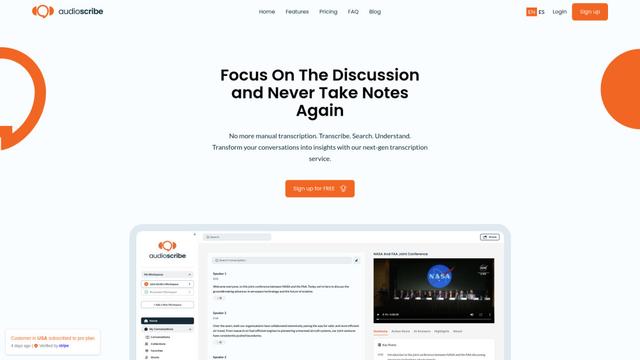
AudioScribe.io is a revolutionary AI-powered transcription service that converts audio and video content into accurate text while offering advanced features like automated meeting recording, full-text search, and multi-language support.
Popular AI Tools Like Vocova
Ghost Pepper 🌶️
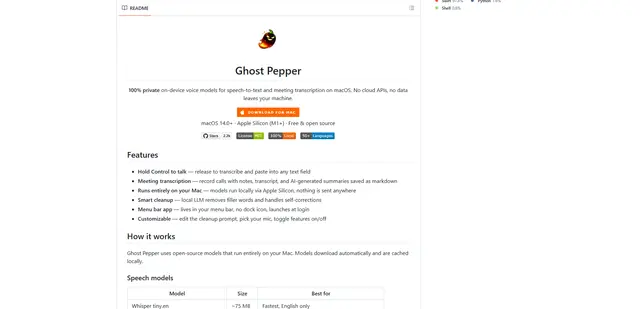
Ghost Pepper is a 100% local, privacy-focused speech-to-text and meeting transcription app for macOS that runs entirely on your Mac using open-source AI models, featuring hold-to-talk recording, intelligent text cleanup, and multi-language support without sending any data to the cloud.
Whisper AI
Whisper is an open-source automatic speech recognition system from OpenAI that approaches human-level accuracy and robustness for transcribing and translating speech in multiple languages.

Youtube to transcript
Youtube to Transcript is a Chrome extension that allows users to easily convert YouTube videos into text transcripts with features like multi-language support, AI-powered summarization, and downloadable formats.
inFin
inFin is a lightweight, user-friendly AI-powered voice notes app that offers unlimited recording, real-time transcription, and translation between Chinese and English, with offline capabilities and local storage for enhanced privacy.