
VisionSync
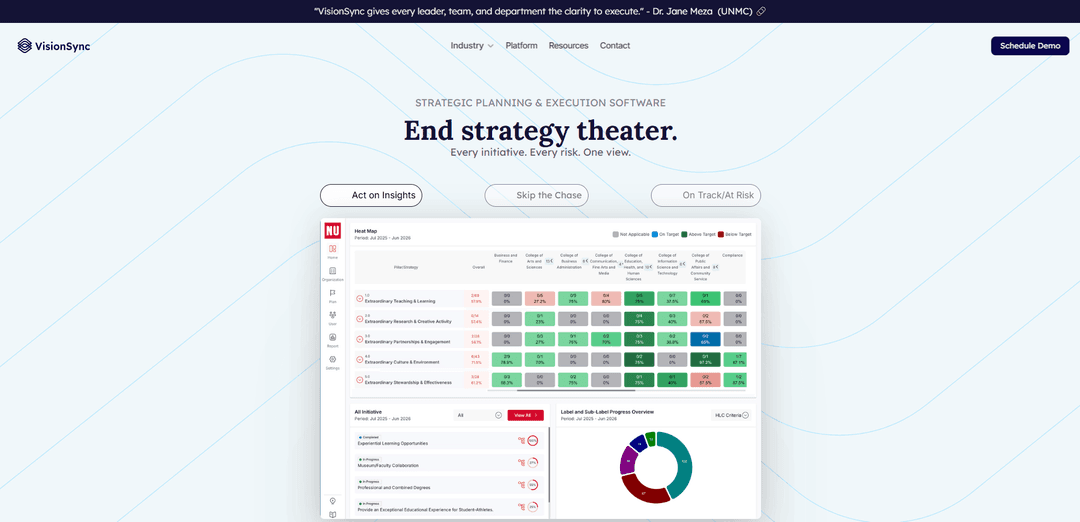
VisionSync is a web-based strategy execution platform that unifies strategic planning, initiative tracking, risk visibility, and built-in reporting into one shared workspace for organizations of any size.
https://visionsync.com/?ref=producthunt
Product Information
Updated:Jun 8, 2026
What is VisionSync
VisionSync is strategic planning and execution software designed to turn a static strategic plan into a living, operational system. Instead of relying on scattered spreadsheets, slide decks, and manual status chasing, it provides one unified view where leaders, teams, and departments can align goals, track initiatives, and see progress in real time. Developed from nearly a decade of real-world use at the University of Nebraska Medical Center (UNMC) and now used across sectors such as higher education, healthcare, and mission-driven organizations, VisionSync is built to scale from small teams to complex institutions with thousands of users.
Key Features of VisionSync
VisionSync is a web-based strategy execution and strategic plan management platform that replaces scattered spreadsheets, slide decks, and documents with a unified workspace for tracking initiatives, goals, and risks. It makes progress and “on track/at risk” status visible across departments, cascades objectives from leadership to teams and KPIs, and reduces manual reporting through built-in insights and one-click executive summaries. With smart reminders and progress updates, it helps organizations keep accountability without micromanagement, improving alignment, clarity, and decision-making across complex institutions and smaller teams alike.
Unified strategy workspace: Centralizes strategic plans, initiatives, and updates into a single source of truth, replacing scattered files and disconnected planning tools.
Visual strategy cascading & alignment mapping: Connects top-level objectives to departmental goals and individual KPIs with visual mapping so teams can see how daily work ladders up to mission and priorities.
Risk visibility (On Track / At Risk): Surfaces initiative health and risks in one view, helping leaders identify issues early and focus attention where execution is slipping.
Built-in reporting insights: Generates board- and leadership-ready outputs (e.g., one-click executive summaries) to reduce the time spent chasing updates and assembling decks.
Smart progress updates & automated reminders: Prompts owners for updates and keeps accountability flowing with less manual follow-up, supporting consistent execution between planning cycles.
Scales across organization size and structure: Designed to work whether tracking a handful of goals or hundreds, and proven in complex, multi-unit organizations with broad stakeholder visibility.
Use Cases of VisionSync
Higher education strategic plan execution: Aligns colleges, departments, and administrative units to institution-wide priorities, simplifying progress reporting for leadership and boards.
Healthcare systems and academic medical centers: Tracks enterprise initiatives and risks across clinical, research, and operational teams, supporting faster decisions with real-time status visibility.
Nonprofits and mission-driven organizations: Connects programs and initiatives to mission outcomes, enabling transparent stakeholder reporting and reducing administrative overhead.
Chambers of commerce / economic development plans: Coordinates cross-functional initiatives, accelerates onboarding to a shared plan, and produces credible board updates that show measurable progress.
Multi-department enterprises needing accountability: Creates shared priorities and operating rhythm across departments, reducing silos and ensuring initiatives remain active between planning cycles.
Pros
Replaces manual, fragmented reporting with a single, visible system for strategy execution
Strong alignment tooling (cascading goals and visual mapping) for complex organizations
Built-in reporting and executive summaries reduce time spent building board/leadership updates
Automation (reminders/progress updates) supports accountability without micromanagement
Cons
Adoption requires organizational discipline (regular updates/ownership) to keep data current
Implementation and change management may be non-trivial for large, multi-unit institutions
Best value is realized when many stakeholders participate, which can increase onboarding effort
How to Use VisionSync
1) Get access and sign in: Request access from your organization’s VisionSync admin (or schedule a demo with VisionSync). Once you have credentials, sign in to your organization’s VisionSync workspace.
2) Orient yourself on the Dashboard layout: After login you land on the VisionSync dashboard. The page is structured with (a) a Left-Side Navigation Bar for major modules, (b) a Top Bar at the top of every page, and (c) a central content area that changes based on what you select.
3) Use the Left-Side Navigation Bar to move between modules: Click the primary navigation buttons in the left-side bar to switch between major areas of the platform (the center content updates to match the module you choose).
4) Open Settings to configure your workspace: Select “Settings” to open an extended settings panel on the left. Use the grouped, collapsible sub-headings to quickly find configuration areas relevant to your role (e.g., organizational setup and other workspace options).
5) Add and manage users (admins): In Settings, use the “Users” feature to add, modify, or remove employee accounts so the right people can participate in updates, reporting, and accountability.
6) Build your strategic plan structure (framework + hierarchy): Set up your organization hierarchy and strategic framework so work can be aligned across levels. VisionSync is designed to connect top-level priorities to department objectives and down to individual work/KPIs via visual mapping.
7) Create initiatives and align them to the plan: Create strategic actionable items (Initiatives) and link them to the relevant strategic priorities/objectives so stakeholders can see how day-to-day work supports the mission and strategic plan.
8) Make risks visible and track status: Use VisionSync’s unified view to track initiatives and associated risks in one place. Monitor whether items are “On Track” or “At Risk” so leaders can focus attention where it’s needed.
9) Keep progress current with Smart Progress Updates: Use automated reminders and progress updates to keep owners accountable without micromanagement. Encourage initiative owners to post regular updates so progress stays visible across departments.
10) Collaborate using Chat: Use the Chat functionality for real-time, text-based communication to clarify updates, unblock work, and coordinate across teams inside the platform.
11) Generate ideas using Brainstorm: Use Brainstorm to collaboratively generate and refine ideas in a dynamic, free-flowing format—useful when shaping initiatives, resolving alignment gaps, or preparing planning cycles.
12) Produce leadership/board reporting with built-in insights: Use built-in reporting insights to generate executive summaries and compelling reports for leadership, boards, and stakeholders—reducing manual reporting and turning the plan into a “live” system.
13) Use the guided product tour when you’re unsure: On any page, use the guided product tour button to launch a step-by-step walkthrough of the features available on that specific screen.
14) Review release notes and updates: Select the bulb icon to open release documentation (“What’s New”) so you can stay current on new features, enhancements, and platform changes.
15) Run a strategic-plan digitization readiness check (optional): If your organization is moving from spreadsheets/board decks to a living plan, complete the readiness check by answering questions about how things actually work today. Use the resulting tier/score and recommended next steps to guide rollout.
VisionSync FAQs
VisionSync is a strategy execution platform (strategic planning & execution software) that centralizes initiatives, risks, and progress in one place to help organizations keep strategy visible and actionable.
VisionSync Video
Popular Articles

Vosko AI: Localize and Dub Videos for Global Audiences
Oct 15, 2026

Atoms: A Multi-Agent AI Platform That Transforms Ideas into Launch-Ready Products
Oct 13, 2026

Nano Banana SBTI: What It Is, How It Works, and How to Use It in 2026
Apr 15, 2026

Atoms Review — The AI Product Builder Redefining Digital Creation in 2026
Apr 10, 2026
Latest AI Tools Similar to VisionSync
Plani.ai
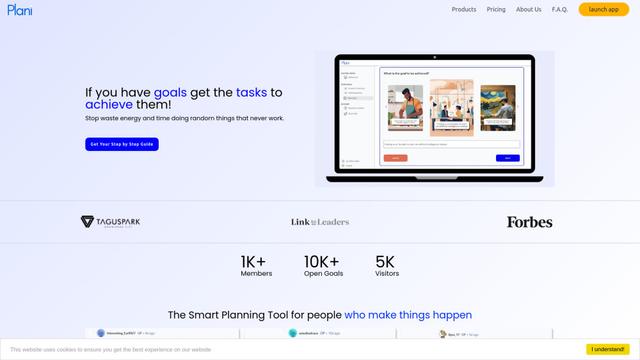
Plani.ai is an AI-powered business planning tool that generates customized strategies, tasks, and actionable plans to help entrepreneurs, startups, and small businesses achieve their business goals.
Tendery.ai
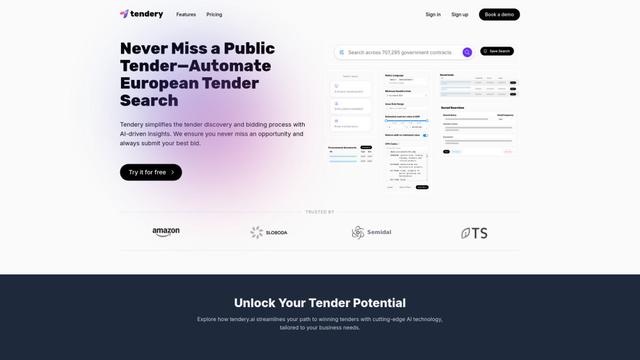
Tendery.ai is an AI-powered platform that transforms EU public procurement by providing automated tender discovery, intelligent matching, and enhanced proposal creation capabilities.

Devozy.ai
Devozy.ai is an AI-powered developer self-service platform that combines Agile project management, DevSecOps, multi-cloud infrastructure management, and IT service management into a unified solution for accelerating software delivery.
MDLR
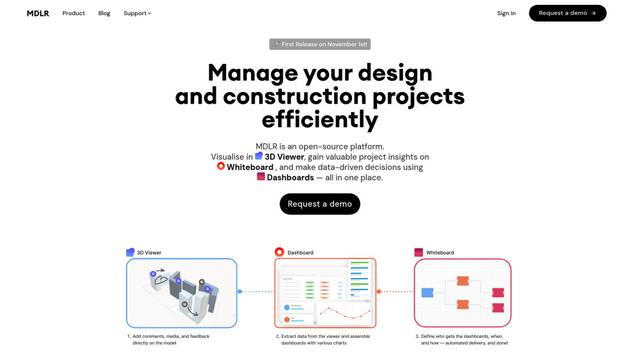
MDLR is an open-source AI-powered platform that streamlines design and construction project management through integrated 3D viewing, real-time dashboards, and interactive whiteboards.
Popular AI Tools Like VisionSync
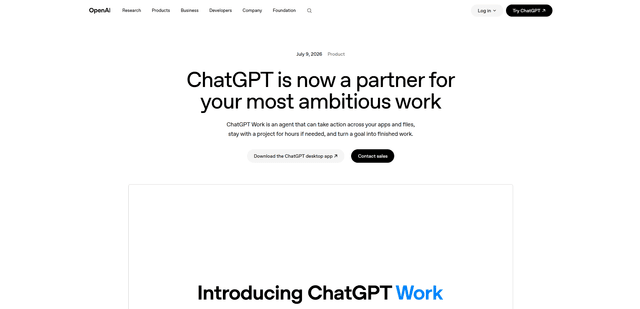
ChatGPT Work
ChatGPT Work is an agent mode inside ChatGPT that can run multi-step projects for hours, pull context from your connected apps and files, and produce finished outputs like docs, slides, sheets, and interactive Sites—while keeping you in control with approvals and enterprise governance.
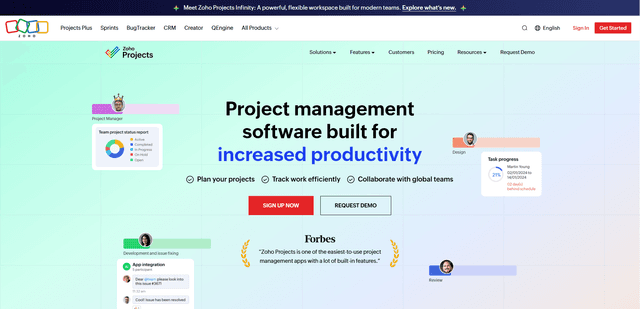
Zoho Projects
Zoho Projects is a cloud-based project management software that helps teams plan, track, and collaborate on projects with features like Gantt charts, task automation, time tracking, and comprehensive reporting tools.
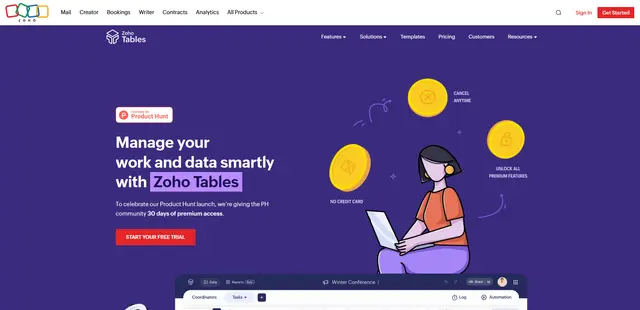
Zoho Tables
Zoho Tables is a modern spreadsheet-database hybrid that helps teams organize data with relational links, build views and dashboards, collaborate in real time, and automate workflows with no-code and AI assistance.
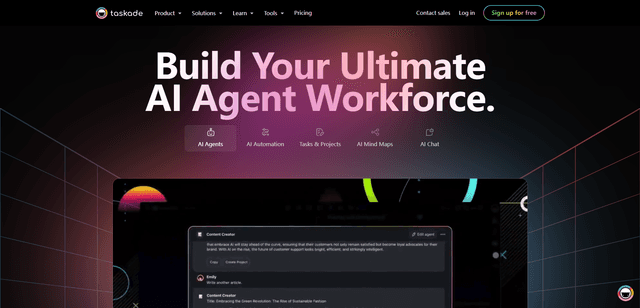
Taskade
Taskade is an AI-powered productivity platform that combines task management, real-time collaboration, and AI automation in one unified workspace for teams and individuals.