
Vibrantsnap
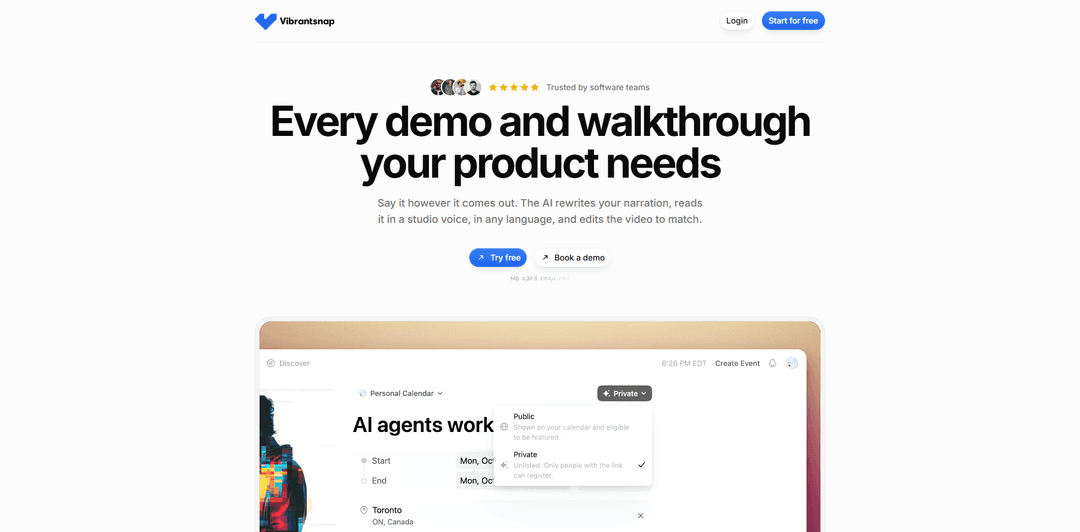
Vibrantsnap is an AI-powered screen-recording platform that turns rough product walkthroughs into polished demos, tutorials, and onboarding videos with rewritten narration, natural AI voiceovers, automatic captions, click-based zooms, and shareable analytics links.
https://www.vibrantsnap.com/?ref=producthunt
Product Information
Updated:Oct 13, 2026
What is Vibrantsnap
Vibrantsnap helps software teams, founders, product marketers, sales teams, and customer-success teams create professional product videos without traditional recording retakes or complex video-editing workflows. Users can record a browser tab, window, or full screen through its Chrome extension, or import existing recordings, then transform the raw footage into a clear, customer-ready walkthrough. The platform supports use cases such as feature announcements, product demos, help-center tutorials, onboarding guides, and sales videos. It offers free recording, AI processing, editing, and previewing without a credit card; paid access is needed for watermark-free publishing and file exports.
Key Features of Vibrantsnap
Vibrantsnap is an AI-powered screen-recording and video-production tool for creating polished product walkthroughs, tutorials, demos, and onboarding videos. Users can record a browser tab, window, or full screen with narration, then have AI rewrite the script, generate a natural studio-style voiceover in supported languages, add timed captions, and apply action-based zooms. Videos can be edited by chapter, shared or embedded with engagement analytics, and exported in up to 4K.
AI narration cleanup and voiceovers: Vibrantsnap rewrites spoken narration into a clearer script and generates a polished AI voiceover, helping remove hesitation, awkward phrasing, and rambling from raw recordings.
Multilingual studio voices: Choose from natural-sounding voices across 10 languages, allowing teams to create localized walkthroughs while preserving on-screen product labels and names.
Chapter-based video editing: Recordings are divided into chapters with editable scripts, making it easier to revise a section without re-recording or manually editing many takes.
Automatic captions and click-based zooms: The platform creates word-timed captions and, when captured through its Chrome extension, adds zooms around cursor clicks so small interface details are easier to follow.
Sharing, embedding, and analytics: Publish videos through share links or embeds and track viewing activity, helping teams understand engagement with their demos and tutorials.
4K exports and import support: Export polished videos in up to 4K resolution or import existing recordings for transcription, narration refreshes, captions, and manual zoom placement.
Use Cases of Vibrantsnap
SaaS product demos: Founders and sales teams can turn a quick screen recording into a concise, professional product demo that explains value clearly and can be embedded on landing pages.
Customer onboarding: Customer success teams can create step-by-step onboarding walkthroughs that help new users learn workflows without requiring live training for every account.
Feature-release announcements: Product teams can record a new feature once, have the narration and presentation polished automatically, and share a ready-to-watch update with customers soon after release.
Help-center and support tutorials: Support teams can produce captioned how-to videos for common tasks, reducing repetitive tickets and giving users visual self-service guidance.
Localized training content: Global businesses can adapt product tutorials for different customer regions by generating voiceovers and scripts in supported languages.
Internal enablement and training: Operations, IT, and enablement teams can document software processes, internal tools, and repeatable workflows in easy-to-follow video form.
Pros
Reduces the time and editing expertise needed to turn raw screen recordings into polished walkthroughs.
Combines script rewriting, AI voiceovers, captions, zoom effects, hosting, and analytics in one workflow.
Supports multilingual voiceovers, which is useful for customer-facing localization.
Offers free recording, editing, previewing, and watermarked share links without requiring a credit card.
Cons
Automatic click-based zooms depend on cursor data from the Chrome extension; imported videos and desktop-app recordings require zooms to be placed manually.
Free published links include a Vibrantsnap watermark and badge; subscription is needed for watermark-free publishing or file exports.
AI rewriting and generated voiceovers may require human review to ensure technical terminology, brand tone, and product messaging are accurate.
The tool is optimized for concise screen-based walkthroughs rather than advanced, full-scale video production with complex motion graphics.
How to Use Vibrantsnap
Create an account and start a free project: Go to Vibrantsnap and register for a free account. No credit card is required for recording, AI processing, editing, previewing, or publishing a watermarked share link.
Choose a recording method: Install the Chrome extension to record a browser tab, window, or entire screen with microphone audio. The extension captures cursor movements, enabling automatic click-based zooms. You can also use the desktop software, though desktop recordings may require manual zoom placement.
Prepare the walkthrough: Open the product, feature, workflow, or tutorial you want to demonstrate. Plan to visibly show each action you describe, since AI can improve narration but cannot add steps that were not captured in the recording.
Record your screen and narrate naturally: Start recording and talk through the workflow in your normal voice. Do not worry about filler words, pauses, stumbles, or retakes; Vibrantsnap uses the recording as source material for a polished narration and video.
Let AI process the recording: After recording, allow Vibrantsnap to transcribe your narration, rewrite it into a clearer spoken script, generate a studio-style voiceover, create timed captions, and apply edits. Processing typically takes about two minutes.
Review the chapter-based script: Open the generated video editor, where the recording is organized into chapters. Edit any chapter's script to correct wording, clarify instructions, preserve product names or button labels, and improve the final message.
Select a voice and language: Choose from the available natural-sounding studio voices and supported voiceover languages. You can narrate in the language most comfortable to you and produce a customer-facing voiceover in another supported language, including English, French, Spanish, Portuguese, German, Italian, Japanese, Chinese, Korean, or Hindi.
Refine captions, zooms, and layout: Check the automatically generated captions and click-following zoom effects. Drag zooms on the timeline, adjust their strength, move captions, and change the background or layout as needed. For imported or desktop-recorded videos, place zooms manually when cursor data is unavailable.
Import an existing video if needed: To refresh an older tutorial, import the existing video file instead of recording again. Vibrantsnap can transcribe its narration, rewrite the script, add a new voiceover and captions, and translate it into another supported language. Add zooms manually because imported videos do not include cursor data.
Preview the finished walkthrough: Watch the edited result from start to finish. Verify that the screen actions match the voiceover, all captions are accurate, zooms make small interface labels readable, and the pacing is appropriate.
Publish, share, or export: Publish a share link or embed the video where needed, such as a product page, help center, onboarding flow, sales message, or release announcement. Free published links include a Vibrantsnap watermark and badge; subscribe to export the file or publish without the watermark. Exports support up to 4K quality.
Track engagement and iterate: Use the analytics available on shared links to monitor views and viewer engagement. Use these insights to update the script, improve the walkthrough, or create clearer follow-up tutorials.
Vibrantsnap FAQs
Vibrantsnap is an AI-powered screen-recording tool for creating product walkthroughs, tutorials, and demos. It turns a screen recording into a polished video with rewritten narration, studio-style AI voiceover, captions, automatic click-based zooms, and sharing or export options.
Vibrantsnap Video
Popular Articles

Vosko AI: Localize and Dub Videos for Global Audiences
Oct 15, 2026

Atoms: A Multi-Agent AI Platform That Transforms Ideas into Launch-Ready Products
Oct 13, 2026

Nano Banana SBTI: What It Is, How It Works, and How to Use It in 2026
Apr 15, 2026

Atoms Review — The AI Product Builder Redefining Digital Creation in 2026
Apr 10, 2026
Analytics of Vibrantsnap Website
Vibrantsnap Traffic & Rankings
0
Monthly Visits
-
Global Rank
-
Category Rank
Traffic Trends: May 2025-Jun 2025
Vibrantsnap User Insights
-
Avg. Visit Duration
0
Pages Per Visit
0%
User Bounce Rate
Top Regions of Vibrantsnap
Others: 100%
Latest AI Tools Similar to Vibrantsnap
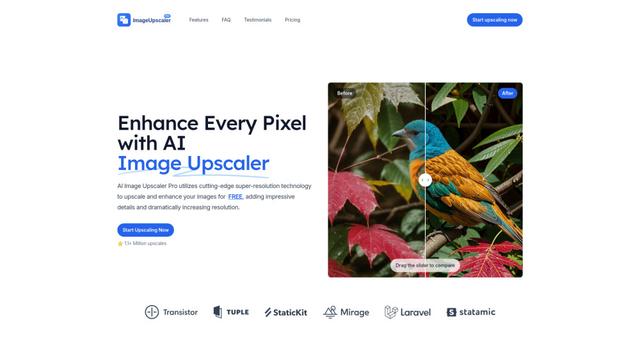
AI Image Upscaler Pro
AI Image Upscaler Pro is a cutting-edge online platform that uses advanced artificial intelligence to enhance and upscale images up to 400% while maintaining quality, supporting multiple formats like PNG, JPG, JPEG, WEBP, and HEIC for free.
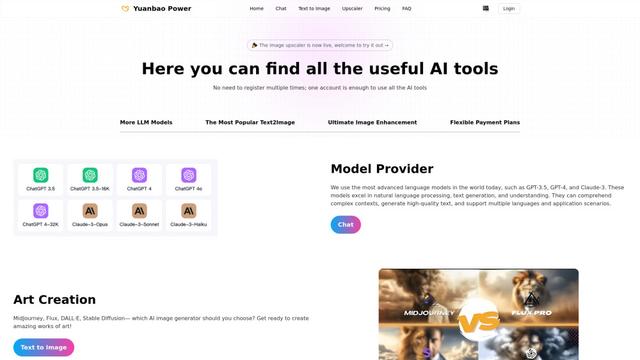
YuanbaoPower AI
YuanbaoPower AI is a streamlined and powerful AI aggregation platform that provides integrated AI services including AI conversations, AI image generation, and image upscaling capabilities.

AnyEnhancer
AnyEnhancer is an AI-powered video enhancement software that transforms low-quality videos into high-definition content through upscaling, denoising, colorizing, and frame interpolation capabilities.
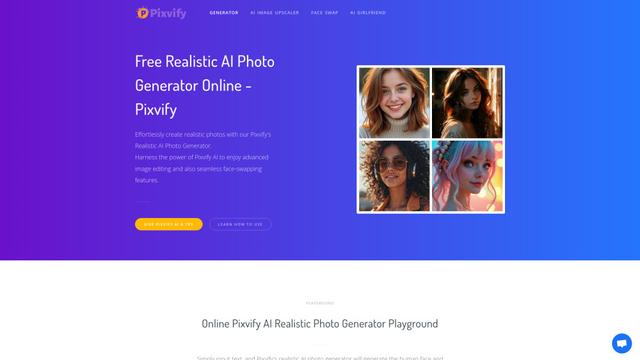
Pixvify
Pixvify is a free, all-in-one AI platform for creating realistic photos, face swapping, image editing, and video generation.
Popular AI Tools Like Vibrantsnap
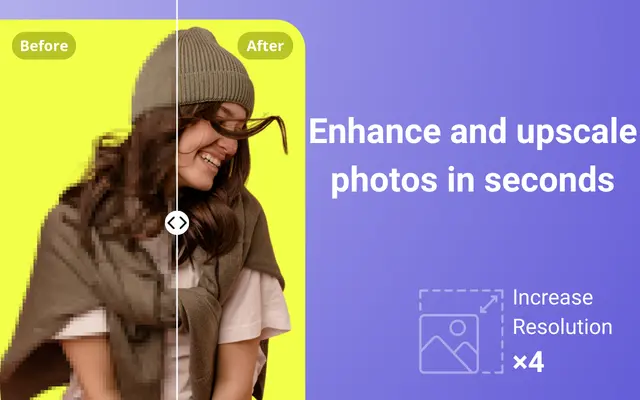
Unblur Image
Unblur Image is a powerful Chrome extension that leverages AI technology to automatically remove blur, enhance clarity, and upscale low-resolution photos with just one click.
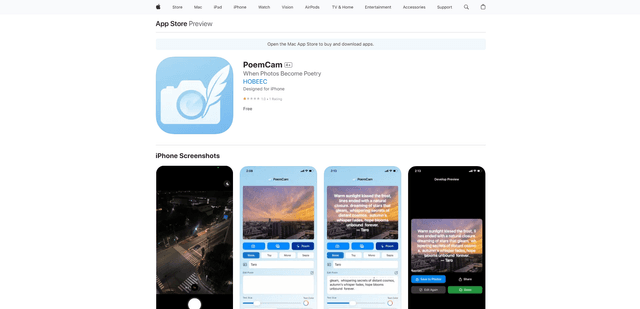
PoemCam
PoemCam is an AI-powered mobile app that transforms photos into poetic verses by capturing the emotion and atmosphere of moments through computer vision and language AI.
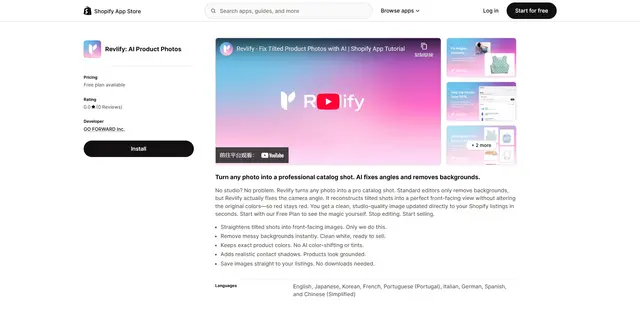
Revlify for Shopify
Revlify is an AI-powered Shopify app that automatically transforms amateur product photos into professional catalog shots by fixing camera angles, removing backgrounds, and maintaining true colors.
Pica AI
Pica AI is an advanced AI-powered platform offering photo enhancement, face swapping, AI avatar creation, and professional headshot generation.