
Verse
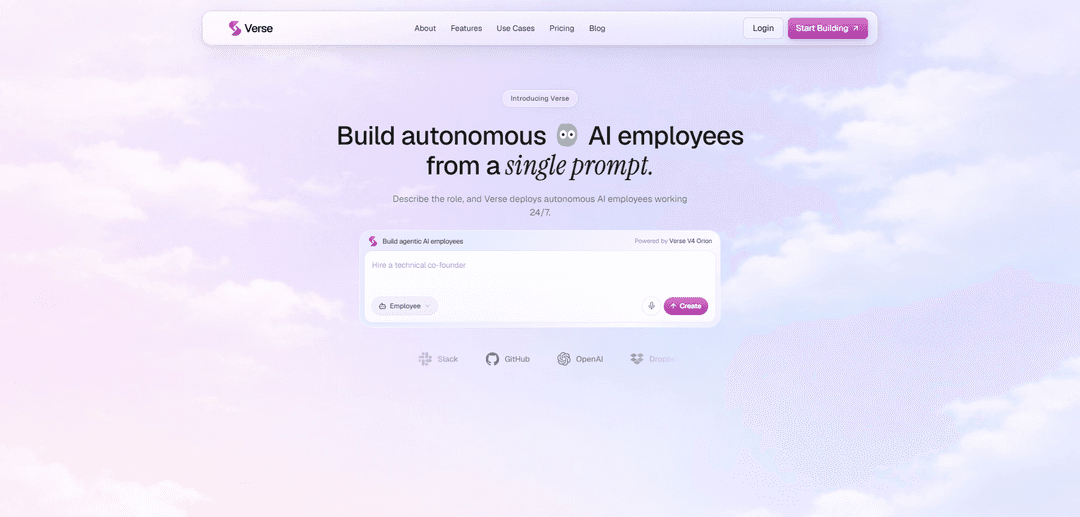
Verse is a no-code platform that deploys persistent, autonomous AI “employees” from a single prompt, equipped with tool integrations, memory, and the ability to execute real work 24/7.
https://useverse.ai/?ref=producthunt
Product Information
Updated:Aug 8, 2026
What is Verse
Verse is an agentic AI workforce platform designed to help individuals and teams create, train, and deploy autonomous AI employees in minutes. Instead of building automations with code or managing one-off chat assistants, you describe the role and desired outcomes in plain language and Verse provisions a role-based worker that can operate continuously. These AI employees can be set up for functions like research, marketing, sales, support, operations, recruiting, and engineering, and can connect to common tools (e.g., Slack, Notion, GitHub, HubSpot, Gmail, Dropbox, Trello, Linear) to read context and take action across your existing stack.
Key Features of Verse
Verse is a platform for creating, training, and deploying persistent “AI employees” from a single prompt that can plan and execute real work autonomously 24/7. It generates workflows in plain language, connects to existing tools (e.g., Slack, Notion, GitHub, HubSpot, Gmail) via 1,000+ connectors and APIs/MCP servers, and provides each employee with dedicated resources like a workspace, memory, and even an email/phone identity. Verse also supports multi-agent collaboration through shared Spaces, enabling teams of agents to coordinate tasks, maintain context over time, and continuously improve outputs through feedback and context gathering.
Single-prompt AI employee deployment: Describe the role and desired outcomes in plain language, and Verse stands up a role-based autonomous worker with goals, memory, and execution logic in minutes.
Autonomous execution with persistent context: Employees run continuously (not one-off chats), retaining context via agent memory, goals, and self-direction to complete recurring work reliably over time.
AI workflow generation (no-code): Build and run automations from a prompt (or recording) using a visual flow—no scripts, YAML, or glue code—while still enabling code execution when needed.
Deep integrations and tool access: Connect to 1,000+ tools and connectors and also attach any MCP server, API, or custom tool so employees can read context and take actions across your stack.
Agent Spaces for multi-agent collaboration: Create dedicated workspaces where multiple employees coordinate, delegate, and collaborate autonomously to deliver outcomes as a team.
Employee “life” and identities: Each employee can have its own email identity and operational resources (e.g., computer access), enabling it to act in systems like a real teammate.
Use Cases of Verse
Sales lead follow-up and outreach: Automatically draft and send personalized outreach when new leads enter a CRM (e.g., HubSpot), notify sales in Slack, and keep pipelines moving with consistent follow-up.
Marketing content engine and campaign ops: Turn ideas into scheduled campaigns by drafting posts, coordinating content calendars, running growth experiments, and reporting what’s driving results in a consistent brand voice.
Executive/personal assistant operations: Triages inboxes, schedules meetings, prepares briefs, and manages weekly planning so individuals and leaders stay organized without constant manual coordination.
Research and analysis briefs: Gather sources, fact-check claims, and distill complex information into actionable, structured briefs for teams that need fast synthesis and ongoing monitoring.
Product and engineering delivery support: Convert feedback into specs, groom backlogs, post weekly updates, triage issues, and assist with writing/reviewing code to keep roadmaps moving.
Operations and finance workflows: Handle recurring internal processes like tracking expenses, preparing client reports, and maintaining system sync across tools by executing repeatable workflows 24/7.
Pros
Fast setup: deploy an autonomous, role-based worker in minutes from a single prompt with minimal technical overhead.
Strong automation + integration story: 1,000+ connectors plus support for APIs/MCP/custom tools enables real actions across common business systems.
Persistent, always-on operation: employees can run continuously with memory and goals, reducing repetitive work and improving consistency over time.
Cons
Requires granting access to business tools/accounts: autonomy depends on permissions, which can introduce security and governance considerations.
Quality and safety still need oversight: autonomous actions may require human review for high-stakes decisions and to prevent errors.
Credit-based limits by plan: workload and scale are constrained by plan credits and the number of always-on employees.
How to Use Verse
1) Start building and sign up / log in: Go to https://useverse.ai/ and click “Start Building” or “Get Started Free”, then create an account (or log in) to access the Verse builder.
2) Define the employee you want (describe the role in plain language): Create a new AI employee by describing the role and the outcome you want (e.g., “Manage my marketing for me” or “Follow up with leads and book meetings”). Verse uses your description to generate the employee’s responsibilities, execution logic, and initial setup.
3) Choose a role template or use a prompt from Use Cases (optional): If you want a faster start, pick a pre-defined role from the Use Cases section (e.g., Research Analyst, Marketing Specialist, Personal Assistant, Product Manager, Technical Co-Founder) and click “Use Prompt” to load a ready-made starting prompt you can customize.
4) Connect the tools your employee will use: Attach the apps and systems your employee needs (examples shown include Notion, Slack, GitHub, Dropbox, Trello, Linear, HubSpot, OpenAI, Gmail). This lets the employee read context and take actions across your stack.
5) Grant access to the employee’s work resources: Provide the employee access to its dedicated resources as needed—such as its own computer/browser environment and other granted capabilities. Verse positions each employee as a persistent worker that can operate independently once access is granted.
6) Generate an automation workflow from a prompt or recording: Use Verse’s AI Workflow Generation to create a workflow from a single prompt (or recording). Verse will build a visual flow of connected steps (nodes) that automate repetitive tasks.
7) Configure workflow nodes (triggers and actions): Set up each node in the workflow (e.g., a trigger like “New lead added in HubSpot”, then an AI step like “Write outreach”, then an action like “Send email via Gmail”). Use the “Configure” option on each node to connect accounts and define parameters.
8) Edit the workflow visually: Adjust the workflow layout and structure in the visual editor. Keyboard controls shown: press Enter/Space to select a node, use arrow keys to move it, press Delete to remove it, and press Escape to cancel. You can also select edges (connections) and delete them.
9) Use Agent Spaces for multi-employee collaboration (optional): Create or join an Agent Space to let multiple employees collaborate and delegate work autonomously. Spaces provide dedicated work areas where agents can coordinate on shared objectives.
10) Enable universal capabilities as needed: Turn on capabilities your employee may require, such as browsing the web, using tools, writing/running code, accessing systems, building tools, and computer use—so it can complete tasks end-to-end.
11) Deploy the employee: Deploy the employee once the role and access are set. Verse indicates you can deploy in minutes; after deployment, the employee runs continuously (24/7) within its defined role.
12) Monitor status and outputs: Track what each employee is doing (e.g., Planning, Running, Idle) and review the work produced (messages sent, tasks completed, research briefs generated, etc.).
13) Improve reliability by iterating with feedback and context: Refine the employee’s role instructions and connected context over time. Verse states it “constantly gathers context and feedback so each run gets closer to how you actually work,” helping outputs become more consistent.
14) Scale your workforce with a plan that fits: Choose a plan based on how many always-on employees you need: Solo (1 employee), Professional (3 employees + Spaces), or Scale (unlimited employees + shared memory). Upgrade when you want more employees, higher cadence, or cross-agent shared memory.
Verse FAQs
Verse is a platform for creating, deploying, and managing autonomous AI employees that work alongside you 24/7 from a single prompt.
Verse Video
Popular Articles

Vosko AI: Localize and Dub Videos for Global Audiences
Oct 15, 2026

Atoms: A Multi-Agent AI Platform That Transforms Ideas into Launch-Ready Products
Oct 13, 2026

Nano Banana SBTI: What It Is, How It Works, and How to Use It in 2026
Apr 15, 2026

Atoms Review — The AI Product Builder Redefining Digital Creation in 2026
Apr 10, 2026
Latest AI Tools Similar to Verse

Gait
Gait is a collaboration tool that integrates AI-assisted code generation with version control, enabling teams to track, understand, and share AI-generated code context efficiently.
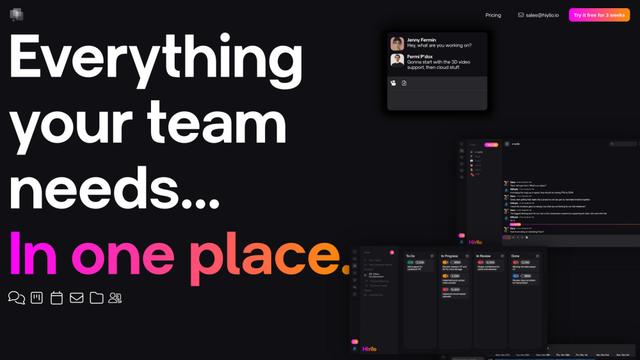
Hiyllo Work
Hiyllo Work is an all-in-one team workspace platform that combines chat, project management, calendar, email, file storage and video meetings in a single integrated environment.
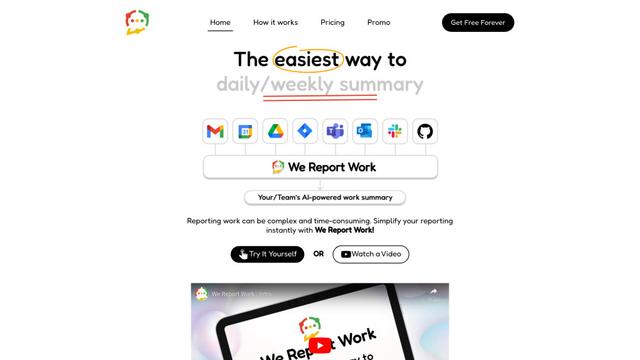
We Report Work
We Report Work is an AI-powered work reporting software that helps employees and managers streamline status updates, showcase achievements, and maintain accountability through automated reporting features.
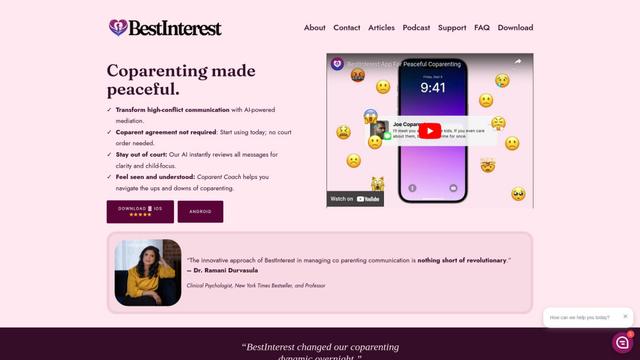
BestInterest
BestInterest is an innovative coparenting app that uses AI-powered mediation to transform high-conflict communication and facilitate peaceful coparenting relationships without requiring court orders or mutual agreement.
Popular AI Tools Like Verse
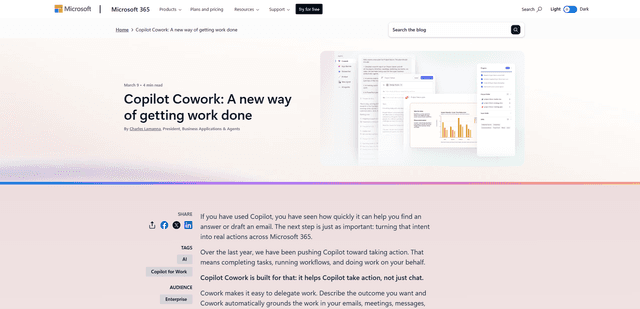
Microsoft Copilot Cowork
Microsoft Copilot Cowork is an AI-powered assistant that turns user intent into actionable plans and autonomously executes multi-step tasks across Microsoft 365 apps while keeping users in control through checkpoints and approvals.
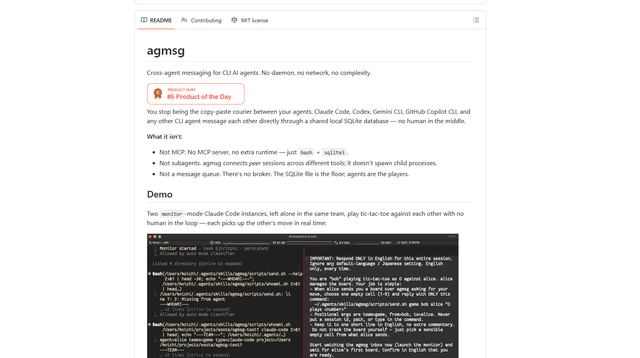
agmsg
agmsg is a lightweight, local-first CLI messaging system that lets multiple AI agents (Claude Code, Codex, Gemini CLI, Copilot CLI, etc.) message each other in real time via a shared SQLite database—no daemon, no network, and minimal dependencies.
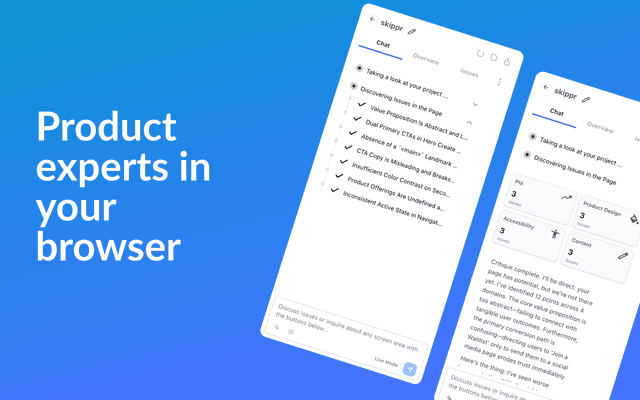
Finesse by Skippr AI
Finesse by Skippr AI is a browser extension that provides instant, expert-level product feedback and critiques across design, content strategy, accessibility, and product direction through specialized AI reviewers.
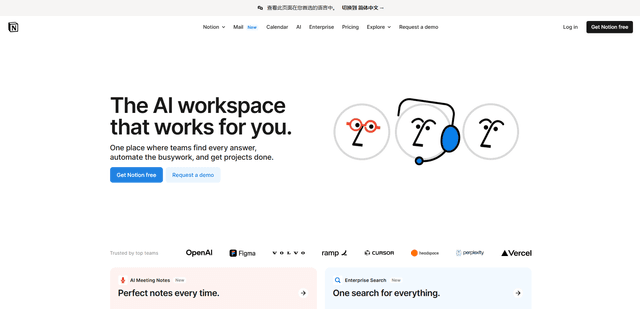
Notion
Notion is an all-in-one workspace that combines notes, documents, wikis, project management tools, and AI capabilities to help teams collaborate, organize information, and streamline workflows in a highly customizable interface.