
Untyped
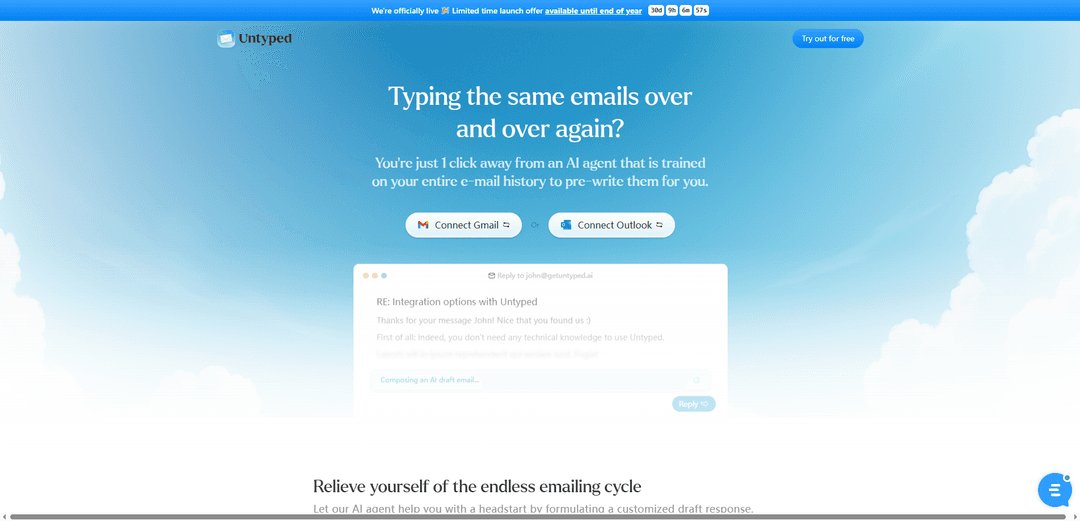
Untyped is an AI-powered email assistant that integrates with Gmail and Outlook to automatically generate personalized draft responses based on your email history and writing style.
https://www.getuntyped.ai/?ref=producthunt
Product Information
Updated:Dec 8, 2025
What is Untyped
Untyped is an innovative email productivity tool that helps users manage their inbox more efficiently by leveraging AI technology. It acts as a smart email assistant that lives directly in your Gmail or Outlook inbox, requiring no technical knowledge to set up. The service focuses on maintaining privacy and security, processing data within EU regions and following GDPR compliance, while never using customer data to train its AI models.
Key Features of Untyped
Untyped is an AI-powered email assistant that integrates with Gmail and Outlook to automatically generate personalized email draft responses based on your email history and writing style. It offers quick setup within 5 minutes, secure data handling with GDPR compliance, and AI-powered inbox management features including auto-labeling and smart workflows.
AI Draft Generation: Automatically creates personalized email draft responses by analyzing your previous email conversations and writing style
Smart Inbox Management: Provides AI-powered labeling, spam filtering, and workflow automation to help organize your inbox efficiently
Privacy-First Architecture: Ensures data security through encryption, EU-based processing, and GDPR compliance while never using your data to train AI models
Quick Integration: Offers seamless setup within 5 minutes for both Gmail and Outlook accounts with no technical knowledge required
Use Cases of Untyped
Customer Service Response: Quickly generate consistent and personalized responses to customer inquiries based on previous similar interactions
Business Communication: Streamline internal and external business correspondence with pre-written drafts that maintain professional tone
Email Management for Busy Professionals: Help professionals save time by providing ready-to-use draft responses and automated inbox organization
Pros
Significant time savings with up to 50%+ faster response times
No technical knowledge required for setup
Strong privacy and security measures with EU-based processing
Learns and adapts to personal writing style
Cons
Limited to Gmail and Outlook platforms
Requires initial training period to learn writing style
Monthly subscription cost may be prohibitive for some users
How to Use Untyped
Connect your email account: Connect your Gmail or Outlook account to Untyped. This takes about 1 minute and requires no technical knowledge.
AI analyzes your email history: The AI will spend about 5 minutes analyzing your past email conversations and learning your writing style and tone of voice.
Open new emails: When you open any new incoming email, the AI will automatically search for similar past conversations and generate a draft response in your writing style.
Review and modify drafts: Check the AI-generated draft response, make any needed modifications, and send when ready. The AI continues learning from your edits to improve future drafts.
Benefit from inbox management: The AI will also help organize your inbox by automatically categorizing emails with labels and providing smart workflow features.
Untyped FAQs
No, you don't need any technical knowledge to use Untyped. It can be set up within 1 minute.
Popular Articles

Vosko AI: Localize and Dub Videos for Global Audiences
Oct 15, 2026

Atoms: A Multi-Agent AI Platform That Transforms Ideas into Launch-Ready Products
Oct 13, 2026

Nano Banana SBTI: What It Is, How It Works, and How to Use It in 2026
Apr 15, 2026

Atoms Review — The AI Product Builder Redefining Digital Creation in 2026
Apr 10, 2026
Latest AI Tools Similar to Untyped
Voltmailer
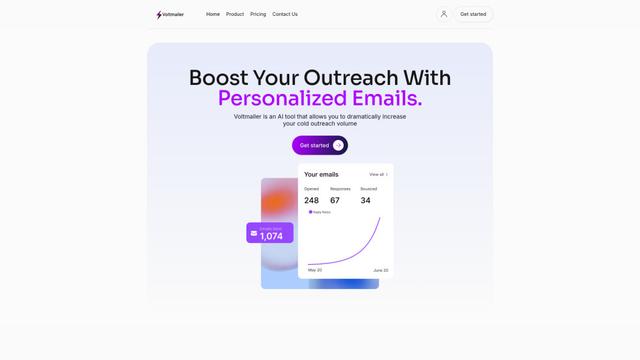
Voltmailer is an AI-powered email automation tool that helps businesses scale their cold outreach by generating personalized emails through website data scraping and automated personalization.
Strongest Layer
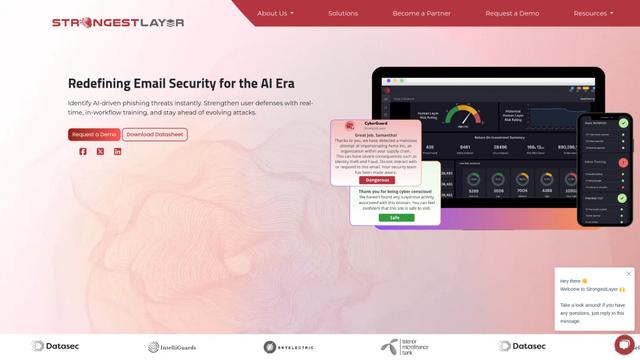
StrongestLayer is an AI-powered email security platform that protects organizations against AI-generated phishing threats while providing real-time training and threat analysis integrated directly into employee email workflows.
GATE AI Email Generator
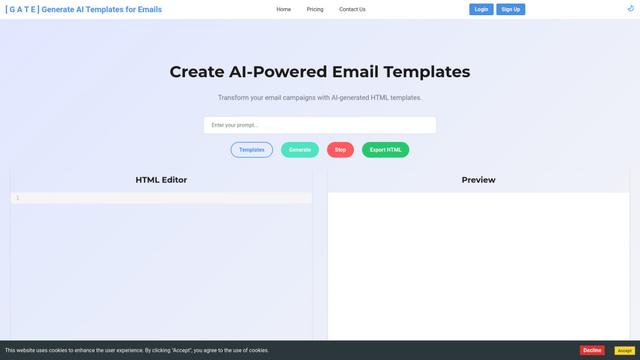
GATE is an AI-powered email HTML template generator that helps transform email campaigns by automatically creating customized HTML templates using artificial intelligence.
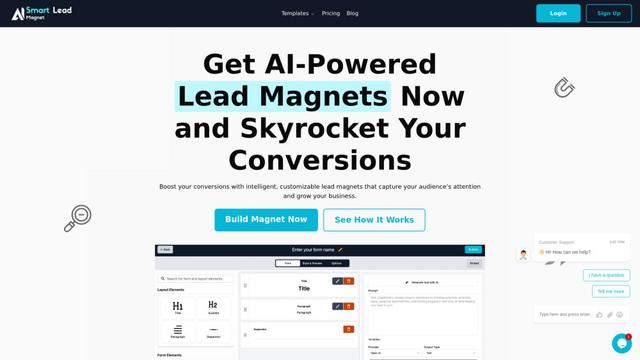
SmartLeadMagnet
SmartLeadMagnet is an AI-powered lead magnet creation platform that helps businesses generate high-converting lead magnets through an intuitive drag-and-drop interface, customizable templates, and seamless website integration.
Popular AI Tools Like Untyped
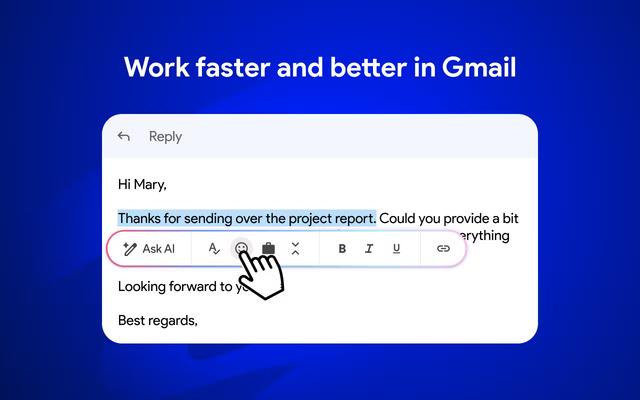
Mailmeteor AI for Gmail
Mailmeteor is a powerful Gmail extension that combines AI email writing, mail merge, automated follow-ups, and email export capabilities to enhance productivity and email management within Gmail.
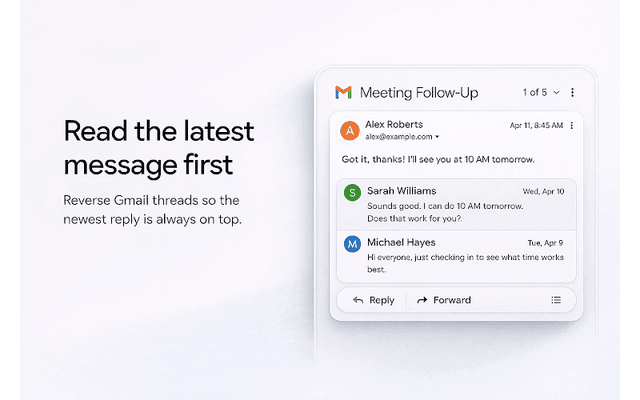
Apparent for Gmail
Apparent for Gmail is a Chrome extension that enhances Gmail's readability and usability by reorganizing conversations, simplifying layouts, and streamlining workflows while maintaining privacy and security.
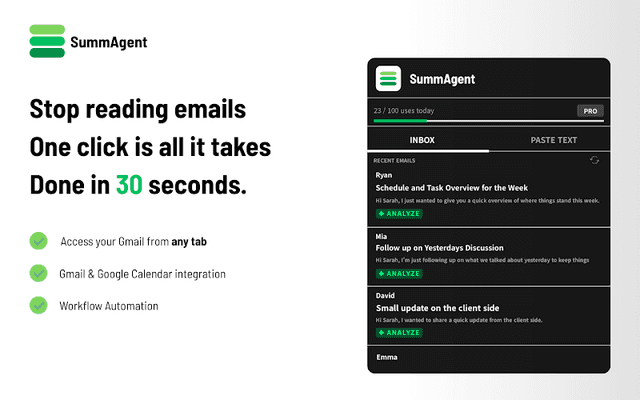
SummAgent
SummAgent is an AI-powered Gmail productivity extension that extracts tasks and deadlines from emails, provides smart summaries, and syncs action items directly to Google Calendar with one click.
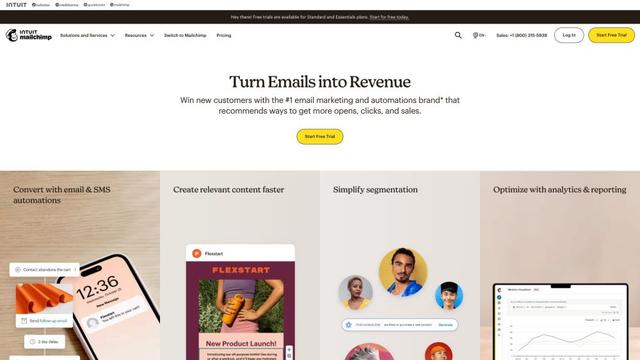
Mailchimp
Mailchimp is a leading all-in-one marketing platform that provides AI-powered email marketing, automation, and customer relationship management tools to help businesses grow and engage with their audience.