Unblur Image

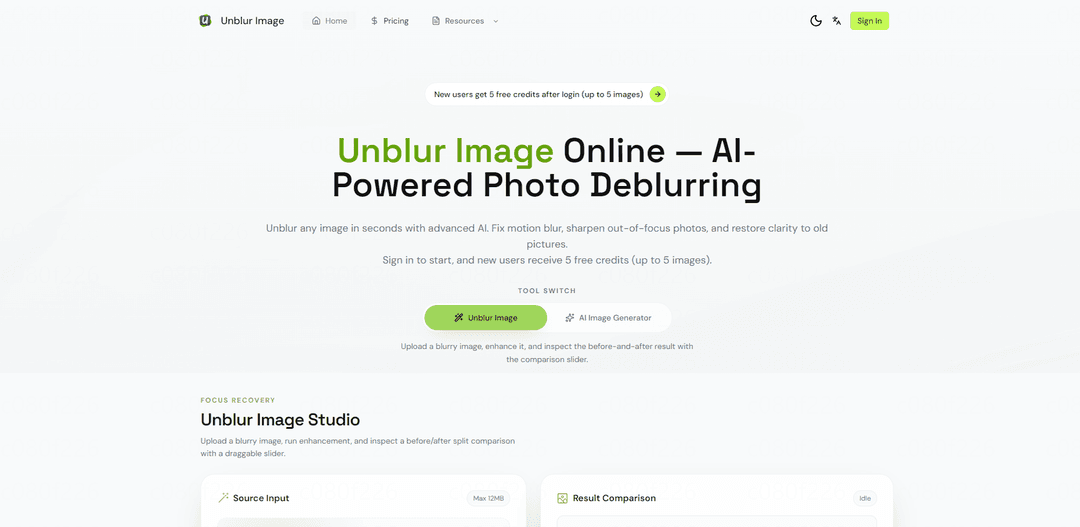
Unblur Image is an AI-powered online tool that automatically transforms blurry, low-quality photos into crystal-clear images within seconds, supporting multiple formats and offering various enhancement features without requiring technical expertise.
https://unblur-image.io/?utm_source=aipure
Unblur Image

Product Information

Updated:Mar 17, 2026

What is Unblur Image

Unblur Image is an AI-powered online tool that makes blurry photos clear in seconds by fixing motion blur, out-of-focus shots, and low-light artifacts. It supports JPG, PNG, WebP, and other common formats up to 20MB, provides side-by-side previews, and lets you download sharpened results without watermarks. New users receive 5 free credits, while Pro users can batch process multiple images for faster large-scale restoration.

Key Features of Unblur Image

Unblur Image is an AI-powered online tool that automatically enhances and restores clarity to blurry photos. It uses advanced deep learning algorithms to detect and fix various types of blur including motion blur, poor focus, and aging effects. The tool supports multiple image formats, offers batch processing capabilities, and can handle everything from portraits to landscapes while maintaining natural-looking results.
AI-Powered Automatic Enhancement: Uses advanced neural networks to analyze blur patterns and automatically apply the optimal deblurring algorithm without requiring manual adjustments
Specialized Face Enhancement: Dedicated AI processing for facial features that restores eye sharpness, skin texture, and hair details while maintaining natural appearance
Multiple Blur Type Support: Capable of fixing various blur types including motion blur, camera shake, poor focus, and age-related degradation
Batch Processing: Ability to process multiple images simultaneously, maintaining original filenames and downloading results in bulk as ZIP files

Use Cases of Unblur Image

Historical Photo Restoration: Revive old family photographs and historical documents by removing blur and damage while preserving authentic details
E-commerce Product Photography: Enhance product images to improve clarity and professional appearance for online stores and marketing materials
Wildlife Photography: Sharpen wildlife and pet photos to recover fine details like fur texture and facial expressions in motion-blurred or distant shots
Document Digitization: Improve readability of scanned documents and text-based images for better digital preservation and accessibility

Pros

No technical expertise required - simple upload and process workflow
Fast processing time with instant results
Supports multiple image formats and batch processing
Free trial credits available for new users

Cons

Cannot fully recover severely blurred images
Limited free usage (5 credits for new users)
Maximum file size limit of 20MB
Results quality depends on original image condition

How to Use Unblur Image

Upload your blurry image: Drag and drop or click to upload the image you want to unblur. The tool supports common formats like JPG, PNG, WEBP up to 20MB.
Let AI analyze and process: The AI will automatically analyze the blur type, detect affected areas, and apply intelligent deblurring within seconds.
Preview results: Review the unblurred image in a side-by-side comparison with the original to see the improvements.
Download the enhanced image: When satisfied with the results, download your clear, sharp image without any watermarks. New users get 5 free credits after login to process up to 5 images.
Optional: Make additional adjustments: If needed, you can crop the image around specific areas you want to sharpen or use other enhancement tools available on the platform.

Unblur Image FAQs

Yes, AI can fix most blurry photos by recovering detail from motion blur, out-of-focus shots, camera shake, and poor lighting conditions. While extreme cases may only see partial improvement, the AI technology can usually enhance image clarity significantly.

Latest AI Tools Similar to Unblur Image

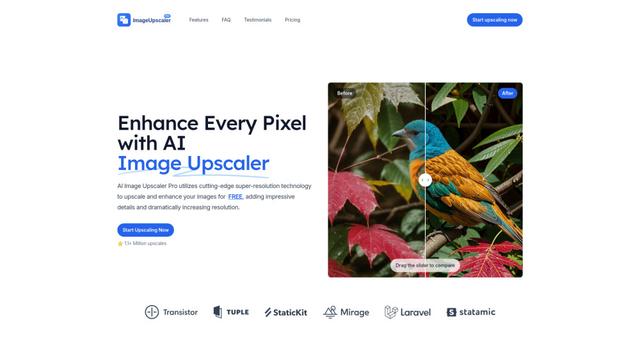
AI Image Upscaler Pro
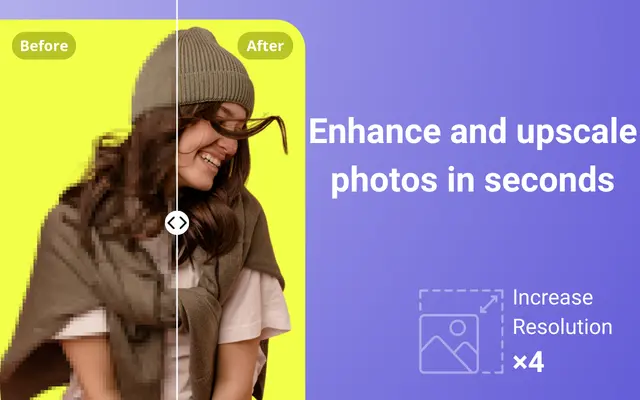
AI Image Upscaler Pro is a cutting-edge online platform that uses advanced artificial intelligence to enhance and upscale images up to 400% while maintaining quality, supporting multiple formats like PNG, JPG, JPEG, WEBP, and HEIC for free.
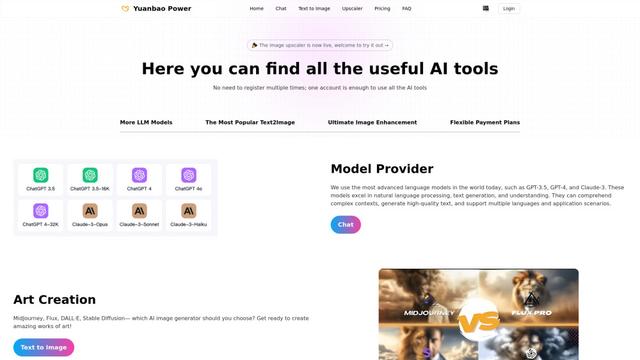
YuanbaoPower AI
YuanbaoPower AI
YuanbaoPower AI is a streamlined and powerful AI aggregation platform that provides integrated AI services including AI conversations, AI image generation, and image upscaling capabilities.
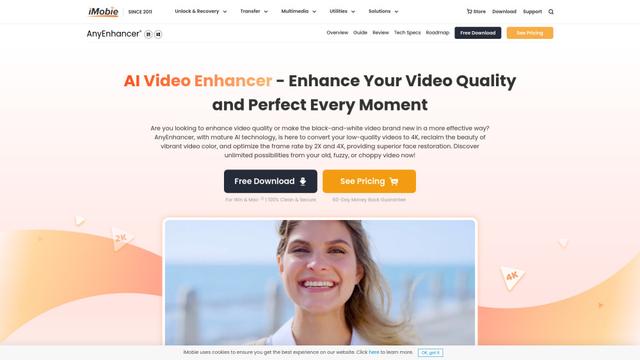
AnyEnhancer
AnyEnhancer
AnyEnhancer is an AI-powered video enhancement software that transforms low-quality videos into high-definition content through upscaling, denoising, colorizing, and frame interpolation capabilities.
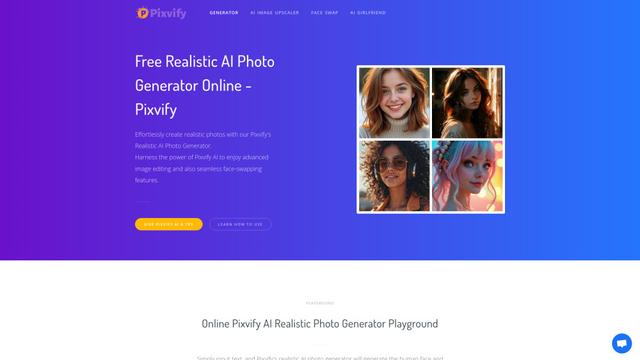
Pixvify
Pixvify
Pixvify is a free, all-in-one AI platform for creating realistic photos, face swapping, image editing, and video generation.