
TypingMate
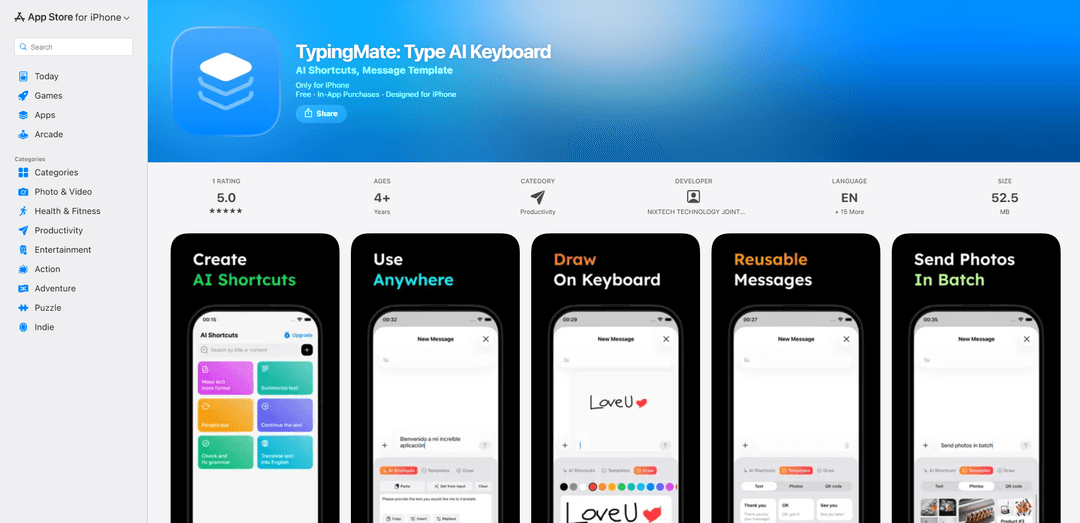
TypingMate is an AI-powered keyboard app for iPhone that enables custom AI tasks, message templates, and multilingual features directly while typing in any app.
https://apps.apple.com/us/app/typingmate-type-ai-keyboard/id6746079579?ref=producthunt
Product Information
Updated:Jan 15, 2026
What is TypingMate
TypingMate is an innovative AI keyboard application designed for iPhone users that transforms the standard keyboard into an intelligent writing assistant. The app integrates artificial intelligence capabilities with customizable templates and smart features to enhance the typing experience across all applications. It requires iOS 16.0 or later and offers both free features and premium features through in-app purchases.
Key Features of TypingMate
TypingMate is an AI-powered keyboard app for iPhone that combines customizable AI tasks with content template management. It allows users to create personalized AI functions for translation, grammar checking, and text rewriting while also offering features to save and reuse text templates, images, and QR codes. The app includes smart variables like current date/time that update automatically, making it a versatile tool for efficient typing and content processing across all apps.
Custom AI Tasks: Create and customize personal AI tasks for translation, grammar checking, and content rewriting that can be accessed directly while typing in any app
Smart Templates: Save and reuse text messages, images, and QR codes with dynamic variables that automatically update date and time information
Cross-App Integration: Works seamlessly across all apps with instant AI processing and result delivery within the app you're using
Multilingual Support: Offers translation and multilingual reply capabilities for international communication
Use Cases of TypingMate
Customer Support: Help service representatives quickly respond to inquiries using saved templates and AI-powered translations
Content Marketing: Create and adapt marketing content with different writing styles and tones using AI rewriting features
International Business: Facilitate communication with international clients through real-time translation and multilingual support
Personal Messaging: Enhance daily communication with quick access to templates and smart text suggestions
Pros
Works across all apps seamlessly
Offers customizable AI tasks for personal needs
Includes smart variables for automatic content updates
Cons
Requires full keyboard access permissions
Monthly subscription cost may be high for some users ($20/month mentioned in reviews)
How to Use TypingMate
Download and Install: Download TypingMate AI Keyboard from the Apple App Store and install it on your iPhone (requires iOS 16.0 or later)
Enable Keyboard: Go to iPhone Settings > General > Keyboard > Keyboards > Add New Keyboard > Select TypingMate from the list of third-party keyboards
Access the Keyboard: In any app where you can type (Messages, Email, etc.), tap and hold the globe icon on your keyboard to switch to TypingMate keyboard
Create Custom AI Tasks: Use the keyboard to create and customize AI tasks based on your daily needs like translation, grammar checking, or content rewriting
Use Text Templates: Create and save reusable text message templates for frequently used messages
Save Media Content: Save images and QR codes for quick access during typing
Use Smart Variables: Utilize dynamic variables like current date and time that automatically update in your templates
Process Text: Type or paste text directly into any app and use AI features to process it instantly within the keyboard
Switch Between Functions: Access different AI features like translation, grammar check, and multilingual replies directly from the keyboard interface
TypingMate FAQs
TypingMate offers custom AI tasks, translation, grammar checking, multilingual replies, text/image/QR templates, dynamic variables (date/time), and works across all apps. It's designed for messaging, multilingual work, content processing, customer support, marketing, and content creation.
Popular Articles

Vosko AI: Localize and Dub Videos for Global Audiences
Oct 15, 2026

Atoms: A Multi-Agent AI Platform That Transforms Ideas into Launch-Ready Products
Oct 13, 2026

Nano Banana SBTI: What It Is, How It Works, and How to Use It in 2026
Apr 15, 2026

Atoms Review — The AI Product Builder Redefining Digital Creation in 2026
Apr 10, 2026
Latest AI Tools Similar to TypingMate
InDesign Translator
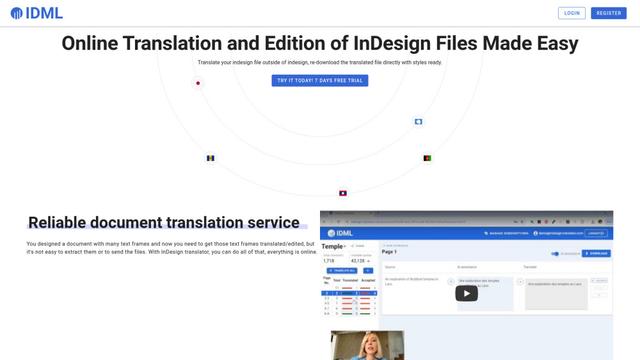
InDesign Translator is an online translation service that enables users to translate InDesign files while maintaining formatting and styles, offering AI-assisted translation and easy collaboration features without requiring translators to have InDesign installed.

Blanc AI
Blanc AI is a revolutionary AI solution that enables video content translation and dubbing into 47+ languages while preserving the original voice, emotions, and lip synchronization.
MenuGuide
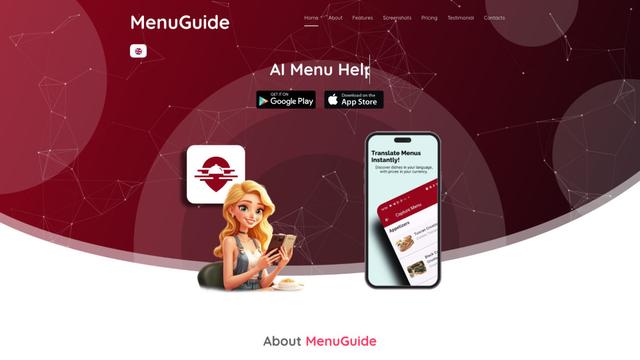
MenuGuide is a cutting-edge AI-powered app that instantly translates restaurant menus from any language to your preferred language, providing dish details, allergen information, and nutritional facts for seamless global dining experiences.
Vocabulary AI
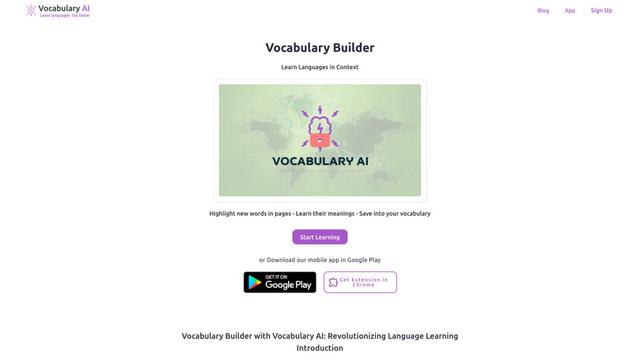
Vocabulary AI is an advanced AI-powered language learning platform that combines translation, vocabulary building, and personalized practice through website, mobile app, and browser extension to help users effectively learn and retain new words.
Popular AI Tools Like TypingMate
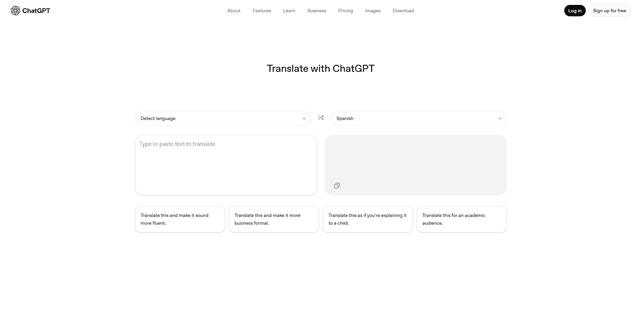
ChatGPT Translate
FreeTranslate
ChatGPT Translate is OpenAI's dedicated translation service that supports 50+ languages with AI-powered customization features for producing natural, context-aware translations across different tones and styles.
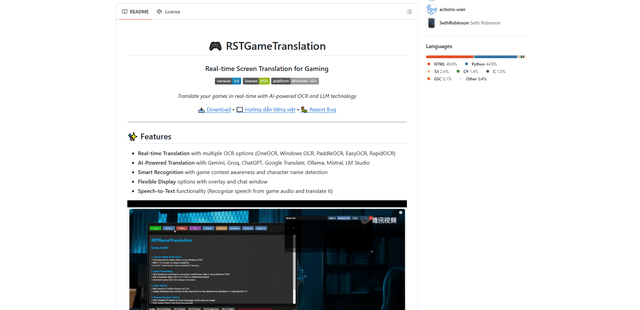
RSTGameTranslation
RSTGameTranslation is an open-source real-time game translation tool that combines OCR and AI translation technologies to automatically translate game text across multiple languages while supporting both offline and online modes.
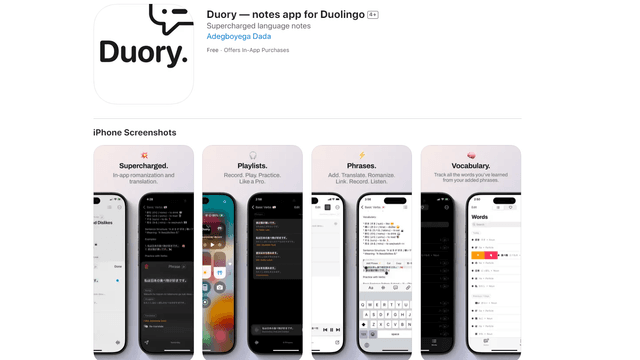
Duory
Duory is a dynamic language learning companion app that helps Duolingo users reinforce their lessons through interactive note-taking, translation features, and voice recording capabilities.