Translator
Translator is a comprehensive video subtitle tool that enables users to download videos, edit subtitles, and translate them into over 30 languages using AI-powered technology.
https://translator.tools/?ref=producthunt
Product Information
Updated:Feb 8, 2026
What is Translator
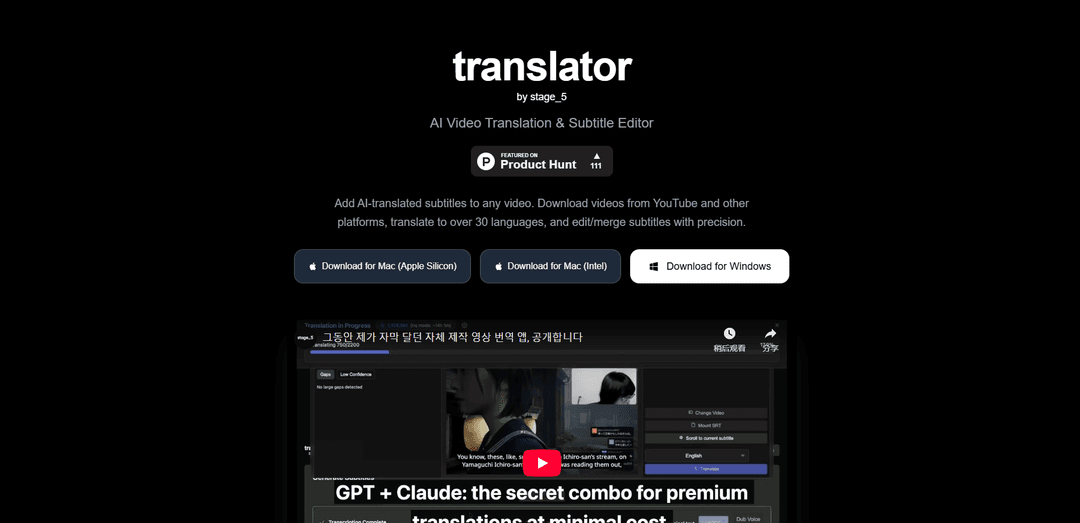
Translator is a desktop application developed by stage_5 that provides an all-in-one solution for video subtitle management. It combines video downloading capabilities, subtitle editing tools, and AI-powered translation features to help users create, edit and translate subtitles for videos from various platforms including YouTube. The tool is available for both Mac (Apple Silicon and Intel) and Windows platforms, with basic features available for free and AI transcription/translation as a paid service.
Key Features of Translator
Translator is a comprehensive video subtitle translation tool that combines video downloading, subtitle editing, and AI-powered translation capabilities. It allows users to download videos from YouTube and other platforms, edit and merge subtitles with precision, and translate them into over 30 languages while maintaining context and cultural nuances. The tool offers both free features for basic subtitle editing and a paid tier for AI translation services.
Video Download Integration: Ability to download videos from YouTube and other platforms by simply entering URLs, providing high-quality video files ready for subtitle processing
Advanced Subtitle Editor: Comprehensive subtitle editing capabilities including timing adjustments, text modifications, and support for multiple subtitle formats
AI-Powered Translation: Translation support for over 30 languages using advanced AI technology that preserves context, tone, and cultural nuances
Subtitle Integration: Ability to merge and embed subtitles directly into videos or download them as SRT files
Use Cases of Translator
Content Localization: Help content creators and businesses translate their video content for international audiences
Educational Content: Enable educational institutions to make learning materials accessible in multiple languages
Media Production: Assist media companies in creating multilingual versions of their video content efficiently
Pros
Free basic features for video downloading and subtitle editing
Cross-platform support (Mac and Windows)
Comprehensive all-in-one solution for video subtitle management
Cons
AI translation features require payment
Limited to 30+ languages compared to some competitors offering 100+ languages
How to Use Translator
Download and Install: Download the appropriate version for your system - Mac (Apple Silicon/Intel) or Windows and install the application
Download Video: Enter the URL of the video you want to add subtitles to from YouTube or other supported platforms to download it
Generate/Import Subtitles: Either generate new subtitles using AI transcription or import existing subtitle files in supported formats like SRT
Translate Subtitles: Use the AI translation feature to translate the subtitles into your desired language from over 30 supported languages
Edit Subtitles: Fine-tune the subtitle timing and text as needed using the subtitle editing tools
Merge and Export: Merge the translated subtitles with your video and either embed them directly or export as SRT files
Translator FAQs
The Translator tool offers three main features: 1) Video Download - ability to download videos from YouTube and other platforms by entering the URL, 2) Subtitle Editing & Merging - edit subtitle timing and text, merge and embed them into videos or download as SRT files, 3) AI Translation - translate subtitles to over 30 languages while maintaining context, tone and cultural nuances.
Translator Video
Popular Articles

Vosko AI: Localize and Dub Videos for Global Audiences
Oct 15, 2026

Atoms: A Multi-Agent AI Platform That Transforms Ideas into Launch-Ready Products
Oct 13, 2026

Nano Banana SBTI: What It Is, How It Works, and How to Use It in 2026
Apr 15, 2026

Atoms Review — The AI Product Builder Redefining Digital Creation in 2026
Apr 10, 2026
Latest AI Tools Similar to Translator

ScribeBuddy
ScribeBuddy is an AI-powered tool that provides free transcription, translation, and subtitle generation services for audio/video content in 120+ languages with 98% accuracy, available across multiple platforms including iPhone, Android, Mac, and Windows.
VideoLingo
VideoLingo is an all-in-one video translation and localization tool that generates Netflix-quality subtitles and dubbing, enabling seamless knowledge sharing across language barriers worldwide.

CaptionCrafter AI
CaptionCrafter AI is an AI-powered tool that analyzes images and generates tailored, engaging social media captions with customizable parameters to boost engagement across various platforms.
Sonix AI
Sonix AI is an automated transcription, translation, and subtitling platform that uses cutting-edge artificial intelligence to quickly and accurately convert audio and video files to text in over 40 languages.
Popular AI Tools Like Translator
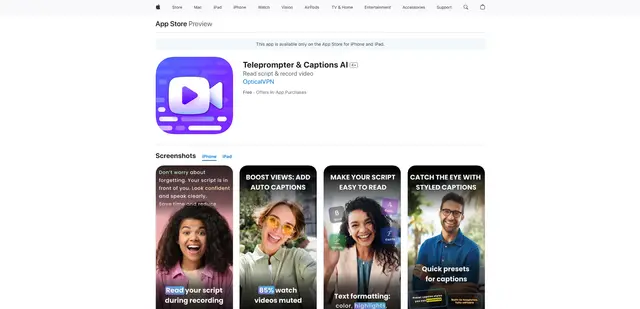
Teleprompter & Captions AI
Teleprompter & Captions AI is an advanced all-in-one video production app that combines teleprompter functionality with AI-powered captions, script generation, and video recording capabilities for creating professional-looking content.

OpusClip Captions
OpusClip Captions is a free AI-powered tool that automatically adds engaging captions to videos, enhancing accessibility and viewer engagement.
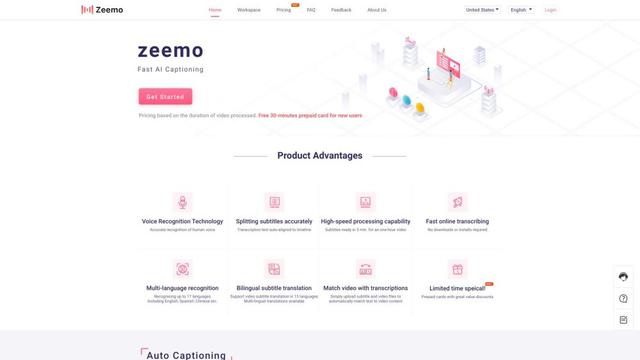
Zeemo AI
Zeemo AI is an AI-powered platform that automatically generates accurate captions and translations for videos in multiple languages with just one click.
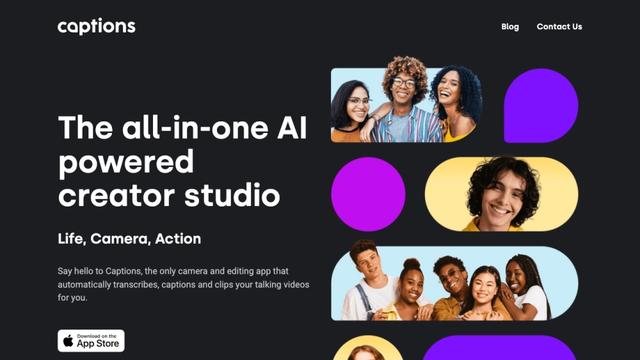
Captions
Captions is an AI-powered video creative studio that allows users to automatically add captions, edit videos, and create AI-generated content with just a few taps.