
Toyo
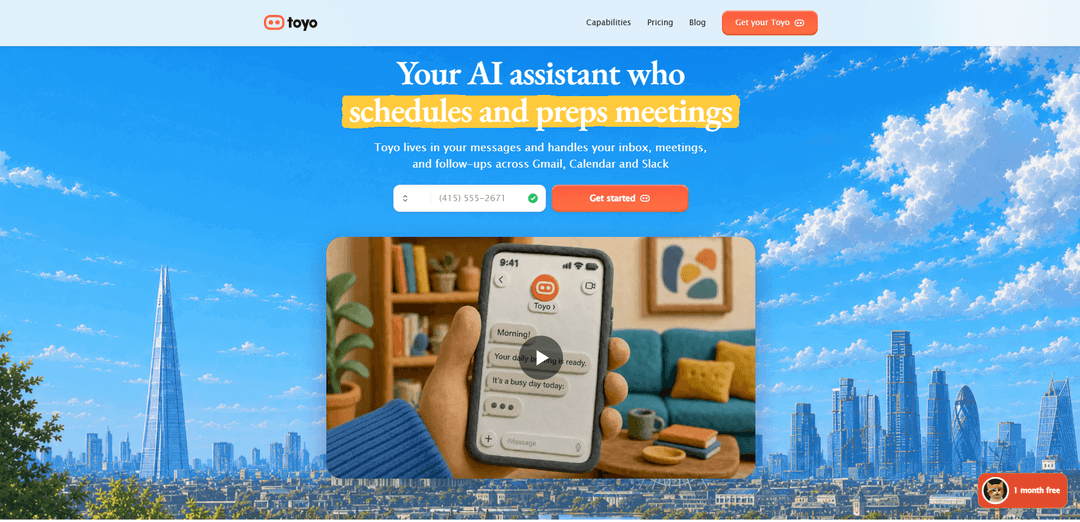
Toyo is an AI executive assistant that works via texts and voice calls, connects to tools like Gmail, Calendar, and Slack, and proactively handles inbox triage, scheduling, meeting prep, and follow-ups in the background.
https://toyo.ai/?ref=producthunt
Product Information
Updated:Jul 15, 2026
What is Toyo
Toyo is an AI executive assistant built for founders and busy teams that “lives in your messages” and helps run the day-to-day operational work that consumes a week—email, calendar, meetings, and follow-ups. Unlike a typical chatbot experience, Toyo is designed to stay continuously engaged with your workflows by connecting to the tools you already use (e.g., Gmail, Google Calendar, Slack, and other common SaaS systems). It learns your context—such as your priorities, VIP contacts, team structure, and writing style—so it can act more like a real EA: drafting in your voice, keeping track of commitments, and reducing the need for constant manual coordination.
Key Features of Toyo
Toyo is an AI executive assistant for founders and busy teams that works through messages and voice calls (e.g., iMessage/Telegram) and connects to tools like Gmail, Google Calendar, and Slack. It proactively triages inboxes, drafts replies in your voice, schedules meetings end-to-end, prepares you for calls with context and research, captures commitments from calls/emails/DMs, and chases follow-ups—continuing to work in the background rather than ending at a chat response. Toyo is designed to reduce context switching and admin overhead without requiring a new app or complex setup, while keeping data encrypted and not used for model training.
Inbox triage & reply drafting: Automatically reviews new email, prioritizes what needs your attention (e.g., VIPs/urgent threads), and drafts responses in your voice for quick approval—sometimes handling low-risk items outright when permitted.
Meeting scheduling (“calendar Tetris” automation): Books meetings end-to-end from a simple text/voice instruction or forwarded intro: proposes times, coordinates with attendees, sends invites, and updates your calendar across tools like Google Calendar and Calendly.
Meeting prep & post-call recap: Delivers a pre-brief shortly before calls (who they are, prior context, open questions) and can pull transcripts and send a structured recap and next steps after the meeting.
Commitment tracking & follow-up chasing: Detects action items and promises made across calls, email, and DMs, then nudges you before deadlines or sends the follow-up (e.g., a deck or document) once you give the green light.
Message- and voice-first interface: Operates via text, voice notes, and phone calls—so you can delegate while walking/driving—while reporting back asynchronously when tasks are done.
Tool integrations & background workflows: Plugs into common work tools (e.g., Gmail, Slack, Google Drive/Docs/Sheets, Zoom/Meet, Notion, Asana, Linear, HubSpot/Salesforce) and runs recurring workflows like morning briefings, reminders, and prep automatically.
Use Cases of Toyo
Startup founder / executive operations: Keeps investor, hiring, and partner threads moving by triaging email, scheduling calls, prepping briefs, capturing commitments, and ensuring follow-ups happen on time—reducing admin load and missed promises.
Sales teams (SMB to mid-market): Coordinates prospect meetings, drafts outreach and replies, and chases stalled threads; prepares reps with account context before calls and summarizes outcomes for CRM updates and next-step follow-ups.
Professional services (agencies, consultants, legal/accounting ops): Manages client communications and scheduling, drafts routine updates, organizes documents for quick Q&A, and ensures deliverables and renewal follow-ups don’t slip through the cracks.
Customer success / account management: Tracks open items from customer calls, schedules check-ins, drafts responses to support-like emails, and proactively nudges owners to close loops—helping reduce churn caused by missed follow-through.
Small business owner / operator without an EA: Acts like an always-on executive assistant for day-to-day admin: morning briefings, inbox cleanup, appointment reshuffling, reminders, and lightweight research—without adding another dashboard-heavy tool.
Pros
Proactive, ongoing execution (triage, prep, reminders, follow-ups) rather than one-off chat answers
Works in existing communication channels (text/voice/calls) with minimal new workflow or app installation
Strong leverage via integrations across email, calendar, Slack, and common SaaS tools
Drafts in your voice and learns preferences (VIPs, priorities, meeting constraints) over time
Cons
Requires access to sensitive systems (email/calendar/Slack), which may be a blocker for some teams despite encryption and no-training claims
Autonomy can introduce risk (wrong send/scheduling mistakes) if permissions/approvals aren’t configured carefully
Best results likely depend on integration availability and quality for your specific tool stack
May not fit highly regulated environments that need strict governance, audit trails, or on-prem requirements
How to Use Toyo
1) Join Toyo and get access: Go to https://toyo.ai and join the waitlist / start onboarding. Toyo is designed to work primarily through messages and voice calls (no separate day-to-day app required).
2) Do the initial onboarding conversation: Pick up the phone and tell Toyo about your business and how you work. This setup call is how Toyo learns your operating context so it can act proactively.
3) Provide the core context Toyo should remember: During onboarding (and anytime later), share: (a) Business context (what you do, who you sell to), (b) Team (direct reports, how you collaborate), (c) VIPs (the ~30 people whose emails matter most), (d) Voice (examples of your writing so it can draft like you), (e) Priorities (what matters this quarter), (f) Preferences (meeting windows, tone, formats).
4) Connect Toyo to your tools (email, calendar, chat, etc.): Link Toyo to the tools you already use so it can read and act on your behalf—commonly Gmail, Google Calendar, and Slack (plus others like Zoom/Meet, Drive/Docs/Sheets, Notion, Asana, Linear, HubSpot/Salesforce, etc.).
5) Choose how you’ll communicate with Toyo: Use whichever is easiest in the moment: (a) Text message, (b) Voice note, or (c) Phone call. Toyo will pick it up, do the work, and report back.
6) Turn on (or request) a daily morning briefing: Set a time for Toyo to send a daily digest of your calendar, email, follow-ups, and Slack—so you start the day with only what needs your attention.
7) Use Toyo for inbox triage and email drafting: Let Toyo review what arrived overnight, classify messages by VIPs/priorities, and surface only what needs you. Ask it to draft replies in your voice, then approve/edit and send. Example flow: Toyo tells you “X need you, drafts ready,” and you reply with instructions like “Send Sarah, hold off on James.”
8) Schedule meetings by sending simple instructions: Forward an intro or message Toyo with constraints (duration, time windows). Toyo will propose times, book the meeting, send the invite, and confirm when done. Example: “Find 45 minutes with Sarah this week. Not before 10.”
9) Reschedule meetings and notify attendees via text/voice: Tell Toyo what to move and who to inform. Example: “Push the 3pm to Thursday and let Priya know.” Toyo updates the calendar and messages the attendee, then reports back.
10) Get meeting prep automatically before calls: Have Toyo brief you ~30 minutes before meetings with: who you’re meeting, company background, what you last discussed, and open threads/questions—so you show up prepared.
11) Request post-meeting recap and transcript-based notes: After a call, ask Toyo to pull the transcript and send a recap with key points and next steps. Example: “Yes—send a recap after my call.”
12) Let Toyo track commitments and follow-ups so nothing slips: Toyo can detect promises made in calls/emails/DMs, remind you before deadlines, and (with your approval) send the deliverable or follow up when threads go quiet.
13) Send files (PDFs, decks, contracts) for analysis: Upload or share a document and ask questions about it. Toyo will analyze the file and respond with the information you need.
14) Ask for deep research and sourced briefs: Request topic briefs, competitive research, or background on a person/company. Toyo produces sourced, current write-ups and files outputs to your Library.
15) Use Toyo for writing beyond email (in your voice): Ask Toyo to draft posts, memos, and investor updates. Iterate by replying with edits; Toyo learns your tone over time and drafts in your voice.
16) Review outputs and give quick approvals to execute: When Toyo drafts replies, proposes meeting times, or prepares a document, respond with short approvals or changes (e.g., “send,” “hold,” “revise tone,” “use PDF v3”). Toyo executes and confirms completion.
17) Keep refining Toyo’s preferences as you go: Anytime Toyo’s behavior needs tuning (VIP list, meeting windows, tone, what to auto-handle vs. ask approval for), message Toyo with the new rule—so it becomes more proactive and aligned over time.
Toyo FAQs
Toyo is an AI executive assistant for founders and busy teams that works through messages and voice calls. It connects to tools like email, calendar, and Slack to handle day-to-day work such as inbox triage, scheduling, follow-ups, and recurring workflows.
Toyo Video
Popular Articles

Vosko AI: Localize and Dub Videos for Global Audiences
Oct 15, 2026

Atoms: A Multi-Agent AI Platform That Transforms Ideas into Launch-Ready Products
Oct 13, 2026

Nano Banana SBTI: What It Is, How It Works, and How to Use It in 2026
Apr 15, 2026

Atoms Review — The AI Product Builder Redefining Digital Creation in 2026
Apr 10, 2026
Latest AI Tools Similar to Toyo

Ticknotes
Ticknotes is an AI-powered meeting assistant that automatically records, transcribes, and generates personalized meeting summaries, action items, and key insights from audio, video, and text content.

Feta
Feta is an AI-powered meeting tool that helps product and engineering teams run efficient meetings by capturing discussions, automating tasks, and providing actionable insights through smart summaries and integrations.
Aimeet
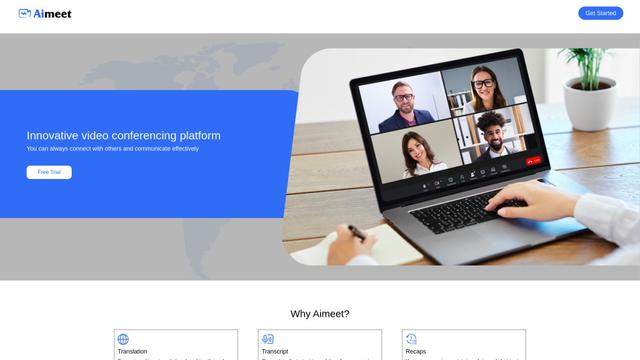
Aimeet is a comprehensive AI-powered communication platform that combines real-time translation, transcription, screen sharing, and unlimited meeting capabilities for effective virtual collaboration.
MinutesLink
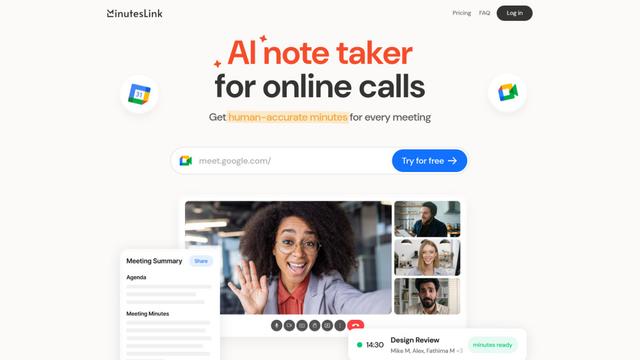
MinutesLink is an advanced AI-powered note-taking assistant that automatically records, transcribes, summarizes and organizes virtual meetings while building personalized digital avatars from meeting data.
Popular AI Tools Like Toyo
Second Brain for AI
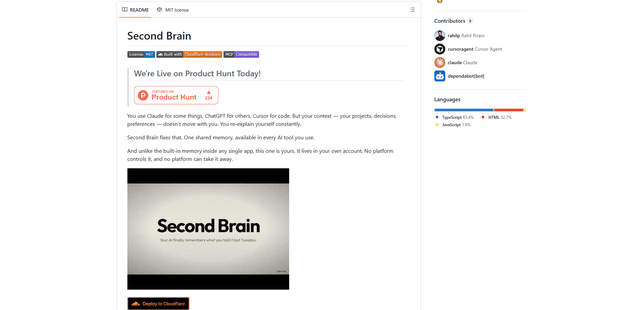
Second Brain for AI is a self-hosted, MCP-compatible persistent memory layer on Cloudflare that lets Claude, ChatGPT, Cursor, and other AI clients store and semantically recall shared context across sessions.
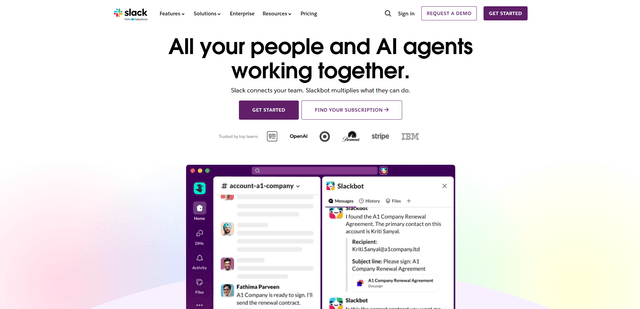
Slack
Slack is an AI-powered work platform that brings team communication, channels, files, automation, and app integrations into one conversational workspace.
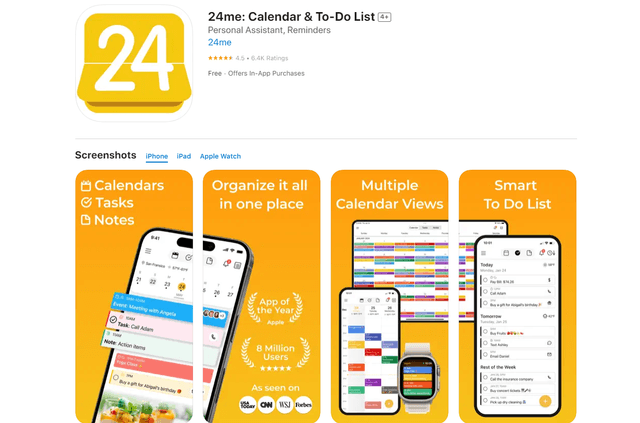
24me Smart Personal Assistant
24me is an award-winning smart personal assistant app that combines calendar, to-do lists, notes, and personal accounts in one unified platform to help boost productivity and time management.
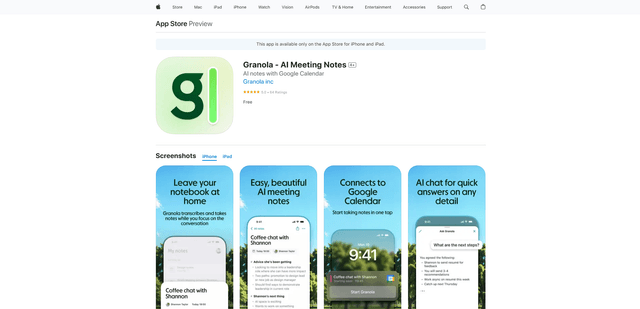
Granola for iOS
Granola for iOS is an AI-powered notepad app that helps users effortlessly capture, transcribe and summarize meeting conversations through intelligent note-taking and one-tap recording capabilities.