
Thinklet AI
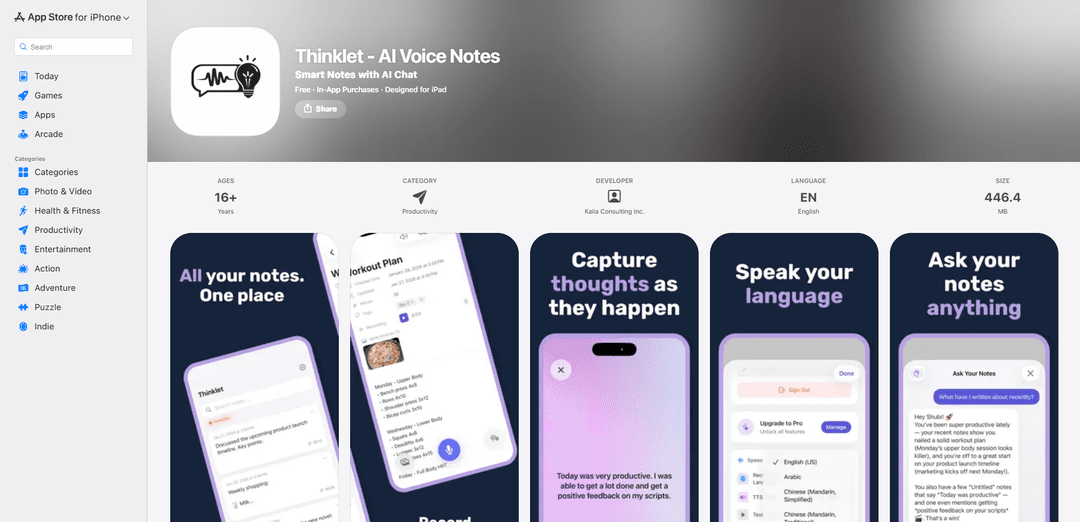
Thinklet is an AI-powered note-taking app that transforms voice input into organized notes, enables chat-based knowledge retrieval, and syncs across devices while prioritizing privacy with on-device AI processing.
https://apps.apple.com/us/app/thinklet-ai-voice-notes/id6758325325?ref=producthunt
Product Information
Updated:Mar 8, 2026
What is Thinklet AI
Thinklet is a sophisticated voice-first note-taking application designed to streamline the process of capturing and organizing thoughts. The app combines advanced AI technology with intuitive note-taking capabilities, supporting over 20 languages for real-time transcription. What sets Thinklet apart is its commitment to privacy, with all AI processing happening directly on the device, and its seamless integration across Apple devices through iCloud sync.
Key Features of Thinklet AI
Thinklet AI is an advanced voice-to-text note-taking app that combines AI-powered transcription with intelligent organization features. It offers real-time transcription in 20+ languages, processes AI tasks locally on device for privacy, and includes a chat interface that allows users to interact with their notes. The app syncs across Apple devices via iCloud and features a clean, Notion-style editor for organizing and managing notes.
Voice-First Note Taking: Real-time transcription in 20+ languages powered by on-device AI, converting spoken words into organized text notes
AI-Powered Chat Interface: Interactive chat system that allows users to ask questions about their notes and discover connections across their knowledge base
Privacy-Focused Processing: All AI processing happens locally on device with biometric security options, ensuring user data never leaves their device
Cross-Device Sync: Seamless synchronization across all Apple devices through iCloud integration
Use Cases of Thinklet AI
Academic Learning: Students can record and transcribe lectures while automatically organizing key points and creating study materials
Business Meetings: Professionals can capture meeting discussions and automatically generate organized notes with action items
Content Creation: Writers and creators can speak their ideas and have them automatically structured into organized drafts
Personal Organization: Individuals can quickly capture thoughts and ideas through voice, with AI helping to organize and connect information
Pros
Strong privacy focus with on-device AI processing
Comprehensive language support (20+ languages)
Seamless integration with Apple ecosystem
Cons
Requires iOS 18.0 or later (limited device compatibility)
Subscription required for premium features
Large app size (446.4 MB)
How to Use Thinklet AI
Download and Install: Download Thinklet AI from the Apple App Store and install it on your iOS device (requires iOS 18.0 or later)
Start Voice Recording: Open the app and simply start speaking to create a new note - the app will automatically transcribe your voice in real-time using on-device AI
Choose Language: Select from 20+ supported languages for voice transcription based on your preference
Edit and Organize: Use the Notion-style editor to review, edit and organize your transcribed notes in a clean interface
Chat with Your Notes: Ask questions about your notes using the AI chat feature to find insights and connections across all your notes
Enable iCloud Sync: Turn on iCloud sync to access your notes across all your Apple devices
Secure Your Notes: Enable biometric lock with Face ID/Touch ID to protect your notes
Access Premium Features: Subscribe to Premium to unlock unlimited notes, 50+ languages for transcription, AI chat, and iCloud sync capabilities
Thinklet AI FAQs
Thinklet AI supports 20+ languages with real-time transcription powered by on-device AI.
Popular Articles

Atoms: A Multi-Agent AI Platform That Transforms Ideas into Launch-Ready Products
May 22, 2026

Nano Banana SBTI: What It Is, How It Works, and How to Use It in 2026
Apr 15, 2026

Atoms Review — The AI Product Builder Redefining Digital Creation in 2026
Apr 10, 2026

Kilo Claw: How to Deploy and Use a True "Do‑It‑For‑You" AI Agent(2026 Update)
Apr 3, 2026
Latest AI Tools Similar to Thinklet AI
EchoWave
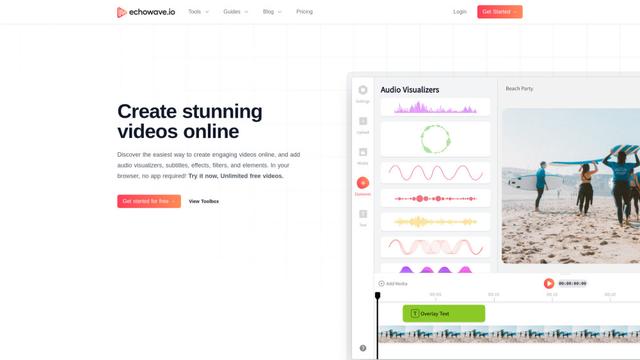
EchoWave is an online video and audio editing platform that enables creators to convert audio content into engaging videos with waveform visualizations, subtitles, and effects for social media sharing.
AIdeaflow Podcast
AIdeaflow Podcast is an AI-powered platform that transforms text into engaging podcast content with natural conversations across 120+ voices and multiple languages.
TranscribetoText.AI
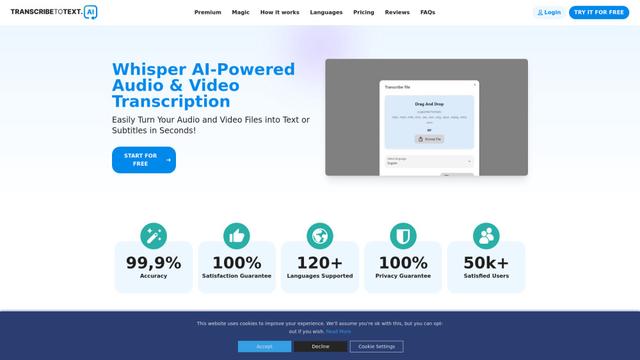
TranscribeToText.AI is a powerful online transcription service that converts audio and video files to text in over 120 languages with 99.9% accuracy, offering unlimited transcription access and flexible output options.
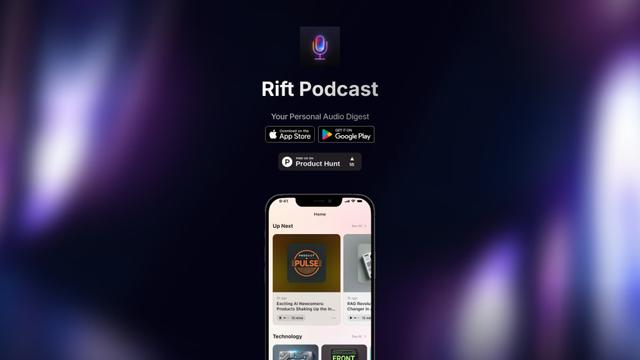
Rift Podcast
Rift Podcast is an AI-powered application that transforms web content into personalized audio podcasts, offering exclusive insights curated from various tech platforms and delivered in just 15 minutes daily.
Popular AI Tools Like Thinklet AI
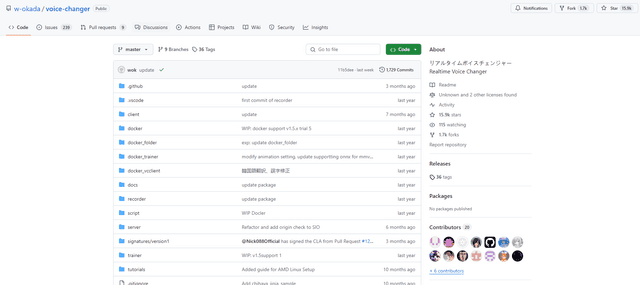
W-Okada Voice Changer
W-Okada Voice Changer is an open-source real-time voice conversion software that uses AI to transform voices with high quality and low latency.
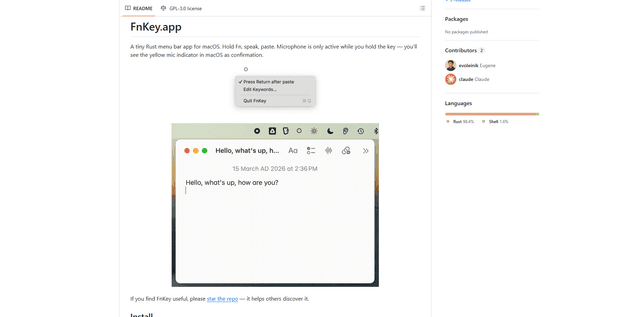
FnKey
FnKey is a lightweight macOS menu bar application that enables quick voice-to-text transcription by holding the Fn key to speak and automatically pastes the transcribed text when released.
Background noise removal
A powerful Chrome extension that uses advanced AI technology to remove unwanted background noise from audio and video files, offering real-time noise cancellation for crystal-clear sound quality.
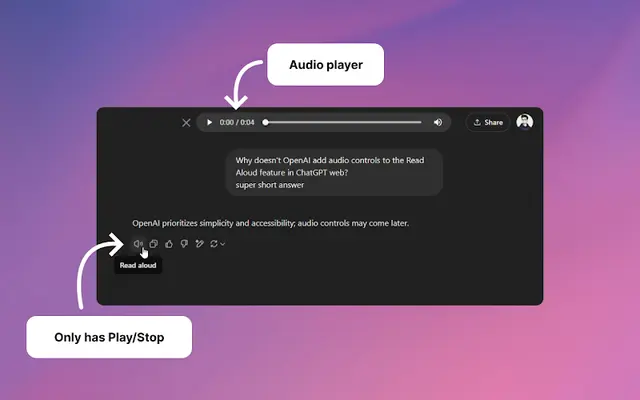
Audio player for ChatGPT
A Chrome extension that enhances ChatGPT's Read Aloud feature by adding a user-friendly audio player with basic controls like play/pause, seek bar, and duration display.