
Synopsule
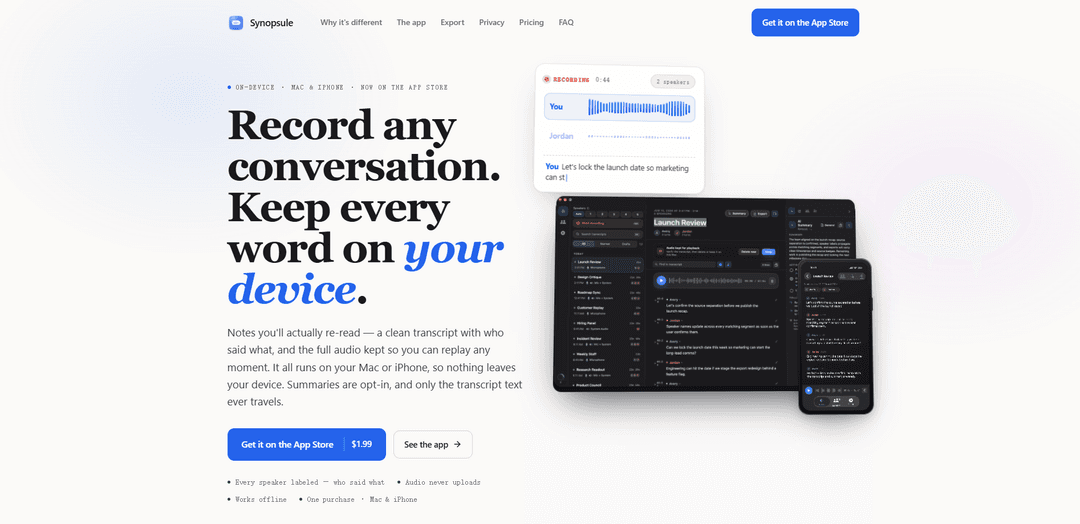
Synopsule is a private meeting recorder for Mac and iPhone that transcribes fully on-device with Whisper, labels who said what, keeps the full audio for line-synced replay, and exports open Markdown (plus Word/PDF/HTML/SRT/VTT) with optional, opt-in AI summaries.
https://synopsule.com/?ref=producthunt
Product Information
Updated:Jun 16, 2026
What is Synopsule
Synopsule is a universal Mac and iPhone app designed to turn conversations—meetings, interviews, lectures, and voice notes—into notes you’ll actually want to revisit. Unlike typical “cloud notetakers” that upload recordings to remote servers or send a bot into your call, Synopsule runs transcription locally on the device that recorded it, keeps your audio on-device, and produces clean, searchable transcripts with speaker labels and timestamps. It also focuses on portability: your transcripts can be exported as open files (especially Markdown) that work well with any AI tool or notes workflow, and it works offline without requiring an account.
Key Features of Synopsule
Synopsule is a privacy-first meeting and conversation recorder for Mac and iPhone that transcribes fully on-device using Whisper, labels who said what with on-device diarization and returning-speaker recognition, and keeps the full audio locally so you can replay any moment synced to the transcript. It exports clean, open formats (especially Markdown) with speaker labels and timestamps, supports full-text search across your library, and offers opt-in summaries that can run via your own API key, on-device (Ollama/Apple Intelligence where available), or through an optional Synopsule Pro plan—while never uploading your audio.
On-device Whisper transcription (offline): Transcribes conversations locally on Mac or iPhone with a bundled Whisper model, supports larger downloadable models for higher accuracy, and works without an internet connection from first launch.
Speaker labeling + returning-speaker recognition: Per-recording diarization separates voices and builds on-device voiceprints so people you name once can be automatically recognized and labeled in future recordings; corrections improve future matches.
Mac call capture without a bot: On macOS, records microphone and system audio in separate lanes via Core Audio taps to capture both sides of Zoom/Meet/Teams calls without inviting a meeting bot or using screen recording.
Replay any line with synced audio: Keeps a local playback copy of the audio and lets you tap any transcript line, note, or flag to jump to that exact moment; transcript scrolls in sync during playback.
Open exports + searchable library: Exports to Word, Markdown, HTML, SRT, VTT (plus PDF on Mac) with timestamps and speaker labels intact; provides full-text search across transcripts with filters like speaker-based queries.
Opt-in templated AI summaries (your choice of compute): Generates structured summaries (e.g., one-on-one, standup, sales, interview, lecture, clinical SOAP, legal, user research) only when requested, using your own provider key, on-device via Ollama/Apple Intelligence (eligible devices), or Synopsule Pro—sending transcript text only, never audio.
Use Cases of Synopsule
Remote meeting notes for product/engineering teams: Capture both sides of calls on Mac, label speakers, and export Markdown/Word recaps with action items—useful for sprint reviews, design discussions, and decision tracking.
Sales and customer success call documentation: Record calls without a bot, produce speaker-aware summaries and follow-ups, and quickly search past transcripts for objections, pricing discussions, and commitments.
User research and interviews: Record in-person sessions on iPhone or remote sessions on Mac, add time-anchored notes/flags during the session, and export clean transcripts for analysis in tools like Obsidian.
Lectures, classes, and study capture: Use iPhone for live transcription in the room, then search and replay key moments later; export to Markdown/HTML for studying and sharing notes.
Clinical or legal dictation and structured summaries: Create transcripts and generate template-based outputs (e.g., SOAP or legal-style summaries) with opt-in AI, while keeping audio on-device for tighter privacy control.
Personal knowledge management + AI workflows: Export Markdown that any LLM can read, or (on Mac) let assistants access transcripts via the built-in MCP server to list/search/pull transcripts for downstream automation.
Pros
Strong privacy posture: transcription and speaker labeling run on-device; audio is never uploaded.
High usability for recall: synced playback, time-anchored notes/flags, and full-text search across a transcript library.
Flexible handoff: open exports (especially Markdown) and optional MCP server on Mac for AI tools to read transcripts.
Low barrier to entry: one-time $1.99 universal purchase for Mac + iPhone; summaries are optional.
Cons
iPhone cannot capture system audio (remote call audio) directly; for call capture you need the Mac.
Some summary options depend on external services (BYO API key or Synopsule Pro) unless using Ollama/Apple Intelligence on eligible hardware.
Advanced capabilities are platform-dependent (e.g., PDF export and MCP server are Mac-only).
How to Use Synopsule
1) Install Synopsule on Mac and/or iPhone: Download Synopsule from the App Store. It’s a universal app, so one purchase installs on both Mac and iPhone (if you use the same Apple ID). No account or sign-up is required.
2) Grant permissions: On first use, allow microphone access. On Mac, also grant the required audio permissions so Synopsule can capture your mic and system audio (for calls) using Core Audio taps.
3) Pick a Whisper model (offline transcription): Choose a Whisper transcription model. A model ships in the app so it works immediately offline; you can optionally download larger models (up to ~1.5 GB) for higher accuracy and keep multiple sizes to switch between.
4) Record on iPhone (in-person conversations): On iPhone, press Record to capture the room through the microphone while Synopsule transcribes live. For sharper speaker labeling, set the expected speaker count before recording.
5) Record on Mac (calls without a bot): On Mac, start a recording to capture your microphone and your Mac’s system audio in separate lanes—so you can record both sides of Zoom/Meet/Teams calls without a meeting bot, screen recording, or virtual audio driver.
6) Review the transcript with speakers and timestamps: Open the recording to read a clean transcript with speaker labels and timestamps. Use full-text search (including speaker filters like `speaker:`) to find moments across your library.
7) Fix and name speakers (and reuse names later): Rename speakers in the transcript. Synopsule updates matching segments and can recognize returning speakers in future recordings using on-device voiceprints; corrections help it learn.
8) Replay any moment from the text: Tap any transcript line to jump playback to that exact moment. The transcript scrolls in sync as audio plays, letting you skim quickly and land on the sentence you need.
9) Add time-anchored notes and flags: While recording or reviewing, add notes and drop flags tied to timestamps. Later, tap a note/flag to seek directly back to that moment.
10) (Optional) Generate an AI summary only when you choose: Press Summarize to create a structured recap. Before summarizing, pick a template (e.g., general, one-on-one, standup, sales call, interview, lecture, clinical SOAP, legal, user research) to shape the output with action items, owners, and open questions.
11) Choose how summaries run (privacy options): Configure summaries to run via: (a) your own OpenAI/Anthropic/Gemini API key (transcript text goes directly to the provider), (b) on-device via Ollama on Mac, (c) Apple Intelligence on eligible devices, or (d) Synopsule Pro for one-tap summaries. Audio is never uploaded; only transcript text may leave the device, and only if you summarize.
12) Export or send to your notes/tools: Export transcripts (and optionally summaries) to Word (.docx), Markdown, plain text, interactive HTML, SRT, or VTT on both devices; on Mac you can also export PDF. You can also send a transcript directly into Obsidian or Apple Notes in one tap. Speaker labels, timestamps, and the AI summary (if included) travel with the export.
13) (Mac) Let AI apps read your transcript library via MCP (optional): On Mac, enable Synopsule’s built-in MCP server in Settings → Connect to AI Apps. Then tools like Claude Desktop, Codex, Claude Code, or ChatGPT can list/search/pull transcripts and summaries locally through Synopsule (read-only).
14) Manage privacy and retention: Keep or delete playback audio on-device whenever you want. Synopsule’s transcription runs on-device; raw capture is deleted after transcription finalizes. If you never press Summarize, nothing leaves your device.
Synopsule FAQs
Yes. Synopsule is a universal app, so a single $1.99 one-time App Store purchase covers both your Mac and iPhone. If you add Synopsule Pro, that single subscription also covers both devices.
Synopsule Video
Popular Articles

Vosko AI: Localize and Dub Videos for Global Audiences
Oct 15, 2026

Atoms: A Multi-Agent AI Platform That Transforms Ideas into Launch-Ready Products
Oct 13, 2026

Nano Banana SBTI: What It Is, How It Works, and How to Use It in 2026
Apr 15, 2026

Atoms Review — The AI Product Builder Redefining Digital Creation in 2026
Apr 10, 2026
Latest AI Tools Similar to Synopsule
Noiz
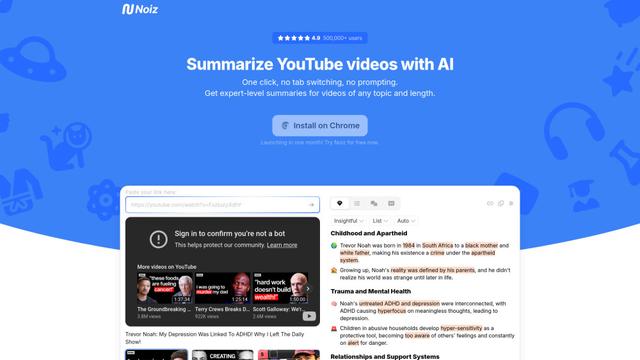
Noiz is an AI-powered video summarizer tool that transforms YouTube videos into concise summaries, transcripts, and key insights in 41 languages with just one click.
RollSummary
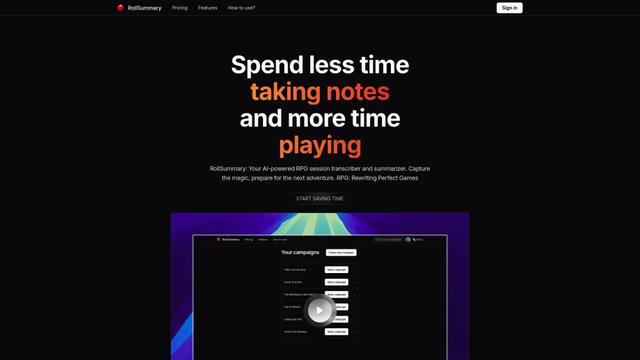
RollSummary is an AI-powered RPG session transcriber and summarizer that helps players and GMs capture, track and prepare their tabletop gaming sessions through automated transcription and smart summaries.
Long Summary
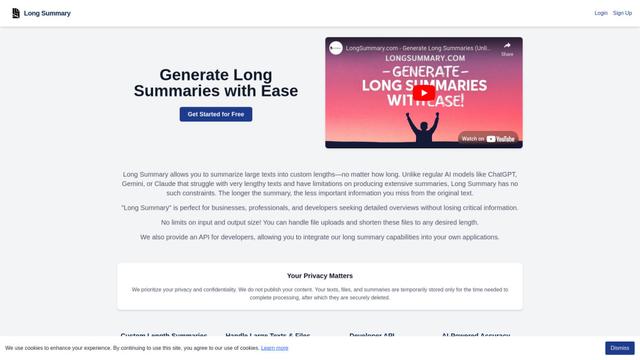
Long Summary is an AI-powered text summarization tool that enables users to generate summaries of any length without input or output limitations, offering custom-length summaries for various content types while maintaining information accuracy.
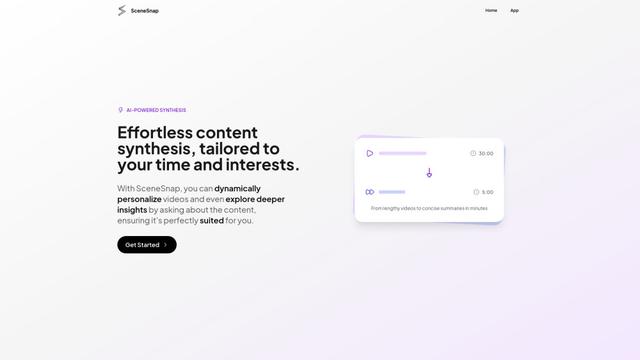
SceneSnap
SceneSnap is an AI-powered content synthesis platform that transforms lengthy videos into personalized, interactive summaries tailored to users' specific interests and time constraints.
Popular AI Tools Like Synopsule
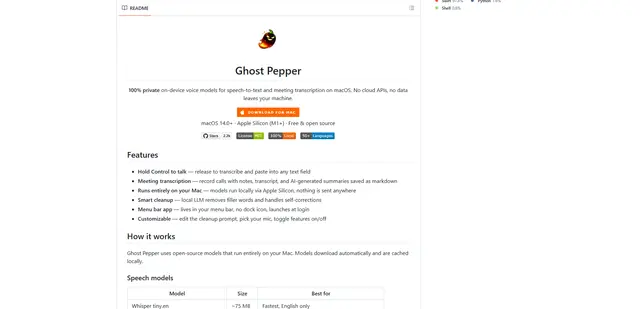
Ghost Pepper 🌶️
Ghost Pepper is a 100% local, privacy-focused speech-to-text and meeting transcription app for macOS that runs entirely on your Mac using open-source AI models, featuring hold-to-talk recording, intelligent text cleanup, and multi-language support without sending any data to the cloud.
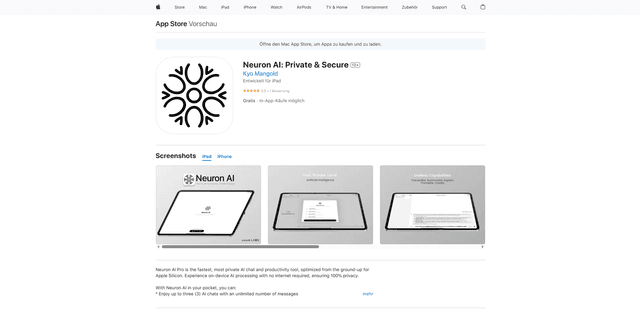
Neuron AI
Neuron AI is a private and secure AI chat and productivity tool optimized for Apple Silicon that runs completely on-device without requiring internet connection, ensuring 100% data privacy.
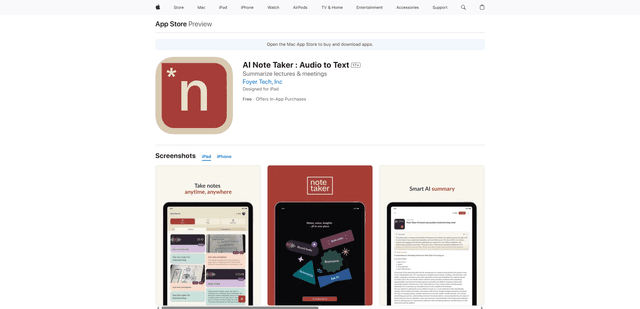
AI Note Taker : Audio to Text
AI Note Taker is an intelligent note-taking assistant that automatically converts audio/voice recordings into text transcriptions while providing AI-powered summaries and organization features for lectures, meetings, and conversations.
Orbie.
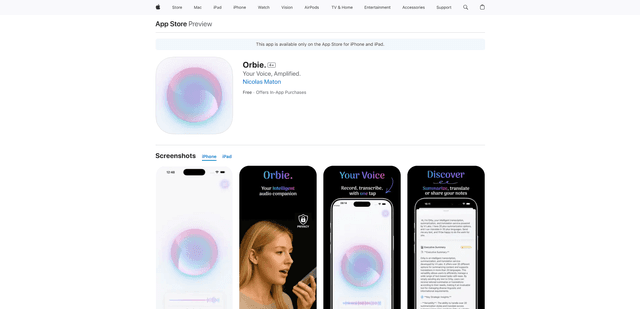
Orbie. is an intelligent audio companion app that transforms voice recordings into clear, shareable text with AI-powered transcription, summarization, and translation capabilities.