Swimio
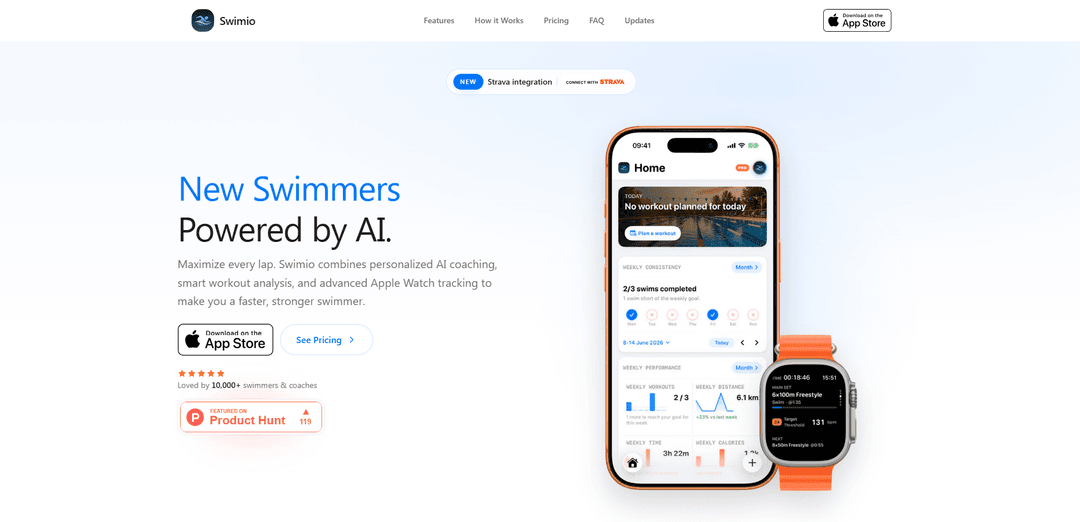
Swimio is an iPhone and Apple Watch swim training app that uses AI coaching, Smart Import for structured workouts, and real-time watch guidance with HealthKit sync (and Strava integration) to help swimmers train and track performance.
https://swimio.app/?ref=producthunt
Product Information
Updated:Jul 8, 2026
What is Swimio
Swimio is an AI-powered swimming companion built for iOS and watchOS that helps swimmers and coaches plan structured sessions, follow them in the pool, and analyze results afterward. Designed around a simple “build, swim, review, improve” loop, it combines workout creation tools on iPhone with an Apple Watch pace-clock style experience for live guidance and metrics. Swimio supports Apple Health/HealthKit syncing for consolidated fitness tracking, and it also offers Strava integration for importing swims so they contribute to training insights.
Key Features of Swimio
Swimio is an iPhone + Apple Watch swimming training app that combines AI-generated, adaptive swim workouts with structured workout building/importing and deep in-pool guidance. It supports a “build → swim → review” loop: create workouts manually or via Smart Import (text/photo/whiteboard), send them to Apple Watch for real-time pacing, intervals, and heart-rate zone feedback, then sync back to iPhone for split analysis, training-load/readiness insights, and long-term progress tracking. It also includes team/coach tools to assign workouts and monitor completion across squads, with HealthKit sync and optional Strava importing to consolidate training history.
AI Coach (adaptive workout generation): Generates personalized sessions that adjust to your recent training load, consistency, and readiness, recommending appropriate distance/duration and explaining the rationale behind workouts.
Smart Import (workouts from anywhere): Converts pasted text or uploaded photos/whiteboards into structured swim sessions that are ready to follow on Apple Watch, reducing manual formatting and setup time.
Apple Watch guided workouts + pace clock: Delivers wrist-first workout guidance with interval structure, pace targets, rest timing, next-set previews, and in-water metrics designed to be usable during sets.
Real-time heart-rate zone tracking: Shows color-coded heart-rate zones on Apple Watch to help swimmers control intensity and optimize aerobic/threshold work during training.
Performance insights, history, and progress analytics: Provides post-swim review of splits and trends, tracks goals and milestones, and supports longer-term comparisons (including year-over-year progress) for structured improvement.
Team & coach workflow tools: Enables coaches to assign workouts, track completion and squad performance, and manage multiple swimmers from a shared dashboard (with expanded web tools referenced for Pro).
Use Cases of Swimio
Individual lap swim training (fitness to competitive): A swimmer uses AI Coach to generate a session matched to current readiness, follows it on Apple Watch for pacing/rest, then reviews splits and trends on iPhone to improve consistency and speed.
Masters/club team workout distribution: A coach assigns structured workouts to a squad so athletes see the same set on their watches, while the coach monitors completion and overall adherence across the group.
High school/college program support: Teams standardize interval sets and intensity control using heart-rate zones and pacing guidance, while athletes build a season-long training history for review and progression.
Triathlon cross-training in the pool: Triathletes import or build swim sets, track intensity via HR zones, and consolidate swim training load by importing swims from Strava and syncing metrics through HealthKit.
Remote coaching and accountability: An athlete trains independently but shares structured sessions and completion data with a coach, enabling feedback loops without needing everyone on deck at the same time.
Pros
Strong Apple Watch-first experience with guided intervals, pacing, and heart-rate zones designed for in-water usability
AI Coach + Smart Import reduce planning friction and help maintain structured training consistency
Good ecosystem connectivity via HealthKit sync and Strava import to unify training history
Team/coach assignment tools support squads and organized training environments
Cons
Key capabilities (AI coaching, Smart Import, advanced insights, and team features) are gated behind a paid Pro subscription
Primarily Apple ecosystem focused (iOS/watchOS), limiting usefulness for non-Apple users
How to Use Swimio
1) Install Swimio and set up your swimmer profile: Download Swimio from the App Store, open it on iPhone, and complete your swimmer profile (skill/experience, goals, pool setup, preferences, and any performance/PB info). This helps Swimio tailor workouts and pace targets.
2) (Optional) Connect Apple Health / HealthKit: Enable Health permissions so Swimio can sync swim metrics (distance, splits, heart rate where available) and keep your training history consistent across Apple devices.
3) (Optional) Connect Strava to import past swims: If you already track swims on Strava, connect Strava in Swimio so your imported swims count toward Swimio’s training load and insights.
4) Choose how you want to create today’s workout (Build, Type, or Smart Import): Start a new workout and pick one of the creation methods: (a) Visual Builder to assemble sets and intervals, (b) Type it naturally in text, or (c) Smart Import to convert an existing workout into a structured session.
5) Create a workout with the Visual Builder: Use the workout editor to build a structured session (warm-up, main set, drills, cooldown). Add intervals, targets, rest, equipment notes, and coach notes as needed, then save the workout.
6) Create a workout by typing it naturally: Describe the session you want in plain language (distance, focus, intensity, strokes, equipment). Swimio will structure it into sets and intervals you can review before sending to your watch.
7) Use Smart Import from text, photo, or a whiteboard: Paste a workout, upload a photo, or capture a coach’s whiteboard. Swimio converts it into a structured workout ready to swim, preserving set structure, rest, and notes.
8) Request an adaptive workout from the AI Coach (Pro feature): Ask the AI Coach for a session. Swimio analyzes your recent training load (including a 28-day view), consistency, and readiness to recommend the right distance/duration and explain the purpose of the workout.
9) Save and organize workouts (and stay within plan limits): Save the workout to your library. Basic plan supports up to 3 custom saved workouts; Pro supports unlimited custom workouts and unlimited AI generation.
10) Send the workout to Apple Watch: From the iPhone app, send/sync the workout to Apple Watch so you can follow the structure poolside without needing your phone.
11) Customize your Apple Watch workout pages (optional): In Swimio settings, choose which watch pages appear and reorder them to match how you train (e.g., pace, intervals, heart rate zones, next set preview).
12) Start the guided workout on Apple Watch: Open Swimio on Apple Watch and select the workout. Follow the on-wrist workout guide showing exercise progress, pace targets, rest timing, zone guidance, coach notes, equipment, and next-set previews.
13) Track live metrics during the swim: Use the Apple Watch pace clock and live metrics to monitor pace, intervals, distance, splits, and heart rate/heart rate zones (where supported).
14) Finish the session and sync back to iPhone: End the workout on Apple Watch. Swimio syncs the session back to iPhone so you can review it with full structure and recorded metrics.
15) Review splits and performance insights: On iPhone, review your workout results (pace and distance trends, splits, and other insights such as stroke efficiency tracking where available). Use these insights to see what’s improving over time.
16) Let Swimio shape the next session: Use the post-workout review to inform your next workout request. Swimio’s adaptive coaching uses your recent load and readiness to recommend what to do next.
17) (Teams/Coaches) Assign workouts to athletes (Pro feature): If you’re a coach or on a squad workflow, use Swimio’s team tools to assign workouts to athletes and track completion so everyone stays aligned.
18) Get help or submit feedback: If you run into issues or want to request features, use Swimio Support or email [email protected]. Include device model, iOS version, and app version for faster troubleshooting.
Swimio FAQs
Swimio is an AI-powered swim training app for iPhone and Apple Watch that helps you build or import structured swim workouts, follow them on your watch with a real-time pace clock, and review performance afterward (splits, pace, and heart rate).
Popular Articles

Atoms: A Multi-Agent AI Platform That Transforms Ideas into Launch-Ready Products
May 22, 2026

Nano Banana SBTI: What It Is, How It Works, and How to Use It in 2026
Apr 15, 2026

Atoms Review — The AI Product Builder Redefining Digital Creation in 2026
Apr 10, 2026

Kilo Claw: How to Deploy and Use a True "Do‑It‑For‑You" AI Agent(2026 Update)
Apr 3, 2026
Latest AI Tools Similar to Swimio

NextCareer.app
Free TrialAI Coaching
NextCareer.app is an AI-powered career coaching platform that helps mid-career and executive-level professionals find their next ideal roles through personalized guidance, community support, and AI-resistant career path recommendations.
The Garden Journal
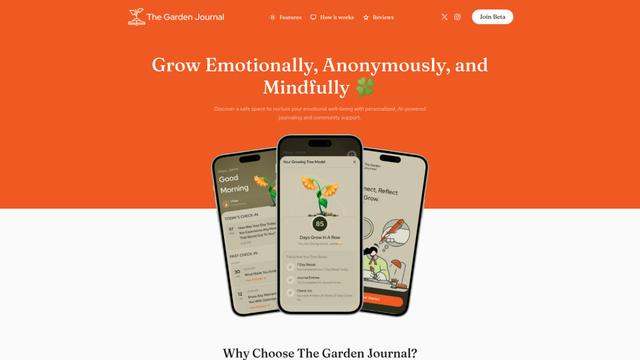
The Garden Journal is an AI-powered emotional wellness app that combines personal journaling, mindfulness practices, and anonymous community support while visualizing users' emotional growth through a virtual tree metaphor.
MindPeace - AI Therapist
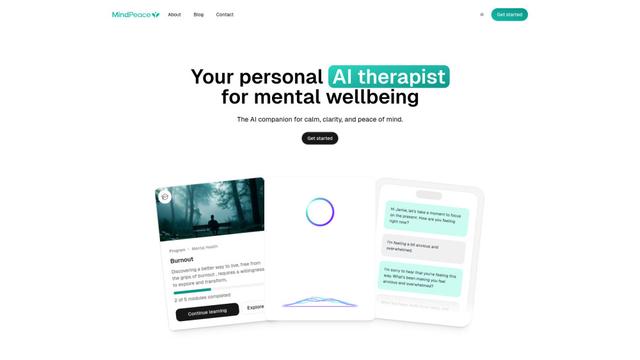
MindPeace AI is a 24/7 accessible AI therapy companion that offers personalized mental health support, self-care guidance, and emotional wellbeing tools through AI-powered conversations.
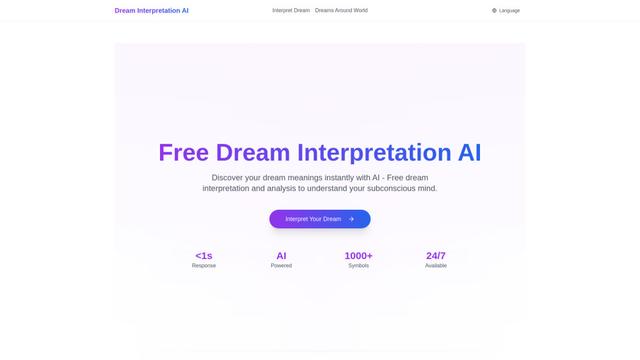
Dream Interpretation AI
Dream Interpretation AI is an advanced artificial intelligence tool that provides instant, personalized dream analysis by combining traditional interpretation methods with modern AI technology to help users understand their subconscious mind.
Popular AI Tools Like Swimio

Futudo
Futudo is an innovative AI life assistant that combines advanced AI technology with personal planning to help users shape their destiny by defining goals, breaking bad habits, and unlocking their potential.

Remy AI
Remy AI is a science-backed sleep and wellness app that combines AI technology with behavioral science to help users optimize their sleep patterns, energy levels, and daily routines.
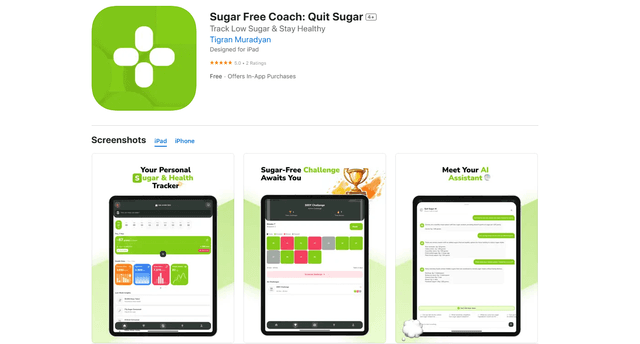
QuitSugar: Track & Cut Sugar
QuitSugar is a comprehensive health app that helps users track and reduce sugar intake through AI-powered meal scanning, personalized challenges, progress tracking, and collaborative features.
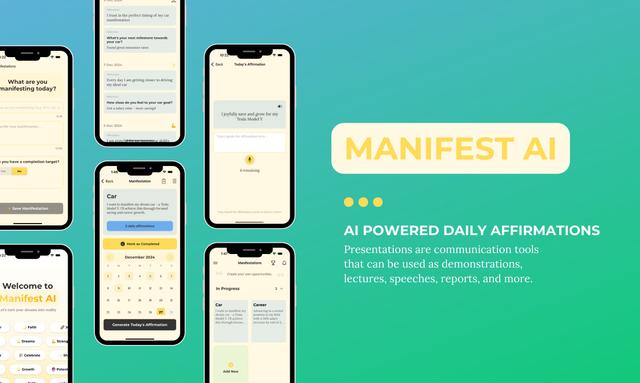
Manifest AI
Manifest AI is a personal AI-powered manifestation app that helps users transform their mindset and achieve their goals through customized affirmations, goal tracking, and various manifestation techniques.