
stackd.cc
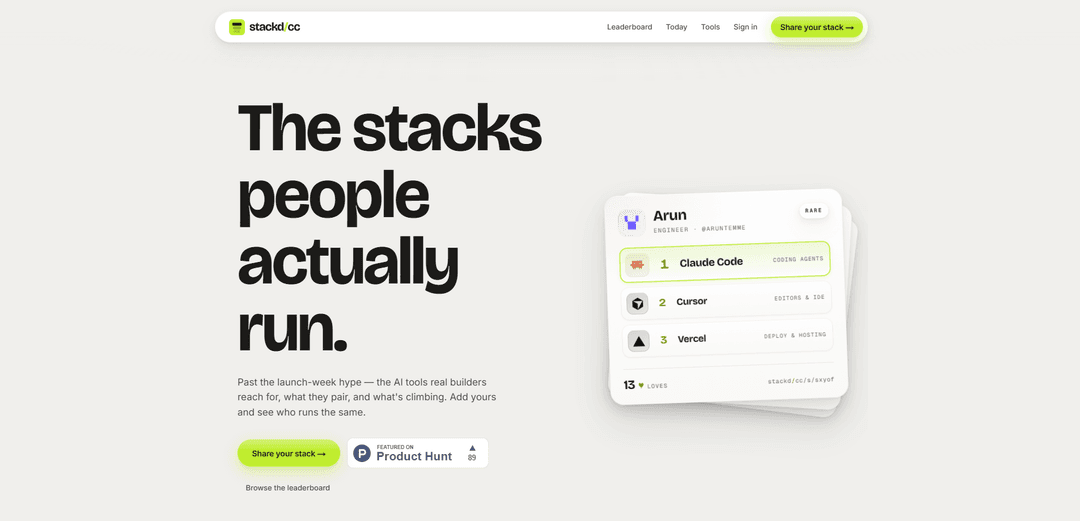
stackd.cc is a community-driven leaderboard for AI and developer tool stacks, letting builders browse what others run, see which tools pair well, and share their own stack.
https://stackd.cc/?ref=producthunt
Product Information
Updated:Jun 16, 2026
What is stackd.cc
stackd.cc positions itself as “the AI tools people actually run,” focusing on practical, real-world tool choices rather than launch-week hype. It’s a discovery and sharing site where builders can explore stacks (combinations of tools like coding agents, editors/IDEs, hosting, databases, and more), view a leaderboard of popular setups, and publish their own stack to see who uses similar tools.
Key Features of stackd.cc
stackd.cc is a community-driven directory and leaderboard of the AI and developer tools that “real builders” actually use, focused on showing which tools are popular, what combinations (stacks) people run together, and what’s trending beyond launch-week hype. Users can browse stacks, see pairings across tools (e.g., Claude Code + Cursor + Vercel), and submit/share their own stack to compare with others and discover proven setups.
Stacks leaderboard browsing: Browse ranked stacks (tool combinations) to see what real builders are using, with entries showing the tools included and adoption/engagement signals.
Tool pairing discovery: Explore “what pairs with what” by viewing common combinations (e.g., coding agent + IDE + hosting) and identifying complementary tools used together in practice.
Share-your-stack submission: Add your own stack to the board via the build/share flow, making it easy to publish your setup and help others discover it.
Trend/what’s-climbing signal: Highlights what’s rising in usage and attention, helping users spot emerging tools and combinations that are gaining traction.
Community profiles & social proof: Stacks are tied to builders and show lightweight social signals (e.g., adopters/likes), providing credibility and context around each setup.
Use Cases of stackd.cc
Startup engineering stack selection: Founders and early teams can quickly shortlist proven combinations for coding, deployment, and collaboration by copying stacks used by others.
Developer productivity research: Individual developers can discover effective AI-assisted workflows (e.g., agent + editor + hosting) and compare alternatives before switching tools.
DevRel and product marketing intelligence: Tool vendors and DevRel teams can observe which tools are commonly paired with theirs and where they appear in popular stacks for positioning and partnerships.
Team standardization and onboarding: Engineering managers can use commonly adopted stacks as references when proposing a standard toolchain and speeding up onboarding documentation.
Community curation for niche workflows: Specialized builders (e.g., mobile, data, or web) can share and find stacks tailored to their scenario by looking at real-world combinations posted by peers.
Pros
Practical discovery: focuses on real-world tool usage and combinations rather than hype.
Fast comparison: stacks make it easy to see complementary tools at a glance.
Community-driven: users can share stacks and benefit from lightweight social proof.
Cons
Coverage bias: usefulness depends on how many builders submit stacks and how representative they are.
Limited depth from the snippet: may not include detailed evaluation criteria (benchmarks, costs, constraints) beyond what users share.
How to Use stackd.cc
1. Open stackd.cc: Go to https://stackd.cc/ to access the site and see what it offers (AI tool stacks real builders run).
2. Browse the leaderboard: Click “Browse the leaderboard” (or visit https://stackd.cc/leaderboard) to view ranked stacks and see which tool combinations are popular.
3. Open a stack to view details: Select any stack entry from the leaderboard to open its dedicated page and review the tools included (e.g., combinations like Claude Code + Cursor + Vercel) and any visible adoption/like indicators.
4. Explore what tools pair well together: Use the leaderboard and individual stack pages to compare combinations and identify what commonly “goes with what” and what’s trending/climbing.
5. Start sharing your own stack: Click “Share your stack →” (or go directly to https://stackd.cc/build) to begin the process of adding your tool stack to the board.
6. Build your stack: On the build page, choose and assemble the tools you use (your personal AI/tooling stack) so it can be published on stackd.cc.
7. Publish and compare: Submit your stack so it appears on the board, then use the site to see who runs a similar stack and continue browsing other stacks for ideas.
stackd.cc FAQs
stackd.cc is a site for discovering and sharing the AI tools “real builders” use—showing what’s popular, what tools pair well together, and what’s climbing.
Popular Articles

Vosko AI: Localize and Dub Videos for Global Audiences
Oct 15, 2026

Atoms: A Multi-Agent AI Platform That Transforms Ideas into Launch-Ready Products
Oct 13, 2026

Nano Banana SBTI: What It Is, How It Works, and How to Use It in 2026
Apr 15, 2026

Atoms Review — The AI Product Builder Redefining Digital Creation in 2026
Apr 10, 2026
Latest AI Tools Similar to stackd.cc
Sweet Justice AI
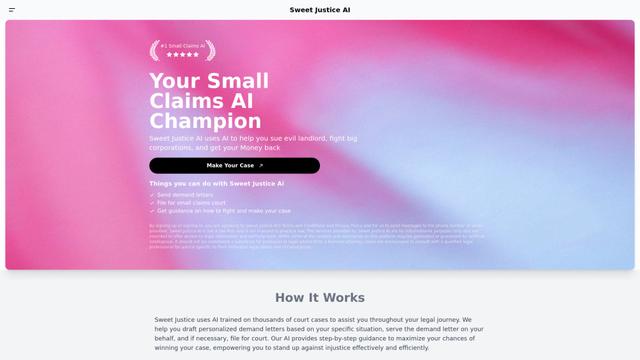
Sweet Justice AI is an AI-powered legal assistance platform that helps individuals fight against landlords, corporations, and unfair practices through automated demand letters, small claims court filings, and step-by-step legal guidance at an affordable price.

BlacktoothAI
BlacktoothAI is an all-in-one AI platform that provides access to multiple leading AI models like ChatGPT, Claude, Gemini, and Stable Diffusion through a single unified interface for content generation, image creation, and productivity enhancement.
aiworkflow.tools
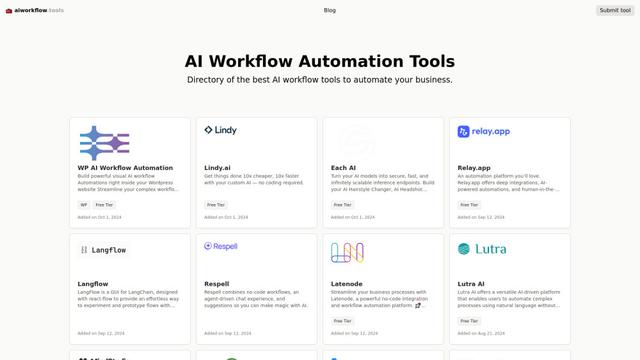
AIworkflow.tools is a comprehensive directory and comparison platform showcasing the best AI workflow automation tools to help businesses streamline their processes and boost productivity.
Dang.ai
FreemiumAI Tools Directory
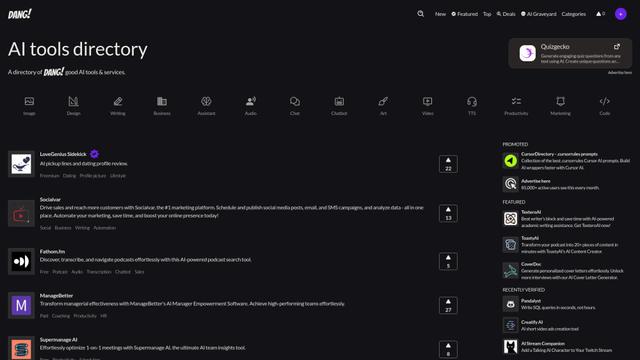
Dang.ai is a comprehensive directory of AI tools and services, featuring over 5000 AI tools across various categories.
Popular AI Tools Like stackd.cc

Copy as Markdown for AI
A Chrome extension that instantly converts web content into clean, structured Markdown format with one click, optimized for AI platforms like ChatGPT, Claude, and other LLMs.
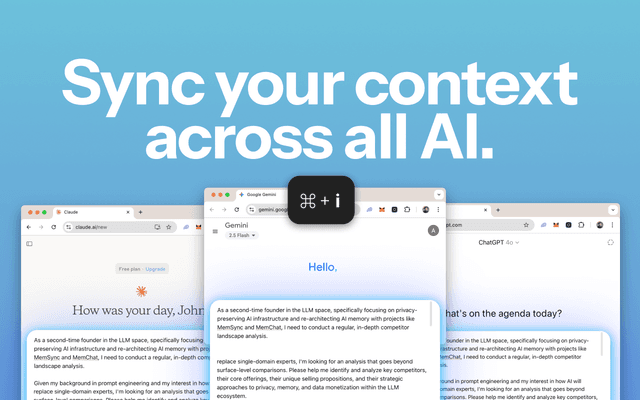
MemSync
MemSync is a Chrome extension that creates a unified memory layer across AI platforms like ChatGPT, Claude, and Grok by securely aggregating user interactions to enable personalized and contextual AI conversations.
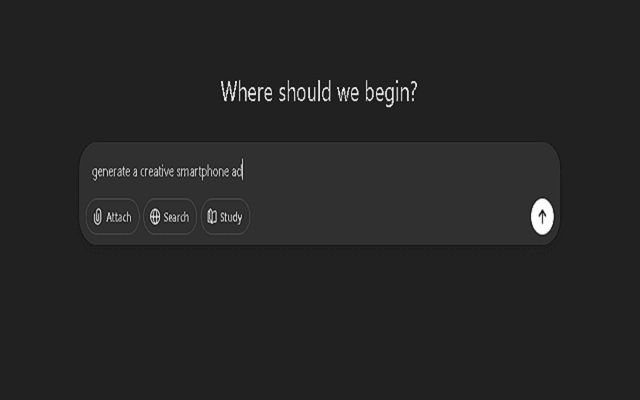
Promptify
Promptify is a self-adapting Chrome extension that automatically transforms simple prompts into powerful, context-rich instructions for AI models like ChatGPT, Gemini, and Claude by learning from user behavior and personalizing enhancements.

Scroll
Scroll is a Chrome extension that generates a clickable table of contents for AI conversations in ChatGPT, Claude, and Gemini, enabling instant navigation and efficient conversation management.