
Splitsense
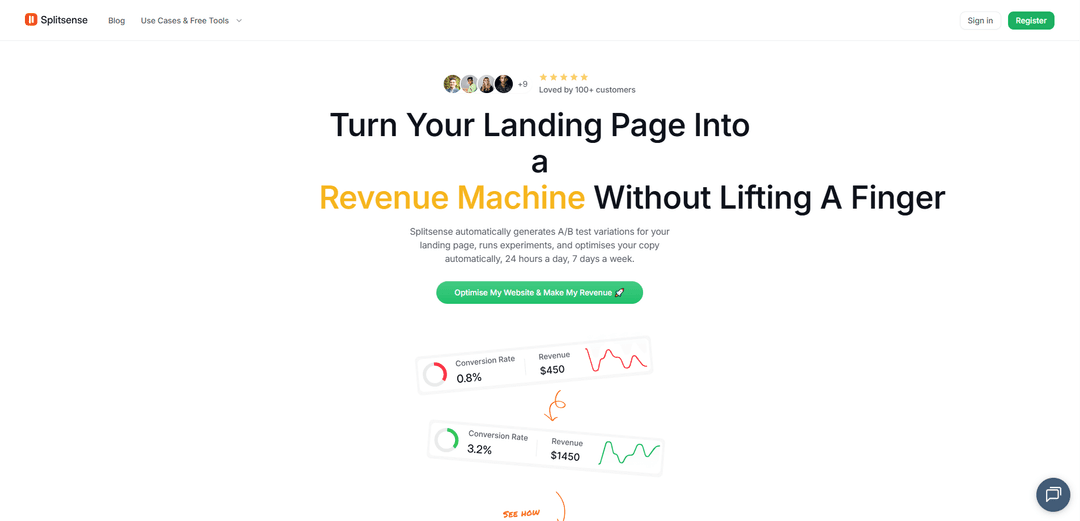
SplitSense is an AI-powered A/B testing and expense management platform that helps optimize landing pages and track shared expenses through automated testing and intelligent analytics.
https://splitsense.ai/?ref=producthunt
Product Information
Updated:Apr 8, 2026
What is Splitsense
SplitSense offers two main products - an AI-powered A/B testing platform for website optimization and a mobile expense management app. The A/B testing solution automatically generates and tests variations of landing pages to improve conversions, while the expense management app helps users track and split bills among groups. Both products leverage AI and automation to simplify complex tasks, whether it's website optimization or expense sharing.
Key Features of Splitsense
Splitsense is a versatile expense management and sharing application that helps users track, split, and manage group and personal expenses. It offers unlimited expense groups, effortless expense tracking, and smart organization features, all in a user-friendly interface. The app allows users to create multiple expense groups, categorize transactions, and maintain clear records of shared expenses and debts between friends, family, or colleagues.
Unlimited Expense Groups: Create and manage unlimited groups for different purposes like family vacations, project teams, or social gatherings with easy organization and tracking
Smart Expense Management: Features group expense filters, category dropdowns, and quick expense addition from the homescreen with smart suggestions for expense names
Group Sharing and Invites: Easily share and join groups through invite links, deep linking, and quick-share buttons for seamless collaboration
Debt Simplification: Automatically calculates and simplifies debts between group members, maintaining clear records of who owes whom
Use Cases of Splitsense
Roommate Expenses: Track and split household bills, groceries, and utilities among roommates living together
Group Travel: Manage shared expenses during vacations or trips with friends, including accommodations, meals, and activities
Project Team Expenses: Track and manage expenses for work projects or team events in professional settings
Family Finance Management: Organize and split shared family expenses, subscriptions, and regular bills among family members
Pros
Completely free with no hidden charges
User-friendly interface with intuitive navigation
Unlimited groups and expense tracking capabilities
Cons
Limited expense date tracking features
Currently only available for Android
How to Use Splitsense
Sign up for an account: Go to app.splitsense.ai/signup to create a new Splitsense account
Connect your landing page: Paste your website URL and install the Splitsense plugin. The AI will analyze your current page content including headlines, CTAs, copy structure and conversion patterns.
Let AI generate test variations: The AI automatically creates different versions of headlines, body copy, and CTAs based on proven conversion frameworks tailored to your specific audience
Monitor experiments: Splitsense runs A/B tests automatically, manages traffic allocation, determines statistical significance, and selects winning variations without manual intervention
Review analytics: Access the analytics dashboard at app.splitsense.ai/analytics to track conversion improvements. You'll receive notifications when winning variations are found.
Scale optimization: Each winning variation becomes the new baseline for further testing. The system continues optimizing 24/7 to compound conversion improvements over time.
Splitsense FAQs
SplitSense is an AI-powered A/B testing platform that automatically generates and tests variations of landing pages to optimize website conversion rates and revenue without manual intervention.
Splitsense Video
Popular Articles

Vosko AI: Localize and Dub Videos for Global Audiences
Oct 14, 2026

Atoms: A Multi-Agent AI Platform That Transforms Ideas into Launch-Ready Products
Oct 13, 2026

Nano Banana SBTI: What It Is, How It Works, and How to Use It in 2026
Apr 15, 2026

Atoms Review — The AI Product Builder Redefining Digital Creation in 2026
Apr 10, 2026
Latest AI Tools Similar to Splitsense
GPT Easy Web
GPT Easy Web is a user-friendly AI-powered platform that enables users to easily build, customize and manage websites through natural language interactions and automated tools without requiring coding knowledge.
AI Website Tool
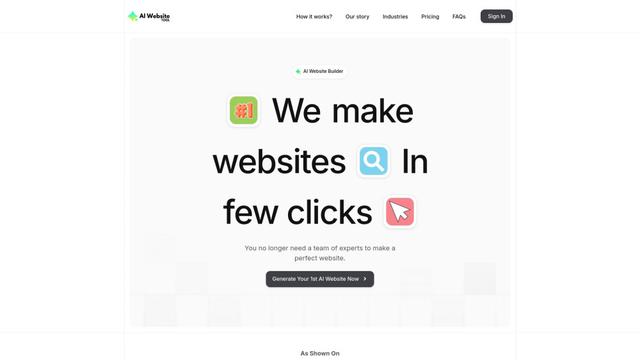
AI Website Tool is an AI-powered website builder that creates professional websites in minutes by automatically generating business-focused copy, custom visuals, and responsive designs with just a few clicks.

Softgen
Softgen.ai is an AI-powered full-stack project generator platform that enables users to transform their ideas into functional web applications without coding requirements.
Webifier
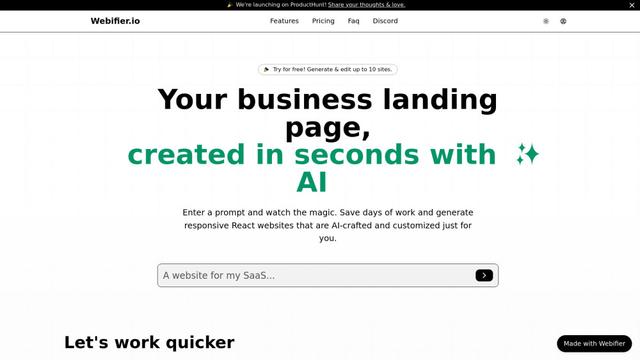
Webifier is an AI-powered tool that transforms text prompts into fully functional React landing pages with clean, exportable code using NextJS14, TailwindCSS, and Shadcn components.
Popular AI Tools Like Splitsense
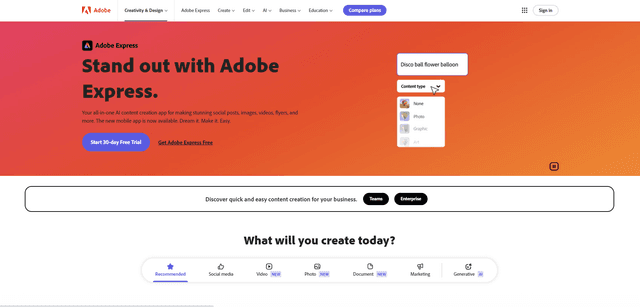
Adobe Express
Adobe Express is an all-in-one AI-powered content creation app for easily making stunning social posts, images, videos, flyers, and more with professionally designed templates and assets.
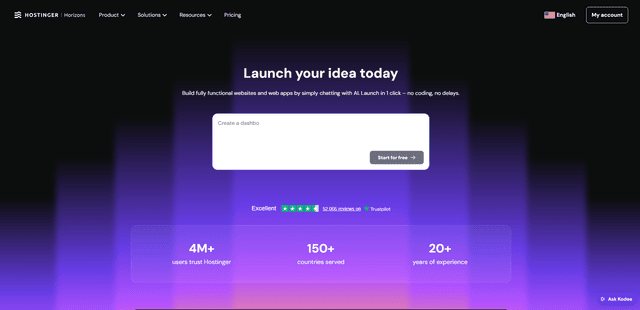
Hostinger
Hostinger is a web hosting and domain service provider offering AI-powered tools like Horizons that enables anyone to build, edit, and publish custom web apps and websites without coding through a simple chat interface.

GPT Engineer
GPT Engineer is an AI-powered software development tool that enables anyone to build web applications by chatting with an AI engineer.
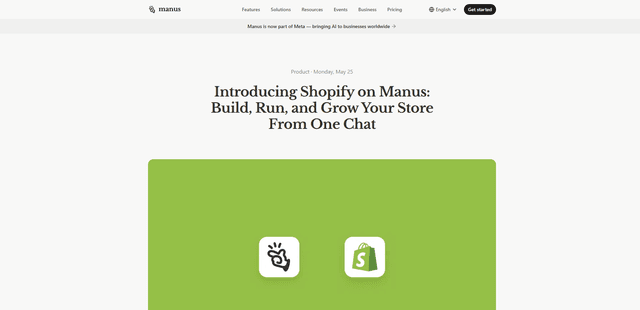
Manus Shopify Connector
Manus Shopify Connector lets you build a Shopify-backed storefront, manage your catalog, and generate data-driven campaigns from a single chat—using Shopify APIs with OAuth-scoped access and Shopify checkout.