
SlateHut.com - AI website builder
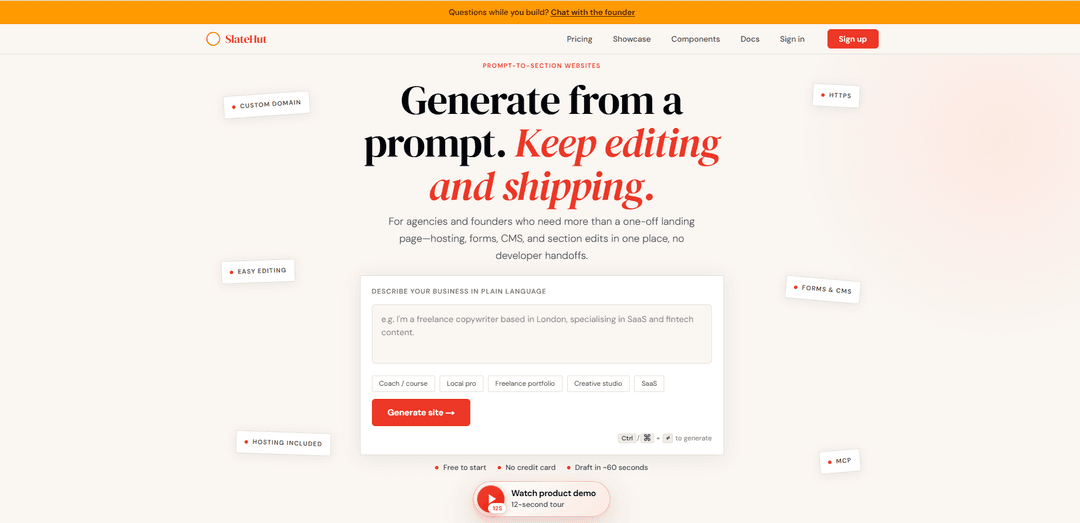
SlateHut.com is an AI website builder that turns a plain-language business description into a realistic, multi-page, section-based website draft you can visually edit and publish with built-in hosting, forms, and CMS—plus REST API and MCP support for automation.
https://slatehut.com/?ref=producthunt
Product Information
Updated:Jun 8, 2026
What is SlateHut.com - AI website builder
SlateHut is a prompt-to-section AI website builder designed for founders, agencies, and non-technical teams who want a credible business website fast—without starting from a blank canvas. You describe your business in one or two sentences, and SlateHut generates a structured draft with practical, business-ready sections (e.g., hero, features, testimonials, pricing, FAQ, contact, footer) that you can keep refining in a real visual editor. It also bundles key website fundamentals in one place—hosting, HTTPS, forms, and (on supported plans) custom domains—so you can draft, edit, and publish without stitching together multiple tools.
Key Features of SlateHut.com - AI website builder
SlateHut is an AI-powered, prompt-to-section website builder that generates a realistic multi-page site draft from a plain-English brief in about a minute, then lets you keep editing with a visual block editor (not endless chat). It bundles hosting, HTTPS, forms, and a built-in CMS/collections into one dashboard, and supports automation via an OpenAPI-documented REST API plus MCP at /api/mcp so tools like Cursor/ChatGPT/Claude can drive edits programmatically. A free tier allows generation and publishing on a SlateHut subdomain, while paid plans add custom domains, higher limits, and API/MCP access where included.
Prompt-to-site generation: Describe your business in plain language and SlateHut generates a complete, section-based draft (often multi-page) in ~60 seconds to avoid starting from a blank canvas.
Visual block editor with section library: Edit copy, images, and layout directly on the page; reorder blocks with undo/redo and add new sections from a library using fields and toggles rather than fragile prompts.
Hosting + custom domains + HTTPS: Publish with hosting included; connect a custom domain on paid plans and get automatic HTTPS after DNS verification.
Built-in forms and inbox: Add contact/newsletter forms without extra tools; submissions land in the site dashboard (free tier includes limited submissions; paid plans increase limits).
Built-in CMS (Collections): Create structured content like posts, case studies, or listings with collection list + detail pages that share the same editor and theme—no separate headless CMS required.
REST API + MCP for automation: Use REST API v1 (OpenAPI documented) and MCP at /api/mcp to generate and manage pages/sections/content/media/domains/forms, enabling assistants and scripts to update sites.
Use Cases of SlateHut.com - AI website builder
Startup or SaaS marketing site: Generate a credible multi-page presence (home, pricing, FAQ, contact) quickly, then iterate copy and sections in the editor while collecting leads via built-in forms.
Agency rapid prototyping and client delivery: Spin up first drafts from briefs, refine with the block editor, and maintain sites without developer handoffs; use API/MCP to standardize setups across multiple clients.
Local service business website: Create a professional site for studios, consultants, or trades with services, testimonials, and contact forms; publish fast with hosting and upgrade to a custom domain when ready.
Portfolio or personal brand: Produce a clean portfolio/landing site from a short description, then adjust typography/layout via blocks and ship on a SlateHut URL or custom domain.
Content-driven blog or listings: Use Collections to run a blog, case studies, job board, or directory-style listings with consistent list/detail templates managed in the same workspace.
AI-assisted site operations: Teams can connect Cursor/ChatGPT/Claude via MCP (or integrate via REST) to programmatically create pages, update sections, and manage content and form data.
Pros
Fast, realistic first draft from a single prompt; avoids blank-canvas setup.
All-in-one workflow: editor + hosting + HTTPS + forms + CMS in one dashboard.
Unusually strong automation support for a website builder via REST API and MCP.
Cons
Customization depth may be constrained by the section/block library (e.g., some users want more typography/spacing controls).
Free tier is limited (SlateHut subdomain, small included AI credits, low form submission cap); custom domains and higher limits require paid plans.
If you need complex backends, heavy eCommerce, or large enterprise/legacy CMS migrations, you may outgrow a streamlined AI site builder.
How to Use SlateHut.com - AI website builder
1) Open SlateHut: Go to https://slatehut.com/ (the canonical entry point).
2) Start a new site from a plain-language brief: In the hero prompt box (“Describe your business in plain language”), type a concise description of what you do and what you want the site to include (e.g., services, location, audience, tone).
3) Generate the first draft: Submit the prompt (the UI indicates Ctrl/⌘ + Enter). SlateHut generates a structured, multi-section draft in about ~60 seconds.
4) Review the on-page draft (structure + copy): Scan the generated page layout and content. SlateHut is section-based, so you should see a realistic first draft with multiple blocks/sections rather than a single hero.
5) Edit content directly in the visual editor: Click into text and images to refine copy and visuals without restarting the AI. Use the editor controls (fields/toggles) to adjust section settings.
6) Reorder sections and iterate safely: Drag/reorder blocks to improve flow. Use undo/redo while experimenting with layout changes.
7) Add new sections from the section library: Insert additional blocks/sections as needed (e.g., testimonials, pricing, FAQs, contact) from the built-in section library, then customize them in the editor.
8) Set up forms (contact/newsletter) and verify submissions: Add or configure built-in forms on your pages. Form replies go to your site’s dashboard/inbox (free plan includes limited submissions; paid plans include higher/unlimited limits as listed).
9) (Optional) Enable CMS/Collections for blogs or listings: If you need posts, case studies, or listings, create a Collection and design list + detail pages using the same editor and theme so everything stays consistent.
10) Publish on a SlateHut URL (free): Publish your site to a SlateHut-hosted URL to get it live quickly. The free tier supports publishing and editing without a credit card.
11) (Optional) Connect a custom domain (paid plans): Upgrade to a paid plan that includes custom domains. In the editor/domain settings, add your domain, copy the provided DNS records into your registrar/DNS host, and wait for verification. HTTPS is automatic.
12) (Optional) Automate with REST API v1: On plans that include API access (e.g., Launch+), create API keys in the dashboard. Use the OpenAPI-documented REST v1 to programmatically manage generation, pages, sections/blocks, structured content, media, domains, and form data.
13) (Optional) Connect MCP for AI-assisted editing (Cursor/ChatGPT/Claude): If you want desktop AI apps to create/update sites, connect via MCP at /api/mcp using your site’s MCP/API credentials (available on plans that include MCP access). Follow SlateHut’s MCP documentation to configure your client.
14) Maintain and refine over time: Keep iterating in the same visual editor: update copy, swap images, add/remove sections, monitor form inbox, and expand Collections as your site grows—without developer handoffs.
SlateHut.com - AI website builder FAQs
SlateHut is an AI website builder and no-code SaaS that turns a short, plain-language business description into a structured, multi-page website draft you can edit and publish. The official site is https://slatehut.com/.
SlateHut.com - AI website builder Video
Popular Articles

How to Create Viral Talking Baby Podcast Videos with AI: Step-by-Step Guide
Nov 2, 2026

Proferex: A Cloud-Based Ad Tracking and Campaign Optimization Platform
Nov 2, 2026

Vosko AI: Localize and Dub Videos for Global Audiences
Oct 15, 2026

Atoms: A Multi-Agent AI Platform That Transforms Ideas into Launch-Ready Products
Oct 13, 2026
Latest AI Tools Similar to SlateHut.com - AI website builder
GPT Easy Web
GPT Easy Web is a user-friendly AI-powered platform that enables users to easily build, customize and manage websites through natural language interactions and automated tools without requiring coding knowledge.
AI Website Tool
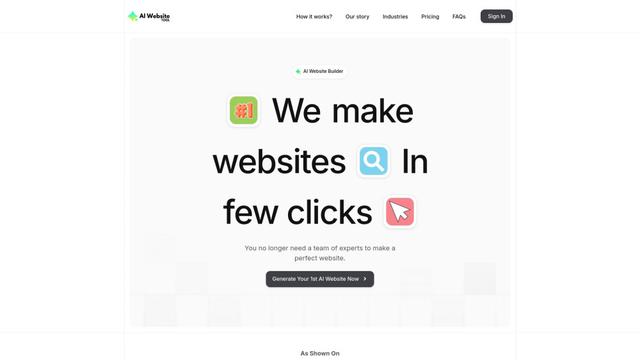
AI Website Tool is an AI-powered website builder that creates professional websites in minutes by automatically generating business-focused copy, custom visuals, and responsive designs with just a few clicks.
Softgen
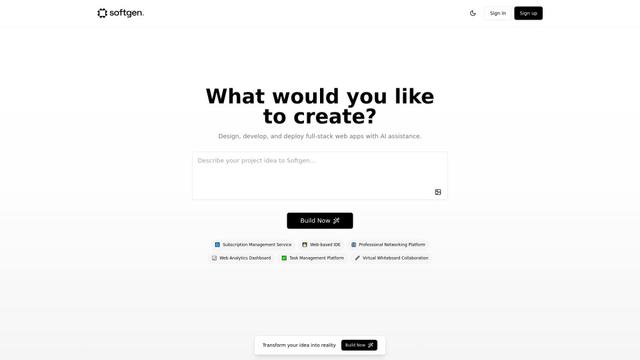
Softgen.ai is an AI-powered full-stack project generator platform that enables users to transform their ideas into functional web applications without coding requirements.
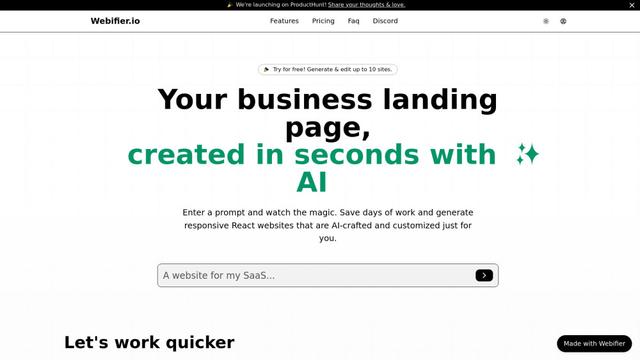
Webifier
Webifier is an AI-powered tool that transforms text prompts into fully functional React landing pages with clean, exportable code using NextJS14, TailwindCSS, and Shadcn components.
Popular AI Tools Like SlateHut.com - AI website builder
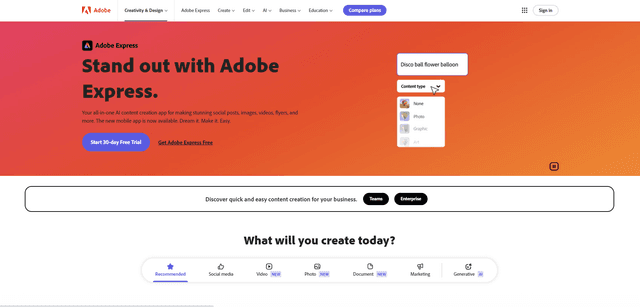
Adobe Express
Adobe Express is an all-in-one AI-powered content creation app for easily making stunning social posts, images, videos, flyers, and more with professionally designed templates and assets.
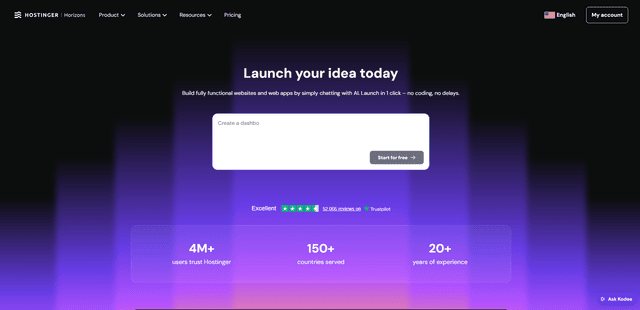
Hostinger
Hostinger is a web hosting and domain service provider offering AI-powered tools like Horizons that enables anyone to build, edit, and publish custom web apps and websites without coding through a simple chat interface.
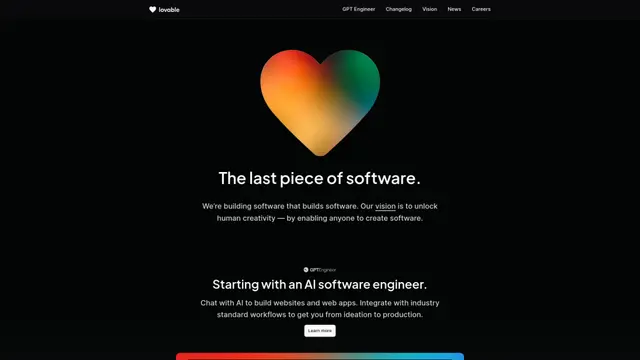
GPT Engineer
GPT Engineer is an AI-powered software development tool that enables anyone to build web applications by chatting with an AI engineer.
Manus Shopify Connector
Manus Shopify Connector lets you build a Shopify-backed storefront, manage your catalog, and generate data-driven campaigns from a single chat—using Shopify APIs with OAuth-scoped access and Shopify checkout.