
Seagull
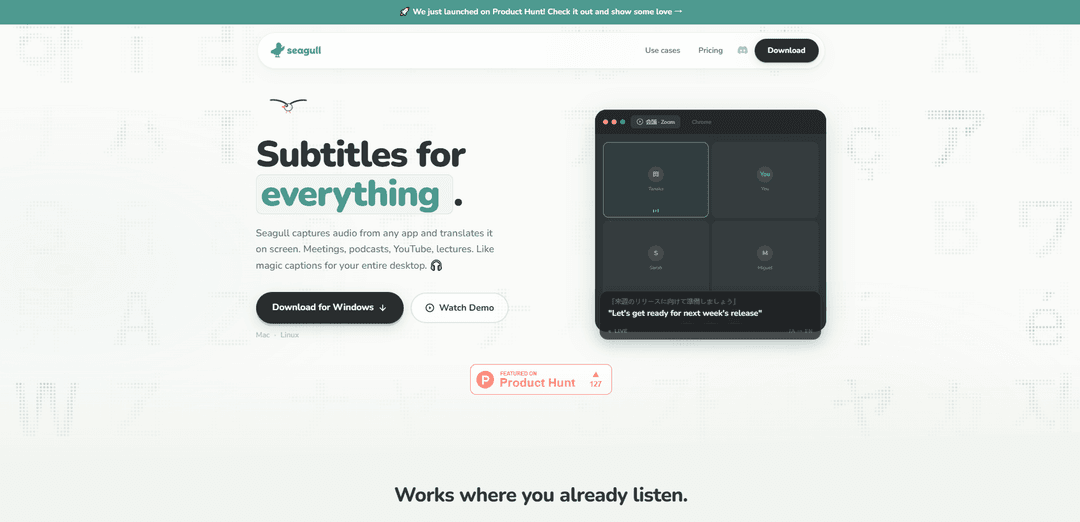
Seagull is an innovative desktop application that captures audio from any source and provides real-time translation with on-screen subtitles across 60+ languages.
https://getseagull.com/?ref=producthunt
Product Information
Updated:Mar 8, 2026
What is Seagull
Seagull is a versatile translation tool designed to break down language barriers in digital communication. It functions as a universal subtitle generator and translator that works across all desktop applications, requiring no plugins or browser extensions. Whether you're watching videos, attending online meetings, listening to podcasts, or taking online courses, Seagull seamlessly provides real-time translations as transparent overlays on your screen.
Key Features of Seagull
Seagull is a desktop application that provides real-time audio capture and translation capabilities across multiple languages. It works by capturing audio from any application and instantly displaying translated subtitles on screen, supporting over 60 languages without requiring any plugins or browser extensions. The service offers a transparent overlay that floats above all windows and can be used with various audio sources including meetings, podcasts, videos, and more.
Universal Audio Capture: Captures system audio from any application without requiring plugins or browser extensions
Multi-language Support: Supports over 60 languages from common ones like English and Mandarin to less common ones like Swahili and Tagalog
Floating Overlay: Transparent subtitle overlay that can be positioned anywhere on screen and stays on top of other windows
Real-time Translation: Provides instant translation of spoken content with automatic language detection capabilities
Use Cases of Seagull
International Business Meetings: Enables real-time translation during multilingual team meetings on platforms like Zoom, Teams, or Google Meet
Educational Content: Helps students understand foreign language lectures, online courses, and educational videos
Media Consumption: Allows users to enjoy foreign language podcasts, YouTube videos, and streaming content with live translations
Gaming Communication: Facilitates communication in multilingual gaming environments by translating voice chat in real-time
Pros
Simple three-step setup with no complex configuration required
Works with any audio source without need for specific integrations
Flexible subscription plans with weekly or monthly options
Cons
Limited free usage (only first hour free)
Voice playback feature not included in basic plans
Requires continuous subscription for ongoing use
How to Use Seagull
Download and Install: Download Seagull from the official website (getseagull.com) and install it on your device
Open Seagull: Launch the Seagull application. You can choose your preferred language or use auto-detect feature
Play Audio Content: Start playing any audio content from any application (YouTube, podcasts, meetings, etc.). Seagull will automatically capture the audio in the background
View Translations: Translated subtitles will appear automatically on screen in a transparent overlay that floats above all windows
Position Subtitles: You can drag the subtitle overlay anywhere on your screen to position it where you prefer
Monitor Usage: Keep track of your playback hours - free trial includes 1 hour, then requires subscription (12 hours/week for weekly plan or 48 hours/month for monthly plan)
Seagull FAQs
Seagull is a software application that captures audio from any app and translates it on screen in real-time. It works with meetings, podcasts, YouTube, lectures and other audio sources, providing live captions and translations for your entire desktop.
Seagull Video
Popular Articles

Atoms: A Multi-Agent AI Platform That Transforms Ideas into Launch-Ready Products
May 22, 2026

Nano Banana SBTI: What It Is, How It Works, and How to Use It in 2026
Apr 15, 2026

Atoms Review — The AI Product Builder Redefining Digital Creation in 2026
Apr 10, 2026

Kilo Claw: How to Deploy and Use a True "Do‑It‑For‑You" AI Agent(2026 Update)
Apr 3, 2026
Latest AI Tools Similar to Seagull
InDesign Translator
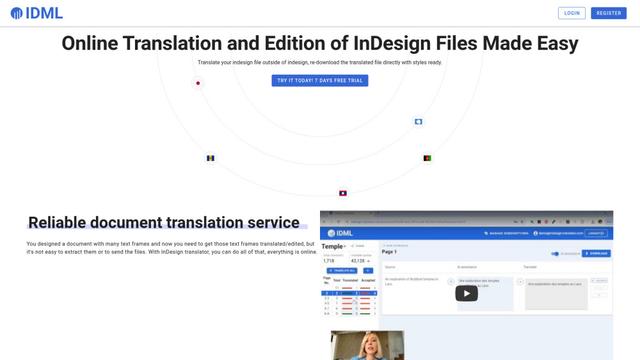
InDesign Translator is an online translation service that enables users to translate InDesign files while maintaining formatting and styles, offering AI-assisted translation and easy collaboration features without requiring translators to have InDesign installed.

Blanc AI
Blanc AI is a revolutionary AI solution that enables video content translation and dubbing into 47+ languages while preserving the original voice, emotions, and lip synchronization.
MenuGuide
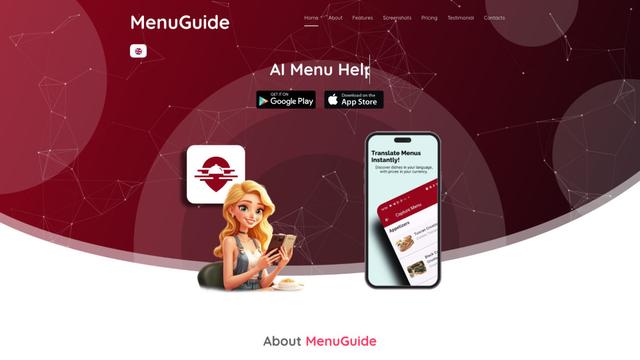
MenuGuide is a cutting-edge AI-powered app that instantly translates restaurant menus from any language to your preferred language, providing dish details, allergen information, and nutritional facts for seamless global dining experiences.
Vocabulary AI
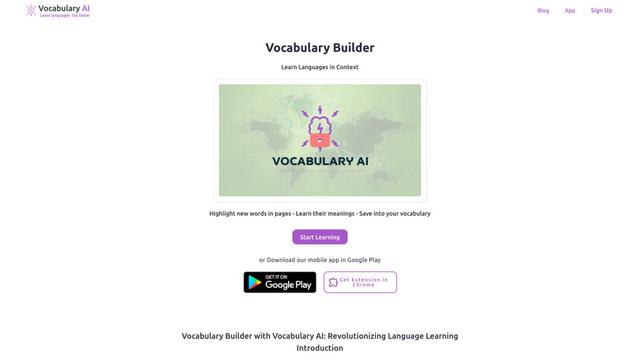
Vocabulary AI is an advanced AI-powered language learning platform that combines translation, vocabulary building, and personalized practice through website, mobile app, and browser extension to help users effectively learn and retain new words.
Popular AI Tools Like Seagull
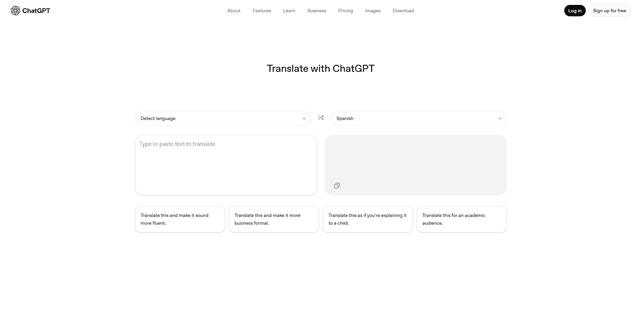
ChatGPT Translate
FreeTranslate
ChatGPT Translate is OpenAI's dedicated translation service that supports 50+ languages with AI-powered customization features for producing natural, context-aware translations across different tones and styles.
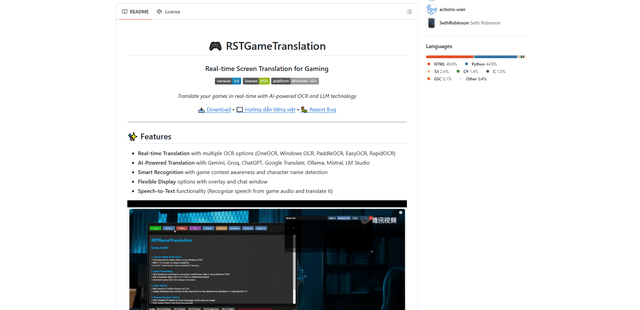
RSTGameTranslation
RSTGameTranslation is an open-source real-time game translation tool that combines OCR and AI translation technologies to automatically translate game text across multiple languages while supporting both offline and online modes.
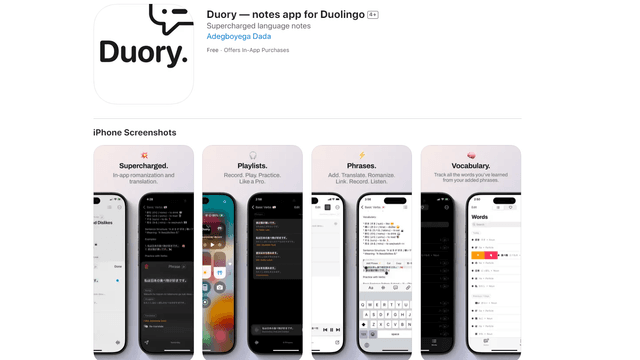
Duory
Duory is a dynamic language learning companion app that helps Duolingo users reinforce their lessons through interactive note-taking, translation features, and voice recording capabilities.