ScreenSorts
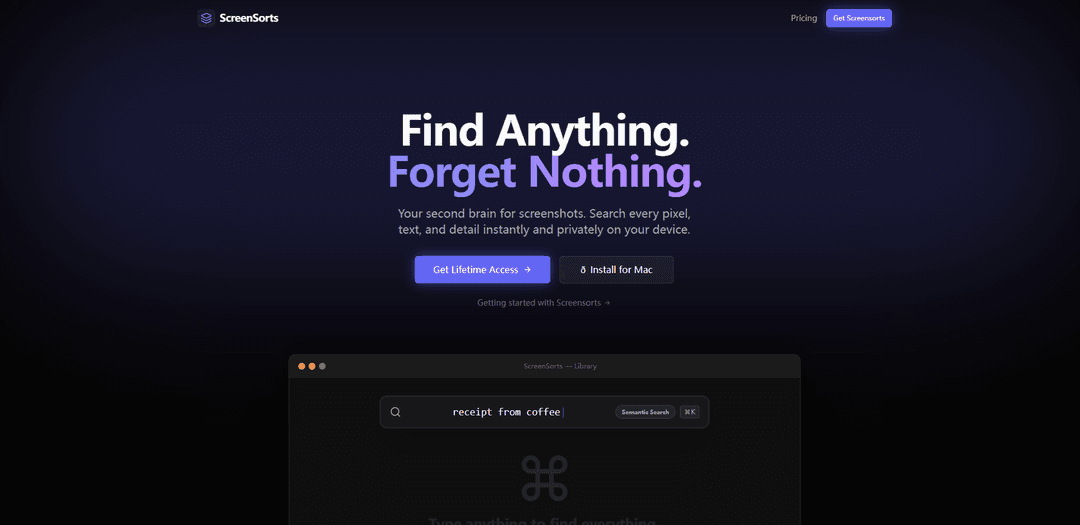
ScreenSorts is an offline-first screenshot organizer for macOS that uses local AI to make every pixel searchable and helps users efficiently manage their digital memory without cloud dependency.
https://screensorts.app/?ref=producthunt
Product Information
Updated:Feb 10, 2026
What is ScreenSorts
ScreenSorts is a powerful, privacy-focused screenshot management tool designed specifically for macOS users. It serves as a 'second brain' for screenshots, addressing the common problem of disorganized screenshot collections that often end up lost in desktop folders with generic names. The application lives in your menu bar and provides instant access to your screenshot history, making it an integral part of your workflow without compromising on privacy or speed.
Key Features of ScreenSorts
ScreenSorts is a privacy-focused screenshot organizer for macOS that uses local AI to make screenshots searchable and manageable. It offers instant search capabilities for text within images, object recognition, and smart organization features without requiring cloud uploads. The app integrates seamlessly with macOS, providing quick access from the menu bar and native-like functionality for file handling and sharing.
Local AI Processing: Uses Apple Neural Engine to process screenshots locally without uploading to any cloud servers, ensuring complete privacy while offering advanced search and recognition capabilities
Smart Search & Organization: Enables users to search through screenshots by text content, objects in images, and associated apps, with automatic organization features
Native macOS Integration: Seamlessly integrates with macOS through menu bar access, native UI patterns, and system-level features like drag-and-drop and copy-paste functionality
Text Extraction: Automatically recognizes and extracts text from screenshots, allowing users to copy and paste text content directly from images
Use Cases of ScreenSorts
Developer Workflow: Easily store and retrieve terminal errors and code snippets from screenshots without manual retyping
Design Reference: Organize and quickly find design inspiration and UI elements for creative professionals
Document Management: Securely store and organize sensitive documents like financial records, legal contracts, and medical information with local encryption
Recipe Collection: Save and search through food recipes captured from various sources with text recognition capabilities
Pros
Complete privacy with offline-only processing
One-time payment model with lifetime updates
Native macOS integration and smooth performance
Cons
Only available for macOS 13+
Requires Apple Silicon for optimal performance
Limited to 3 devices per license
How to Use ScreenSorts
Download and Install: Download ScreenSorts for macOS (requires macOS 13 or later, Apple Silicon recommended) and install it on your device
Access from Menu Bar: Find ScreenSorts in your menu bar for quick access to your screenshot history
Take Screenshots: Take screenshots as you normally would on your Mac - they will be automatically collected and organized by ScreenSorts
Search Screenshots: Use the search function to find screenshots by app name, text within images, or objects in the scene - all processing happens locally on your device
Share Screenshots: To share screenshots, simply use ⌘V to paste them into apps like Slack or Figma - they behave like native files
Extract Text: For screenshots containing text (like error messages), use the text extraction feature to copy the text content directly instead of retyping
Preview Files: Hit the Space bar to preview screenshots, similar to Finder's Quick Look feature
Browse Organized Content: View your screenshots automatically organized by app and date for easy browsing
ScreenSorts FAQs
ScreenSorts is an offline-first screenshot organizer for macOS that helps users organize, search, and manage their screenshots. It makes every pixel searchable and runs locally on your device.
Popular Articles

Vosko AI: Localize and Dub Videos for Global Audiences
Oct 15, 2026

Atoms: A Multi-Agent AI Platform That Transforms Ideas into Launch-Ready Products
Oct 13, 2026

Nano Banana SBTI: What It Is, How It Works, and How to Use It in 2026
Apr 15, 2026

Atoms Review — The AI Product Builder Redefining Digital Creation in 2026
Apr 10, 2026
Latest AI Tools Similar to ScreenSorts
Sortio
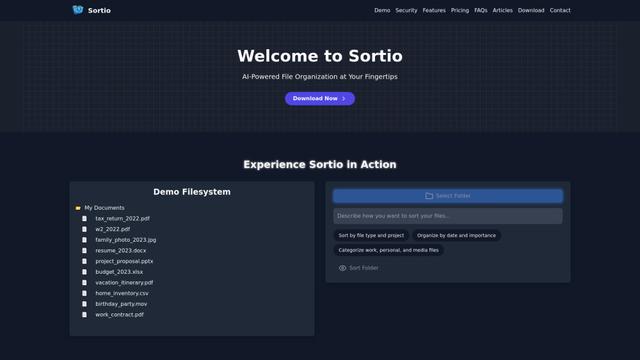
Sortio is an AI-powered desktop application that enables effortless file organization through natural language commands and intelligent sorting capabilities.

elDoc
elDoc is an all-in-one integrated automated platform that combines eSignatures, Document Workflow Automation, Secure File Management, and AI Document Processing capabilities to streamline document management and processing tasks.
RemoteSpace
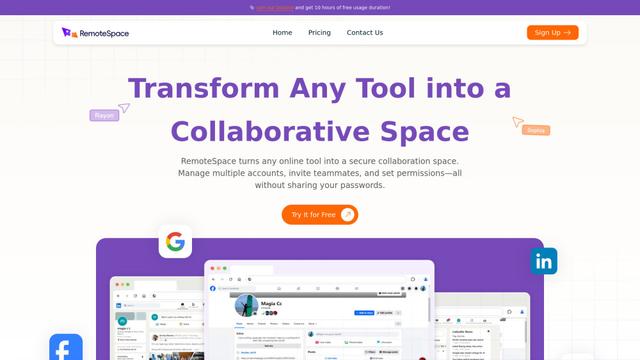
RemoteSpace is a secure collaboration platform that transforms any online tool into a shared workspace, allowing teams to manage multiple accounts, collaborate asynchronously, and maintain security without sharing passwords.

Proxy Booster
Proxy Booster is an all-in-one proxy management platform that helps users boost proxy speed, reduce proxy costs, and enhance security through AI-powered features like Smart-cache and custom proxy rules.
Popular AI Tools Like ScreenSorts

Claude Folder Upload
A Chrome extension that enables users to upload entire folders to Claude AI while intelligently preserving directory structures and file relationships, with smart filtering capabilities for irrelevant files.
Quill
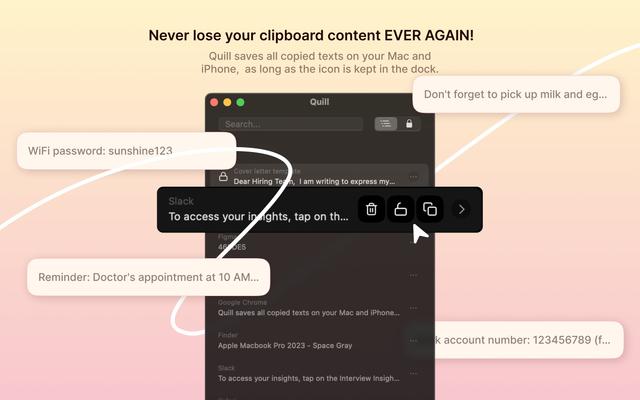
Quill is a comprehensive clipboard manager that automatically captures and organizes everything you copy across your Apple devices, featuring smart search, quick access, and seamless synchronization capabilities.
Cleana: iPhone Storage Cleaner
FreemiumAI Files Assistant
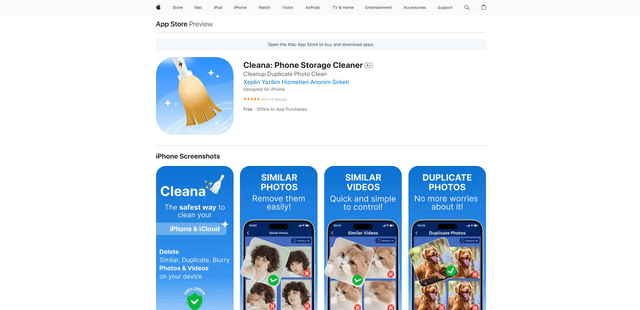
Cleana is an AI-powered iPhone storage cleaner that helps users efficiently identify and remove duplicate photos, similar videos, and unnecessary files while ensuring 100% offline data privacy.
Doneit
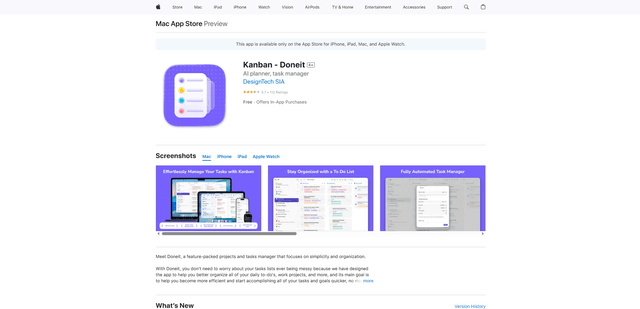
Doneit is a feature-packed projects and tasks manager app that focuses on simplicity and organization, offering multiple views like list, grid, Kanban board and timeline to help users better organize all their daily to-do's and work projects.