
ScreenSmooth
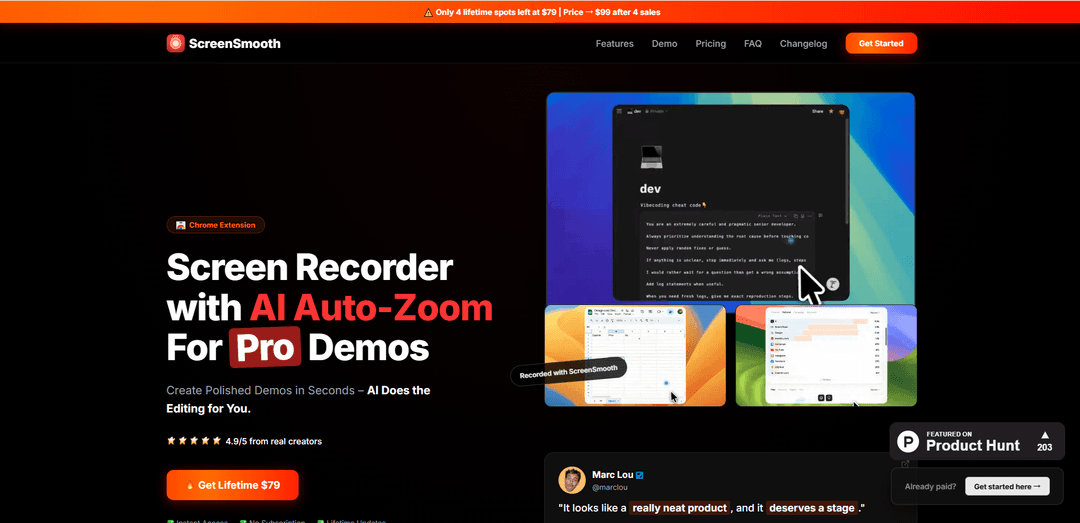
ScreenSmooth is an AI-powered Chrome extension that creates polished screen recordings with automatic zoom, smooth cursor movements, and instant export capabilities for professional demos.
https://screensmooth.com/?ref=producthunt
Product Information
Updated:Apr 15, 2026
What is ScreenSmooth
ScreenSmooth is a browser-based screen recording tool designed to help creators produce professional-quality demo videos without manual editing. As a Chrome extension, it works seamlessly across all operating systems including Windows, Mac, and Linux, requiring only Google Chrome, Edge, or Brave browser. Unlike traditional screen recorders that produce raw footage requiring extensive post-production, ScreenSmooth leverages AI technology to automatically enhance recordings in real-time. The tool runs locally in the browser, ensuring privacy and security of recorded content. With a one-time lifetime payment model starting at $79, ScreenSmooth positions itself as an affordable alternative to subscription-based competitors like ScreenStudio, offering similar features at a fraction of the long-term cost.
Key Features of ScreenSmooth
ScreenSmooth is an AI-powered screen recording Chrome extension that automatically creates professional-looking demo videos without manual editing. It features intelligent auto-zoom that detects clicks and important actions, smooth cursor movement transformation that eliminates shaky mouse movements, and support for multiple aspect ratios for various social media platforms. Available as a one-time lifetime purchase at $79, it works cross-platform on any OS with Chrome, Edge, or Brave browsers, runs locally for privacy, and includes a commercial license for unlimited recordings and devices.
AI Auto-Zoom: Automatically detects and zooms in on clicks and important actions during recording with smart detection and smooth framing, eliminating the need for manual editing
Smooth Cursor Movement: Transforms shaky, erratic mouse movements into professional, liquid-smooth glides that create a polished studio-quality recording appearance
Multi-Platform Aspect Ratio Support: Record in any dimension and export in the perfect format for YouTube, Twitter/X, TikTok, or Instagram without black bars or cropping complications
Cross-Platform Chrome Extension: Works on any operating system (Windows, Mac, Linux) through Chrome, Edge, or Brave browsers with no download required and local browser processing
WebM and MP4 Export: Supports multiple export formats with medium-speed processing for quick turnaround on finished videos
Commercial License Included: Lifetime access includes unlimited recordings, unlimited devices, and full commercial usage rights for business projects
Use Cases of ScreenSmooth
Software Product Demos: Create professional product demonstration videos for SaaS applications and software tools, automatically highlighting key features and interactions without manual editing
Tutorial and Educational Content: Produce high-quality instructional videos for online courses, YouTube tutorials, or training materials with smooth cursor movements and automatic zoom on important steps
Social Media Content Creation: Generate engaging screen recordings optimized for different social platforms like TikTok, Instagram, and Twitter with proper aspect ratios and professional appearance
Customer Support and Onboarding: Build comprehensive walkthrough videos for customer support teams and user onboarding processes, showcasing product features with studio-quality polish
Marketing and Sales Presentations: Develop compelling sales demo videos and marketing materials that showcase products professionally for potential clients and investors
Bug Reports and Technical Documentation: Create clear, professional screen recordings to document software bugs, technical issues, or workflow processes for development teams and stakeholders
Pros
One-time lifetime payment of $79 with no recurring subscription fees, significantly cheaper than competitors like ScreenStudio ($29/month)
Cross-platform compatibility through Chrome extension works on Windows, Mac, and Linux unlike Mac-only alternatives
AI-powered auto-zoom and smooth cursor features eliminate time-consuming manual editing work
Includes commercial license with unlimited recordings, devices, and browser profiles for early adopters
Cons
Medium export speed compared to some alternatives, requiring more processing time for finished videos
Known bug with direct uploads to Twitter/X requiring workaround through intermediate editors like Canva
Limited to Chrome-based browsers only (Chrome, Edge, Brave), excluding Safari and Firefox users
Price increases with each sale creating urgency but potentially frustrating later buyers who pay more
How to Use ScreenSmooth
1: Purchase ScreenSmooth lifetime access from the website for $79 (one-time payment)
2: After purchase, you'll instantly receive a link to the Chrome Web Store
3: Install ScreenSmooth by clicking 'Add to Chrome' in the Chrome Web Store (works on Chrome, Edge, or Brave browser)
4: Open the ScreenSmooth Chrome Extension in your browser
5: Start recording your screen - the extension will run locally in your browser
6: Perform your demo or tutorial - click and interact naturally with your screen
7: The AI will automatically detect your clicks and interactions, creating smooth auto-zooms without manual editing
8: Your cursor movements will be automatically smoothed to look professional and liquid-smooth
9: Stop the recording when finished
10: Export your video in WebM or MP4 format in any aspect ratio (YouTube, X/Twitter, TikTok, Instagram)
11: Note: For uploading to X/Twitter, first upload to another editor like Canva, then download and upload to X (due to a known direct upload bug)
12: Use your professionally-edited screen recording for commercial projects, tutorials, or demos
ScreenSmooth FAQs
Yes! ScreenSmooth is a Chrome Extension so it runs on any OS with Google Chrome, Edge, or Brave installed.
ScreenSmooth Video
Popular Articles

Atoms: A Multi-Agent AI Platform That Transforms Ideas into Launch-Ready Products
May 22, 2026

Nano Banana SBTI: What It Is, How It Works, and How to Use It in 2026
Apr 15, 2026

Atoms Review — The AI Product Builder Redefining Digital Creation in 2026
Apr 10, 2026

Kilo Claw: How to Deploy and Use a True "Do‑It‑For‑You" AI Agent(2026 Update)
Apr 3, 2026
Latest AI Tools Similar to ScreenSmooth

Claap
Claap is an AI-powered sales assistant that automates post-meeting tasks like note-taking, CRM updates, and follow-up emails while providing valuable deal insights and coaching capabilities.
Streamie
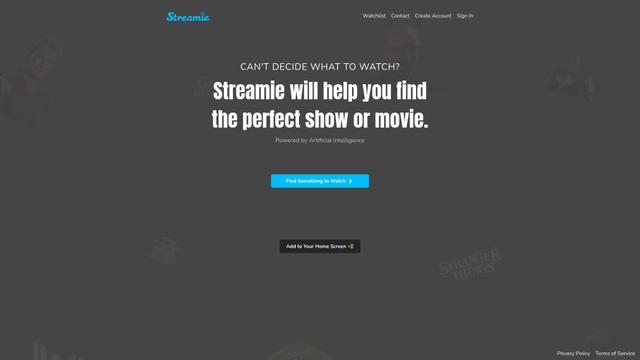
Streamie is an AI-powered app that helps users discover, stream, and manage various types of camera feeds on Apple devices while also providing personalized movie and TV show recommendations.
MyItura
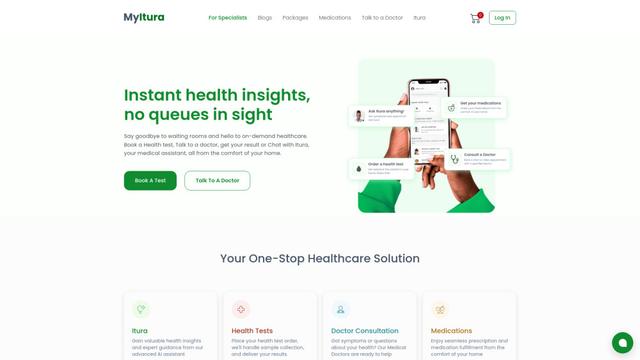
MyItura is a leading data-centric digital health startup in Nigeria that provides an affordable and convenient platform for remote healthcare services, including AI-assisted health insights, diagnostic testing, doctor consultations, and medication delivery.
Ssemble
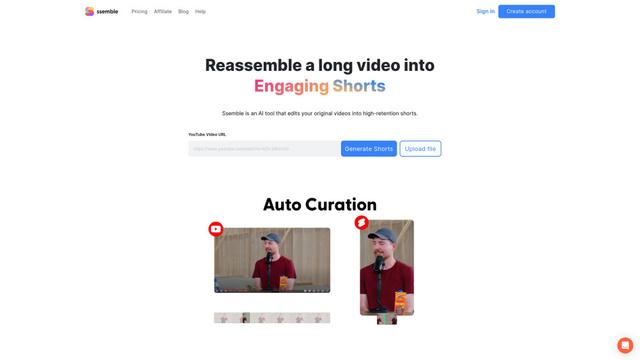
Ssemble is an AI-powered online video editor that automatically creates engaging shorts from longer videos, with features like trimming, captioning, transitions, and sound effects.
Popular AI Tools Like ScreenSmooth
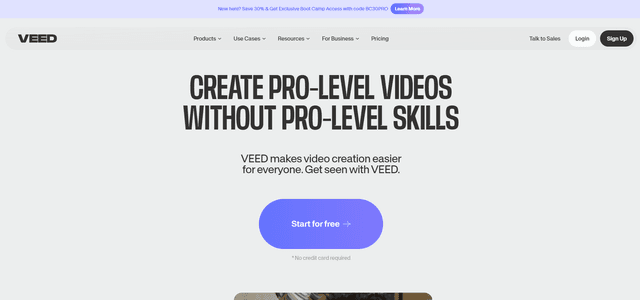
VEED
VEED is an AI-powered online video editing platform that makes creating professional-quality videos easy and accessible to everyone.
Ssemble
Ssemble is an AI-powered online video editor that automatically creates engaging shorts from longer videos, with features like trimming, captioning, transitions, and sound effects.
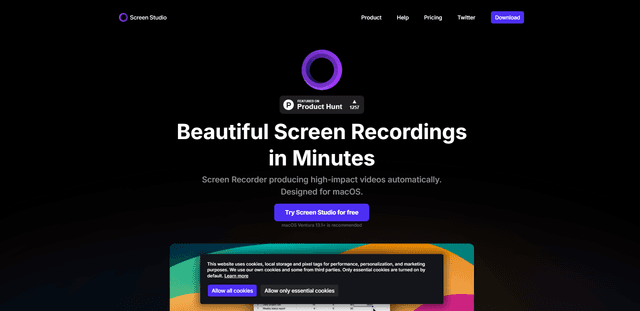
Screen Studio
Screen Studio is a professional screen recording software for macOS that automatically creates high-quality videos with smart features like automatic zoom, smooth cursor movements, and cinematic effects.
Claap
Claap is an AI-powered sales assistant that automates post-meeting tasks like note-taking, CRM updates, and follow-up emails while providing valuable deal insights and coaching capabilities.