
RenameClick
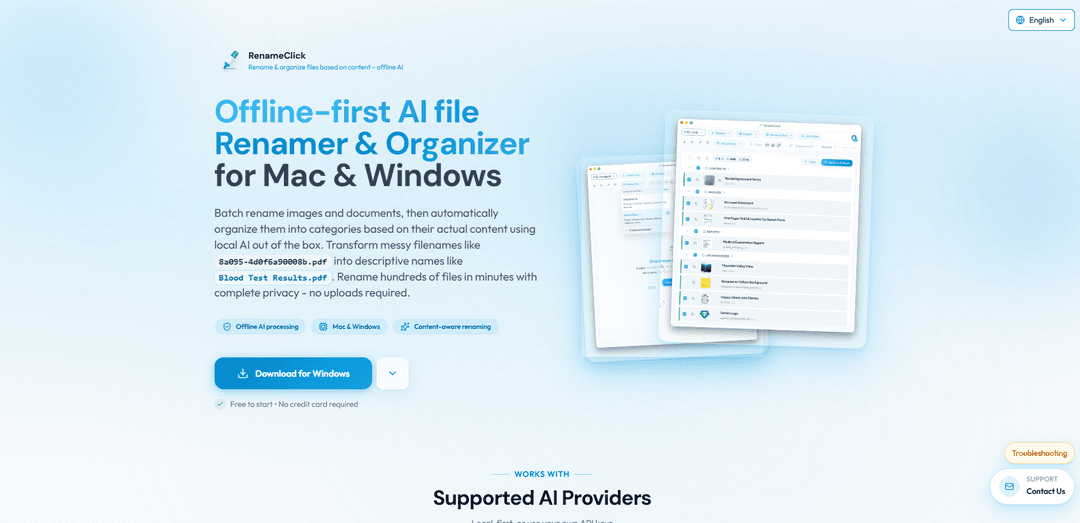
RenameClick is an offline-first AI tool that intelligently renames and organizes files based on their actual content using local AI processing, supporting both Mac and Windows platforms.
https://rename.click/?ref=producthunt
Product Information
Updated:Feb 8, 2026
What is RenameClick
RenameClick is a powerful file management tool that uses artificial intelligence to transform messy, meaningless file names into clear, descriptive ones. It's designed to work completely offline by default, using a built-in AI model that runs locally on your computer, ensuring complete privacy and control over your data. The application supports a wide range of file formats, including common image types (JPG, PNG, GIF, etc.) and documents (PDF, DOC, DOCX, etc.), making it versatile for various workflows.
Key Features of RenameClick
RenameClick is an offline-first AI-powered file renaming and organizing tool for Mac and Windows that analyzes file content to suggest descriptive names and automatically categorize files. It supports batch processing of images and documents, works with local AI by default for privacy, and offers multiple language support for generated filenames. The tool can process various file formats including images (JPG, PNG, etc.) and documents (PDF, DOC, etc.) without requiring internet connection for its core functionality.
Offline AI Processing: Uses built-in local AI model to analyze and rename files without internet connection or cloud uploads, ensuring complete privacy and data security
Batch Renaming: Can process hundreds of files simultaneously, analyzing content and suggesting meaningful names that can be applied with one click
Automatic File Organization: Includes a File Organizer feature that automatically categorizes and sorts files into appropriate folders based on content analysis
Multiple AI Provider Support: Offers flexibility to use local AI, cloud providers (OpenAI, Google Gemini), or local LLM integrations (LM Studio, Ollama)
Use Cases of RenameClick
Photography Management: Photographers can batch rename images using EXIF metadata and content analysis, organizing photos by location, date, and subject matter
Document Organization: Business professionals can automatically rename and categorize various documents like invoices, contracts, and reports based on their content
Media Asset Management: Content creators can organize media files by automatically categorizing and renaming images, artwork, and screenshots based on visual content
Pros
Complete privacy with offline-first approach
Supports multiple file formats and languages
Offers both automatic and customizable naming options
Cons
Requires significant disk space (~4GB) for local AI model
Best performance requires dedicated GPU with 4GB VRAM
Limited to 30 rename credits per month in free version
How to Use RenameClick
Download and Install: Download RenameClick from the official GitHub releases page and install it on your Mac or Windows computer. The app requires about 4GB of disk space for the local AI model.
Launch Application: Open RenameClick after installation. The app will initialize its local AI model for offline processing.
Drag and Drop Files: Drag and drop the files you want to rename into the RenameClick interface. The app supports various formats including images (JPG, PNG, etc.) and documents (PDF, DOC, etc.).
Review AI Suggestions: The AI will analyze the content of each file and suggest descriptive names. Review the suggested names before applying them.
Apply Changes: Click to apply the suggested names to your files. Free users get 30 credits per month to apply changes, while Pro users get unlimited renaming.
Optional: Use File Organizer: Switch to the Organizer tab to automatically sort files into categories. Select a preset category system (like 'Documents' or 'Media Files') or create your own custom categories.
Optional: Configure AI Settings: Access Local AI Settings via the gear icon to adjust context size, text trim, and other parameters to optimize performance for your hardware.
Optional: Use Cloud Providers: If desired, you can configure OpenAI or Google Gemini as alternative AI providers by entering your own API keys, though this requires internet connection.
RenameClick FAQs
RenameClick is an offline-first AI tool that intelligently renames and organizes files based on their content. It works on both Mac and Windows, using local AI to transform messy filenames into descriptive ones without uploading files anywhere.
RenameClick Video
Popular Articles

Vosko AI: Localize and Dub Videos for Global Audiences
Oct 15, 2026

Atoms: A Multi-Agent AI Platform That Transforms Ideas into Launch-Ready Products
Oct 13, 2026

Nano Banana SBTI: What It Is, How It Works, and How to Use It in 2026
Apr 15, 2026

Atoms Review — The AI Product Builder Redefining Digital Creation in 2026
Apr 10, 2026
Latest AI Tools Similar to RenameClick
Sortio
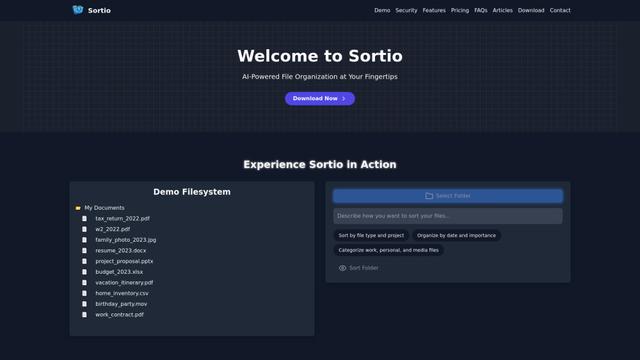
Sortio is an AI-powered desktop application that enables effortless file organization through natural language commands and intelligent sorting capabilities.

elDoc
elDoc is an all-in-one integrated automated platform that combines eSignatures, Document Workflow Automation, Secure File Management, and AI Document Processing capabilities to streamline document management and processing tasks.

RemoteSpace
RemoteSpace is a secure collaboration platform that transforms any online tool into a shared workspace, allowing teams to manage multiple accounts, collaborate asynchronously, and maintain security without sharing passwords.

Proxy Booster
Proxy Booster is an all-in-one proxy management platform that helps users boost proxy speed, reduce proxy costs, and enhance security through AI-powered features like Smart-cache and custom proxy rules.
Popular AI Tools Like RenameClick

Claude Folder Upload
A Chrome extension that enables users to upload entire folders to Claude AI while intelligently preserving directory structures and file relationships, with smart filtering capabilities for irrelevant files.
Quill
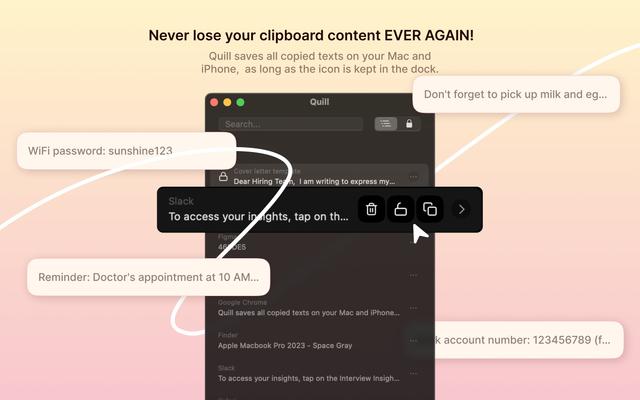
Quill is a comprehensive clipboard manager that automatically captures and organizes everything you copy across your Apple devices, featuring smart search, quick access, and seamless synchronization capabilities.
Cleana: iPhone Storage Cleaner
FreemiumAI Files Assistant
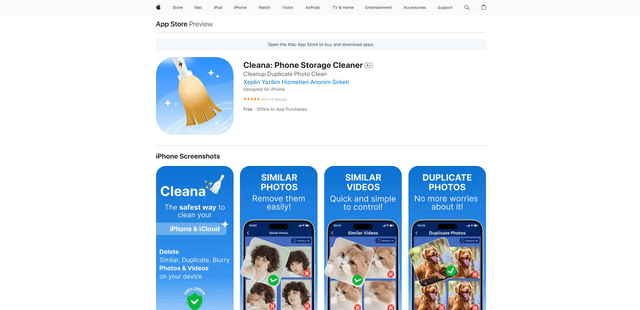
Cleana is an AI-powered iPhone storage cleaner that helps users efficiently identify and remove duplicate photos, similar videos, and unnecessary files while ensuring 100% offline data privacy.
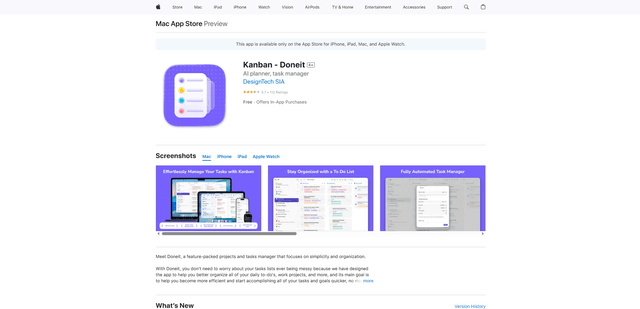
Doneit
Doneit is a feature-packed projects and tasks manager app that focuses on simplicity and organization, offering multiple views like list, grid, Kanban board and timeline to help users better organize all their daily to-do's and work projects.