Recorded
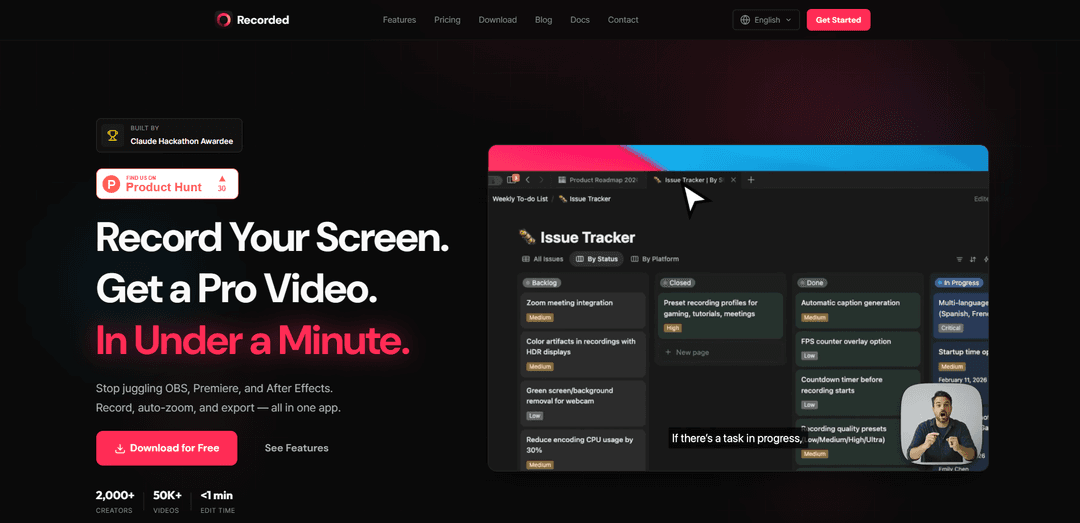
Recorded is an all-in-one screen recording and editing app that combines professional recording, AI-powered auto-zoom, and instant editing capabilities to create high-quality videos in under a minute.
https://recorded.app/?ref=producthunt
Product Information
Updated:Mar 9, 2026
What is Recorded
Recorded is a professional screen recording and video editing application designed to streamline the process of creating tutorial videos, product demos, and educational content. It eliminates the need for multiple tools like OBS, Premiere, and After Effects by providing an integrated solution that handles recording, editing, and exporting in a single platform. The app caters to creators, educators, and professionals who need to produce high-quality screen recordings efficiently without extensive editing experience.
Key Features of Recorded
Recorded is a professional screen recording and video editing application that combines recording, auto-zooming, and exporting capabilities into one streamlined tool. It features AI-powered automatic zooming based on cursor movement, automatic subtitle generation in 90+ languages, and quick editing capabilities, allowing users to create professional-quality videos in under a minute without requiring advanced editing skills.
Smart Auto-Zoom: AI-powered feature that automatically detects clicks and important actions, adding smooth cinematic zoom effects without manual keyframe editing
Auto Subtitles: On-device AI transcription that supports 90+ languages with high accuracy, requiring no cloud upload
One-Click Recording & Quick Export: Instant screen recording with options for full screen, window, or custom area selection, plus hardware-accelerated export for maximum speed
Simplified Editing Interface: Timeline-based editor with drag-and-drop functionality, allowing for quick trimming and basic editing without complex tools
Use Cases of Recorded
Software Development Tutorials: Developers can create professional code walkthroughs and tutorials with automatic zooming on relevant code sections
Corporate Training: Companies can efficiently produce onboarding videos and internal training materials with professional quality and minimal editing time
Product Demonstrations: Sales teams and product managers can quickly create and share product demos with clients and stakeholders
Educational Content: Teachers and content creators can produce educational videos with clear focus points and automatic subtitles for better engagement
Pros
Significant time savings compared to traditional recording and editing workflows
Professional-looking results without requiring video editing expertise
Smooth, automated features that work reliably
Cons
Free version limited to 25-second exports
Limited to one device in free version
Watermark on exports in free version
How to Use Recorded
Download and Install: Download Recorded app from their official website recorded.app and install it on your device
Start Recording: Click the record button and select your preferred recording area - full screen, specific window, or custom area
Configure Recording Settings: Choose recording options like cursor highlighting, webcam overlay, and audio input before starting
Record Content: Click 'Record' to begin capturing. The app will automatically detect your clicks and add smart zoom effects as you move through content
Edit Recording: Use the timeline editor to trim clips, adjust auto-zoom effects, add background music/images, and enable AI-powered subtitles if needed
Add Enhancements: Apply professional backgrounds, cursor highlights, and webcam overlay options to enhance your video
Export and Share: Click export to save as MP4 (hardware-accelerated for speed) and get an instant share link to send to others
Recorded FAQs
Yes, the Free plan includes all editing features with no time limit, but comes with limitations like watermarks, 25-second export limit, and 14-day share link expiration. Users can upgrade to Pro when they need more features.
Recorded Video
Popular Articles

Vosko AI: Localize and Dub Videos for Global Audiences
Oct 15, 2026

Atoms: A Multi-Agent AI Platform That Transforms Ideas into Launch-Ready Products
Oct 13, 2026

Nano Banana SBTI: What It Is, How It Works, and How to Use It in 2026
Apr 15, 2026

Atoms Review — The AI Product Builder Redefining Digital Creation in 2026
Apr 10, 2026
Latest AI Tools Similar to Recorded
Claap
Claap is an AI-powered sales assistant that automates post-meeting tasks like note-taking, CRM updates, and follow-up emails while providing valuable deal insights and coaching capabilities.
Streamie
Streamie is an AI-powered app that helps users discover, stream, and manage various types of camera feeds on Apple devices while also providing personalized movie and TV show recommendations.
MyItura
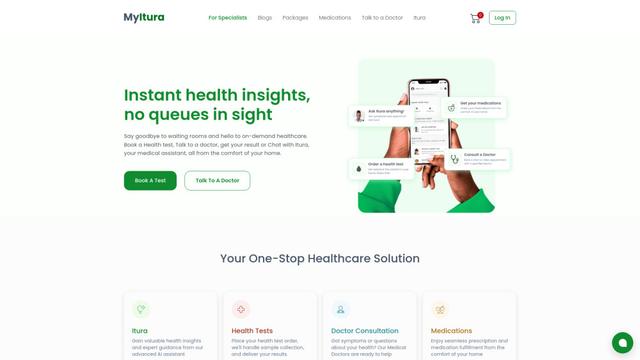
MyItura is a leading data-centric digital health startup in Nigeria that provides an affordable and convenient platform for remote healthcare services, including AI-assisted health insights, diagnostic testing, doctor consultations, and medication delivery.
Ssemble
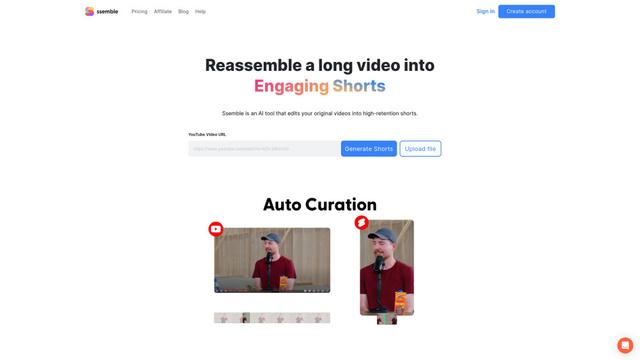
Ssemble is an AI-powered online video editor that automatically creates engaging shorts from longer videos, with features like trimming, captioning, transitions, and sound effects.
Popular AI Tools Like Recorded
VEED
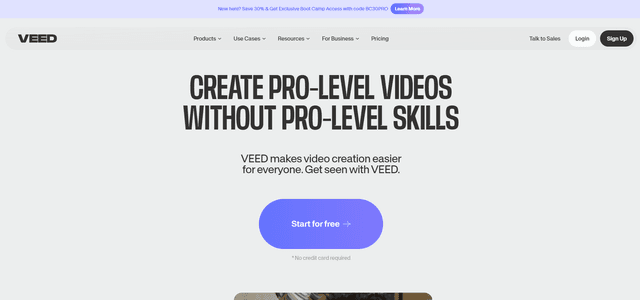
VEED is an AI-powered online video editing platform that makes creating professional-quality videos easy and accessible to everyone.
Ssemble
Ssemble is an AI-powered online video editor that automatically creates engaging shorts from longer videos, with features like trimming, captioning, transitions, and sound effects.
Screen Studio
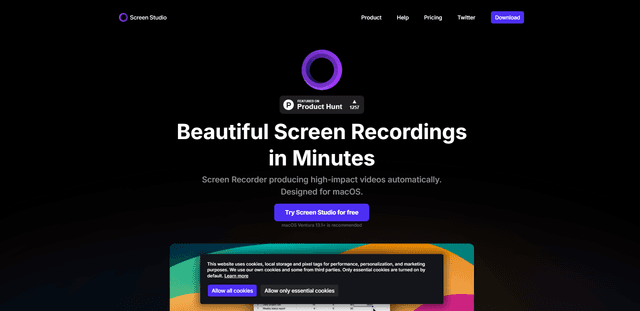
Screen Studio is a professional screen recording software for macOS that automatically creates high-quality videos with smart features like automatic zoom, smooth cursor movements, and cinematic effects.
Claap
Claap is an AI-powered sales assistant that automates post-meeting tasks like note-taking, CRM updates, and follow-up emails while providing valuable deal insights and coaching capabilities.