
Reader Alive
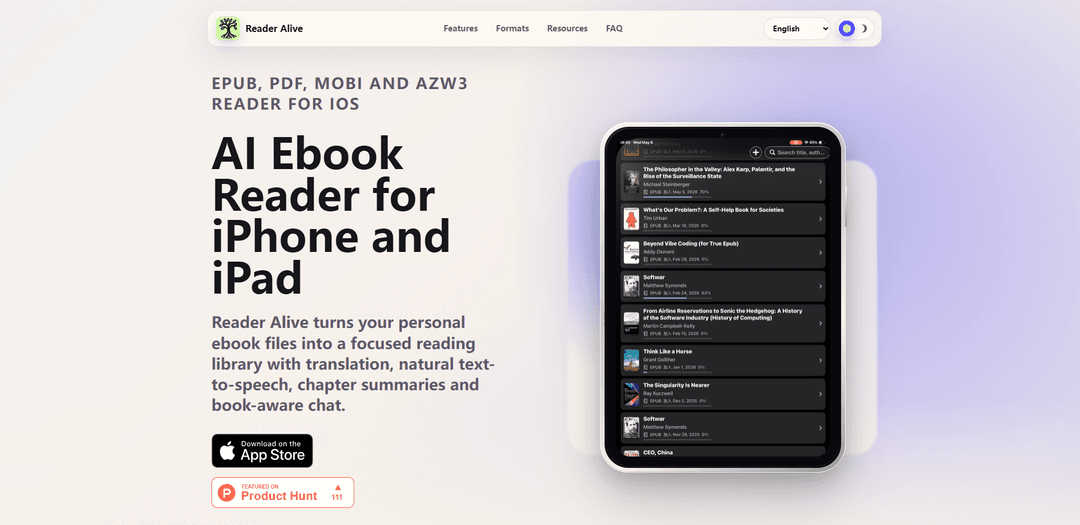
Reader Alive is an iOS ebook reader for iPhone and iPad that supports EPUB, PDF, MOBI, and AZW3 and adds in-context AI tools like translation, natural text-to-speech, chapter summaries, and book-aware chat.
https://readeralive.com/?utm_source=aipure&utm_medium=organic_launch&utm_campaign=reader_alive_202605_launch&utm_content=ph_launch&ref=producthunt
Product Information
Updated:Jun 8, 2026
What is Reader Alive
Reader Alive is an AI-powered ebook reader designed for people who bring their own book files and want a focused, store-independent reading library on iPhone and iPad. It imports common personal ebook formats—EPUB, PDF, MOBI, and AZW3—into one place, then layers reading assistance tools on top of the text, including translation, natural-sounding text-to-speech, chapter summaries, and Q&A that stays grounded in the book. It also supports iCloud sync so your library and reading position can follow you across your Apple devices.
Key Features of Reader Alive
Reader Alive is an iOS ebook reader for iPhone and iPad that organizes your personal ebook files into a single library and adds AI-assisted reading tools. It supports common formats (EPUB, PDF, MOBI, AZW3) and includes in-context translation, natural text-to-speech, chapter summaries (key ideas, timelines, action lists), and book-aware Q&A grounded in the text. Standard reading works without invoking AI, while AI features, iCloud sync, and some import methods require a network connection; iCloud continuity keeps your library and reading position synced across your Apple devices.
Multi-format personal library (EPUB/PDF/MOBI/AZW3): Keeps common ebook and document formats in one iPhone/iPad library, so your reading workflow isn’t tied to a single store or file type.
In-context translation: Translate selected passages or chapters without leaving the book, supporting multilingual reading and language study.
Natural text-to-speech listening: Switch from reading to listening during long sessions using natural-sounding voices.
Chapter summaries and structured takeaways: Generates summaries plus formats like key ideas, timelines, and action lists to speed up comprehension of dense material.
Book-aware chat grounded in the text: Ask questions about the passage or chapter you’re reading and get answers tied to the book’s content.
iCloud sync for progress and library: Uses iCloud continuity to keep your library and reading position available across your own Apple devices.
Use Cases of Reader Alive
Language learning with assisted reading: Read foreign-language ebooks with instant translation and optional text-to-speech to support vocabulary building and pronunciation exposure.
Student study and exam prep: Import textbooks or PDFs, summarize chapters into key ideas/timelines, and ask grounded questions to review faster.
Research and reference workflows: Keep technical PDFs and ebooks together, then extract structured summaries and clarifications without switching apps.
Long-form leisure reading with listen mode: Continue novels or nonfiction by switching to natural TTS when you can’t keep reading on-screen.
Managing a personal ebook collection across formats: Consolidate EPUB, MOBI, and AZW3 files into one calm library and import via Files, AirDrop, Finder, iCloud Drive, Wi‑Fi transfer, or Share Sheet.
Pros
Supports multiple common ebook formats (EPUB, PDF, MOBI, AZW3) in one iOS library
Strong in-reading AI tools: translation, summaries, and book-grounded Q&A
Can read offline for standard reading once books are imported
iCloud continuity keeps progress synced across Apple devices
Cons
AI features send selected text/excerpts and prompts to AI providers when used
AI features, iCloud sync, and some import methods require a network connection
Limited to iPhone/iPad (iOS-only)
How to Use Reader Alive
1) Install Reader Alive on iPhone or iPad: Open the App Store link for Reader Alive and install the app on your device.
2) Add your ebook files to Reader Alive: Import personal ebook files (EPUB, PDF, MOBI, AZW3) using any of the supported methods: Files app, iOS Share Sheet, AirDrop, Finder (device file transfer), iCloud Drive, or Wi‑Fi transfer. After import, your books appear in your Reader Alive library.
3) Open a book and choose your reading mode: Tap a title in your library to start reading. For EPUB, use reading controls such as fonts, themes, page mode, or continuous scrolling to match your preference.
4) Read offline when you just need standard reading: Use ordinary reading controls without starting any AI request. Offline reading works for imported books; some features (AI tools, iCloud sync, and some imports) require a network connection.
5) Translate selected text while reading: Select a passage in the book and use the translate option to translate the selection without leaving the book context.
6) Translate a chapter (when you need broader context): Use the chapter translation feature to translate a larger section (such as a chapter) while staying within the book’s reading flow.
7) Listen with natural text-to-speech: Start text-to-speech to continue a long reading session by listening. Use this when you want natural-sounding voices for extended listening.
8) Summarize what you’re reading: Use the summary tools to turn dense chapters into outputs such as chapter summaries, key ideas, timelines, or action lists—useful for study, research, or quick review.
9) Ask questions grounded in the book: Use book-aware chat to ask about the passage or chapter you’re reading. The app is designed to keep answers tied to the text and context of your book.
10) Enable iCloud sync to keep progress across devices: Turn on iCloud continuity so your library and reading position stay available across your own Apple devices (e.g., iPhone and iPad).
11) Understand when content may be sent to AI providers: Reader Alive only sends data to AI service providers when you explicitly use AI features (translation, text-to-speech, summaries, or book-aware chat). In those cases, selected text, relevant excerpts, voice input, or your question may be sent to complete the request.
12) Use Reader Alive for common workflows: For language learning: combine translation + text-to-speech while reading foreign-language books. For long-form reading: keep novels and nonfiction in one calm library. For students/research: use summaries, key ideas extraction, and grounded Q&A while staying in context.
Reader Alive FAQs
Yes. Reader Alive supports EPUB books on iPhone and iPad, alongside PDF, MOBI and AZW3 files.
Reader Alive Video
Popular Articles

How to Create Viral Talking Baby Podcast Videos with AI: Step-by-Step Guide (2025)
Nov 2, 2026

Vosko AI: Localize and Dub Videos for Global Audiences
Oct 15, 2026

Atoms: A Multi-Agent AI Platform That Transforms Ideas into Launch-Ready Products
Oct 13, 2026

Nano Banana SBTI: What It Is, How It Works, and How to Use It in 2026
Apr 15, 2026
Latest AI Tools Similar to Reader Alive
MicVoice.Ai
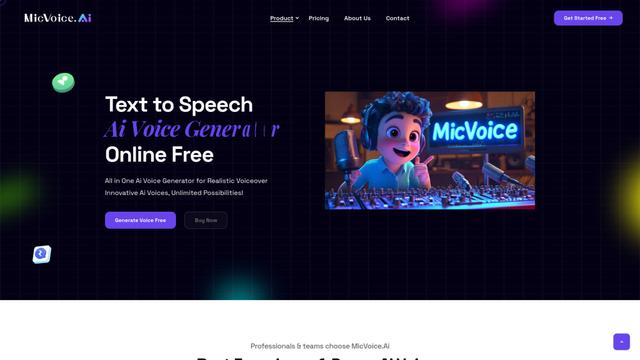
MicVoice.Ai is an all-in-one AI voice generator platform that transforms written text into high-quality, natural-sounding speech with over 5000 realistic AI voices supporting 17+ languages.
Narrai
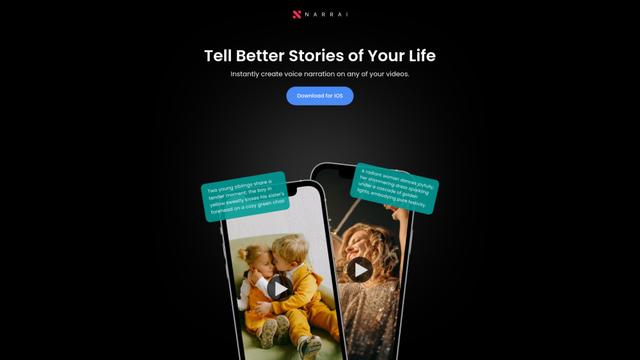
Narrai is an AI-powered mobile app that instantly creates voice narration and background music for short videos by automatically generating relevant scripts and offering multiple narrator personas.
Vagent
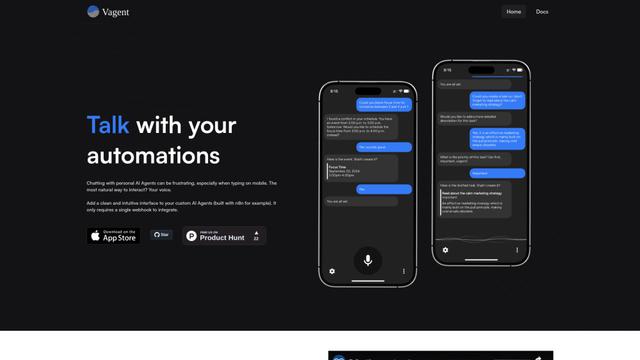
Vagent is a lightweight voice interface that enables users to interact with custom AI agents through voice commands, providing a natural and intuitive way to control automations with support for 60+ languages.
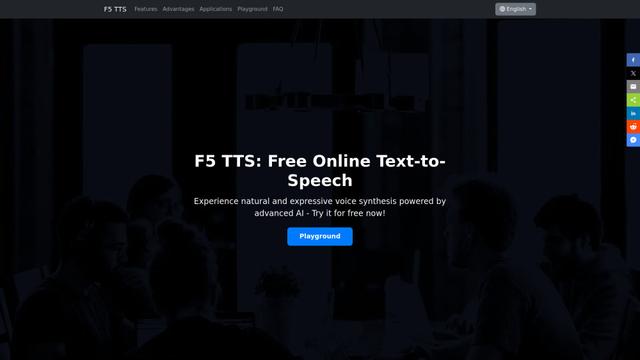
F5 TTS
F5-TTS is a state-of-the-art, non-autoregressive text-to-speech system that uses Flow Matching and Diffusion Transformer techniques to generate highly natural and expressive speech with zero-shot voice cloning capabilities.
Popular AI Tools Like Reader Alive
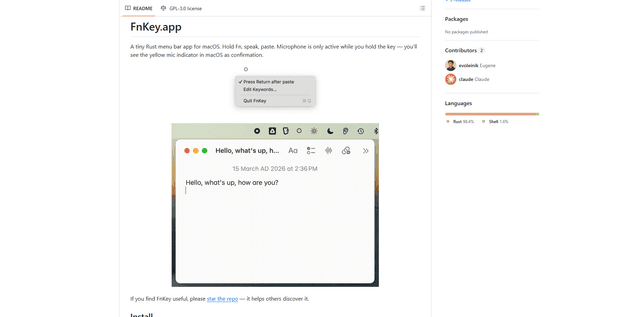
FnKey
FnKey is a lightweight macOS menu bar application that enables quick voice-to-text transcription by holding the Fn key to speak and automatically pastes the transcribed text when released.
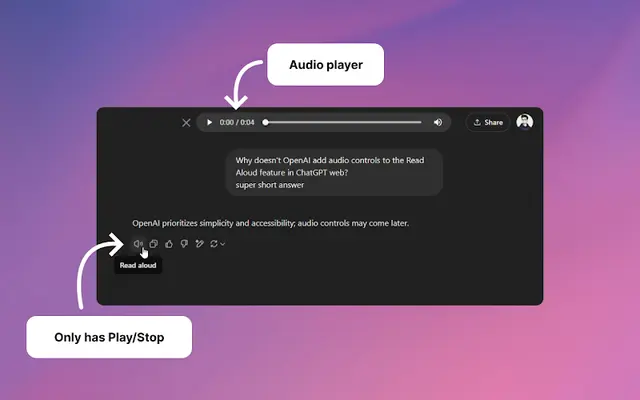
Audio player for ChatGPT
A Chrome extension that enhances ChatGPT's Read Aloud feature by adding a user-friendly audio player with basic controls like play/pause, seek bar, and duration display.
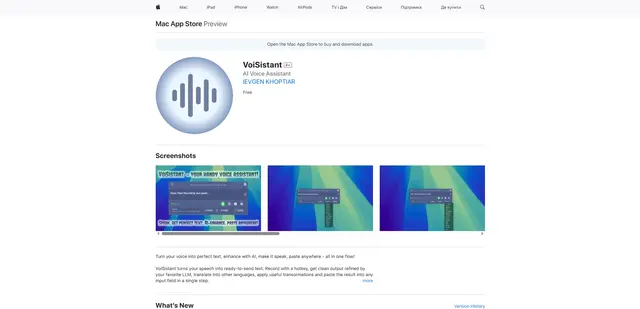
VoiSistant
VoiSistant is a comprehensive voice-to-text application that combines speech recognition, AI enhancement, translation, and text-to-speech capabilities in one seamless workflow.
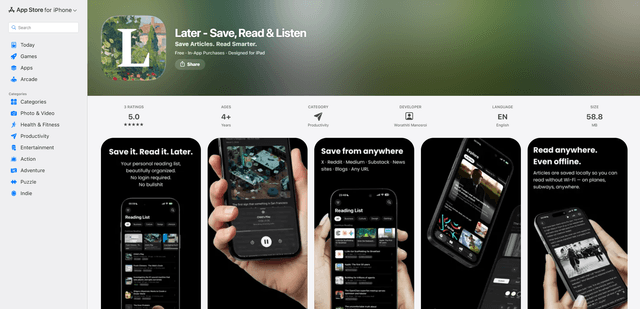
LaterAI
Later is an AI-powered read-it-later app that lets you save articles, read them in a distraction-free environment, and listen to them with natural-sounding AI voices - all while maintaining complete privacy with on-device processing.