
QApilot
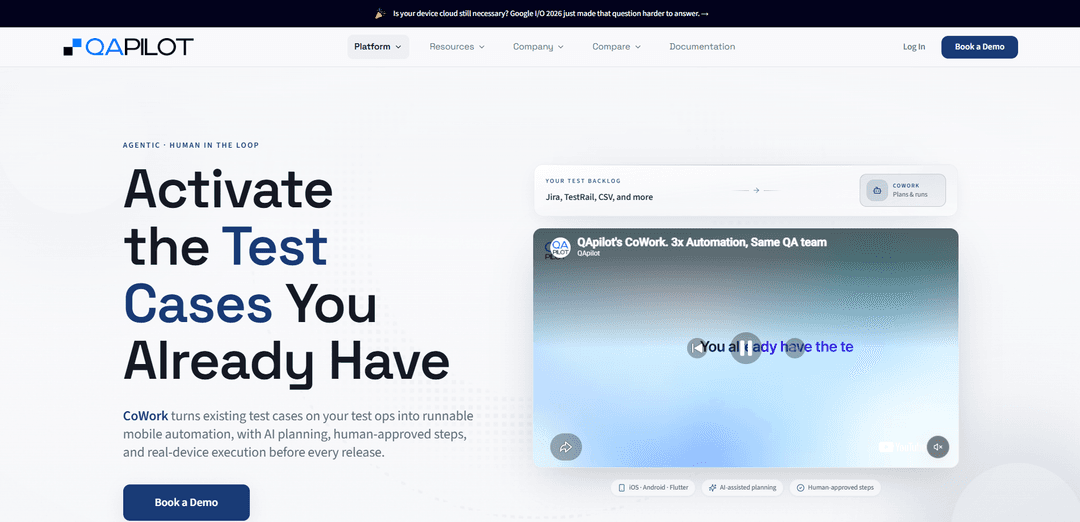
QApilot is an AI-native mobile app testing platform that autonomously explores iOS, Android, and Flutter apps to generate test coverage, run on real devices, and self-heal broken tests for release-ready reporting.
https://qapilot.io/product/cowork?ref=producthunt
Product Information
Updated:Jul 8, 2026
What is QApilot
QApilot is an AI-powered, no-code QA automation platform built specifically for mobile applications. It helps teams quickly achieve confidence in critical user journeys by reducing the manual effort required to create, maintain, and execute mobile tests. Designed for iOS, Android, and Flutter apps, QApilot focuses on autonomous exploration, instant coverage generation, and reliable execution signals that fit into modern release cycles.
Key Features of QApilot
QApilot is an AI-native autonomous mobile app testing platform for iOS, Android, and Flutter that can explore apps, generate test coverage, and execute sanity checks with minimal setup. It uses an autonomous crawler and intelligent agents to map user flows (via a knowledge-graph-like model), generate and run test cases, surface bugs, and provide release-ready reporting. Its CoWork capability turns existing natural-language test cases from tools like Jira/TestRail/spreadsheets into executable automation with AI planning and human-in-the-loop approvals, and it can adapt (self-heal/replan) when app UI or flows change—running on real devices without requiring traditional scripting-heavy automation projects.
Autonomous mobile crawler & flow mapping: Automatically explores the app and maps screens/flows (sitemap-style) to discover journeys and build structured coverage across real mobile UX.
Zero-touch sanity testing out of the box: Provides immediate, low-effort sanity coverage for critical user journeys to increase release confidence without extensive manual setup.
AI-generated test cases & coverage expansion: Generates sanity test cases by traversing discovered flows (breadth-first/depth-first), helping teams expand coverage quickly beyond what they can hand-author.
CoWork: Activate existing test cases (human-in-the-loop): Imports natural-language test cases from Jira, TestRail, spreadsheets, etc., converts them into structured execution context (BDD-like), and runs them without writing scripts—requesting approval when uncertainty appears.
Self-healing / replanning when reality changes: When popups, dynamic content, or changed screens break the expected path, QApilot proposes the next best action and continues after human approval, reducing test brittleness.
Real-device execution & release-ready reporting: Executes tests on real devices and produces signals and reports geared toward release readiness, with support for CI/CD-driven runs and scheduling.
Use Cases of QApilot
Mobile app release sanity gates (any consumer app): Run autonomous sanity checks before each release to validate login, onboarding, payments, and other critical journeys with minimal manual effort.
Cross-platform teams (iOS/Android/Flutter) reducing duplication: Use a single platform to generate and execute coverage across platforms—especially valuable for Flutter teams aiming to avoid repeating test effort per OS.
QA organizations with large manual test inventories: Convert existing Jira/TestRail/spreadsheet test cases into runnable automation via CoWork, increasing execution capacity without starting a new scripting project.
Apps with frequently changing UI and dynamic content: Rely on replanning/self-healing behaviors to keep tests running despite popups, interruptions, and evolving user journeys, while maintaining human control on intent.
CI/CD-driven mobile regression for fast-moving product teams: Schedule or trigger APK/app-based executions in CI/CD to get consistent, repeatable release signals and reduce time-to-detect for mobile regressions.
Pros
Fast time-to-value: minimal setup with zero-touch sanity testing and autonomous exploration.
Expands coverage automatically by discovering flows and generating test cases, reducing manual authoring burden.
Human-in-the-loop CoWork keeps intent controlled while still enabling autonomous execution and replanning.
Cross-platform focus (iOS, Android, Flutter) helps unify mobile testing workflows.
Cons
Human approvals may still be required when uncertainty appears, so it may not be fully hands-off for complex flows.
Best results may depend on access to real devices/CI setup and how well the app’s screens/flows can be explored autonomously.
Teams with highly customized QA processes may need process adaptation to fit agentic, planning-based execution.
How to Use QApilot
1) Decide what you want QApilot to do (autonomous exploration vs. activating existing test cases): QApilot supports autonomous mobile app testing (autonomously explores your app, generates coverage, and self-heals broken tests) and CoWork (turns your existing natural-language test cases into runnable mobile automation with human-in-the-loop approvals). Choose the workflow that matches your team’s immediate need: fast sanity coverage or executing your existing test inventory.
2) Prepare your app build for testing: Have a build of your mobile app ready (iOS, Android, or Flutter). QApilot is positioned as “no code, no setup—just upload and test,” so the key prerequisite is a testable build artifact your team can provide to the platform.
3) Start a QApilot run to generate coverage autonomously: Initiate an autonomous test session so QApilot can explore the app, discover flows, and generate coverage. This is the “zero-touch sanity testing out of the box” path where the platform’s crawler/agents uncover journeys and surface issues with minimal manual effort.
4) Review the generated coverage and findings: After exploration, review what QApilot produced: discovered user journeys, generated coverage, and any surfaced bugs or release signals. Use this as a baseline sanity suite before each release.
5) Use CoWork to activate existing test cases (optional but recommended for scaling coverage): If you already have test cases documented, use CoWork to convert them into runnable mobile automation. CoWork is designed to “activate test cases you already have” rather than starting a new scripting project.
6) Import your existing test cases into CoWork: Bring test cases from your current test operations sources such as Jira, TestRail, spreadsheets, or other test management tools. CoWork starts from your existing natural-language tests.
7) Let CoWork build execution context from natural-language steps: CoWork converts imported natural-language test cases into structured BDD context. It identifies where the test starts, what actions must happen, and what outcome should be validated.
8) Execute the test cases on real devices: CoWork builds an execution plan and runs the test on real devices (iOS, Android, Flutter supported). This is scriptless execution: “No scripts required.”
9) Approve replans when the app flow changes (human-in-the-loop control): If CoWork encounters unexpected popups, different screens, interruptions, or changed flows, it proposes the next best action and requests human approval before proceeding. This preserves test intent while still enabling autonomous progress.
10) Provide required inputs when CoWork pauses: When user input is required (e.g., credentials, OTP, or other gated data), CoWork pauses and asks. Once you provide the input, execution resumes without losing context.
11) Repeat before every release to keep coverage from falling behind: Run autonomous exploration and/or CoWork-activated test inventories before each release to expand execution capacity without adding scripts, new automation projects, or additional headcount—helping you keep up as features and edge cases grow.
12) (Optional) Use cloud device integrations for scale: If you need broader device coverage, use QApilot’s cloud integrations (noted integrations include BrowserStack, HeadSpin, LambdaTest, and Sauce Labs) to run at scale across device farms.
QApilot FAQs
QApilot is an AI-native, autonomous mobile app testing platform that explores your app, generates test coverage, and runs tests on real devices for iOS, Android, and Flutter.
QApilot Video
Popular Articles

Atoms: A Multi-Agent AI Platform That Transforms Ideas into Launch-Ready Products
May 22, 2026

Nano Banana SBTI: What It Is, How It Works, and How to Use It in 2026
Apr 15, 2026

Atoms Review — The AI Product Builder Redefining Digital Creation in 2026
Apr 10, 2026

Kilo Claw: How to Deploy and Use a True "Do‑It‑For‑You" AI Agent(2026 Update)
Apr 3, 2026
Latest AI Tools Similar to QApilot
ExoTest
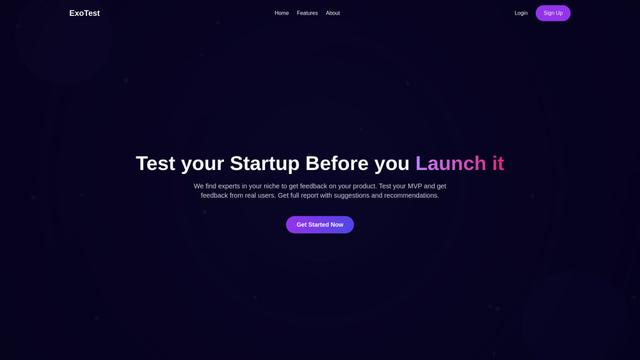
ExoTest is an AI-driven product testing platform that connects startups with expert testers in their specific niche to provide comprehensive feedback and actionable insights before product launch.
AI Dev Assess
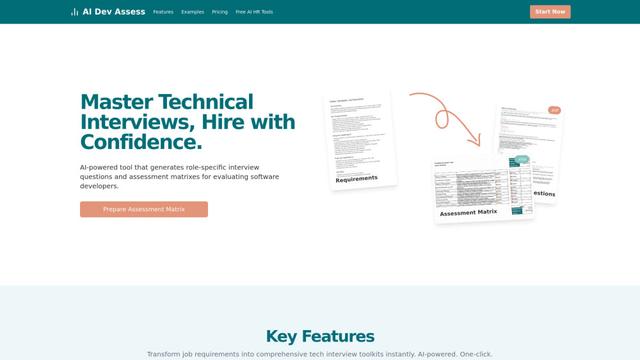
AI Dev Assess is an AI-powered tool that automatically generates role-specific interview questions and assessment matrices to help HR professionals and technical interviewers evaluate software developer candidates efficiently.
Tyne
Tyne is a professional AI-powered software and consulting company that helps businesses streamline their everyday needs through data analysis, yield improvement systems, and AI solutions.
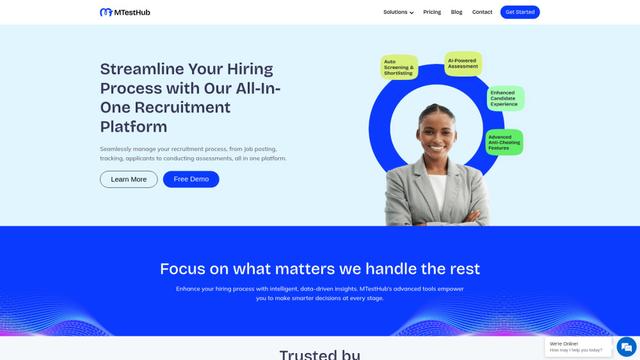
MTestHub
MTestHub is an all-in-one AI-powered recruitment and assessment platform that streamlines hiring processes with automated screening, skill evaluations, and advanced anti-cheating measures.
Popular AI Tools Like QApilot
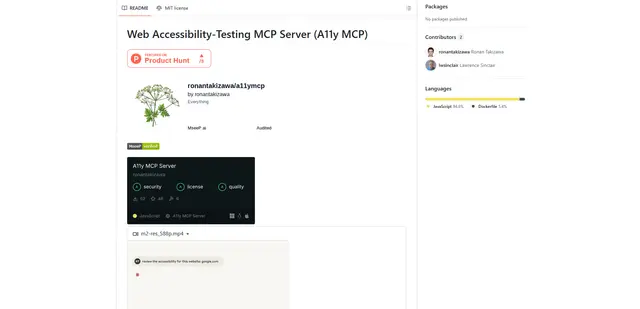
Web Accessibility Testing MCP
A11y MCP is a Model Context Protocol server that enables AI language models to perform automated web accessibility testing by integrating with Deque's Axe-core API and Puppeteer to analyze web content for WCAG compliance.
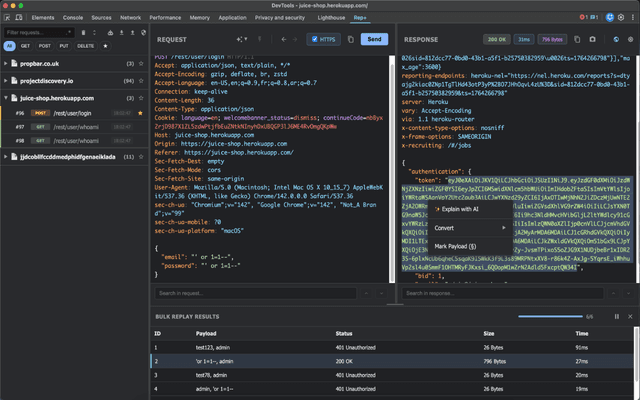
rep+
rep+ is a powerful Chrome DevTools extension that brings Burp Suite Repeater functionality directly into your browser, enabling HTTP request testing, security analysis, and AI-powered attack suggestions without proxy setup.
Gatling AI Assistant for VS Code
Gatling AI Assistant is an AI-powered extension for Visual Studio Code that helps developers create and manage load testing scenarios using Gatling's load testing framework.
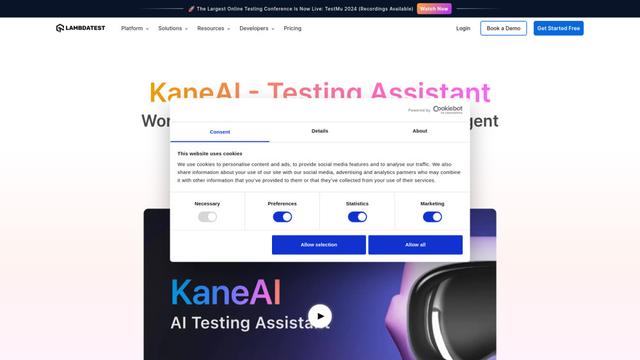
KaneAI
KaneAI is the world's first end-to-end AI-powered software testing agent that enables users to create, debug, and evolve tests using natural language.