Pulse
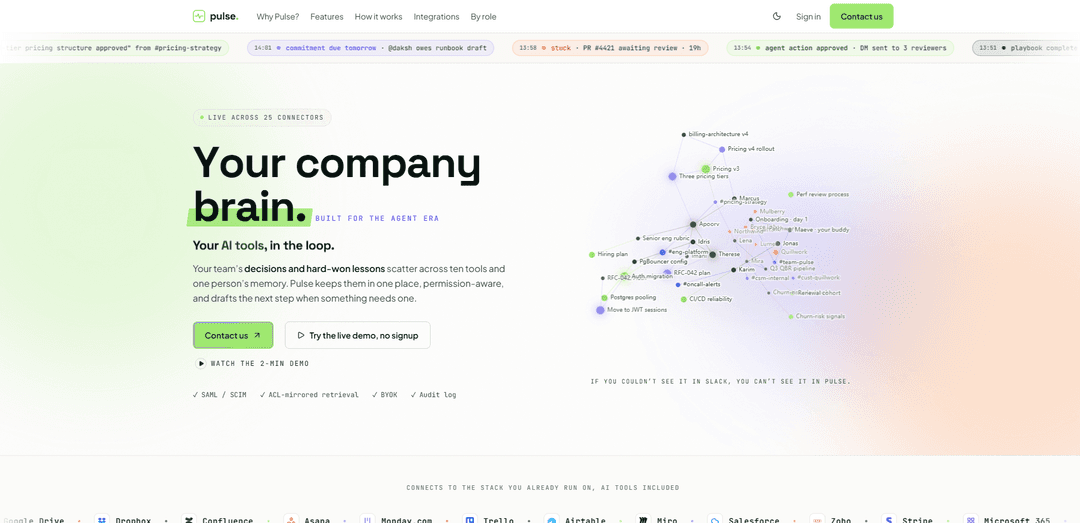
Pulse is a permission-aware “company brain” that connects 25+ workplace tools into a shared memory and delivers plain-English answers with line-by-line citations, decision capture, proactive alerts, and human-approved agent actions.
https://pulsehq.tech/?ref=producthunt
Product Information
Updated:Aug 8, 2026
What is Pulse
Pulse is a team knowledge and execution platform designed to preserve an organization’s decisions, commitments, and hard-won lessons across the tools where work actually happens (e.g., Slack, email, docs, meetings, and many other integrations). Built for teams of 5 to 500 and offered in early access, it acts as a central, permission-aware memory that lets anyone ask questions in plain English and receive answers grounded in the company’s real sources. Pulse emphasizes trust and control by providing citations for answers, respecting existing access rules, and supporting enterprise needs like SAML/SCIM, audit logs, and BYOK (bring your own key).
Key Features of Pulse
Pulse is a permission-aware “company brain” that connects to ~25 workplace tools (e.g., Slack, GitHub, Drive, Confluence, Linear, calendars, meetings) to capture decisions, commitments, features, and past failures from day-to-day work. It provides plain-English answers with citations on every line, mirrors source-tool ACLs (“if you couldn’t see it in Slack, you can’t see it in Pulse”), and supports proactive briefings, deep research that shows its work, expert-finding, and human-approved agent actions (drafting messages, tickets, docs, reports) with audit logs, SAML/SCIM, and BYOK options.
Permission-aware memory (ACL-mirrored retrieval): Replicates permissions from source tools (channels, docs, repos) and filters every answer/search/briefing to what the viewer can already access, with hourly refresh and an audit trail of reads and ACL decisions.
Cited answers + deep research: Provides plain-English responses with citations on every sentence and can run deeper research that shows its work as it goes, helping teams verify claims instead of trusting a black box.
Decision capture + decision graph: Automatically extracts and connects decisions with who made them, why, owners, and supporting sources so teams can revisit rationale quickly and avoid re-litigating the same debates months later.
Proactive “Home” and stuck-work detection: Surfaces what changed, what needs attention, and what’s stalled (e.g., stuck items, slipping commitments) before it becomes a deadline or project risk.
Human-approved agents and real-data outputs: Drafts next steps (Slack messages, Linear tickets, calendar invites, docs) and can generate reports/decks/dashboards from real data, but requires human approval for external writes (with undo window and policy limits).
Enterprise controls (SAML/SCIM, BYOK, audit logs): Supports enterprise identity and provisioning, bring-your-own-key for model calls (e.g., Anthropic; plus Bedrock/Azure OpenAI options), and comprehensive auditing for governance and compliance.
Use Cases of Pulse
Engineering & product delivery memory: Unifies Slack/GitHub/Linear/docs into a single decision and incident history so teams can answer “why did we choose X?”, find prior failures, and draft tickets or release notes with cited sources.
Customer support and success escalation: Pulls context from emails, docs, tickets, and internal threads to quickly reconstruct customer commitments, past decisions, and known issues—then drafts responses or internal handoffs for approval.
Onboarding and training for growing teams: Helps new hires ramp faster by surfacing the company’s key decisions, playbooks, and the right experts based on real work history, reducing repeated explanations and tribal knowledge gaps.
Leadership and operations alignment: Creates a shared, cited source of truth for cross-functional commitments and decision rationale, proactively flagging what’s stuck and enabling leaders to approve drafted updates, plans, or check-ins.
Compliance-sensitive knowledge access (regulated orgs): Uses mirrored ACLs, audit logs, and enterprise identity controls to answer questions without expanding permissions, supporting teams that need strict access boundaries and traceability.
Agency/consulting teams managing many clients: Centralizes scattered client decisions and deliverables across tools so teams can quickly retrieve what was agreed, generate status reports from real data, and keep execution aligned as staff rotates.
Pros
Strong permission model: mirrors source-tool access controls and avoids permission expansion, reducing accidental data leakage risk.
High trust via citations and auditing: answers are checkable line-by-line with an audit trail behind reads and actions.
Actionability with control: drafts real work outputs and supports agents, but keeps humans in the loop with approvals and undo.
Enterprise readiness: SAML/SCIM, BYOK, and export options support governance and reduce lock-in concerns.
Cons
Connector/permission caveat: Notion’s API lacks per-page permissions, so Notion content scope is chosen at connect time (admin-only vs workspace-wide).
Setup/backfill time: while recent activity works quickly, dense historical retrieval may take hours for initial backfill.
Reliance on external model providers: even with “no training on your data,” providers may retain inputs briefly for abuse monitoring under their API terms.
Not full self-hosted (yet): self-hosting is not currently offered, which may limit adoption for some highly regulated environments.
How to Use Pulse
1) Book onboarding / demo and create your workspace: Go to https://pulsehq.tech/onboarding to start onboarding. Create (or join) your Pulse workspace so Pulse can become the shared, permission-aware memory for your team.
2) Complete the initial setup interview (so the graph isn’t cold): Do the ~30-minute conversational interview with a founder/admin. Share your tool stack, how your team makes decisions, and who owns what so Pulse can structure decision memory, commitments, and lessons from day one.
3) Connect your tools (OAuth handshakes): In Pulse, connect the tools your team already uses (examples listed: Slack, GitHub, Notion, Linear, Calendar, Drive, Confluence, Jira, Meetings). This is typically ~10 minutes of OAuth handshakes.
4) Confirm permissions and access behavior (ACL-mirrored retrieval): Verify that Pulse is mirroring source-tool permissions (Slack channel privacy, Confluence restrictions, GitHub repo permissions, Drive file ACLs). Pulse is designed so: “If you couldn’t see it in Slack, you can’t see it in Pulse.” Note the Notion caveat: Notion’s API does not expose per-page permissions, so Notion content is scoped at connect time to either the installing admin or the whole workspace.
5) Let Pulse backfill and sync your history: After connecting tools, allow background backfill (typically 2–6 hours) so retrieval becomes dense across historical decisions and context. You should still get useful answers quickly for recent activity while the long-tail loads.
6) Use the proactive Home to see what changed and what needs you: Open Pulse’s Home surface each morning. Pulse proactively shows what changed and what needs your attention before you ask, and it can flag stuck items or stalled decisions so nothing slips quietly.
7) Ask questions in plain English and verify with citations: Use Pulse’s Ask experience to query company knowledge (decisions, commitments, past failures, project context). Pulse returns answers in plain English with citations on every sentence so you can check each line back to its source.
8) Run deep research when you need a thorough, traceable answer: When a question needs more rigor, run deep research. Pulse “shows its work as it goes,” so you can follow how it arrived at the conclusion and what sources it relied on.
9) Capture and revisit decisions so debates don’t resurface: Rely on Pulse’s decision memory: it extracts and stores decisions with who made them and why, linked to sources. Later, navigate directly to the decision instead of re-litigating context months later.
10) Find the right expert based on real work: Use Pulse’s expert-finding capability to identify who knows what. Pulse learns expertise signals from real work activity so new hires can quickly find the right person and context.
11) Draft next steps and take actions with human approval: Have Pulse draft actions (e.g., Slack messages/DMs, Linear tickets, calendar invites) and route them to you for approval. Pulse is designed to avoid silent auto-execution: external writes require a human approval step unless you explicitly define an auto-approval policy.
12) Undo agent actions if something goes wrong: If Pulse sends an action you didn’t want, use the built-in undo window (five minutes) to retract the message/comment/ticket/page in the source tool. Pulse also checks actions against limits (allowed domains/channels/repos/teams) and rate caps to prevent mistakes from fanning out.
13) Generate real-data outputs (reports, decks, dashboards) with sources: Ask Pulse to build outputs like reports, decks, or dashboards from real data. Pulse should include sources so stakeholders can verify where numbers and claims came from.
14) Use Pulse inside the tools your team already lives in: Access Pulse where you work (the site mentions it works inside tools like Claude, Cursor, and ChatGPT), so you can retrieve and act on company memory without switching contexts.
15) Use voice control (if enabled) to ask, act, and create: If your workspace has voice control enabled, you can talk to Pulse to ask questions, draft actions, and create outputs hands-free across the platform.
16) Give thumbs-up / thumbs-down feedback to improve confidence scoring: Rate answers with thumbs-up/down. Pulse re-tunes confidence scores weekly using your team’s feedback per workspace and per topic, so its stated confidence better matches real accuracy in your environment.
17) Review audit logs and security controls (Enterprise features): For governance, use the audit log to review reads, ACL decisions, access requests, agent reads, and API calls. If applicable, configure enterprise controls like SAML/SCIM, BYOK, and review the security posture.
18) Configure BYOK (Enterprise) for model calls: If you’re on Enterprise, set up Bring Your Own Key (BYOK) so model calls route through your credentials. The site notes BYOK for Anthropic (Claude) and also self-serve credentials for AWS Bedrock and Azure OpenAI; configure and test in the admin BYOK area so matching calls route to your cloud.
19) Export your workspace memory when needed: If you need portability, export your workspace as JSON (and export playbooks as portable files) to avoid vendor lock-in and to keep a copy of your institutional memory.
Pulse FAQs
Pulse is a “company brain” that connects to your existing work tools to capture and retrieve your team’s decisions, commitments, and lessons in one place, and answer questions in plain English with sources.
Pulse Video
Popular Articles

How to Create Viral Talking Baby Podcast Videos with AI: Step-by-Step Guide
Nov 2, 2026

Proferex: A Cloud-Based Ad Tracking and Campaign Optimization Platform
Nov 2, 2026

Vosko AI: Localize and Dub Videos for Global Audiences
Oct 15, 2026

Atoms: A Multi-Agent AI Platform That Transforms Ideas into Launch-Ready Products
Oct 13, 2026
Latest AI Tools Similar to Pulse

Ticknotes
Ticknotes is an AI-powered meeting assistant that automatically records, transcribes, and generates personalized meeting summaries, action items, and key insights from audio, video, and text content.

Feta
Feta is an AI-powered meeting tool that helps product and engineering teams run efficient meetings by capturing discussions, automating tasks, and providing actionable insights through smart summaries and integrations.
Aimeet
Aimeet is a comprehensive AI-powered communication platform that combines real-time translation, transcription, screen sharing, and unlimited meeting capabilities for effective virtual collaboration.
MinutesLink
MinutesLink is an advanced AI-powered note-taking assistant that automatically records, transcribes, summarizes and organizes virtual meetings while building personalized digital avatars from meeting data.
Popular AI Tools Like Pulse
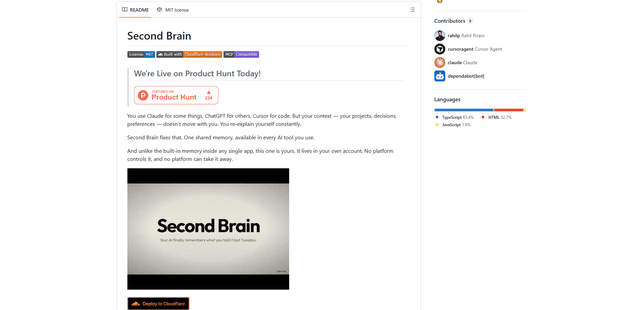
Second Brain for AI
Second Brain for AI is a self-hosted, MCP-compatible persistent memory layer on Cloudflare that lets Claude, ChatGPT, Cursor, and other AI clients store and semantically recall shared context across sessions.
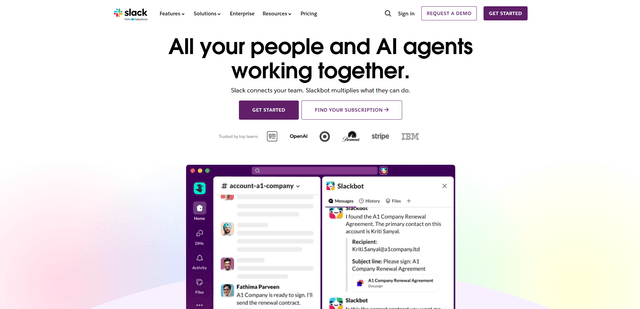
Slack
Slack is an AI-powered work platform that brings team communication, channels, files, automation, and app integrations into one conversational workspace.
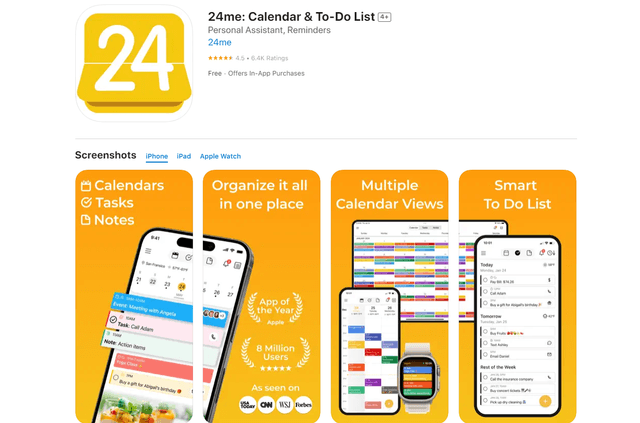
24me Smart Personal Assistant
24me is an award-winning smart personal assistant app that combines calendar, to-do lists, notes, and personal accounts in one unified platform to help boost productivity and time management.
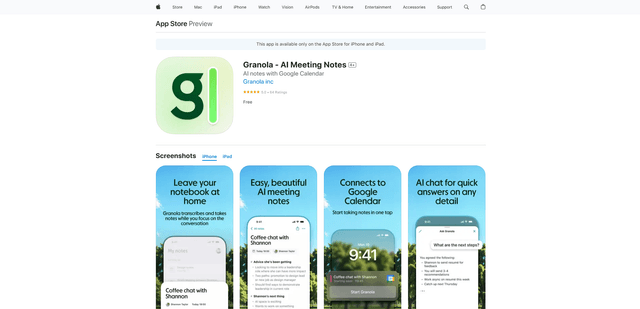
Granola for iOS
Granola for iOS is an AI-powered notepad app that helps users effortlessly capture, transcribe and summarize meeting conversations through intelligent note-taking and one-tap recording capabilities.