
Propane
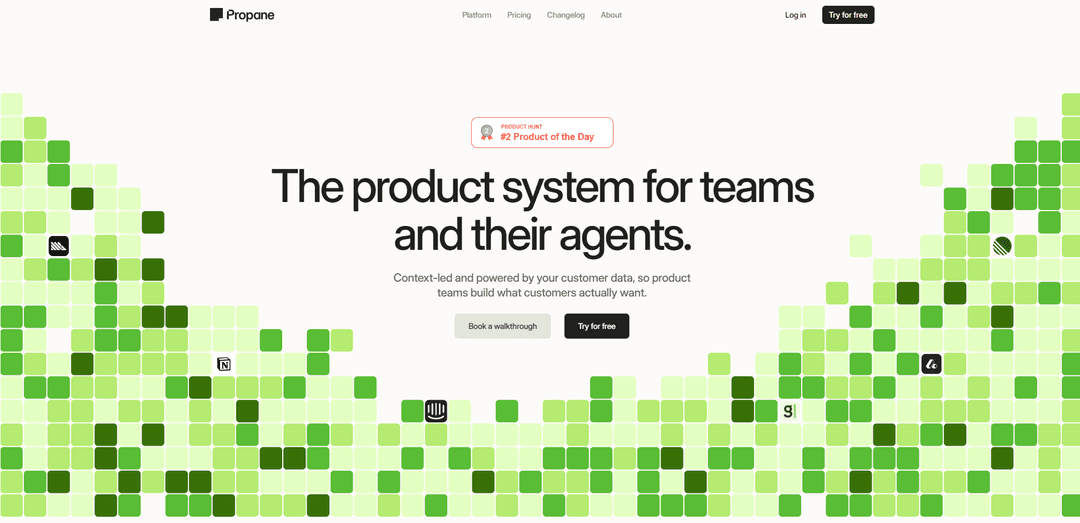
Propane is an AI-native product system that connects scattered customer data into a live, shared context—using Spaces, an AI-powered canvas, and optional voice/chat research agents to help teams align, prioritize, and ship faster with full context.
https://go.usepropane.ai/ph?ref=producthunt
Product Information
Updated:Jul 8, 2026
What is Propane
Propane (usepropane.ai) is a customer-intelligence and product-operations platform designed to fix a common problem in modern product teams: customer evidence is spread across many tools and arrives too late to drive decisions. Propane connects your customer data across tools and interactions into a single, always-current context that product teams and AI agents can build from. The core experience centers on collaborative workspaces (“Spaces”) and a live document (“Canvas”) where teams can synthesize signals, plan work, and generate artifacts with AI—then hand off the same context to downstream coding agents when ideas are ready to ship. Propane positions itself as a unified replacement for fragmented research, roadmap, and documentation workflows, with enterprise-grade security (e.g., SOC 2 Type II) and a focus on keeping context continuously updated.
Key Features of Propane
Propane is a customer-intelligence and product-work system that connects scattered customer data (from tools, interactions, and research) into a continuously updated shared context for product teams and their AI agents. It provides collaborative Spaces and an AI-assisted Canvas where teams can synthesize signals, prioritize work, align stakeholders, and then hand off “full context” to coding agents to ship faster and with higher accuracy. Propane also supports optional AI-led research agents (voice/chat) to run scalable, structured interviews (e.g., NPS follow-ups, win/loss, churn) and automatically generate insights, while emphasizing enterprise trust features like SOC 2 Type II and not training on customer data.
Connected customer context layer: Connects your stack so customer signals from multiple tools and touchpoints are unified into a single, always-on context that stays current without manual re-feeding.
Spaces for team workflows: Shared workspaces for projects where product teams organize initiatives, collaborate, and keep customer evidence close to planning and execution.
AI-powered Canvas for synthesis and decisioning: A live document editor where teams shape strategy, roadmaps, and briefs with AI help—pulling in customer context inline to turn signals into decisions.
AI research agents (voice + chat, optional): Purpose-built interview agents that run branded, embeddable voice/chat sessions at scale, using templates like NPS follow-ups, win/loss, churn analysis, and custom studies, then produce AI-generated insights with drill-down to responses.
One-click handoff to coding agents: Packages the mapped customer context and product brief so engineering/coding agents can implement with greater precision, reducing translation loss between discovery and delivery.
Security and governance built in: Positions itself as enterprise-ready with SOC 2 Type II certification, encryption at rest, restricted access controls, GDPR compliance, and a claim that it does not train on your data.
Use Cases of Propane
SaaS product discovery and prioritization: Aggregate support tickets, CRM notes, NPS feedback, and competitor signals into a single context; synthesize on the Canvas to prioritize roadmap items grounded in real customer evidence.
Revenue win/loss intelligence for B2B sales: Run automated win/loss interviews via AI agents, generate structured insights quickly, and feed learnings back into messaging, pricing, and product gaps for GTM teams.
Churn and retention analysis for subscription businesses: Trigger churn-focused interviews when customers cancel or downgrade, summarize drivers and themes automatically, and align product + CS on targeted retention fixes.
UX research at scale for consumer apps: Use embeddable voice/chat agents to capture qualitative feedback in multiple languages, then convert responses into actionable UX insights and product requirements.
Cross-functional alignment in regulated/enterprise orgs: Maintain a secure, shared source of truth for customer context so product, design, support, and leadership operate from the same evidence—reducing misalignment and rework.
Pros
Unifies fragmented customer signals into a continuously updated context, reducing time spent hunting for evidence.
Brings discovery, synthesis, and handoff into one workflow (Spaces + Canvas + agent handoff), improving alignment from strategy to shipping.
Scalable AI-led voice/chat interviews can shorten time-to-insight from weeks to minutes for common research motions (NPS, churn, win/loss).
Emphasis on enterprise trust (SOC 2 Type II, encryption, GDPR, and not training on user data) supports adoption in security-conscious teams.
Cons
Full value may depend on connecting and maintaining integrations across your tool stack; incomplete data connections can limit outcomes.
AI-generated insights still require human validation and good research design; poor prompts/templates or biased samples can mislead.
Some capabilities (notably research agents) appear plan-gated (e.g., Growth), which may restrict access for smaller teams.
Organizations without clear processes for acting on insights may still struggle—tooling can’t fully replace decision discipline and change management.
How to Use Propane
1) Create an account and enter your Workspace: Go to https://app.usepropane.ai/auth/signup (or log in at https://app.usepropane.ai/). Your Workspace is the free, shared layer where most work happens: Spaces (projects), Canvas (live docs), AI chat across sources, and handoff to coding agents.
2) Create a Space for a project: In the Workspace, create a new Space to represent the product area or initiative you’re working on (e.g., “Onboarding improvements”, “Churn reduction”, “Win/Loss Q3”). Spaces are where you organize work and collaborate with your team.
3) Open the Canvas and start a working doc: Inside the Space, open the Canvas (a live document). Use it as your central place to write briefs, capture hypotheses, outline roadmap options, and summarize customer evidence. The Canvas is designed to be shaped with AI and teammates.
4) Bring customer context into Propane by connecting your tools (signal collection): Connect your stack so customer signals live in one place for your team and agents. Propane highlights integrations such as CRM (Attio, HubSpot, Salesforce), analytics (PostHog, Mixpanel), support tools (e.g., Intercom), and call/recording tools (e.g., Gong, Fathom, Granola). Once connected, Propane can collect context continuously (“connected 24/7”).
5) Use AI chat across your connected sources: Ask questions in Propane’s AI chat to synthesize what’s happening across your customer data (e.g., “What are the top churn reasons this month?” or “What objections show up most in lost deals?”). Use the outputs to update your Canvas with evidence-backed notes.
6) Collaborate in the Space to prioritize and align: Work with your team in the Space and on the Canvas to prioritize opportunities and shape what to build next. The intended workflow is: collect context → collaborate on it as a team → commit to a plan with shared understanding.
7) (Optional, Growth plan) Create a Research Agent: If you want structured, participant-facing research sessions, use Agents (Growth plan). Open Agents and create a research agent, then choose a template such as NPS follow-ups, Win/Loss, Churn Analysis, or create a custom template.
8) (Optional, Growth plan) Configure the research session and prompts: Customize the agent’s interview flow using the chosen template (or your custom questions). This is where you tailor the session to the outcome you need (e.g., diagnose churn drivers, validate messaging, understand product-fit gaps).
9) (Optional, Growth plan) Add participants: Add participants manually, import via CSV, or select them from People. This creates the participant list for invitations and session tracking.
10) (Optional, Growth plan) Send invitations or share session links: Invite participants via email, copy a session link, or embed the research agent on your site. This lets you run interviews where customers already are (links or embedded experiences).
11) (Optional, Growth plan) Run AI-led interviews (voice or chat) and collect responses: Participants complete the session on their own time. Propane supports AI-led interviews (including voice-based experiences) designed to scale beyond traditional surveys.
12) Review AI-generated insights and drill into responses: After sessions run, review Propane’s AI-generated insights and then open individual responses to validate themes, capture quotes, and understand nuance. Bring the strongest evidence back into your Canvas.
13) Turn insights into a decision-ready brief on the Canvas: Use the Canvas to consolidate signals (from connected tools + research agent outputs) into a clear brief: problem statement, customer evidence, options, tradeoffs, and recommended next steps. This is the alignment artifact for stakeholders and execution.
14) Commit and hand off full context to coding agents: When the plan is ready, use Propane’s handoff to coding agents so implementation starts with the same customer context (the brief and supporting evidence). The intended outcome is fewer back-and-forth cycles and faster shipping because agents receive the mapped context up front.
15) Repeat continuously as new signals arrive: Keep your Space and Canvas current as Propane continues collecting context from connected tools and/or ongoing research sessions. The workflow is designed to stay “always live” so prioritization and shipping decisions remain grounded in up-to-date customer evidence.
Propane FAQs
Propane is an AI-native product system for product teams and their agents that connects scattered customer data and signals into one shared context so teams can build what customers actually want.
Propane Video
Popular Articles

Atoms: A Multi-Agent AI Platform That Transforms Ideas into Launch-Ready Products
May 22, 2026

Nano Banana SBTI: What It Is, How It Works, and How to Use It in 2026
Apr 15, 2026

Atoms Review — The AI Product Builder Redefining Digital Creation in 2026
Apr 10, 2026

Kilo Claw: How to Deploy and Use a True "Do‑It‑For‑You" AI Agent(2026 Update)
Apr 3, 2026
Latest AI Tools Similar to Propane
Plani.ai
Plani.ai is an AI-powered business planning tool that generates customized strategies, tasks, and actionable plans to help entrepreneurs, startups, and small businesses achieve their business goals.
Tendery.ai
Tendery.ai is an AI-powered platform that transforms EU public procurement by providing automated tender discovery, intelligent matching, and enhanced proposal creation capabilities.

Devozy.ai
Devozy.ai is an AI-powered developer self-service platform that combines Agile project management, DevSecOps, multi-cloud infrastructure management, and IT service management into a unified solution for accelerating software delivery.
MDLR
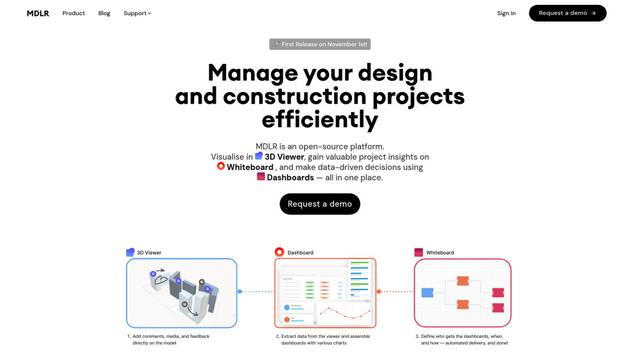
MDLR is an open-source AI-powered platform that streamlines design and construction project management through integrated 3D viewing, real-time dashboards, and interactive whiteboards.
Popular AI Tools Like Propane
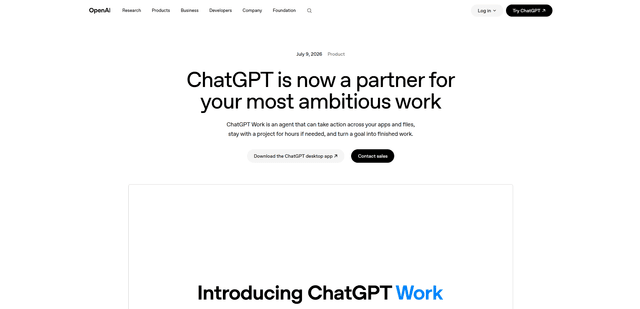
ChatGPT Work
ChatGPT Work is an agent mode inside ChatGPT that can run multi-step projects for hours, pull context from your connected apps and files, and produce finished outputs like docs, slides, sheets, and interactive Sites—while keeping you in control with approvals and enterprise governance.
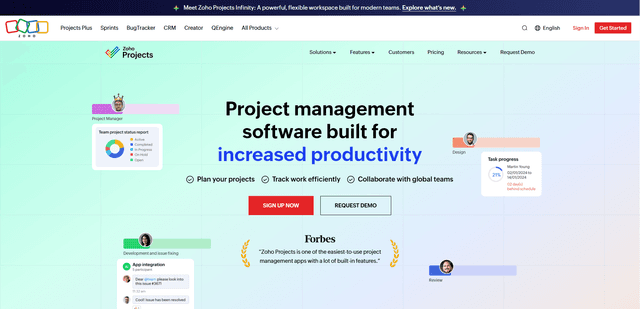
Zoho Projects
Zoho Projects is a cloud-based project management software that helps teams plan, track, and collaborate on projects with features like Gantt charts, task automation, time tracking, and comprehensive reporting tools.
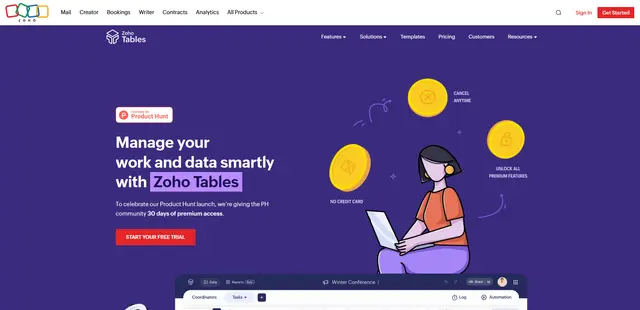
Zoho Tables
Zoho Tables is a modern spreadsheet-database hybrid that helps teams organize data with relational links, build views and dashboards, collaborate in real time, and automate workflows with no-code and AI assistance.
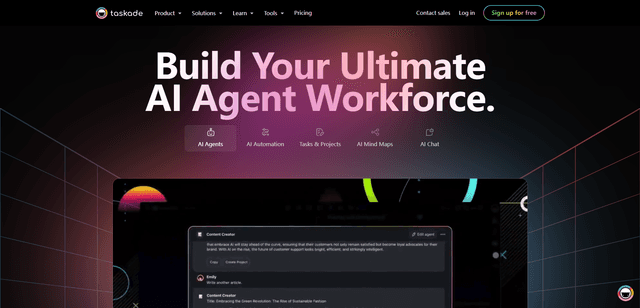
Taskade
Taskade is an AI-powered productivity platform that combines task management, real-time collaboration, and AI automation in one unified workspace for teams and individuals.