Proferex
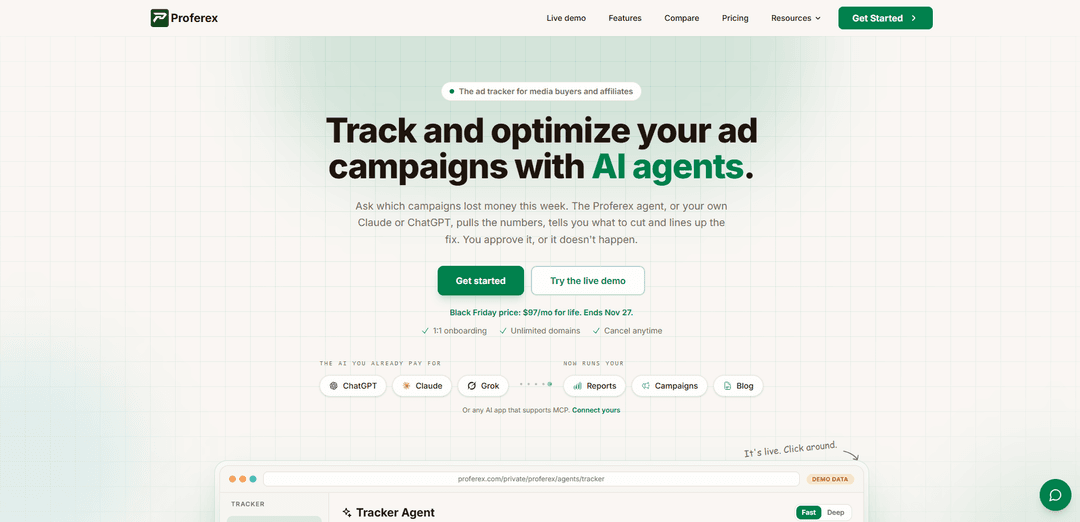
Proferex is an AI-enabled ad tracking and attribution platform for media buyers and affiliates, combining no-redirect tracking, campaign routing, cost synchronization, detailed reporting, hosted landing pages, and AI-assisted optimization.
https://www.proferex.com/?utm_source=aipure
Product Information
Updated:Oct 30, 2026
What is Proferex
Proferex is a cloud-based tracker designed for affiliate marketers, media buyers, and marketing teams that need to connect advertising spend with visits, clicks, conversions, revenue, and profit. It supports traffic from sources that pass URL parameters and affiliate networks that support server-to-server postbacks, while offering ready-made integrations for platforms such as TrafficJunky, TrafficStars, and ExoClick. The platform includes campaign and offer management, custom domains with HTTPS, landing-page hosting, conversion postbacks, SEO blog hosting, multi-currency reporting, and AI capabilities through its built-in Tracker Agent or external MCP-compatible tools such as Claude and ChatGPT.
Key Features of Proferex
Proferex is a cloud-based ad tracking and campaign-optimization platform for media buyers and affiliate marketers. It combines visit, click, conversion, cost, revenue, and ROI tracking with traffic routing, landing-page hosting, postbacks, custom tokens, reporting, and traffic-source cost synchronization. Its AI capabilities include a built-in Tracker Agent and MCP connectivity for tools such as Claude, ChatGPT, Codex, and Grok; AI can analyze campaign performance and propose setup or optimization changes, while users must explicitly approve any changes before they are applied.
AI-assisted campaign management: The Tracker Agent can answer natural-language questions about performance, identify losses or winning offers, help create or edit offers, landers, combinations, campaigns, and custom tokens, and draft blog content. Proposed changes require user approval.
MCP connection for external AI tools: Users can connect compatible AI applications such as Claude, ChatGPT, Claude Code, Codex, and Grok to access Proferex data and suggest actions through their preferred AI workspace.
Granular attribution and reporting: Reports track revenue, cost, profit, and ROI with breakdowns by lander, offer, country, operating system, ISP, connection type, custom sub IDs, and other tokens. Drill-downs and heatmaps help identify profitable traffic segments and times.
Traffic routing and split testing: Users can distribute traffic across lander-and-offer combinations using weighted splits, targeting rules, dayparting, offer caps, and fallback campaigns to test paths and route visitors efficiently.
Cost sync and conversion postbacks: Proferex can synchronize costs from supported traffic sources, calculate actual profitability, send conversion postbacks, and let users pause or resume campaigns at connected traffic sources from the platform.
Hosted landers and no-redirect tracking: Users can upload or edit landing pages, deploy them on custom domains with HTTPS, and use no-redirect mode so ads open directly on the landing page while tracking data is captured through a lightweight script.
Use Cases of Proferex
Affiliate offer optimization: Affiliate marketers can compare offers, landers, countries, devices, and traffic segments to find profitable combinations, stop underperforming campaigns, and scale successful ones.
Paid-media profitability tracking: Performance marketers buying traffic from sources such as TrafficJunky, TrafficStars, or ExoClick can synchronize spend, attribute conversions, and monitor accurate revenue, costs, profit, and ROI.
Landing-page experimentation: Campaign teams can host multiple landing-page variants, split traffic by weight or audience rules, and use conversion reporting to determine which page performs best for each offer or market.
Geo, device, and time-based targeting: Media buyers can route traffic differently by country, device, browser, operating system, language, ISP, or time of day to concentrate budget on the segments most likely to convert.
Agency campaign operations: Agencies managing multiple advertisers or domains can use unlimited domains, bulk imports, shared reporting workflows, custom tokens, and AI-assisted analysis to streamline campaign setup and optimization.
Owned-content and SEO promotion: Marketers can publish an SEO blog on a custom domain, track its offer links like landing-page links, and use AI to draft posts while retaining approval control before publication.
Pros
Combines tracking, reporting, routing, cost synchronization, landing-page hosting, and postbacks in one platform.
Supports AI-driven analysis and setup assistance while preserving human approval for all changes.
Offers detailed segmentation, custom tokens, sub IDs, heatmaps, and near-real-time reporting for campaign optimization.
Provides no-redirect tracking, custom-domain landing-page hosting, and unlimited domains on every plan.
Cons
It is designed primarily for affiliate marketers and media buyers, so it may be more specialized than general-purpose web analytics platforms.
Native cost-sync templates are listed for a limited set of traffic sources; unsupported sources may require manual URL-cost setup.
There is no free plan or free trial, although a live demo and onboarding are offered.
AI-recommended changes still require manual approval, which improves control but may limit fully automated optimization workflows.
How to Use Proferex
Create your Proferex account and complete onboarding: Sign up at Proferex, choose a plan, and use the included 1:1 onboarding session to ensure your first campaign is configured correctly. Add your basic account, billing, and workspace details.
Add a tracking domain: In the domain settings, add a domain or subdomain you control for tracking links, such as track.yourdomain.com. Point its DNS records to Proferex as instructed. Proferex provisions HTTPS automatically. You can add unlimited tracking and landing-page domains.
Add a traffic source: Create a traffic source for the ad platform where you buy traffic. Select a ready-made integration, such as TrafficJunky, TrafficStars, or ExoClick, when available; its template pre-fills tracking tokens, cost sync, and postback settings. For another source, configure its URL parameters manually.
Configure cost tracking: Connect the traffic source for automatic cost synchronization when supported. If automatic sync is unavailable, pass click cost through a URL parameter or configure a fixed cost. This lets Proferex calculate revenue, cost, profit, and ROI accurately.
Add an offer: Create an offer and paste the affiliate-network or advertiser destination URL. Include Proferex's click ID token, such as {clickid}, in the offer URL so conversions can be matched to the original visit. Set the offer payout and currency as applicable.
Set up the offer postback: Copy Proferex's global postback URL into the affiliate network or advertiser platform. A typical format is https://track.yourdomain.com/u/your-alias?clickid={clickid}&payout={payout}. Map the network's click-ID and payout macros to the corresponding Proferex parameters. Add piggyback postbacks if conversions must also be sent to another tracker or partner.
Add or host a landing page: Create a lander by uploading a ZIP file, pasting HTML, or linking an externally hosted landing page. For hosted landers, publish it on your chosen domain and optionally edit files directly in the browser. External landers can also be tracked.
Choose redirect or No Redirect tracking: Use redirect mode when an intermediate tracking link is acceptable. Use No Redirect mode for stricter ad platforms or when you want the landing page to load directly at the campaign URL. In No Redirect mode, the landing page is served directly while Proferex captures tracking data.
Create a combination: Build a combination that connects one or more landing pages with one or more offers. Assign weights to rotate traffic for split testing. Add routing rules for country, device, operating system, browser, language, ISP, connection type, day, or hour. Configure offer caps and a Fallback Campaign so visitors are not sent to a dead end after offers reach their limits.
Create the campaign: Create a campaign, select its traffic source and combination, configure any required SubIDs or custom tokens, and choose the tracking domain. Proferex generates the campaign URL and can apply the traffic source's token template automatically.
Configure custom tokens and SubIDs: Pass traffic-source values into Proferex through SubIDs and custom tokens. You can build a value from multiple parameters, such as {v2}_{v1}, rewrite incoming values, or split values for reporting. Use these tokens to analyze performance by placement, zone, creative, ad set, or other source-level identifiers.
Launch the campaign at the traffic source: Copy the generated campaign URL into your traffic-source campaign destination field. Confirm that all required traffic-source macros are present, then launch the ads. Visits, clicks, and conversions should appear in Proferex reports within about a minute.
Verify tracking before scaling: Test the campaign URL yourself and confirm that the landing page, offer routing, and click tracking work. If possible, perform or validate a test conversion through the advertiser or affiliate network. Verify that the conversion appears in Proferex and that payout, cost, and source data are recorded correctly.
Analyze campaign performance: Use the dashboard and reports to review revenue, cost, profit, and ROI for a selected date range. Drill down by campaign, lander, offer, country, operating system, ISP, connection type, custom token, or SubID. Use two-level groupings to inspect combinations such as offer by country or lander by device.
Optimize routing and placements: Identify profitable and unprofitable traffic using report drill-downs and heatmaps. Adjust lander and offer weights, set weak paths to zero, rebalance the remaining paths, refine targeting rules, block poor placements where supported, and use dayparting to focus spend on profitable hours and days.
Use the Proferex Tracker Agent: Ask the built-in agent questions in plain language, such as which campaigns lost money over the past seven days, which lander performed best on mobile, or why one offer outperformed another. The agent can prepare changes to offers, landers, combinations, campaigns, and tokens, but it presents the exact proposed changes for approval before saving them.
Connect an external AI app through MCP: If desired, connect Claude, Claude Code, ChatGPT, Codex, Grok, or another MCP-compatible AI application using Proferex's MCP connection instructions. Ask the connected AI to read current reporting data, compare campaign results, or draft proposed setup changes. Review and approve changes in Proferex; connected AI tools do not make changes automatically.
Maintain and scale: Continue monitoring reports, reconcile discrepancies caused by time zones, delayed conversions, or differing upsell rules, and refine your combinations and rules. Use bulk import for large groups of offers, landers, or traffic sources, and add more domains, campaigns, and fallback paths as your operation grows.
Proferex FAQs
Proferex is an ad tracking and attribution platform for media buyers, affiliates, and marketing teams. It tracks visits, clicks, conversions, costs, revenue, profit, and ROI, while providing traffic routing, landing-page hosting, reporting, and AI-assisted campaign management.
Popular Articles

Vosko AI: Localize and Dub Videos for Global Audiences
Oct 15, 2026

Atoms: A Multi-Agent AI Platform That Transforms Ideas into Launch-Ready Products
Oct 13, 2026

Nano Banana SBTI: What It Is, How It Works, and How to Use It in 2026
Apr 15, 2026

Atoms Review — The AI Product Builder Redefining Digital Creation in 2026
Apr 10, 2026
Latest AI Tools Similar to Proferex
Bidinfluence
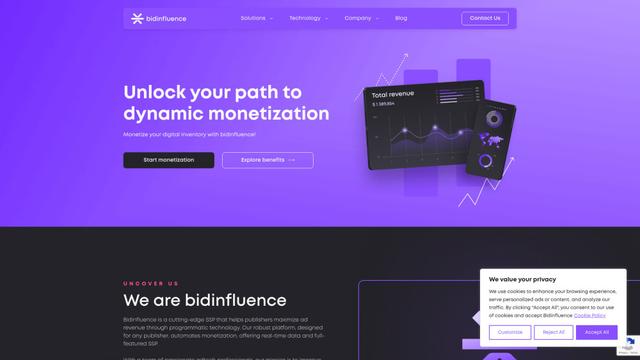
Bidinfluence is a cutting-edge supply-side platform (SSP) specializing in dynamic monetization through high-quality programmatic video advertising for publishers.

Omnitrain
Omnitrain is an AI-powered platform that creates high-converting social media ads in minutes without requiring design skills.
Ads Copilot
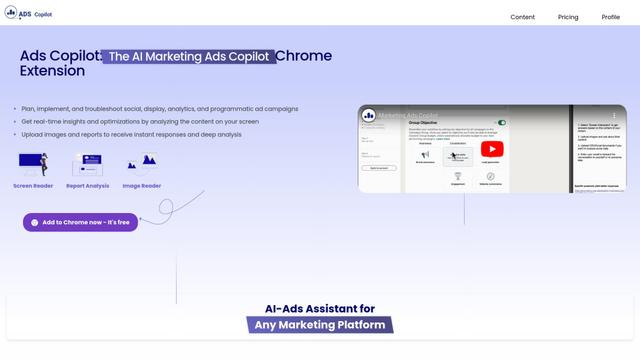
Ads Copilot is an AI-powered Chrome extension that assists marketers in planning, implementing, and optimizing ad campaigns across multiple platforms through real-time insights, report analysis, and image reading capabilities.
Fyx.ai
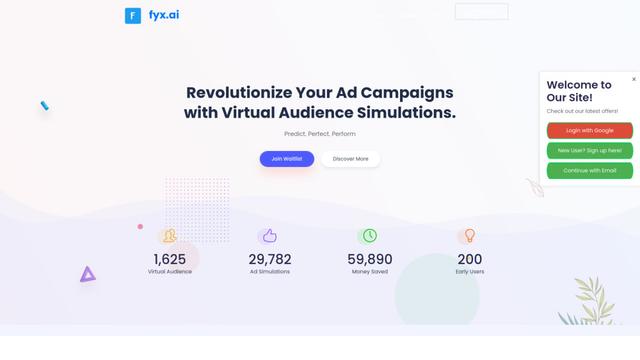
Fyx.ai is an AI-powered platform that enables advertisers to create virtual audiences, simulate ad campaigns, and optimize performance before real-world launch.
Popular AI Tools Like Proferex
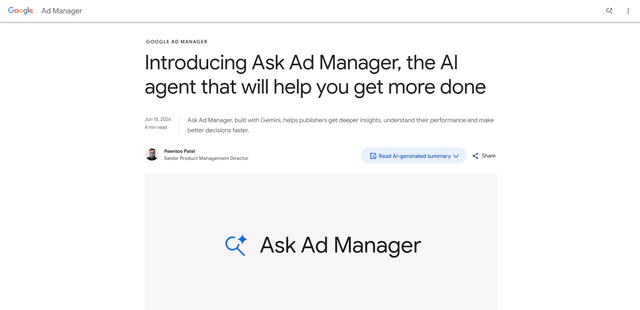
Ask Ad Manager by Google Ads
Ask Ad Manager is a Gemini-powered conversational agent inside Google Ad Manager that helps publishers troubleshoot issues in real time, generate custom performance reports from prompts, and navigate directly to the right settings using their own Ad Manager data.
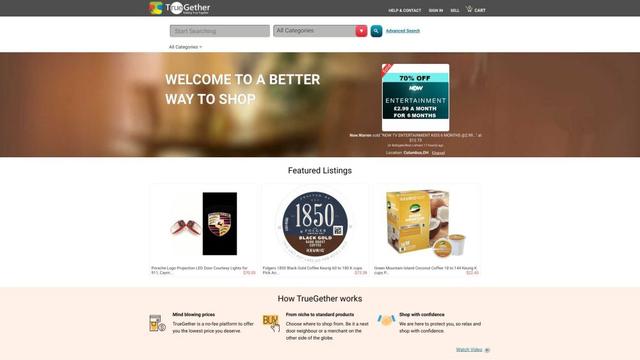
TrueGether
TrueGether is a no-fee, AI-powered e-commerce marketplace that offers buyers low prices and sellers an easy way to list products across multiple channels.
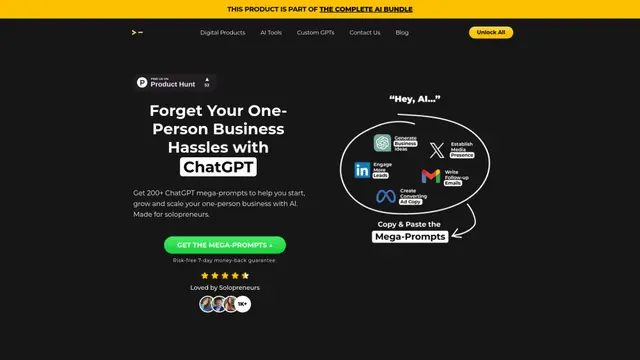
200+ ChatGPT Mega-Prompts for Solopreneurs
A curated collection of 200+ powerful ChatGPT mega-prompts designed to help solopreneurs streamline their business operations, boost productivity, and scale their ventures efficiently.
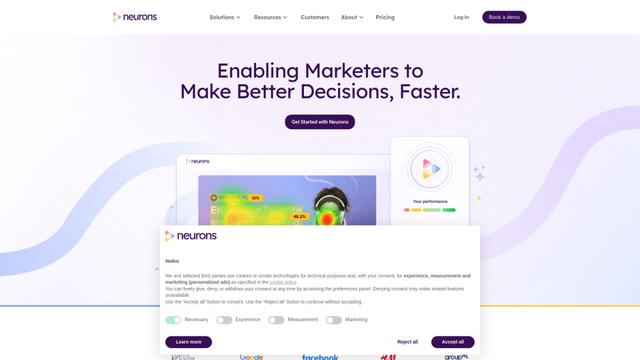
Neurons
Neurons is a consumer neuroscience company that uses AI and neuroscience to predict customer behavior and optimize marketing assets.