
Plae
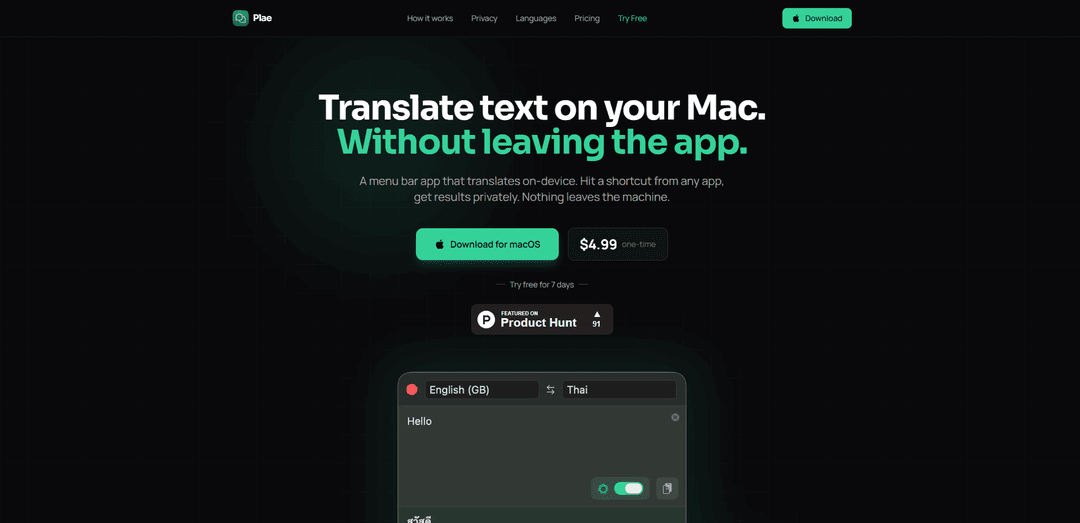
Plae is a menu bar translation app for macOS that provides instant, private, on-device translation across multiple languages without requiring internet connection after initial setup.
https://getplae.app/?ref=producthunt
Product Information
Updated:Feb 28, 2026
What is Plae
Plae is a standalone translation application designed specifically for macOS users who need quick and efficient translation capabilities without leaving their current applications. Available for a one-time purchase of $4.99 on the Mac App Store, it offers a seamless translation experience directly from the menu bar, accessible through a simple keyboard shortcut (Cmd+Shift+T). The app prioritizes privacy by performing all translations locally on the device, requiring no accounts, cloud services, or constant internet connection.
Key Features of Plae
Plae is a menu bar translation app for macOS that enables on-device text translation across multiple languages. It offers three translation engines (Apple Translation, Apple Intelligence, and Built-in AI model), supports offline functionality, and features a presentation mode for displaying translations. The app prioritizes privacy by keeping all translations local on the device, requires no account creation, and is available for a one-time purchase of $4.99.
Multiple Translation Engines: Offers three different translation engines - Apple Translation (19 languages), Apple Intelligence, and a built-in AI model powered by Google's TranslateGemma, allowing users to choose based on their needs
On-Device Privacy: All translations happen locally on the machine with no data collection, analytics, or internet connection required after initial setup
Quick Access & Presentation: Global keyboard shortcut (Cmd+Shift+T) for instant access from any app, plus a full-screen presentation mode for showing translations to others
Translation History: Automatically saves the last 20 translations with the ability to star and permanently save important translations
Use Cases of Plae
International Business Communication: Teams can quickly translate and display messages during meetings or verify translations before sending communications
Hospitality Services: Hotel staff, hostels, and coworking spaces can communicate with international guests by displaying translations on screen
Multilingual Families: Family members speaking different languages can communicate effectively by translating and showing messages on screen
Language Learning: Students and language learners can quickly translate text and verify meanings while studying or practicing
Pros
Complete privacy with on-device translation
One-time purchase with no subscription
Works offline after initial setup
No account required
Cons
Only available for macOS
Some features require specific macOS versions
Limited to 19 languages in basic Apple Translation mode
How to Use Plae
Download and Install: Download Plae from the Mac App Store for $4.99 or get the free 7-day trial. Drag the app to Applications folder.
Open Plae: Press Cmd+Shift+T keyboard shortcut from any app to bring up Plae from the menu bar
Type Text: Type the message you want to translate in the input field
Translate: Hit Enter to get the translation. Translation happens instantly on your device
Present Translation: Click the present button to show the translation in full-screen mode, making it readable from across the room
Choose Translation Engine: Select your preferred translation engine in settings: Apple Translation (19 languages), Apple Intelligence (more languages), or Built-in AI model (55 languages)
Swap Languages: Tap the swap button to flip between source and target languages for two-way conversations
Access History: View your last 20 translations automatically saved in history. Star important translations to keep them permanently
Plae FAQs
Plae is a menu bar translation app for macOS that allows users to translate text on-device without leaving their current app. It can be activated with a keyboard shortcut (Cmd+Shift+T) and offers multiple translation engines that run locally on the machine.
Popular Articles

Atoms: A Multi-Agent AI Platform That Transforms Ideas into Launch-Ready Products
May 22, 2026

Nano Banana SBTI: What It Is, How It Works, and How to Use It in 2026
Apr 15, 2026

Atoms Review — The AI Product Builder Redefining Digital Creation in 2026
Apr 10, 2026

Kilo Claw: How to Deploy and Use a True "Do‑It‑For‑You" AI Agent(2026 Update)
Apr 3, 2026
Latest AI Tools Similar to Plae
InDesign Translator
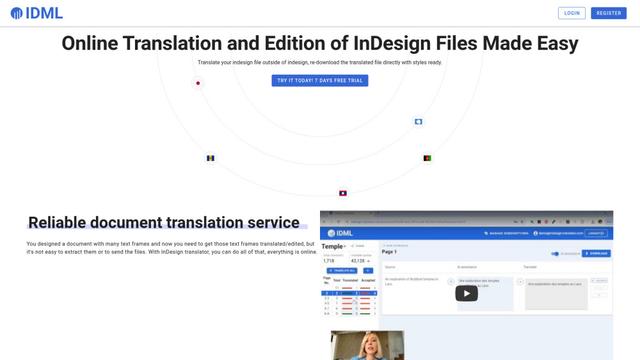
InDesign Translator is an online translation service that enables users to translate InDesign files while maintaining formatting and styles, offering AI-assisted translation and easy collaboration features without requiring translators to have InDesign installed.

Blanc AI
Blanc AI is a revolutionary AI solution that enables video content translation and dubbing into 47+ languages while preserving the original voice, emotions, and lip synchronization.

MenuGuide
MenuGuide is a cutting-edge AI-powered app that instantly translates restaurant menus from any language to your preferred language, providing dish details, allergen information, and nutritional facts for seamless global dining experiences.
Vocabulary AI
Vocabulary AI is an advanced AI-powered language learning platform that combines translation, vocabulary building, and personalized practice through website, mobile app, and browser extension to help users effectively learn and retain new words.
Popular AI Tools Like Plae
ChatGPT Translate
FreeTranslate
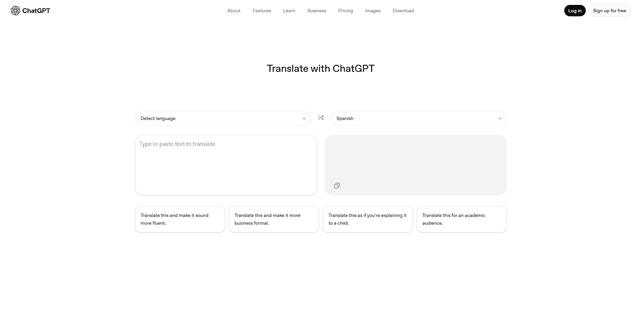
ChatGPT Translate is OpenAI's dedicated translation service that supports 50+ languages with AI-powered customization features for producing natural, context-aware translations across different tones and styles.
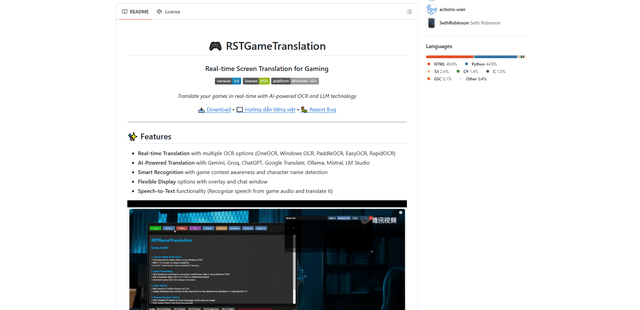
RSTGameTranslation
RSTGameTranslation is an open-source real-time game translation tool that combines OCR and AI translation technologies to automatically translate game text across multiple languages while supporting both offline and online modes.
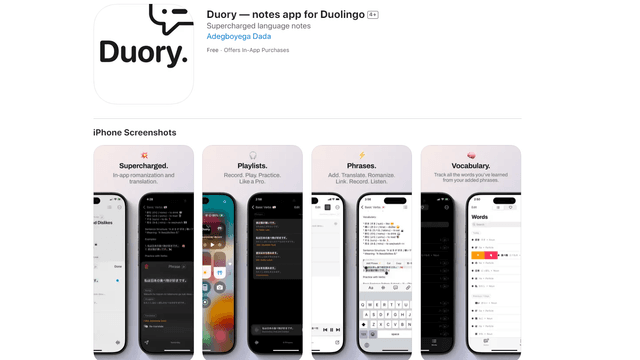
Duory
Duory is a dynamic language learning companion app that helps Duolingo users reinforce their lessons through interactive note-taking, translation features, and voice recording capabilities.