
Patch — Your Security Center
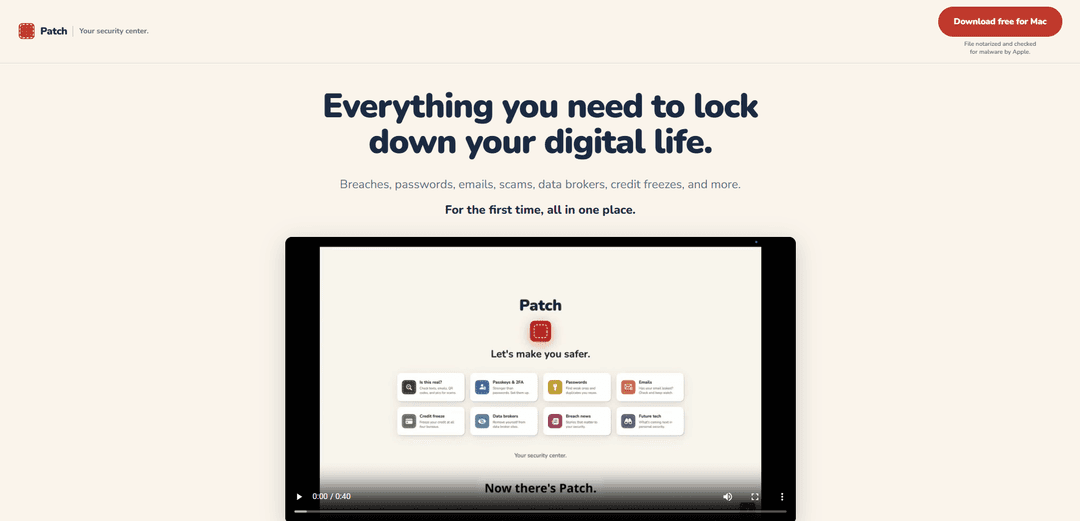
Patch — Your Security Center is a Mac and iPhone security hub that checks for breaches and weak passwords, helps spot scams, guides data-broker removal and credit freezes, and provides a Claude-powered advisor to walk you through fixes step by step.
https://patch-security.com/?ref=producthunt
Product Information
Updated:Aug 14, 2026
What is Patch — Your Security Center
Patch — Your Security Center is a consumer-focused security companion designed to help people understand what’s exposed in their digital life and then actually fix it. Instead of only alerting you about issues like leaked passwords or breached emails, Patch organizes risks (breaches, scams, data brokers, credit freezes, and stronger sign-in like 2FA) and guides you through practical remediation. It’s available on Mac today (Apple Silicon/M1 or later) and is built to work across Mac and iPhone in sync under a single subscription, with a free tier and paid plans starting after a one-year-free period through August 8, 2027.
Key Features of Patch — Your Security Center
Patch — Your Security Center is a privacy-first security app for Mac (and an iPhone companion) that brings common personal-security tasks into one place: checking emails and passwords for known breaches, assessing suspicious messages for scams, guiding you through fixes like password resets and 2FA setup, helping remove your data from data brokers, and walking you through freezing your credit. It emphasizes action-oriented remediation (step-by-step walkthroughs and an AI advisor) while minimizing sensitive data exposure—Patch does not store your passwords, and password checks are performed without sending passwords off your device.
Breach & password exposure checks (on-device): See whether your emails and saved passwords have appeared in known breaches, with password checking designed so your passwords never leave your computer; results are presented as a signal to act, not proof of an active account takeover.
Guided fix workflows: Instead of only listing problems, Patch walks you step-by-step through remediation actions such as changing exposed passwords, locking down accounts, and enabling stronger sign-in.
Scam checking (“Is this real?”): Paste a text, email, or even an image to evaluate whether it looks like a scam/phishing attempt before you click, reply, or pay.
AI security advisor (powered by Claude): Ask plain-English security questions and get help while you fix issues; the advisor sees only what you ask and the content you paste (and the current tab), and submitted content is not used to train an AI model per stated terms.
Data-broker discovery & removal guidance: Identify sites that may be selling your personal details (name/address/phone) and get guided help to remove yourself from those brokers.
Credit-freeze guidance across bureaus: Get step-by-step help to freeze your credit at the major bureaus—positioned as one of the strongest identity-theft protections.
Use Cases of Patch — Your Security Center
Family digital safety checkups: Help non-technical relatives review breaches, spot scams, and follow guided steps to change passwords, enable 2FA, and freeze credit when appropriate—without needing them to understand security jargon.
Post-breach personal response plan: When you learn a service was breached, use Patch to identify affected emails/passwords, prioritize what matters most, and follow a guided sequence to secure accounts and reduce identity-theft risk.
Scam triage for busy professionals: Quickly evaluate suspicious inbound messages (invoice scams, fake delivery texts, “account locked” emails) to reduce the chance of clicking phishing links or sharing sensitive info.
Privacy cleanup for public-facing individuals: Creators, executives, and people at higher risk of doxxing can use data-broker discovery/removal guidance and credit-freeze steps to reduce exposure and downstream fraud.
Student/young adult security setup: Use guided workflows to establish good security hygiene early—unique passwords, 2FA/passkeys where available, and awareness of breach notifications and scam patterns.
Pros
Action-oriented: focuses on guided fixes (not just alerts), helping users actually remediate issues.
Privacy-forward design: states that passwords never leave the device and Patch doesn’t store credentials, reducing the “vault” risk.
All-in-one coverage for common personal security tasks: breaches, scams, data brokers, credit freeze, and stronger sign-in guidance in one place.
Low-friction onboarding: no Patch account required; subscription unlocks via Apple ID.
Cons
Platform limitations: Mac app requires Apple Silicon (M1 or later); iPhone app availability may vary (noted as in App Store review in the source).
Some capabilities are paywalled after the free period: full security center features require a paid plan once the promotional free window ends (free tier is limited).
Advisor visibility constraints: the advisor can see the current tab and what you paste, which some users may still consider sensitive depending on context.
How to Use Patch — Your Security Center
1) Install Patch on your Mac: Download Patch for Mac from the official site and install it. The app is signed with an Apple Developer ID and notarized by Apple, so macOS can verify it hasn’t been tampered with when it launches.
2) Open Patch and start without creating an account: Launch Patch and begin using it immediately—there’s no Patch account to create and no email/password to hand over. If you later subscribe, it unlocks via your Apple ID.
3) Review your security “Home” dashboard: Use the Home screen as your central security hub. Patch organizes what it finds (breaches, weak/reused passwords, scams, data brokers, credit-freeze guidance, and stronger sign-in options) so you can focus on what matters most.
4) Run an email breach check: Go to the Emails/Breaches area and check whether your email address appears in known breaches. Patch shows which breaches were involved so you know what accounts to secure.
5) Check your saved passwords for breach exposure: Open the Passwords area to see whether saved passwords are known to be exposed. Patch is designed so your passwords never leave your device during checks.
6) Follow the guided fix for exposed accounts: For each issue Patch finds, use its step-by-step walkthroughs to fix it (for example: change a password, enable two-factor authentication, or upgrade sign-in security). Patch is designed to help you complete the fix—not just show the problem.
7) Use “Is this real?” to check suspicious messages for scams: Open the scam-check feature and paste a suspicious text, email, or other content you’re unsure about. Patch will tell you whether it looks like a scam before you click, reply, or pay.
8) Ask the advisor for help when you’re unsure: Use the built-in advisor (powered by Claude) to ask security questions or get help interpreting a suspicious message. The advisor sees the tab you’re on and what you paste/send for review—not your passwords or your list of accounts.
9) Find and remove yourself from data-broker sites: Go to the Data brokers section to identify sites that may be selling your personal info (like name, address, phone number) and follow Patch’s guided steps to request removal.
10) Use the credit-freeze guidance to lock your credit: Open the Credit freeze section and follow the step-by-step guidance to freeze your credit at the major bureaus. Patch positions this as a strong identity-theft protection measure.
11) Strengthen sign-ins with 2FA and passkeys where available: Use the Passkeys & 2FA guidance to enable stronger authentication on important accounts. Patch provides step-by-step help so you can complete setup correctly.
12) Keep monitoring and respond to new findings: Continue using Patch as an ongoing security center: it keeps watching for new exposures and helps you stay on top of fixes over time.
13) (Optional) Use Patch on iPhone and keep it in sync: Install Patch on your iPhone (when available) and use the same subscription across Mac and iPhone, kept in sync. Family plans can cover up to five people, with a simple Apple sign-in to identify who’s covered.
14) Understand what a breach result means (so you act appropriately): If Patch shows your email/password in a breach, treat it as a signal to act (change passwords, enable stronger sign-in, etc.), not automatic proof someone is currently in your account. Use Patch’s guided steps and advisor to decide what to do next.
Patch — Your Security Center FAQs
Patch is a personal security app for Mac and iPhone. It’s a security center that checks your saved passwords for breaches and reuse, helps you freeze your credit and remove yourself from data-broker sites, and includes an AI-powered security advisor that can help you evaluate whether a message, email, screenshot, or photo is a scam.
Patch — Your Security Center Video
Popular Articles

How to Create Viral Talking Baby Podcast Videos with AI: Step-by-Step Guide
Nov 2, 2026

Proferex: A Cloud-Based Ad Tracking and Campaign Optimization Platform
Nov 2, 2026

Vosko AI: Localize and Dub Videos for Global Audiences
Oct 15, 2026

Atoms: A Multi-Agent AI Platform That Transforms Ideas into Launch-Ready Products
Oct 13, 2026
Latest AI Tools Similar to Patch — Your Security Center
TubeVoice
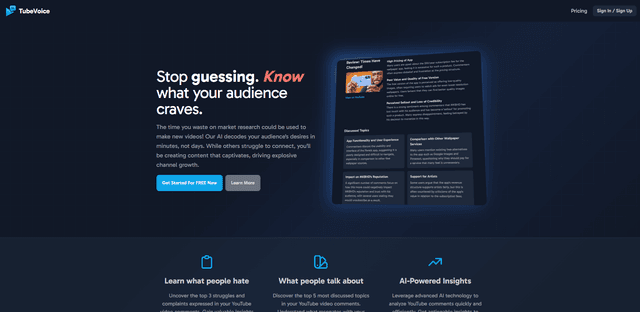
TubeVoice is an AI-powered YouTube comment analyzer that helps content creators understand their audience by providing insights from video comments through automated analysis.
ReviewPower
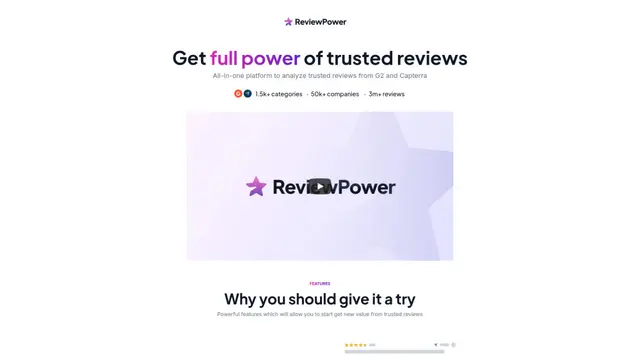
ReviewPower is an all-in-one platform that aggregates and analyzes trusted reviews from G2 and Capterra to help businesses gain valuable insights from customer feedback.

Insightfull
Insightfull is an AI-powered health tracking platform that helps users monitor symptoms, analyze health data, and receive personalized insights through symptom tracking, food logging, and medication management features.
SERPrecon
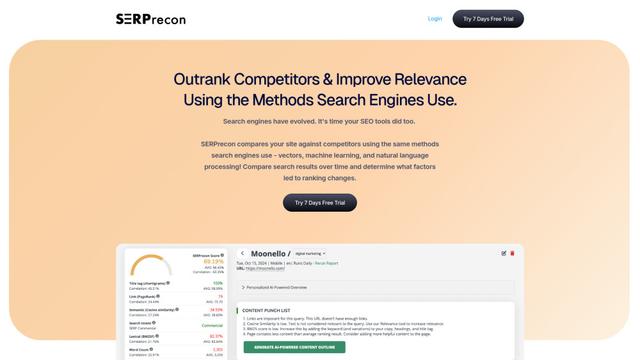
SERPrecon is an advanced SEO tool that leverages vectors, machine learning, and natural language processing to help users analyze and outrank competitors by using the same methods as modern search engines.
Popular AI Tools Like Patch — Your Security Center
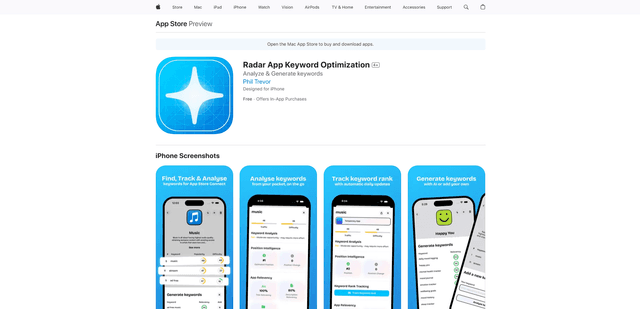
Radar
App Radar is a comprehensive app store optimization (ASO) tool that leverages AI-powered keyword research, competitor analysis, and automated tools to help improve app visibility and rankings across the Apple App Store and Google Play Store.
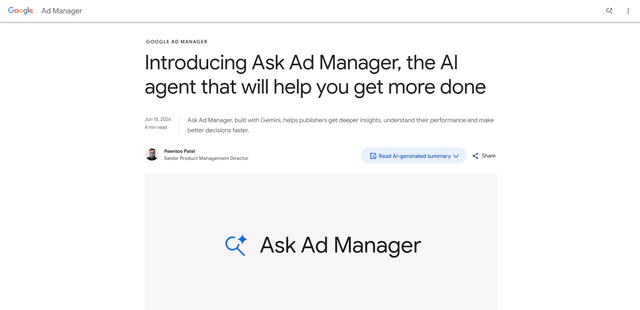
Ask Ad Manager by Google Ads
Ask Ad Manager is a Gemini-powered conversational agent inside Google Ad Manager that helps publishers troubleshoot issues in real time, generate custom performance reports from prompts, and navigate directly to the right settings using their own Ad Manager data.
Intercom
Intercom is an AI-powered customer service platform that provides instant support, enhances agent productivity, and delivers insights to support leaders.
Branded
Branded is a market research company that uses AI and advanced sampling techniques to provide high-quality consumer insights and data.