
Panguard.AI
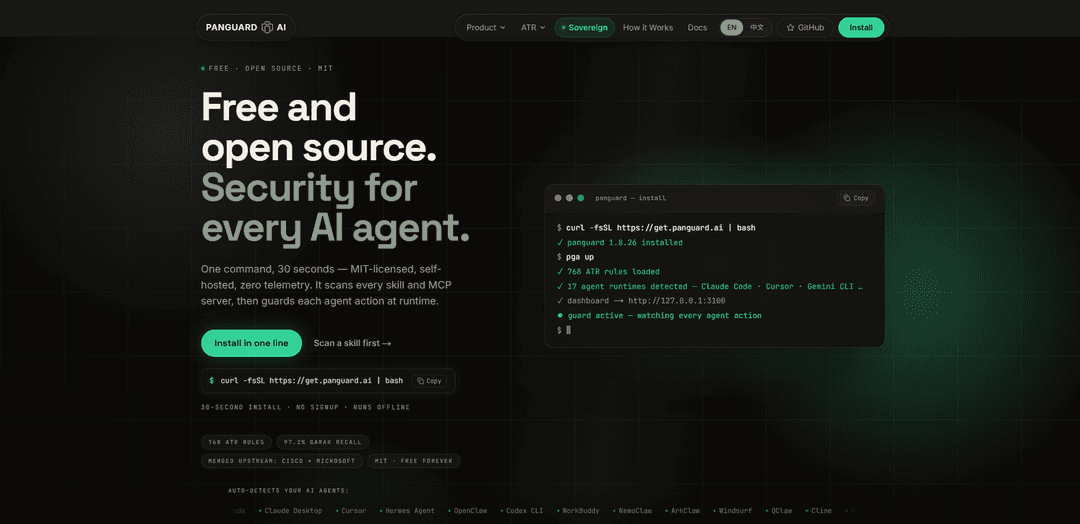
Panguard.AI is an open-source, MIT-licensed security platform for AI agents that audits skills and MCP servers before use, monitors tool calls at runtime with ATR detection rules, and can operate self-hosted/offline with optional shared threat intelligence.
https://panguard.ai/?ref=producthunt
Product Information
Updated:Aug 8, 2026
What is Panguard.AI
Panguard.AI (PanGuard) is a security platform designed for the “AI agent era,” where agents can execute tools, access production systems, and install third-party skills with minimal human review. It focuses on protecting agents against threats like prompt injection, tool/skill poisoning, malicious MCP servers, credential exfiltration, and supply-chain compromise. The project is open source and MIT-licensed, supports self-hosted and air-gapped deployments with zero telemetry by default, and provides both pre-install scanning (Skill Auditor) and always-on runtime protection (Guard, MCP proxy) with a real-time dashboard and optional Threat Cloud updates.
Key Features of Panguard.AI
Panguard.AI is an MIT-licensed, self-hosted security platform for AI agents that scans agent “skills” and MCP servers for prompt injection, tool/skill poisoning, and supply-chain threats, then enforces protections at runtime by proxying tool calls through the ATR (Agent Threat Rules) detection corpus. It emphasizes deterministic, auditable detection (rules/signatures) augmented by optional local AI analysis, supports offline/air-gapped deployment with signed rule bundles, and can produce real-time monitoring and (in enterprise) audit-ready compliance evidence across teams and environments.
ATR-powered detection (open standard): Uses Agent Threat Rules (ATR), a machine-readable, MIT-licensed detection standard for agent threats (prompt injection, MCP attacks, skill compromise, context exfiltration), positioned like “Sigma/CVE for agents,” with a large and growing community rule corpus.
Pre-install Skill & MCP scanning: Audits skills and MCP servers before they run using static analysis techniques (regex/signature matching, Unicode inspection, Base64 decoding, SAST-like checks, secrets scanning) to catch malicious or suspicious packages early.
Runtime MCP tool-call proxy enforcement: Automatically wraps MCP servers with a security proxy so every tool call is evaluated against ATR rules (allow/deny), blocking malicious calls instantly and streaming results to monitoring views.
Local-first, offline/air-gapped operation: Designed to run on-prem with zero/optional telemetry; continues protecting even if cloud services are unavailable, with ATR updates delivered via signed bundles for controlled environments.
24/7 monitoring + response actions: Provides continuous monitoring (Guard) and supports multiple response actions such as alerting, blocking tool invocation, killing processes/agents, quarantining sessions/files, and reducing permissions.
Compliance mapping & audit-ready evidence (enterprise add-on): Positions outputs as signed, audit-ready evidence artifacts (e.g., for EU AI Act, DORA/NYDFS-style controls) and maps detections to multiple security/compliance frameworks.
Use Cases of Panguard.AI
Secure AI coding assistants in developer workflows: Teams using agentic IDEs or CLIs can scan third-party skills/plugins before installation and enforce runtime tool-call policies to reduce prompt-injection and supply-chain risk.
Enterprise protection for MCP-based internal tools: Organizations exposing internal capabilities via MCP servers can place Panguard’s proxy in front of tools to prevent SSRF, credential/token theft attempts, and unsafe automation behaviors.
Air-gapped / regulated environments: Government, defense, and critical infrastructure operators can deploy on-prem with signed rule updates and no data leaving the network, maintaining protection even under strict isolation requirements.
Marketplace and ecosystem vetting: Skill marketplaces or platform operators can run automated audits on submitted skills to detect malicious payloads, hidden exfiltration logic, or obfuscated instructions before publishing.
Continuous security monitoring for small teams: Startups and SMBs without dedicated security staff can use always-on monitoring and plain-language notifications to catch agent-driven anomalies and respond quickly.
Security/compliance reporting for audits: Compliance-focused teams can generate evidence of controls and detections around agent behavior, tool usage, and blocked attacks to support internal reviews or external audits.
Pros
Open-source and auditable (MIT license) with an open detection standard (ATR), reducing black-box risk and vendor lock-in.
Covers both pre-run scanning and runtime enforcement (proxying tool calls), addressing common agent attack paths end-to-end.
Local-first and supports offline/air-gapped deployment with signed rule updates, suitable for high-security environments.
Broad platform focus with auto-detection and quick setup, lowering adoption friction for developers and teams.
Cons
Rule-based detection can require tuning to manage false positives/negatives, especially across diverse agent workflows and custom tools.
Some advanced capabilities (e.g., signed compliance evidence and certain enterprise governance features) are positioned as paid enterprise add-ons.
Effective runtime protection depends on correct integration/placement (e.g., ensuring tool calls flow through the proxy) and ongoing operational discipline.
How to Use Panguard.AI
1) Install PanGuard (one-command install): On the machine where your AI agents run, execute: `curl -fsSL https://get.panguard.ai | bash` . This installs the PanGuard CLI/runtime locally (self-hosted, can run offline per the docs).
2) Run initial setup: Run `panguard setup` to initialize PanGuard on the host (creates required local configuration/state so it can scan and guard agents).
3) Do a quick security scan (recommended first action): Run `panguard scan --quick` to quickly scan skills/MCP servers using ATR (Agent Threat Rules) before enabling always-on protection.
4) Start always-on protection (Guard): Start the runtime protection engine with `panguard guard start --dashboard`. This begins monitoring OS-level events (network, processes, filesystem, system logs, normalized events) and evaluating them against ATR rules.
5) Allow the learning/baselining period (first 7 days): After installation, Guard spends ~7 days learning what is normal for your environment (process baseline, network patterns, file change patterns, user behavior). During this period, detections are logged but nothing is blocked.
6) Let Guard switch to protection mode and auto-respond: After the learning period, Guard automatically switches to active protection and can respond using ATR-specific actions. Confidence >= 85% triggers automatic response; 50–84% raises alerts with evidence and suggested actions; < 50% is logged for investigation.
7) Understand and use response actions (with safety rails): Guard can execute response actions such as: `log_only`, `notify`, `block_ip`, `kill_process`, `disable_account`, `isolate_file` (SHA-256 quarantine), `block_tool` (prevent MCP tool invocation), `kill_agent` (terminate rogue agent), `quarantine_session`, `revoke_skill`, and `reduce_permissions`. Safety rails include rate limits (e.g., `kill_agent` capped at 3/min, `block_tool` at 10/min), plus auto-unblock timers and rollback capability.
8) Scan a specific skill locally before installing it: Use the Skill Auditor CLI to inspect a skill directory before you install/run it: `panguard audit skill ./path/to/skill`. This performs static checks like manifest validation, prompt-injection pattern matching, hidden Unicode detection, Base64 payload decoding, SAST/secrets scanning, and tool-poisoning heuristics (e.g., reverse shells, `curl|bash`, destructive ops).
9) Scan a skill directly from a GitHub URL: Audit a remote skill without manually cloning first: `panguard audit skill https://github.com/user/repo/tree/main/skills/my-skill`.
10) Scan a skill file/example via pga (ATR bundle scan): Use the `pga` CLI to scan a skill artifact against the ATR rule bundle (example shown in the docs): `pga scan openclaw-skill-twitter-helper.md`. The output reports matched ATR rule IDs, severity, and confidence, then a verdict.
11) Protect MCP tool calls by wrapping MCP servers with the proxy: Run `pga up` to auto-detect supported AI platforms and wrap MCP servers with a security proxy. Each tool call is evaluated against ATR rules before reaching the real MCP server, resulting in ALLOW/DENY decisions and real-time dashboard visibility.
12) (Optional) Configure plain-language alert delivery to chat tools: Set up chat notifications so alerts arrive in your preferred channel/language. Example commands shown: `panguard chat setup --channel line --user...` or `panguard chat setup --channel line --user-type boss`.
13) Use the online scanner for a fast, no-install check: If you want a quick scan without installing anything, use the website flow: go to `https://panguard.ai`, paste a GitHub URL, and get a report in seconds (as described in the sources).
14) (Optional) Migrate existing Sigma/YARA-style detections into ATR: If you have existing detection content, install the community migrator and convert: `npm install -g @panguard-ai/migrator-community` then `panguard-migrate sigma/ --output atr/` (sources claim migration can be done in under a week with compliance auto-mapping).
15) Review evidence and compliance artifacts after blocks: When an attack is blocked, PanGuard produces audit-ready evidence linking the detection to an ATR rule ID, mapped clauses across multiple compliance frameworks, and cryptographic artifacts (e.g., SHA-256 and ed25519 signature) for auditor-ready traceability.
Panguard.AI FAQs
Panguard AI is an open-source security platform for AI agents that scans agent “skills” and MCP servers and then guards agent actions at runtime. It’s built on ATR (Agent Threat Rules), a machine-readable, MIT-licensed detection rule standard for attacks on AI agents.
Popular Articles

Vosko AI: Localize and Dub Videos for Global Audiences
Oct 15, 2026

Atoms: A Multi-Agent AI Platform That Transforms Ideas into Launch-Ready Products
Oct 13, 2026

Nano Banana SBTI: What It Is, How It Works, and How to Use It in 2026
Apr 15, 2026

Atoms Review — The AI Product Builder Redefining Digital Creation in 2026
Apr 10, 2026
Latest AI Tools Similar to Panguard.AI

Plani.ai
Plani.ai is an AI-powered business planning tool that generates customized strategies, tasks, and actionable plans to help entrepreneurs, startups, and small businesses achieve their business goals.
Tendery.ai
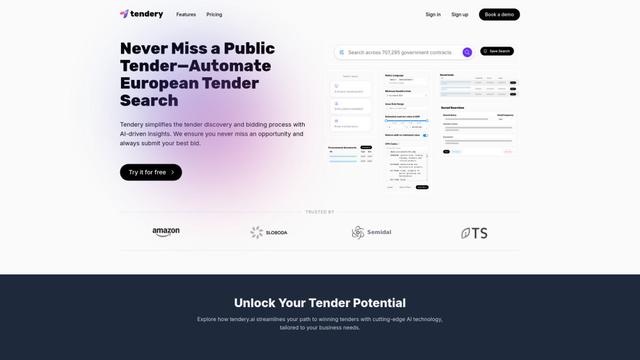
Tendery.ai is an AI-powered platform that transforms EU public procurement by providing automated tender discovery, intelligent matching, and enhanced proposal creation capabilities.

Devozy.ai
Devozy.ai is an AI-powered developer self-service platform that combines Agile project management, DevSecOps, multi-cloud infrastructure management, and IT service management into a unified solution for accelerating software delivery.
MDLR
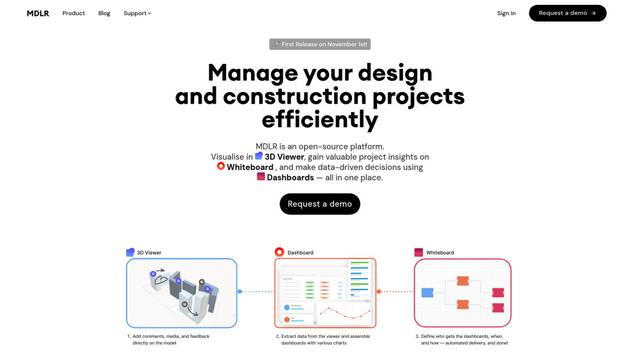
MDLR is an open-source AI-powered platform that streamlines design and construction project management through integrated 3D viewing, real-time dashboards, and interactive whiteboards.
Popular AI Tools Like Panguard.AI
ChatGPT Work
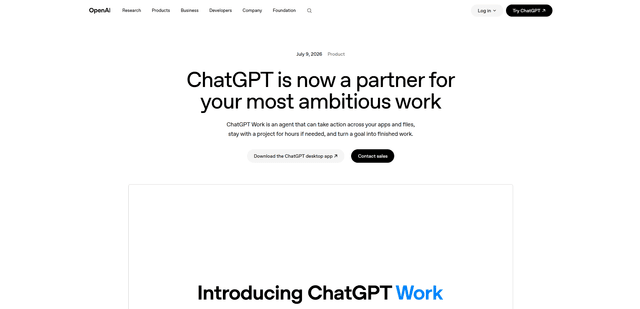
ChatGPT Work is an agent mode inside ChatGPT that can run multi-step projects for hours, pull context from your connected apps and files, and produce finished outputs like docs, slides, sheets, and interactive Sites—while keeping you in control with approvals and enterprise governance.
Zoho Projects
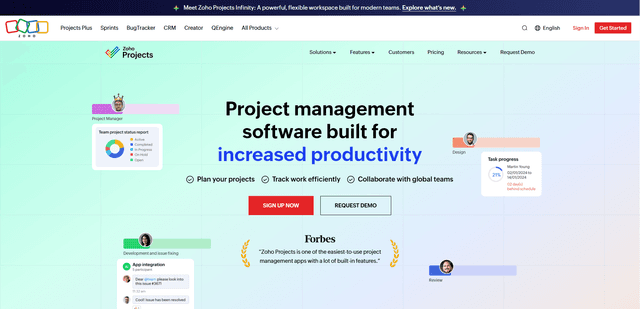
Zoho Projects is a cloud-based project management software that helps teams plan, track, and collaborate on projects with features like Gantt charts, task automation, time tracking, and comprehensive reporting tools.

Zoho Tables
Zoho Tables is a modern spreadsheet-database hybrid that helps teams organize data with relational links, build views and dashboards, collaborate in real time, and automate workflows with no-code and AI assistance.
Taskade
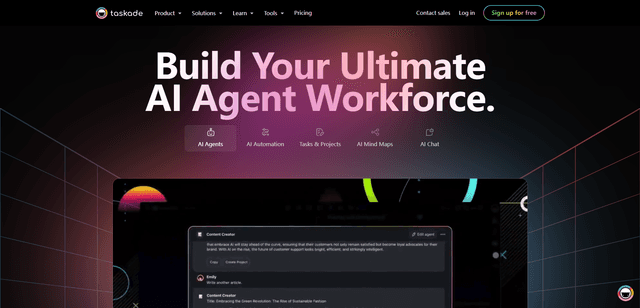
Taskade is an AI-powered productivity platform that combines task management, real-time collaboration, and AI automation in one unified workspace for teams and individuals.