
Overline
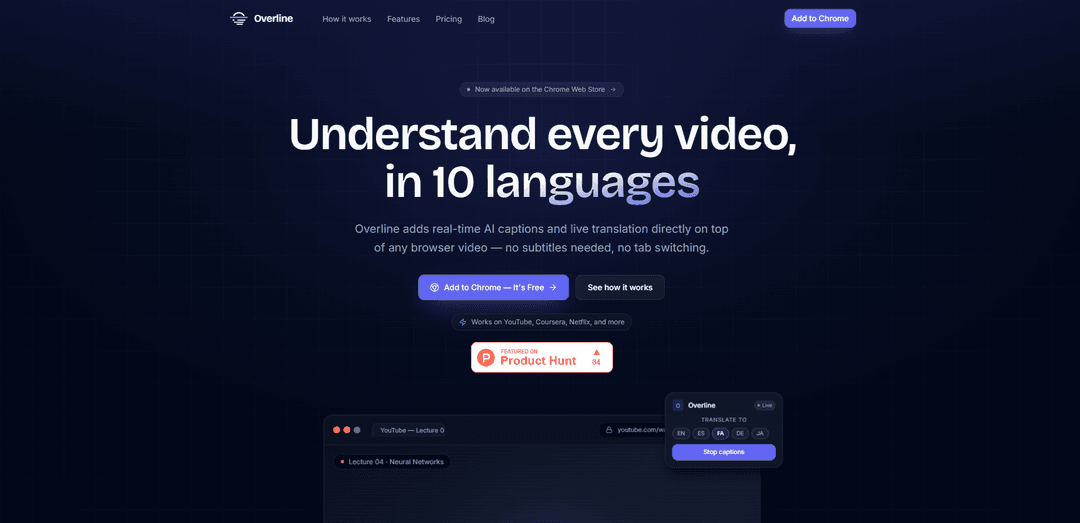
Overline is a Chrome extension that overlays real-time AI captions and live translation on any browser video with ultra-low latency, plus automatic transcript saving and export.
https://overline.live/?ref=producthunt
Product Information
Updated:Jun 8, 2026
What is Overline
Overline is a Chrome extension designed to help you understand any video in your browser—without relying on built-in subtitles or switching tabs. It works across popular platforms like YouTube, Coursera, and Netflix, as well as virtually any website where video plays in a Chrome tab. Overline provides real-time captions and instant translation across 10+ languages, and it also keeps a history of your caption sessions so you can review or download transcripts later.
Key Features of Overline
Overline is a Chrome extension that overlays real-time AI captions and live translation on top of any browser video, so you can understand content without relying on built-in subtitles or switching tabs. It uses Deepgram’s streaming speech recognition for low-latency transcription and supports instant translation across multiple languages. Sessions are saved to a transcript history and can be exported as TXT or SRT for review, notes, or subtitle workflows.
Real-time caption overlay: Displays captions directly on top of videos across the web (e.g., YouTube, Coursera, Netflix) without needing native subtitles.
Low-latency streaming transcription: Powered by Deepgram streaming speech recognition to keep captions close to live speech (marketed as within milliseconds / ~112 ms latency).
Instant live translation (10 languages): Translates captions as words are spoken, with support for languages including English, Persian, Arabic, Spanish, French, German, Japanese, Chinese, Korean, and Portuguese.
One-click workflow: Install the extension, open any video site, click the Overline icon, and start captions—no downloads or subtitle files required.
Transcript history + exports: Automatically saves session transcripts to your account and allows exporting as TXT or SRT for later study, sharing, or subtitle reuse.
Use Cases of Overline
Online learning & MOOCs: Add real-time captions/translation to lectures on platforms like Coursera to improve comprehension and note-taking in your preferred language.
Cross-language professional training: Enable multilingual teams to follow internal training videos or webinars with live translated captions.
Media & entertainment accessibility: Overlay captions and translations on streaming or web video content when subtitles are missing, inaccurate, or unavailable in a needed language.
Language learning immersion: Watch native content with live captions and switch translation languages instantly to compare phrasing and improve listening skills.
Content repurposing & subtitling workflow: Export SRT/TXT transcripts from viewing sessions to speed up creating subtitles, summaries, and searchable notes.
Pros
Works broadly across websites (overlay on any browser video) without relying on built-in subtitles.
Fast, streaming captions designed to keep up with live speech and offer instant translation.
Transcript history with TXT/SRT export supports review and downstream subtitle/note workflows.
Free tier available with no credit card required to start.
Cons
Usage is metered by minutes/hours per month (e.g., free tier limited to 20 minutes/month).
Language support is limited to the set offered (marketed as ~10 languages).
Requires Chrome and installing an extension (not a standalone player).
How to Use Overline
1. Install Overline (Chrome extension): Open the Chrome Web Store listing for Overline and click “Add to Chrome” to install the extension.
2. Sign in to your Overline account: After installation, open Overline from the extension icon and sign in to get started.
3. Open a video in your browser: Navigate to any video page you want to watch (e.g., YouTube, Coursera, Netflix, or other websites with browser video).
4. Launch Overline on the video: Click the Overline extension icon while the video is open to activate the overlay on top of the video.
5. Start real-time captions: Click “Start Captions” to begin live transcription; captions will appear as an on-video overlay in near real time.
6. Choose your caption/translation language: Select the language you want to read in (Overline supports 10 languages) and switch languages instantly while captions are running.
7. Review saved transcript history after the session: When you finish, access your account’s transcript history to find the saved session transcript.
8. Export transcripts if needed: Download your saved transcript as TXT or SRT for notes, subtitles, or review.
9. Manage usage with the right plan: If you exceed the Free plan’s monthly minutes, upgrade to Plus or Pro for more captioning time and priority processing.
Overline FAQs
Overline is a Chrome extension that adds real-time AI captions and live translation as an overlay on top of any browser video—so you can understand videos without needing existing subtitles or switching tabs.
Overline Video
Popular Articles

Vosko AI: Localize and Dub Videos for Global Audiences
Oct 15, 2026

Atoms: A Multi-Agent AI Platform That Transforms Ideas into Launch-Ready Products
Oct 13, 2026

Nano Banana SBTI: What It Is, How It Works, and How to Use It in 2026
Apr 15, 2026

Atoms Review — The AI Product Builder Redefining Digital Creation in 2026
Apr 10, 2026
Latest AI Tools Similar to Overline

ScribeBuddy
ScribeBuddy is an AI-powered tool that provides free transcription, translation, and subtitle generation services for audio/video content in 120+ languages with 98% accuracy, available across multiple platforms including iPhone, Android, Mac, and Windows.
VideoLingo
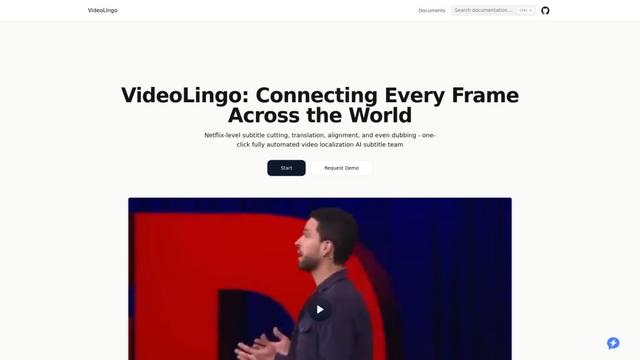
VideoLingo is an all-in-one video translation and localization tool that generates Netflix-quality subtitles and dubbing, enabling seamless knowledge sharing across language barriers worldwide.

CaptionCrafter AI
CaptionCrafter AI is an AI-powered tool that analyzes images and generates tailored, engaging social media captions with customizable parameters to boost engagement across various platforms.
Sonix AI
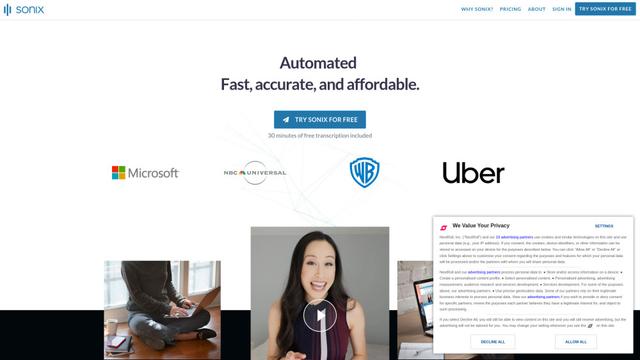
Sonix AI is an automated transcription, translation, and subtitling platform that uses cutting-edge artificial intelligence to quickly and accurately convert audio and video files to text in over 40 languages.
Popular AI Tools Like Overline
Teleprompter & Captions AI
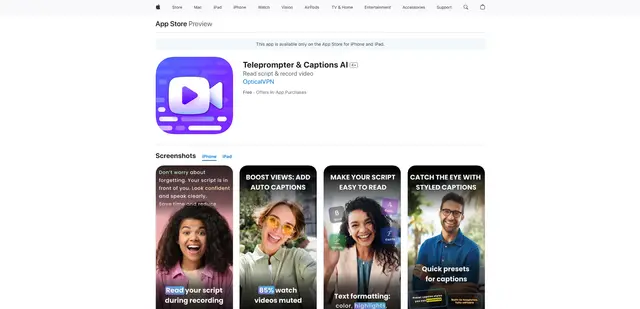
Teleprompter & Captions AI is an advanced all-in-one video production app that combines teleprompter functionality with AI-powered captions, script generation, and video recording capabilities for creating professional-looking content.

OpusClip Captions
OpusClip Captions is a free AI-powered tool that automatically adds engaging captions to videos, enhancing accessibility and viewer engagement.
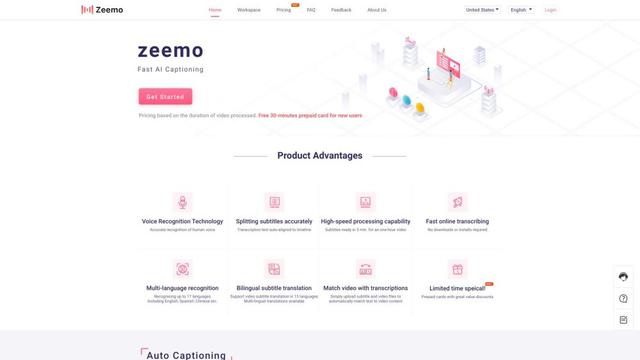
Zeemo AI
Zeemo AI is an AI-powered platform that automatically generates accurate captions and translations for videos in multiple languages with just one click.
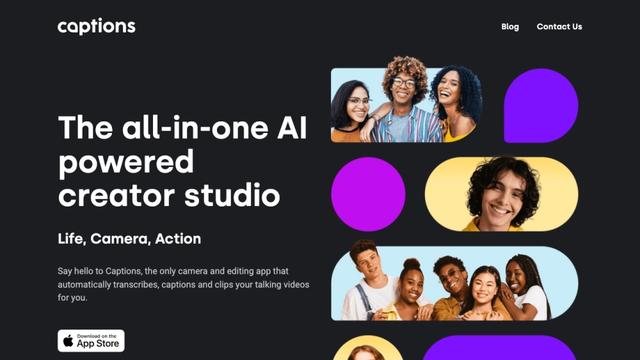
Captions
Captions is an AI-powered video creative studio that allows users to automatically add captions, edit videos, and create AI-generated content with just a few taps.