
Orange Slice
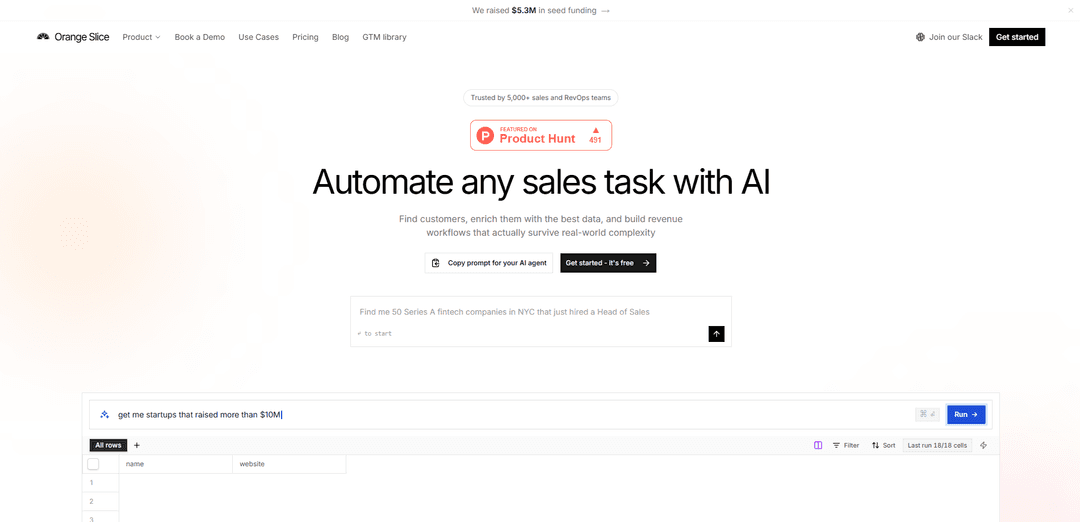
Orange Slice is an AI-powered go-to-market workflow platform that finds and qualifies high-intent prospects, enriches them with live web data, and automates downstream actions (CRM sync, sequencing, email) through spreadsheet-style “AI agent” columns and Slack.
https://orangeslice.ai/?ref=producthunt
Product Information
Updated:May 19, 2026
What is Orange Slice
Orange Slice is a go-to-market (GTM) automation product built to help sales and RevOps teams discover customers who already show signs they need what you sell. It combines lead discovery, firmographic/contact enrichment, and automated execution into a spreadsheet-like interface where each column can be an AI agent that researches the web in real time. Trusted by thousands of teams, Orange Slice positions itself as a way to turn manual prospecting spreadsheets into a repeatable system that continuously identifies buying signals and produces actionable lead lists.
Key Features of Orange Slice
Orange Slice is an AI-powered go-to-market (GTM) workflow platform that works like an agentic spreadsheet: you describe your ideal customers and the data you need in plain English, and AI agents browse the live web to find prospects, enrich each row with firmographic/contact/intent data, and then take actions such as syncing to your CRM, enrolling leads into outbound sequences, or sending personalized emails. It supports parallel research per row, dependency-ordered execution across columns, web scraping and deep research reports, and can be operated directly from Slack for fast GTM execution.
Natural-language lead generation: Describe your ICP in plain English (e.g., “SaaS companies with 200+ employees that use Salesforce”) and Orange Slice searches the web, validates criteria, and produces a qualified lead list.
Agentic spreadsheet columns: Each column is a prompt-driven AI agent that performs live web research to enrich every row (e.g., revenue, CEO, tech stack/CRM, emails), running in parallel across leads.
Web scraping + AI parsing: Extract structured data from arbitrary websites using AI to interpret and normalize messy web pages into usable fields inside the workflow.
Buying-signal discovery (intent research): Agents monitor public online sources (company sites, news, job boards, social/community signals) to identify accounts showing relevant triggers like launches, hiring, or other custom signals.
Action columns for GTM execution: Workflows can push data outward—sync leads to CRMs, enroll prospects into outbound sequences, and send personalized emails automatically when criteria are met.
Slack-native control plane: Run workflows, enrich leads, look up contacts, and approve actions by @mentioning Orange Slice in Slack channels or DMs.
Use Cases of Orange Slice
B2B SaaS outbound prospecting: Generate account lists matching a niche ICP (size, stack, geography), enrich with decision-makers and emails, then auto-enroll qualified leads into outbound sequences.
RevOps/CRM data enrichment and hygiene: Continuously enrich and standardize CRM records (contacts, roles, company attributes, tech stack) and sync updates back to Salesforce/HubSpot-style systems.
Community-driven intent capture: Monitor sources like Reddit/Hacker News and other forums for people actively discussing problems or alternatives, then route high-intent leads to sales with context.
Recruiting and talent intelligence: Build lists of target companies or candidates based on highly specific criteria and enrich profiles with background signals to prioritize outreach.
GovCon / public-sector market intelligence: Track agency/vendor signals (e.g., modernization initiatives, upcoming opportunities, leadership changes) via web research and structure findings into actionable workflows.
Partnership and channel development: Identify potential partners by ecosystem signals (integrations, co-selling fit, shared customer base) and automate outreach and CRM routing.
Pros
Fast workflow creation via natural language (less time building complex automations).
Live web research + scraping enables enrichment beyond standard databases.
End-to-end automation: find → enrich → qualify → take action (CRM sync, sequencing, email).
Slack-based operation makes it easy to run and approve GTM actions where teams already work.
Cons
Data quality may vary because it depends on public web sources and AI interpretation; often needs review/approval.
Some advanced workflows may require careful prompt design and iteration to be reliable.
Automated outreach actions can create compliance/reputation risk if not governed (e.g., email policies, consent).
Effectiveness can be limited for industries with sparse public signals or paywalled/private data.
How to Use Orange Slice
1) Sign up and open Orange Slice: Go to https://orangeslice.ai and create an account. Once inside, start a new workflow/spreadsheet-style project where rows represent leads/companies and columns represent agents (prompts) or actions.
2) Describe your ICP to generate a lead list: In plain English, type what you’re looking for (example from the site: “Find SaaS companies with over 200 employees that use Salesforce”). Orange Slice will search the web, check companies against your criteria, and return a qualified list as rows in your sheet.
3) Refine with multi-criteria filtering: Adjust or add criteria (e.g., industry, employee count, tools used) and re-run the search so only rows that match your ICP remain.
4) Add enrichment columns (each column is an AI agent): Add new columns by writing natural-language prompts for what you want per row (example from the site: “Add columns for annual revenue, CEO name, and what CRM they use”). Each column will browse the web and fill in structured results for every company.
5) Add contact-finding columns (optional): Create columns to find specific people and contact details (example shown: “Find the CEO’s email”). Orange Slice will attempt to populate the contact fields per row.
6) Run enrichments in parallel and monitor progress: Execute the enrichments; Orange Slice runs agents in parallel across rows and shows per-row status (e.g., searching…, queued, running…).
7) Add action columns to push data into your GTM tools: Create columns that take actions instead of only pulling data. Examples shown include: “Push as a lead to Salesforce” (CRM sync), “Add to outbound sequence” (sequence enrollment), and “Send personalized intro” (email).
8) Configure an end-to-end workflow trigger: Describe the automation you want in one instruction (example from the site: “When a lead matches, push to Salesforce, enroll in sequence, and send an intro email”). Orange Slice will run those actions automatically per row when criteria are met.
9) Review action statuses per lead: Check the action columns for outcomes like Synced / Enrolled / Sent (or Queued / running…). Use these statuses to confirm which leads were successfully processed.
10) Use Orange Slice from Slack (optional): Connect via Slack and @mention Orange Slice in a channel or DM it directly. From Slack you can run workflows, look up contacts, enrich leads, and approve actions without leaving the conversation.
11) Iterate: update prompts, add columns, and re-run: As your needs change, modify your ICP prompt, add new enrichment columns, or add new action columns (CRM sync, sequences, emails). Re-run to keep your pipeline updated with fresh web-researched data.
Orange Slice FAQs
Orange Slice is an AI platform that helps sales and RevOps teams automate sales tasks by finding customers, enriching lead data, and building revenue workflows.
Orange Slice Video
Popular Articles

Atoms: A Multi-Agent AI Platform That Transforms Ideas into Launch-Ready Products
May 22, 2026

Nano Banana SBTI: What It Is, How It Works, and How to Use It in 2026
Apr 15, 2026

Atoms Review — The AI Product Builder Redefining Digital Creation in 2026
Apr 10, 2026

Kilo Claw: How to Deploy and Use a True "Do‑It‑For‑You" AI Agent(2026 Update)
Apr 3, 2026
Latest AI Tools Similar to Orange Slice
Growth-Leads.co
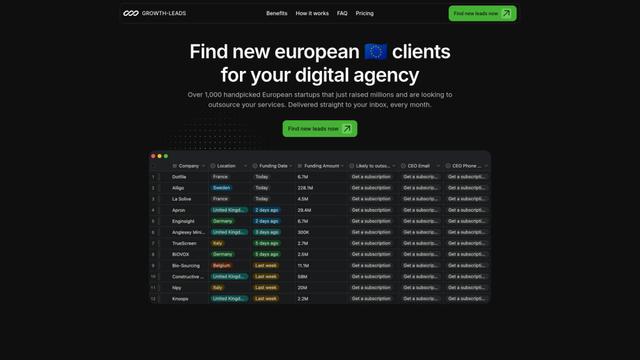
Growth-Leads.co is a lead generation service that provides handpicked lists of newly funded European startups looking to outsource digital services, delivered monthly with verified contact information to help agencies expand into the European market.
Leadsmrt
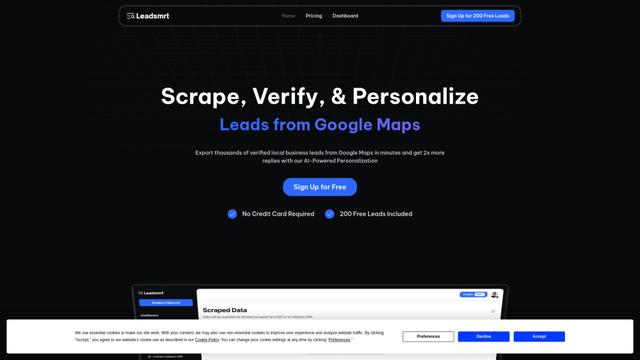
Leadsmrt is a lead generation tool that helps businesses scrape, verify and personalize targeted business leads from Google Maps with AI-powered personalization capabilities.
Beyond AIO
Beyond AIO is an all-in-one AI-powered marketing platform that delivers smart, data-driven insights and solutions through predictive analytics, cross-channel integration, and real-time optimization capabilities.
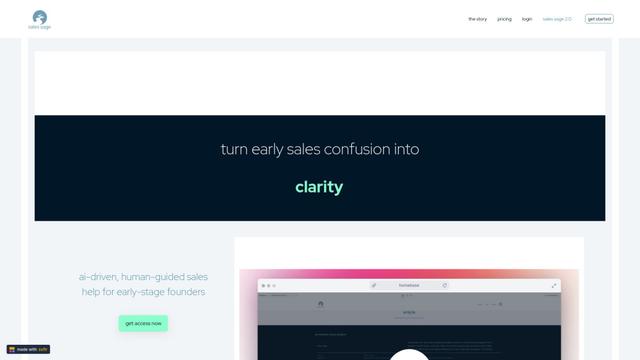
Sales Sage
Sales Sage is an AI-driven CRM and sales management platform that helps businesses optimize their sales processes, track performance, and make data-driven decisions through integrated tools for managing customer relationships, sales pipelines, and business intelligence.
Popular AI Tools Like Orange Slice
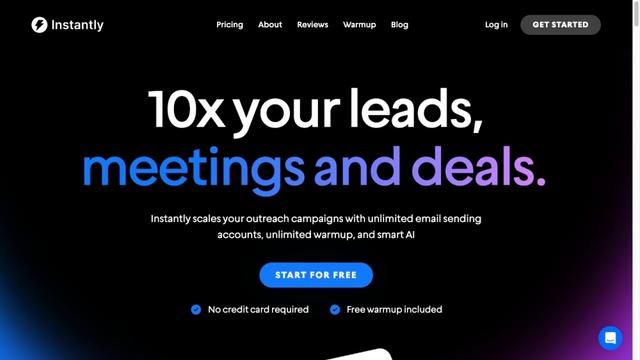
Instantly.ai
Instantly.ai is a comprehensive sales engagement and lead intelligence platform that offers unlimited email accounts, automated outreach, deliverability optimization, and AI-powered features to scale cold email campaigns.
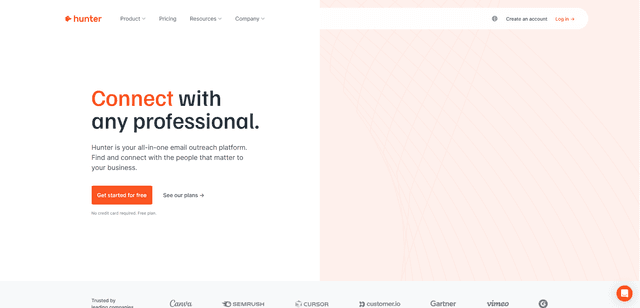
Hunter
Hunter is an all-in-one email outreach platform that helps businesses find verified email addresses, identify relevant prospects, and run cold email campaigns at scale.
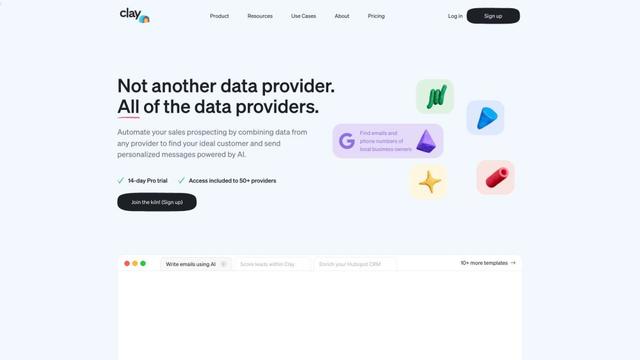
Clay
Clay is a data enrichment and personalized outreach platform that helps go-to-market teams scale their campaigns with AI-powered research and messaging.
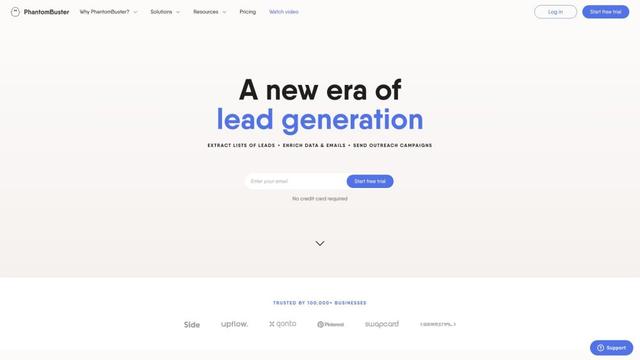
PhantomBuster
PhantomBuster is a powerful cloud-based automation platform that provides over 100 ready-made tools to extract data, enrich leads, and automate outreach campaigns across multiple online platforms.