OmniEnhancer
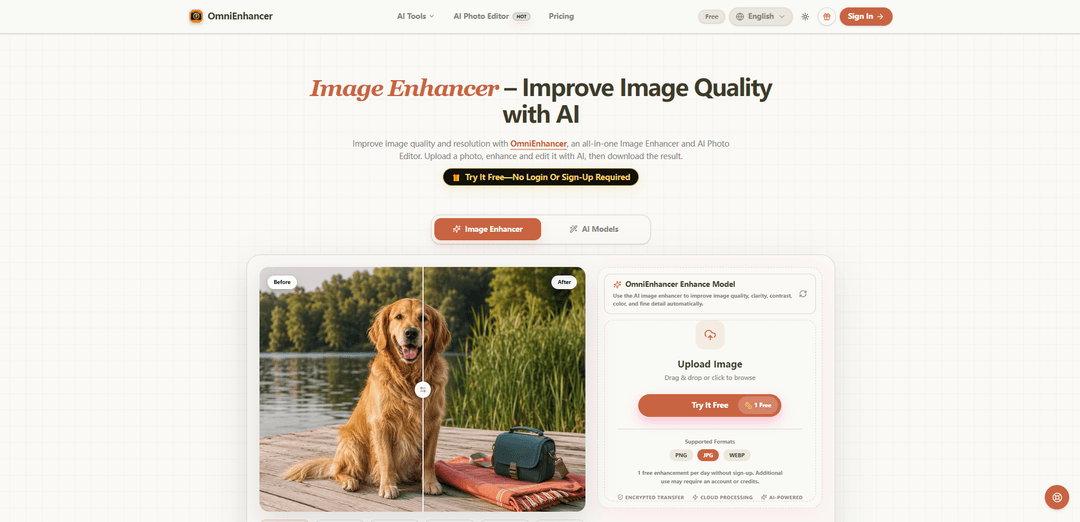
OmniEnhancer es un mejorador de imágenes con IA y editor de fotos basado en navegador que mejora la claridad, el color, el contraste, el ruido/desenfoque y la resolución con comparación de antes/después, procesamiento en la nube y una mejora diaria gratuita sin iniciar sesión.
https://omnienhancer.com/?utm_source=aipure
Información del Producto
Actualizado:30/07/2026
¿Qué es OmniEnhancer?
OmniEnhancer es un mejorador de imágenes en línea todo en uno y un editor de fotos con IA diseñado para mejorar rápidamente la calidad visible de las fotos sin necesidad de instalar software. Se enfoca en mejoras prácticas de calidad, como afinar los detalles, equilibrar el color y el contraste, reducir el ruido y los artefactos de compresión, y aumentar la resolución, al tiempo que permite a los usuarios revisar una clara comparación de antes/después antes de la descarga. La herramienta se ejecuta en el navegador, admite formatos comunes (JPG, PNG, WebP) y ofrece un uso gratuito limitado (una mejora por día) sin necesidad de registrarse, con uso adicional disponible a través de cuentas o créditos.
Características Principales de OmniEnhancer
OmniEnhancer es un mejorador de imágenes y editor de fotos con IA basado en navegador que mejora la calidad visual de la imagen, como la claridad, el contraste, el balance de color, el desenfoque leve, el ruido, los artefactos de compresión y la resolución, a través de un flujo de trabajo de "cargar → mejorar → comparar → descargar". Admite formatos web comunes (JPG, PNG, WebP), se ejecuta mediante transferencia cifrada y procesamiento en la nube, y enfatiza la revisión de una comparación antes/después antes de la descarga. La herramienta se posiciona como un primer paso de "corrección de calidad", con edición de IA de seguimiento opcional para cambios más creativos o estructurales cuando sea necesario.
Mejora de la calidad de la IA (claridad/color/detalle): Mejora automáticamente la nitidez percibida, el contraste, el balance de color y los detalles finos para que las imágenes se vean más limpias y claras utilizando el original como referencia.
Escalado de resolución (2×): Incluye una capacidad de escalado (indicada como 2× en el modelo estándar) para aumentar la resolución para exportaciones más nítidas adecuadas para la web, miniaturas y algunos flujos de trabajo orientados a la impresión.
Desenfocar + eliminar ruido + eliminar artefactos en un solo flujo de trabajo: Se enfoca en el desenfoque leve, el ruido/grano de la imagen y los artefactos de compresión para mejorar la legibilidad y la definición de los bordes (con la salvedad de que el desenfoque de movimiento severo o la falta de detalles pueden no ser recuperables).
Comparación antes/después antes de la descarga: Proporciona un paso de comparación explícito para que los usuarios puedan inspeccionar áreas importantes (caras, texto, logotipos, detalles del producto) y solo descargar la versión que satisfaga sus necesidades.
Inicio rápido sin inicio de sesión + uso diario gratuito: Ofrece 1 mejora gratuita por día sin necesidad de registrarse, lo que permite pruebas rápidas y un uso ligero; el uso adicional puede requerir una cuenta o créditos.
Basado en la web, compatible con dispositivos móviles, procesado en la nube: Se ejecuta en navegadores modernos (incluidos los móviles), utilizando procesamiento de IA basado en la nube con transferencia cifrada; no se requiere instalación local.
Casos de Uso de OmniEnhancer
Pulido de fotos de productos de comercio electrónico: Mejore las imágenes de productos comprimidas o ligeramente borrosas refinando los bordes, las etiquetas y la textura del material; útil para listados de escaparates y galerías de mercados donde la claridad impulsa las conversiones.
Limpieza de contenido de redes sociales y creadores: Mejore la claridad y reduzca los artefactos de compresión para publicaciones, tutoriales y activos de creadores para que las imágenes permanezcan nítidas en todos los feeds y la recompresión de la plataforma.
Legibilidad de capturas de pantalla y documentos: Mejore las capturas de pantalla de la interfaz de usuario, las imágenes instructivas y los documentos compartidos reduciendo los artefactos y mejorando la legibilidad de textos pequeños y elementos de la interfaz.
Mejora de retratos para fotos con poca luz: Realce retratos con detalles faciales más claros y color equilibrado, procurando mantener una textura de aspecto natural; útil para fotos de perfil y directorios de equipos.
Preparación de archivos y fotos familiares: Mejore suavemente el contraste y la resolución en fotos antiguas o escaneadas, guardando una copia más clara mientras se conserva el original intacto para la seguridad del archivo.
Preparación de activos de preimpresión y marketing: Aumente la claridad y la resolución antes de exportar a entregables sociales, web o impresos, ayudando a los equipos de marketing a estandarizar la calidad visual en todas las campañas.
Ventajas
No se requiere inicio de sesión para el uso básico, con 1 mejora gratuita por día.
Flujo de trabajo simple y guiado (cargar → mejorar → comparar → descargar) que fomenta la verificación de calidad.
Admite formatos comunes (JPG/PNG/WebP) y funciona en el navegador en computadoras de escritorio y dispositivos móviles.
Puede mejorar el desenfoque leve/ruido/compresión y aumentar la resolución mediante el procesamiento en la nube de IA.
Desventajas
El uso gratuito es limitado (1 mejora/día); un mayor uso puede requerir una cuenta o créditos.
El procesamiento en la nube significa que los resultados dependen del modelo y la calidad de la imagen de origen; el desenfoque severo o la falta de detalles pueden no ser recuperables.
Los límites de salida/capacidades del modelo pueden variar según el nivel de acceso, por lo que la coherencia puede depender del plan/nivel.
Cómo Usar OmniEnhancer
1: Abra OmniEnhancer en su navegador y vaya a la página de la herramienta Mejorador de imágenes (por ejemplo, https://omnienhancer.com/image-tools/image-enhancer).
2: Cargue su imagen arrastrándola y soltándola en el área de carga o haciendo clic para buscar y seleccionar un archivo.
3: Confirme que su archivo está en un formato compatible (JPG, PNG o WebP) antes de continuar.
4: Elija el modo/modelo de mejora que mejor se adapte al problema visible (por ejemplo, mejora de la claridad, reducción de desenfoque/ruido leve o mejora de la resolución).
5: Ejecute la mejora (genere el resultado) utilizando el procesamiento de IA basado en la nube de OmniEnhancer.
6: Utilice la vista de comparación incorporada (antes/después) para revisar los cambios cuidadosamente.
7: Acerque y examine los detalles críticos (caras, texto, logotipos, etiquetas, bordes y superficies reflectantes) para asegurarse de que el resultado siga siendo preciso.
8: Si el resultado parece sobreprocesado o alterado, inténtelo de nuevo con una configuración/modo más suave o comience con una imagen fuente de mayor calidad y menos comprimida.
9: Descargue la imagen mejorada solo después de estar satisfecho con la comparación.
10: Si necesita cambios más allá de la corrección de calidad (por ejemplo, eliminación de objetos, edición de fondos o cambios generativos), continúe con el Editor de fotos con IA después de la mejora.
11: Si está utilizando el nivel gratuito, tenga en cuenta que OmniEnhancer permite 1 mejora gratuita por día sin registrarse; el uso adicional puede requerir una cuenta o créditos.
Preguntas Frecuentes de OmniEnhancer
OmniEnhancer es un mejorador de imágenes con IA y editor de fotos en línea que te permite subir una imagen, mejorar la calidad (claridad, contraste, color, detalles finos y resolución), comparar el antes y el después, y descargar el resultado.
Artículos Populares

Vosko AI: Localiza y dobla videos para audiencias globales
Oct 15, 2026

Atoms: Una Plataforma de IA Multiagente Que Transforma Ideas en Productos Listos para Lanzar
May 22, 2026

Nano Banana SBTI: Qué es, cómo funciona y cómo usarlo en 2026
Apr 15, 2026

Reseña de Atoms: El Constructor de Productos de IA que Redefine la Creación Digital en 2026
Apr 10, 2026
Últimas herramientas de IA similares a OmniEnhancer
AI Image Upscaler Pro
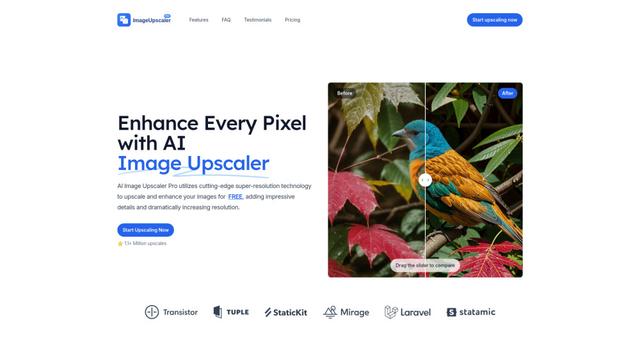
AI Image Upscaler Pro es una plataforma en línea de vanguardia que utiliza inteligencia artificial avanzada para mejorar y aumentar imágenes hasta un 400% mientras mantiene la calidad, admitiendo múltiples formatos como PNG, JPG, JPEG, WEBP y HEIC de forma gratuita.
YuanbaoPower AI
YuanbaoPower AI es una plataforma de agregación de IA optimizada y poderosa que proporciona servicios de IA integrados, incluidas conversaciones de IA, generación de imágenes de IA y capacidades de escalado de imágenes.

AnyEnhancer
AnyEnhancer es un software de mejora de video impulsado por IA que transforma videos de baja calidad en contenido de alta definición a través de capacidades de escalado, reducción de ruido, colorización e interpolación de fotogramas.
Pixvify
Pixvify es una plataforma de IA gratuita y todo en uno para crear fotos realistas, intercambio de rostros, edición de imágenes y generación de videos.
Herramientas de IA populares como OmniEnhancer
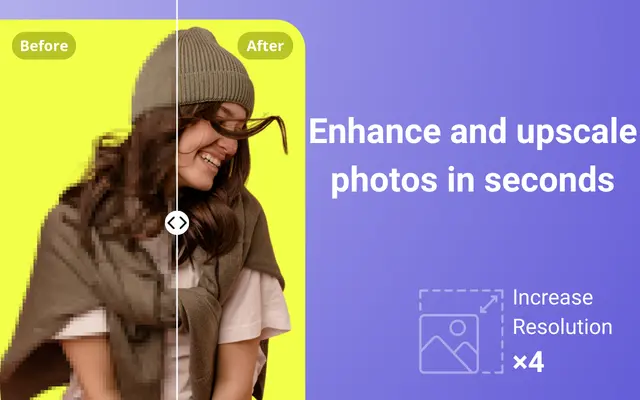
Unblur Image
Unblur Image es una potente extensión de Chrome que aprovecha la tecnología de IA para eliminar automáticamente el desenfoque, mejorar la claridad y aumentar la escala de fotos de baja resolución con un solo clic.
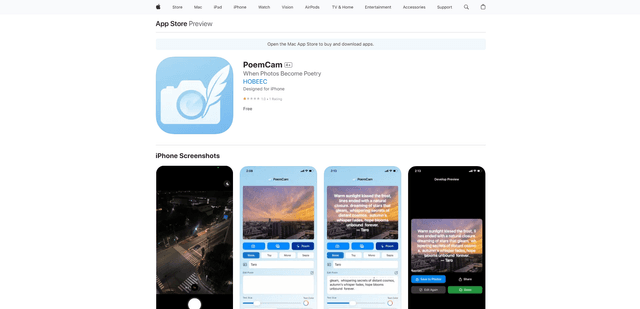
PoemCam
PoemCam es una aplicación móvil impulsada por IA que transforma fotos en versos poéticos capturando la emoción y la atmósfera de los momentos a través de la visión artificial y la IA del lenguaje.
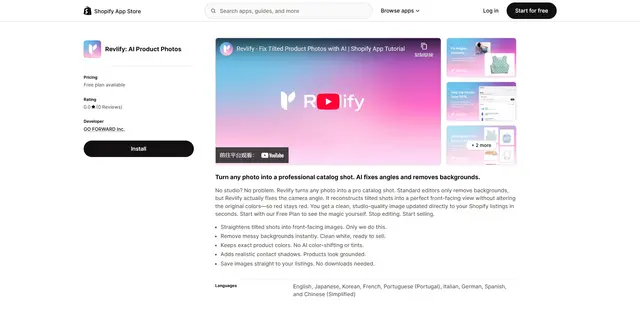
Revlify for Shopify
Revlify es una aplicación de Shopify impulsada por IA que transforma automáticamente las fotos de productos de aficionados en tomas de catálogo profesionales al corregir los ángulos de la cámara, eliminar los fondos y mantener los colores verdaderos.
Pica AI
Pica AI es una plataforma avanzada impulsada por IA que ofrece mejora de fotos, intercambio de rostros, creación de avatares de IA y generación de retratos profesionales.