
Nucleo
Nucleo is an AI platform that automates oncology CT scan analysis—speeding up segmentation and delivering expert-level measurements for body composition, tumor sizing, and RECIST lesion classification.
https://nucleoresearch.com/?ref=producthunt
Product Information
Updated:May 19, 2026
What is Nucleo
Nucleo (Nucleo Research) builds automated cancer diagnostics for oncology care by turning CT scans into structured, actionable insights for clinicians. Positioned as an agentic platform for oncology, it focuses on streamlining key radiology and oncology workflows—helping teams characterize tumors and support treatment decisions with consistent, data-driven outputs. The company works with leading hospitals (including Stanford Hospital, Cedars-Sinai, UCI Health, and Weill Cornell) and is backed by Y Combinator.
Key Features of Nucleo
Nucleo is an AI platform for automated oncology CT scan analysis designed to take clinicians “from scan to answer” in seconds by streamlining key cancer-imaging workflows. It focuses on fast, consistent, expert-aligned outputs that support tumor characterization and treatment workflows, including automated segmentation/quantification, standardized lesion measurement, and RECIST-oriented lesion classification, with applications such as body composition and sarcopenia assessment.
Automated CT scan analysis: Processes oncology CT imaging to extract clinically relevant insights quickly, reducing manual effort in interpretation and measurement.
Faster-than-manual segmentation: Automates segmentation-related tasks to accelerate workflows compared to manual contouring/annotation.
High agreement with expert readers: Designed to produce results that closely match expert assessments, improving consistency across readers and sites.
Body composition quantification: Automatically detects and quantifies fat and muscle mass from CT scans to support body composition and sarcopenia evaluation.
Tumor lesion sizing: Provides precise, repeatable tumor lesion measurements to support longitudinal tracking and response assessment.
RECIST-oriented lesion classification: Classifies target vs. non-target lesions according to RECIST criteria to standardize oncology reporting workflows.
Use Cases of Nucleo
Radiology workflow acceleration: Helps radiologists reduce time spent on manual segmentation and measurements, enabling faster turnaround for oncology CT reads.
Oncology treatment planning support: Supports oncologists with structured imaging-derived metrics (e.g., lesion size, lesion type) for treatment decisions and monitoring.
Clinical trial imaging and RECIST reporting: Standardizes target/non-target lesion classification and sizing to improve consistency in RECIST-based assessments across trial sites.
Sarcopenia and nutritional risk screening: Uses CT-derived muscle/fat quantification to identify sarcopenia and body composition changes relevant to prognosis and supportive care.
Longitudinal disease monitoring: Enables consistent lesion measurement over time to track tumor progression or response across follow-up CT scans.
Pros
Speeds up CT oncology workflows by automating labor-intensive tasks (segmentation, measurement, classification).
Improves consistency via standardized measurements and RECIST-aligned lesion categorization.
Provides additional clinically useful biomarkers such as body composition and sarcopenia metrics.
Cons
Evidence details (e.g., specific performance metrics, validation datasets, regulatory status) are not fully specified in the provided sources.
Primarily focused on CT-based oncology workflows, which may limit applicability to other modalities without additional support.
How to Use Nucleo
1) Book a demo / get access: Go to https://nucleoresearch.com/ and use “Book a demo” (calendar link) to request access and onboarding for your hospital/organization.
2) Prepare the CT scan for analysis: Export the patient’s CT study from your imaging system in a standard format your team uses (commonly DICOM) so it can be imported into Nucleo for oncology CT analysis.
3) Import the CT scan into Nucleo: In Nucleo, import/upload the CT scan (“The doctor imports the CT scan”). Once loaded, Nucleo begins automated analysis.
4) Run automated body composition + sarcopenia assessment: Use the “Body composition and sarcopenia assessment” workflow to automatically detect and quantify fat and muscle mass from the CT scan.
5) Run automated tumor lesion sizing: Use the “Tumor Lesion Sizing” workflow to obtain precise, consistent measurements of tumor lesions from the CT scan (including lesion sizing/volume metrics as provided by the platform).
6) Classify lesions as target vs non-target (RECIST): Use the “Target vs Non-Target Lesion Classification” workflow to automatically classify lesions according to RECIST criteria.
7) Review AI outputs and validate clinically: Review the extracted oncological metrics (e.g., sarcopenia/body composition, lesion measurements, and RECIST target vs non-target classification) and confirm they match clinical expectations before using them in reporting or treatment planning.
8) Use results to accelerate the workflow: Incorporate the reviewed metrics into your oncology workflow to reduce time spent on manual segmentation/measurement (Nucleo claims much faster segmentation and high agreement with experts) and to help shorten the overall turnaround from weeks to days.
Nucleo FAQs
Nucleo is an AI platform for oncology that automates CT scan analysis to support cancer diagnostics and clinical workflows.
Nucleo Video
Popular Articles

Atoms: A Multi-Agent AI Platform That Transforms Ideas into Launch-Ready Products
May 22, 2026

Nano Banana SBTI: What It Is, How It Works, and How to Use It in 2026
Apr 15, 2026

Atoms Review — The AI Product Builder Redefining Digital Creation in 2026
Apr 10, 2026

Kilo Claw: How to Deploy and Use a True "Do‑It‑For‑You" AI Agent(2026 Update)
Apr 3, 2026
Latest AI Tools Similar to Nucleo
DocAI
DocAI is an AI-powered platform that offers intelligent document processing, medical consultation analysis, and personalized healthcare solutions through advanced machine learning technologies.
Nutrecity
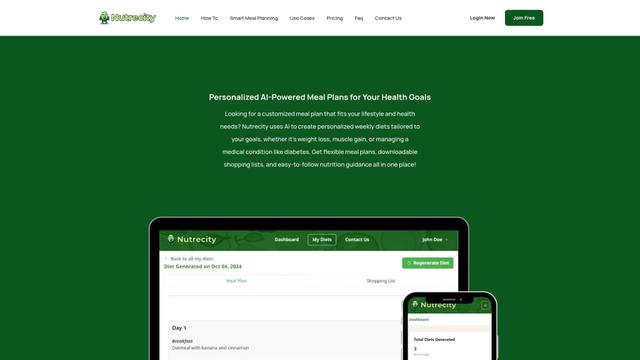
Nutrecity is an AI-powered meal planning platform that creates personalized nutrition plans tailored to individual health goals, dietary preferences, and restrictions while providing comprehensive nutritional tracking and reporting.
Fit Aura
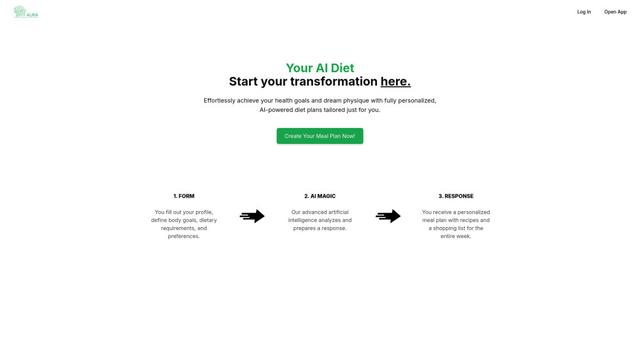
Fit Aura is an AI-powered diet and nutrition platform that creates personalized meal plans, generates recipes, and helps track fitness progress for achieving health goals.
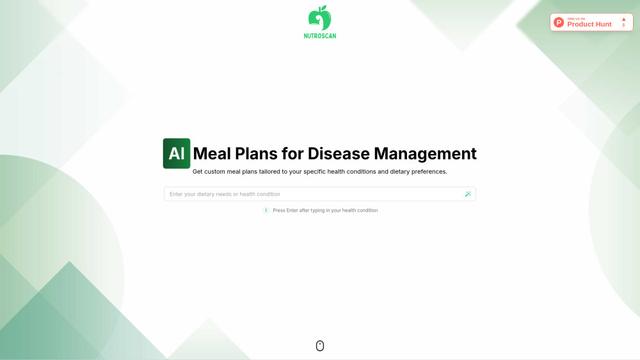
Nutroscan
Nutroscan is an AI-powered meal planning platform that generates personalized nutrition plans based on individual health conditions, dietary preferences, and nutritional needs.
Popular AI Tools Like Nucleo
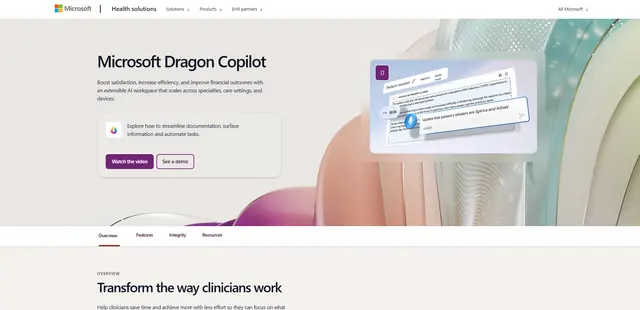
Microsoft Dragon Copilot
Microsoft Dragon Copilot is an AI-powered clinical workflow assistant that combines natural language voice dictation, ambient listening capabilities, and generative AI to streamline documentation, surface information, and automate tasks across healthcare settings.
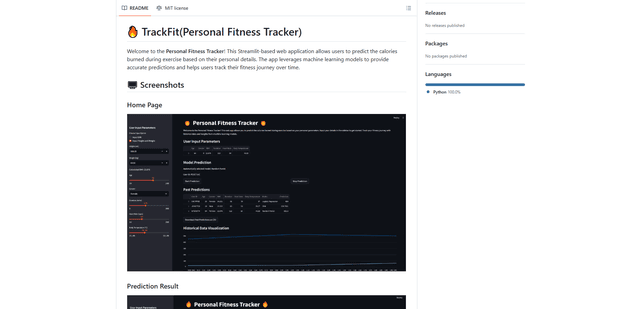
TrackFit
TrackFit is a comprehensive AI-powered fitness tracking system that combines smartwatch sensor data, machine learning models, and personalized analytics to help users monitor workouts, track progress, and improve exercise form in real-time.
HealthyAI - Nutrition Scanner
FreemiumHealthcare
HealthyAI is an AI-powered nutrition scanner app that helps users make healthier food choices by providing instant ingredient analysis, nutritional breakdowns, and personalized recommendations through barcode scanning and photo recognition technology.

Neck-Life
FreemiumHealthcare
Neck-Life is an innovative app that uses AirPods sensors to monitor neck posture in real-time and helps prevent 'tech neck' through timely alerts and personalized settings.