Nereo
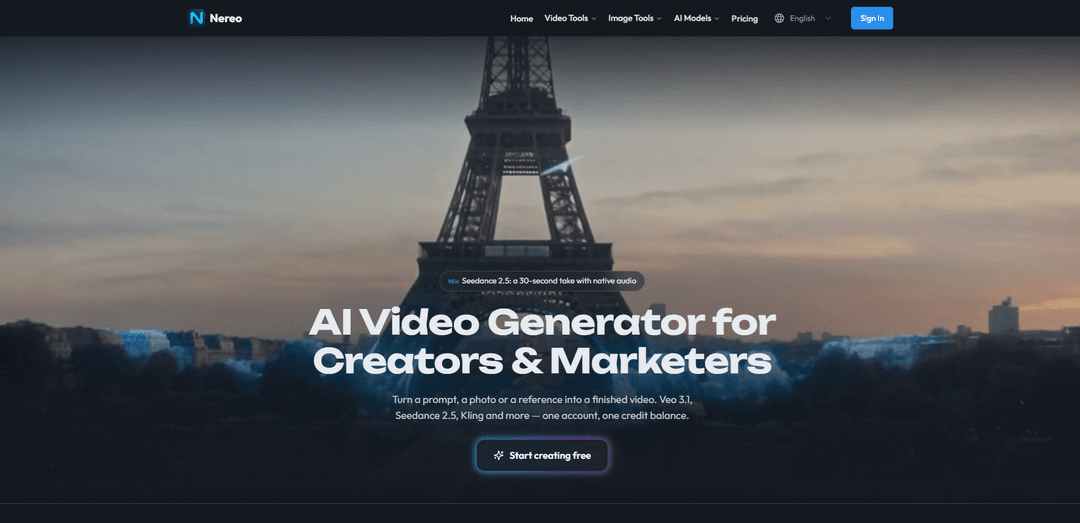
Nereo is an AI video and ad creation platform for brands and creators, with Kling 4.0 built in. Create short cinematic videos (3–30 seconds) from text, images, references and keyframes, with native audio and up to 4K output, alongside Veo 3.1 and Seedance in one workspace.
https://www.nereo.io/?utm_source=aipure
Product Information
Updated:Oct 26, 2026
What is Nereo
Nereo is an AI creative platform designed to help creators, marketers, and brands turn prompts, photos, and visual references into finished videos and images. Its video tools include text-to-video, image-to-video, reference-to-video, video effects, lip sync, and upscaling, while its image tools support text-to-image, image-to-image, effects, and product photos. Nereo also offers workflows for product ads, UGC-style creative, ecommerce visuals, social ads, and other campaign assets. The platform brings models including Google Veo, ByteDance Seedance, Kling, MiniMax, and OpenAI image models together under one account and credit balance.
Key Features of Nereo
Nereo is an all-in-one AI video and image creation platform for creators and marketers. It lets users generate content from text prompts, photos, references, product URLs, and scripts, with tools for text-to-video, image-to-video, reference-to-video, product ads, image generation, lip sync, effects, and upscaling. Its Nereo Agent can plan multi-shot videos by writing shots, generating them, and editing them into a finished sequence, while a single account and credit balance provide access to models such as Google Veo, ByteDance Seedance, Kling, and Nano Banana.
Multi-model AI workspace: Access video and image models including Veo, Seedance, Kling, Nano Banana, and others from one platform without managing separate subscriptions or credit systems.
Nereo Agent for multi-shot videos: Describe a longer video concept and the agent can write the individual shots, generate them, and cut them together into a more complete video.
Text, image, and reference-to-video generation: Create video from a written prompt, animate an uploaded image, or use visual references to guide style, subject matter, and creative direction.
Product-ad and commerce workflows: Turn product URLs, store pages, images, or scripts into product videos, UGC-style ads, product showcases, and campaign-ready creative.
Integrated image creation tools: Generate or transform images with text-to-image, image-to-image, product-photo, and image-effects tools as part of a text-to-image-to-video workflow.
Export-ready formats and enhancements: Supports multiple aspect ratios such as 16:9, 9:16, and 1:1, resolutions up to 4K, MP4 downloads, plus video effects, lip sync, and upscaling tools.
Use Cases of Nereo
Ecommerce product advertising: Online sellers can use a product URL or approved product images to create short ads that introduce features, benefits, visuals, and a call to action.
UGC-style social campaigns: Marketing teams can produce vertical, creator-style product videos for TikTok, Instagram Stories, Reels, and similar social placements.
Product launches and brand campaigns: Brands can develop launch teasers, product showcase clips, commercial-style videos, and variants for campaign testing from a prompt or campaign brief.
Creative storytelling and anime shorts: Creators can generate narrative-driven anime-style or cinematic short videos from a single idea, prompt, image, or visual reference.
Fashion and beauty creative: Fashion, skincare, and beauty marketers can create try-on visuals, product demonstrations, ingredient-style visuals, and polished vertical ads.
Rapid concept prototyping: Studios and content teams can compare models, test alternate prompts, explore visual styles, and create early video drafts before full production.
Pros
Combines a broad set of AI video and image models in one account with one credit balance.
Supports several creation inputs, including prompts, images, references, scripts, and product URLs.
The Nereo Agent helps reduce multi-shot planning and assembly work for longer videos.
Offers free starter credits and supports common social aspect ratios, MP4 exports, and up-to-4K output.
Cons
Generation time varies by selected model, content length, and complexity; videos may take several minutes.
Generated product ads and marketing material require human review for accurate prices, claims, logos, labels, and product details.
Commercial-use rights are tied to paid plans and users should verify the specific licensing terms for their plan.
Output consistency and quality can vary across AI models, prompts, reference inputs, and complex scenes.
How to Use Nereo
1. Create an account: Go to https://www.nereo.io/ and select “Start creating free.” Sign up to receive starter credits; no credit card is required for the initial free access.
2. Choose a creation workflow: Select the tool that matches your source material and goal: Text to Video for a written idea, Image to Video for animating a still image, Reference to Video for using visual references, Text to Image or Image to Image for images, or Product Ads for ecommerce-focused creative.
3. Select an AI model: Choose an available model suited to the result you want, such as Veo 3.1, Seedance, Kling, Hailuo, or an image model such as Nano Banana. Nereo places multiple providers and models under one account and credit balance.
4. Add your inputs: For text-based generation, write a clear prompt describing the subject, setting, action, visual style, camera movement, mood, and any audio needs. For image-based workflows, upload a source image and describe the desired motion or transformation. For product ads, provide a product URL, product photos, clips, a script, audience, offer, and CTA where available.
5. Configure the output: Choose the desired aspect ratio, such as 16:9 for landscape, 9:16 for vertical social content, or 1:1 for square posts. Select available duration, resolution, and quality settings; Nereo supports MP4 downloads and resolutions up to 4K depending on the selected model.
6. Use Nereo Agent for multi-shot videos: For a video longer or more complex than a single generated shot, open Nereo Agent. Describe the complete video you want; the agent can write the shots, generate them, and edit them into a finished sequence.
7. Generate and compare versions: Start generation and wait for the result. Images are generally ready in seconds, while videos commonly take about 1–5 minutes depending on model, duration, and complexity. Create multiple versions when possible and compare prompt adherence, motion, visual consistency, audio, and product accuracy.
8. Review the output carefully: Before publishing, check that visuals, text, packaging, logos, product details, pricing, claims, music, voices, and likenesses are accurate and authorized. For product-page-based ads, verify that the live price and benefit claims match the source page and do not exaggerate them.
9. Download and publish: Choose the strongest approved result and export it as an MP4 for social media, ads, landing pages, or other channels. Paid-plan subscribers can use generated content commercially, subject to their plan terms and rights in uploaded assets, third-party materials, music, brands, and likenesses.
10. Upgrade when you need more credits or features: Use the Pricing page to compare plans. Nereo states that paid plans start from $20 per month and include access to its models, no watermark, and commercial-use eligibility; confirm current plan limits and licensing details before purchase.
Nereo FAQs
Nereo is an all-in-one AI video and image creation platform for creators and marketers. It provides access to multiple AI models through one account and credit balance.
Popular Articles

Vosko AI: Localize and Dub Videos for Global Audiences
Oct 15, 2026

Atoms: A Multi-Agent AI Platform That Transforms Ideas into Launch-Ready Products
Oct 13, 2026

Nano Banana SBTI: What It Is, How It Works, and How to Use It in 2026
Apr 15, 2026

Atoms Review — The AI Product Builder Redefining Digital Creation in 2026
Apr 10, 2026
Latest AI Tools Similar to Nereo
DeepVideo
DeepVideo is an AI-powered video generation platform that enables users to create personalized, professional videos from simple text inputs with AI avatars and voiceovers in multiple languages.
PPTalker
PPTalker is an online PowerPoint to video converter that transforms presentations into engaging videos with AI-powered multilingual voiceovers and subtitles.
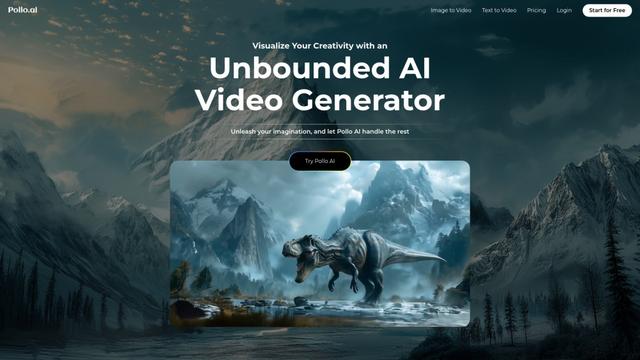
Pollo AI
Pollo AI is an advanced AI-powered video generator that transforms text prompts, images, and concepts into high-quality, customizable videos.

LUMA AI Dream Machine
LUMA AI Dream Machine is an AI-powered video generation tool that creates high-quality, realistic videos from text prompts and images in minutes.
Popular AI Tools Like Nereo
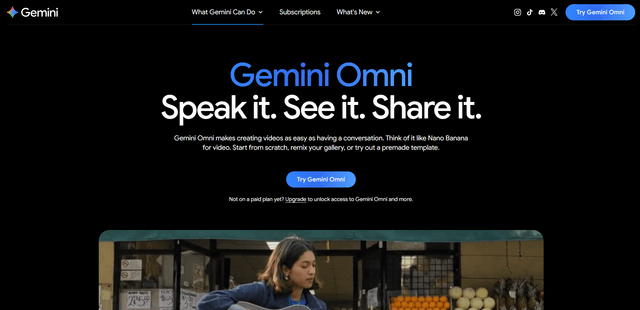
Gemini Omni Flash
Gemini Omni Flash is a high-speed, multimodal video generation and conversational editing model that turns text, images, and video references into short (up to ~10s) clips with native audio generation, multi-turn edits, and optional AI avatars, with SynthID watermarking for verification.
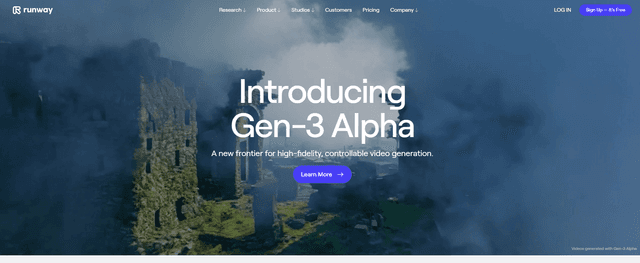
Gen-3 Alpha
Gen-3 Alpha is Runway's latest and most advanced AI model for high-fidelity, fast, and controllable video generation from text, images, or video inputs.
PixVerse V6
PixVerse V6 is an advanced AI video generation platform that can create multi-shot short films with native audio from a single prompt, featuring precise camera control, expressive character performance, and seamless multilingual text integration.
HeyGen
HeyGen is an AI-powered video creation platform that allows users to generate professional-quality videos with customizable AI avatars and templates in minutes, without needing cameras or crews.