
NativeBridge
NativeBridge.io is a cloud-based platform that enables users to run, test, and share native mobile apps directly in any web browser through a single magic link, eliminating the need for complex setups or device installations.
https://nativebridge.io/?ref=producthunt

Product Information
Updated:Jan 8, 2026
What is NativeBridge
NativeBridge.io is a revolutionary mobile development and testing platform that transforms how teams work with mobile applications. It provides a virtual environment where iOS and Android applications can run natively within any web browser, offering instant access to both emulated and real devices. The platform serves as a comprehensive solution for developers, QA teams, designers, and product managers who need to test, demonstrate, or collaborate on mobile applications without the traditional barriers of device management and setup complexity.
Key Features of NativeBridge
NativeBridge.io is a cloud-based platform that enables users to run, test, and share native mobile applications directly in web browsers without requiring installation or setup. It provides instant access to both emulated and real Android/iOS devices, features AI-powered testing capabilities, and offers seamless integration with development workflows through magic links and embedding options. The platform includes secure end-to-end encryption, supports multiple OS versions, and enables real-time collaboration across teams.
Browser-based Device Access: Instant access to real and emulated iOS/Android devices directly through web browsers, eliminating the need for local device setup or installation
AI-Powered Testing: Automated test generation and execution using AI to understand app flows and create comprehensive test coverage with minimal manual effort
Magic Link Sharing: Generate permanent URLs that automatically update with new app versions while preserving feedback history, enabling seamless collaboration
Real-time Device Control: Ability to manipulate device settings, geolocation, and network conditions instantly during testing sessions
Use Cases of NativeBridge
Development Team Collaboration: Streamline pull request reviews and testing processes by allowing team members to access and test apps simultaneously through shared links
Marketing Demonstrations: Showcase app features directly on client websites or in marketing campaigns through embedded interactive previews
QA Testing: Conduct comprehensive testing across multiple device types and OS versions without maintaining physical device inventory
Client Presentations: Share working app demos with stakeholders and clients without requiring them to install anything on their devices
Pros
No hardware or setup requirements
Instant access to multiple device types and OS versions
Secure and encrypted testing environment
Seamless integration with existing development workflows
Cons
Requires stable internet connection
May have limitations with highly specialized device requirements
Cloud-based nature might not suit all security policies
How to Use NativeBridge
Sign up for NativeBridge.io: Visit nativebridge.io and create a free account to get started. No credit card required for initial access.
Upload your mobile app: Upload your Android APK or iOS app file to the NativeBridge platform. This can be done through their web interface.
Select target device: Choose from available Android emulators, iOS simulators, or real devices to test your app on. Multiple OS versions and device types are supported.
Launch test session: Click 'Launch Instantly' to start a new test session with your selected device. The app will be automatically installed and launched.
Test and interact: Use the browser-based interface to interact with your app in real-time. You can perform manual testing or use AI-assisted test generation features.
Share access: Generate a magic link to share the live app session with team members or stakeholders. They can access the app instantly without any setup.
IDE integration (optional): Install the NativeBridge extension for VS Code/Cursor to test apps directly from your IDE. This enables seamless integration with your development workflow.
Connect development tools (optional): Use the provided device URL to connect ADB (Android) or Xcode (iOS) directly to your session for advanced debugging capabilities.
Review analytics: Access test execution data and analytics through the NativeBridge dashboard to track app performance and issues.
Embed app (optional): Use the embedding feature to add interactive app previews to your website, documentation or presentations using the provided embed code.
NativeBridge FAQs
Yes, you can run Android emulators, iOS simulators, and physical devices directly in your browser or VS Code. The platform supports native apps from Android Studio, XCode, React Native, Flutter, and more without complex setup.
NativeBridge Video
Popular Articles

Vosko AI: Localize and Dub Videos for Global Audiences
Oct 15, 2026

Atoms: A Multi-Agent AI Platform That Transforms Ideas into Launch-Ready Products
Oct 13, 2026

Nano Banana SBTI: What It Is, How It Works, and How to Use It in 2026
Apr 15, 2026

Atoms Review — The AI Product Builder Redefining Digital Creation in 2026
Apr 10, 2026
Latest AI Tools Similar to NativeBridge
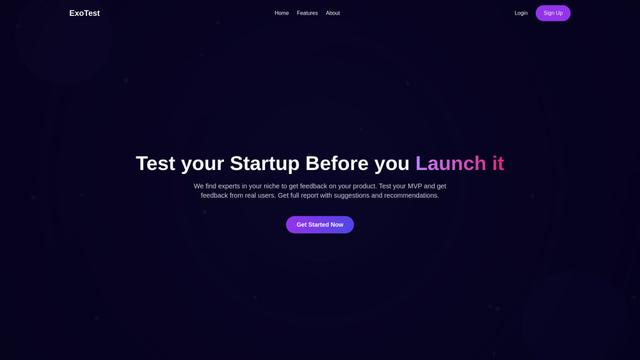
ExoTest
ExoTest is an AI-driven product testing platform that connects startups with expert testers in their specific niche to provide comprehensive feedback and actionable insights before product launch.
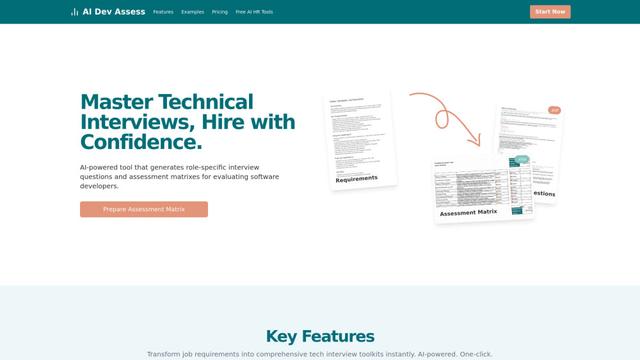
AI Dev Assess
AI Dev Assess is an AI-powered tool that automatically generates role-specific interview questions and assessment matrices to help HR professionals and technical interviewers evaluate software developer candidates efficiently.
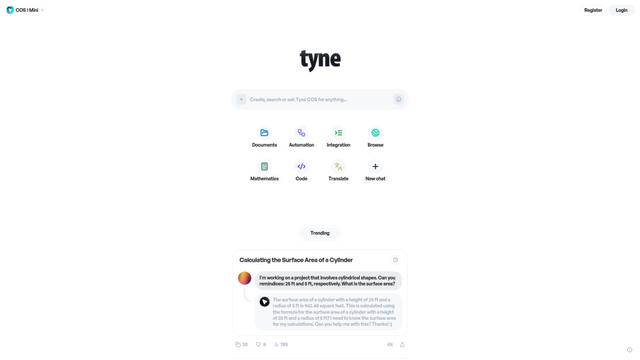
Tyne
Tyne is a professional AI-powered software and consulting company that helps businesses streamline their everyday needs through data analysis, yield improvement systems, and AI solutions.
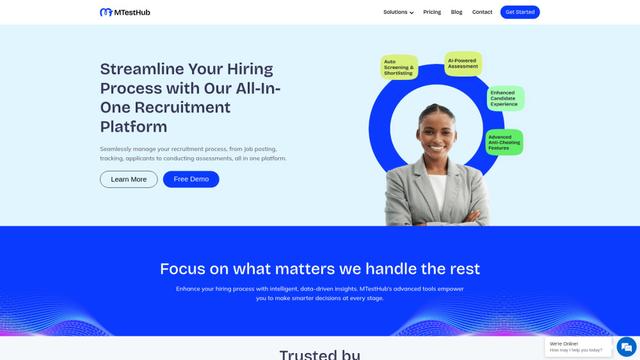
MTestHub
MTestHub is an all-in-one AI-powered recruitment and assessment platform that streamlines hiring processes with automated screening, skill evaluations, and advanced anti-cheating measures.
Popular AI Tools Like NativeBridge
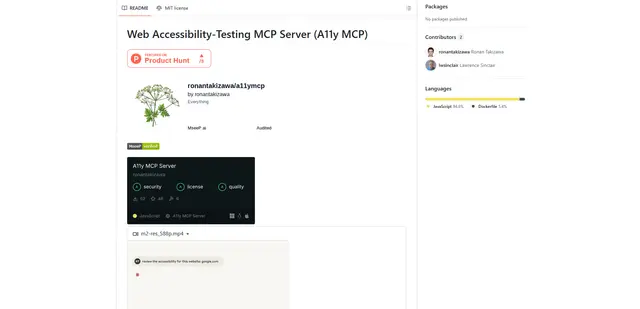
Web Accessibility Testing MCP
A11y MCP is a Model Context Protocol server that enables AI language models to perform automated web accessibility testing by integrating with Deque's Axe-core API and Puppeteer to analyze web content for WCAG compliance.
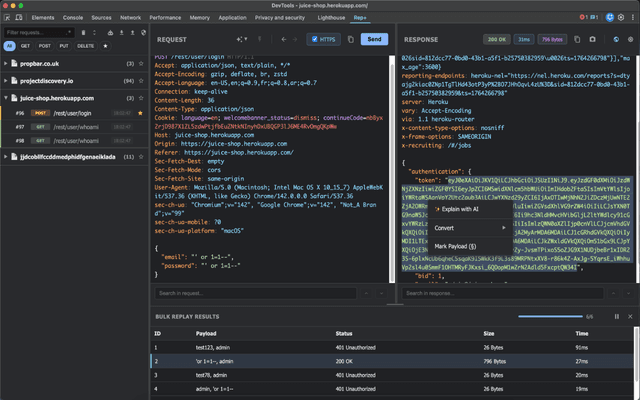
rep+
rep+ is a powerful Chrome DevTools extension that brings Burp Suite Repeater functionality directly into your browser, enabling HTTP request testing, security analysis, and AI-powered attack suggestions without proxy setup.
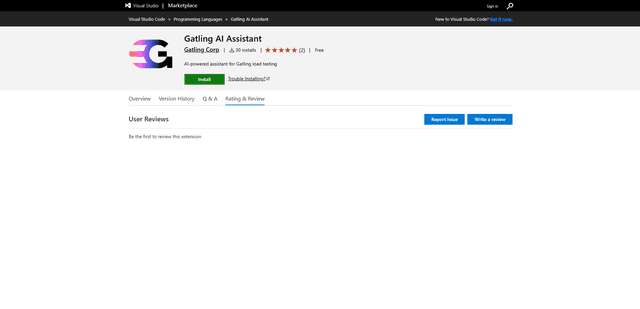
Gatling AI Assistant for VS Code
Gatling AI Assistant is an AI-powered extension for Visual Studio Code that helps developers create and manage load testing scenarios using Gatling's load testing framework.
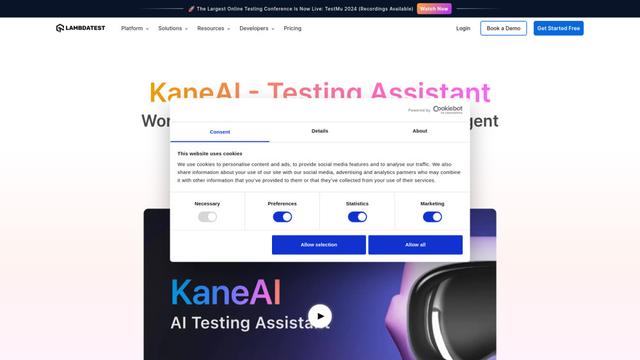
KaneAI
KaneAI is the world's first end-to-end AI-powered software testing agent that enables users to create, debug, and evolve tests using natural language.