
Megaphone
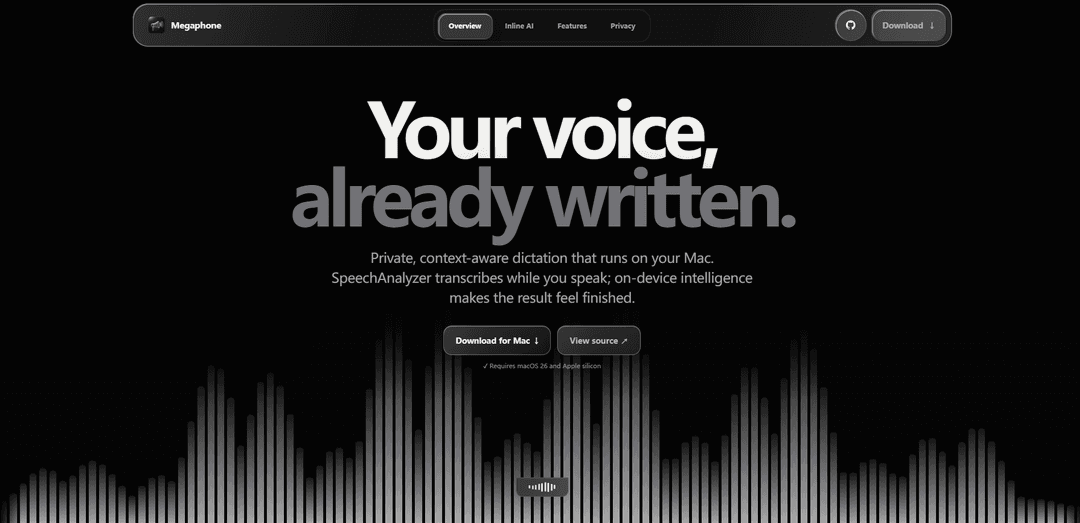
Megaphone is a free, open-source Mac dictation app that delivers fast live transcription with Apple SpeechAnalyzer plus private, context-aware on-device cleanup and “Hey Megaphone” inline AI—no cloud, no account, and no subscription.
https://megaphone.kuber.studio/?ref=producthunt
Product Information
Updated:Aug 8, 2026
What is Megaphone
Megaphone is a privacy-first dictation app for macOS that types directly into whatever app you’re using, turning spoken words into clean, ready-to-send text. It’s built around on-device processing: Apple SpeechAnalyzer handles real-time transcription while Apple’s on-device Foundation Models refine the result for punctuation, self-corrections, and tone. Megaphone is free and open source, requires macOS 26 (Tahoe) and Apple silicon, and is designed to eliminate the usual cloud dictation tradeoffs—no API keys, no hosted transcription, and no server receiving your recordings.
Key Features of Megaphone
Megaphone is a free, open-source Mac dictation app that delivers fast live transcription using Apple SpeechAnalyzer, then refines the result with Apple’s on-device Foundation Models for cleaner punctuation, fewer fillers, and better handling of self-corrections—all without sending audio to the cloud. It can write directly into whatever app you’re using, adapt output based on active-app context, learn your terminology through a private on-device Dictionary and Memory, and supports wake-style commands like “Hey Megaphone” for inline rewrites and generation at the cursor. It requires macOS 26 (Tahoe) and Apple silicon.
On-device live transcription: Uses Apple SpeechAnalyzer to transcribe while you speak, enabling fast, real-time dictation without a cloud transcription service.
Smart Cleanup (finished-sounding output): On-device Foundation Models remove filler words, resolve self-corrections, and improve punctuation/formatting so dictation lands as polished text.
Inline AI with “Hey Megaphone”: Start with “Hey Megaphone” to generate text, ask questions, or transform what you just dictated (e.g., “make that formal”) directly at your cursor—no separate chat window or copy-paste loop.
App-aware writing (Screen Awareness): Reads the active app and window title locally to adapt tone, vocabulary, and formatting (e.g., concise in Slack, warmer in Mail, technical in Terminal).
Private Dictionary + Memory: Learns names, acronyms, and technical terms on-device; reinforces preferred spellings and style choices over time. Dictionary can be imported/exported as JSON.
Flexible controls and multilingual support: Supports multiple languages/locales and offers hold-to-talk, toggle recording, custom shortcuts, and voice macros for different workflows.
Use Cases of Megaphone
Software development & IT notes: Dictate technical instructions and commands (e.g., CLI flags, JSON references) with app-aware formatting and a Dictionary for correct jargon/spellings.
Customer support & operations: Draft fast, consistent replies in email/helpdesk tools; use “Hey Megaphone” to rewrite responses to be shorter, friendlier, or more formal.
Product, marketing, and comms writing: Create and polish release notes, announcements, and social posts at the cursor; transform raw dictation into bullet points or structured copy.
Meetings and personal productivity: Capture quick thoughts, action items, and summaries hands-free; cleanup reduces verbal noise and self-corrections for readable notes.
Privacy-sensitive industries: For teams in legal, healthcare, finance, or internal R&D, on-device transcription and rewriting avoids sending voice/text to third-party servers.
Pros
Free and open source with no account, subscription, API key, or cloud processing required
Fast live transcription plus on-device cleanup makes dictation feel “finished” in-place
Context-aware writing adapts to the active app while keeping data local
Private Dictionary/Memory improves accuracy for names and technical vocabulary over time
Cons
Requires macOS 26 (Tahoe) and Apple silicon; not supported on macOS 15 or earlier
Inline AI is labeled alpha, so behavior/quality may vary as it evolves
Feature set depends on Apple’s on-device SpeechAnalyzer/Foundation Models availability and constraints
How to Use Megaphone
1. Check requirements: Confirm you’re on macOS 26 (Tahoe) or later and an Apple silicon Mac. Megaphone relies on Apple SpeechAnalyzer, which is only available on macOS 26+.
2. Install Megaphone (fast Terminal method): Run: curl -L -o /tmp/Megaphone.dmg https://github.com/Kuberwastaken/megaphone/releases/latest/download/Megaphone.dmg && xattr -c /tmp/Megaphone.dmg && hdiutil attach /tmp/Megaphone.dmg -nobrowse -mountpoint /tmp/megaphone-dmg -quiet && rm -rf /Applications/Megaphone.app && ditto /tmp/megaphone-dmg/Megaphone.app /Applications/Megaphone.app && hdiutil detach /tmp/megaphone-dmg -quiet && rm /tmp/Megaphone.dmg && open /Applications/Megaphone.app
3. Launch Megaphone: Open Megaphone from /Applications. If you’re on macOS 15 or earlier, Megaphone will show a message that macOS 26 is required.
4. Dictate into any app (hold-to-talk): Place your cursor where you want text to appear (Mail, Slack, Docs, Terminal, etc.). Hold the Fn key, speak naturally, then release Fn. Megaphone types the cleaned transcript directly at your cursor.
5. Use Smart Cleanup to polish dictation automatically: In Megaphone settings, choose a Cleanup Mode (e.g., Smart/Basic/Exact). Smart cleanup removes filler words, resolves self-corrections, and fixes punctuation so the result lands “finished” in your target app.
6. Use Inline AI with “Hey Megaphone” (generate/transform at cursor): Start a dictation and begin with “Hey Megaphone…”. Ask it to rewrite or format what you just dictated (e.g., “Hey Megaphone, make that formal” or “Hey Megaphone, format that as bullets”). The rewrite is inserted directly at the cursor—no separate chat window.
7. Let Megaphone adapt to the active app (context-aware output): Megaphone uses the active application/window as local context to adjust tone, vocabulary, and formatting (e.g., concise in Slack, more formal in Mail, preserve technical syntax in Terminal).
8. Teach Megaphone your vocabulary with Dictionary: Open Megaphone settings → Dictionary. Add names, acronyms, product names, and technical terms so transcription and cleanup use the correct spelling. Enable automatic learning if you want it to learn new words after repeated use.
9. Export/Import your Dictionary (move to another Mac): In Dictionary settings, use Import/Export to save your private Dictionary (words, stars, suggestions, exact corrections) to a JSON file and merge/import it on another Mac.
10. Use multiple languages (if needed): If you dictate in different languages, enable/select supported locales reported by SpeechTranscriber on your Mac. Megaphone can run in multiple languages based on what SpeechAnalyzer supports.
11. Customize how you trigger recording: Configure your preferred recording behavior (hold-to-talk vs toggle), shortcuts, and voice macros in Megaphone settings so dictation fits your workflow.
Megaphone FAQs
Megaphone is a free, open-source Mac dictation app that transcribes speech live with Apple SpeechAnalyzer and uses Apple’s on-device Foundation Models to clean up and rewrite text directly where your cursor is.
Megaphone Video
Popular Articles

How to Create Viral Talking Baby Podcast Videos with AI: Step-by-Step Guide
Nov 2, 2026

Proferex: A Cloud-Based Ad Tracking and Campaign Optimization Platform
Nov 2, 2026

Vosko AI: Localize and Dub Videos for Global Audiences
Oct 15, 2026

Atoms: A Multi-Agent AI Platform That Transforms Ideas into Launch-Ready Products
Oct 13, 2026
Latest AI Tools Similar to Megaphone

Ticknotes
Ticknotes is an AI-powered meeting assistant that automatically records, transcribes, and generates personalized meeting summaries, action items, and key insights from audio, video, and text content.

Feta
Feta is an AI-powered meeting tool that helps product and engineering teams run efficient meetings by capturing discussions, automating tasks, and providing actionable insights through smart summaries and integrations.
TranscriptionPlus
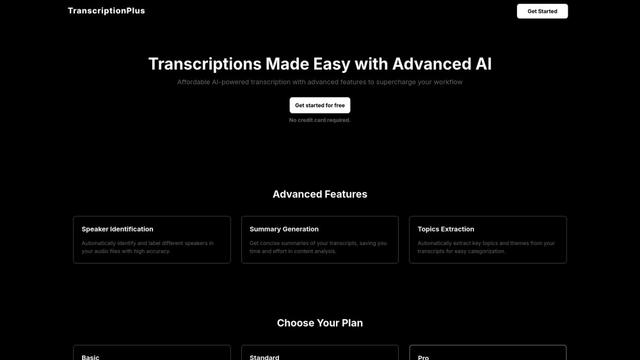
TranscriptionPlus is an AI-powered transcription service that offers accurate speech-to-text conversion with advanced features like speaker identification, summary generation, and multi-language support at affordable pricing tiers.
AudioScribe.io
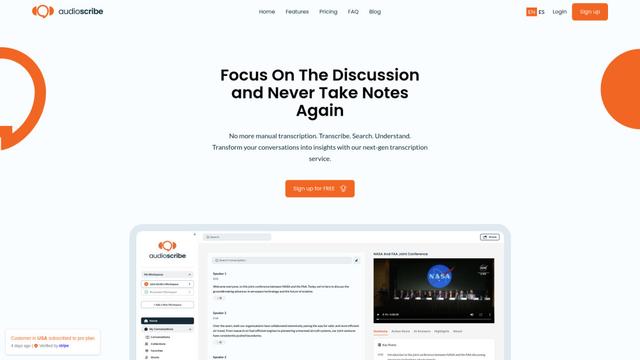
AudioScribe.io is a revolutionary AI-powered transcription service that converts audio and video content into accurate text while offering advanced features like automated meeting recording, full-text search, and multi-language support.
Popular AI Tools Like Megaphone
Ghost Pepper 🌶️
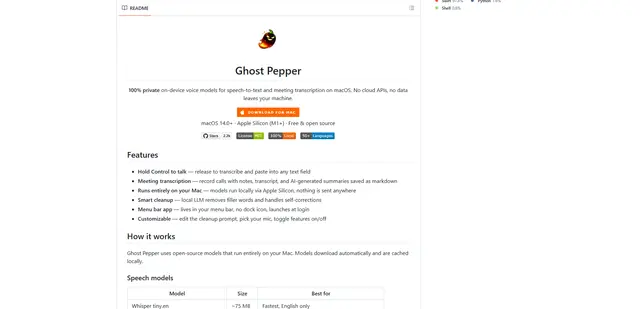
Ghost Pepper is a 100% local, privacy-focused speech-to-text and meeting transcription app for macOS that runs entirely on your Mac using open-source AI models, featuring hold-to-talk recording, intelligent text cleanup, and multi-language support without sending any data to the cloud.
Whisper AI
Whisper is an open-source automatic speech recognition system from OpenAI that approaches human-level accuracy and robustness for transcribing and translating speech in multiple languages.

Youtube to transcript
Youtube to Transcript is a Chrome extension that allows users to easily convert YouTube videos into text transcripts with features like multi-language support, AI-powered summarization, and downloadable formats.
inFin
inFin is a lightweight, user-friendly AI-powered voice notes app that offers unlimited recording, real-time transcription, and translation between Chinese and English, with offline capabilities and local storage for enhanced privacy.