
LottieFiles
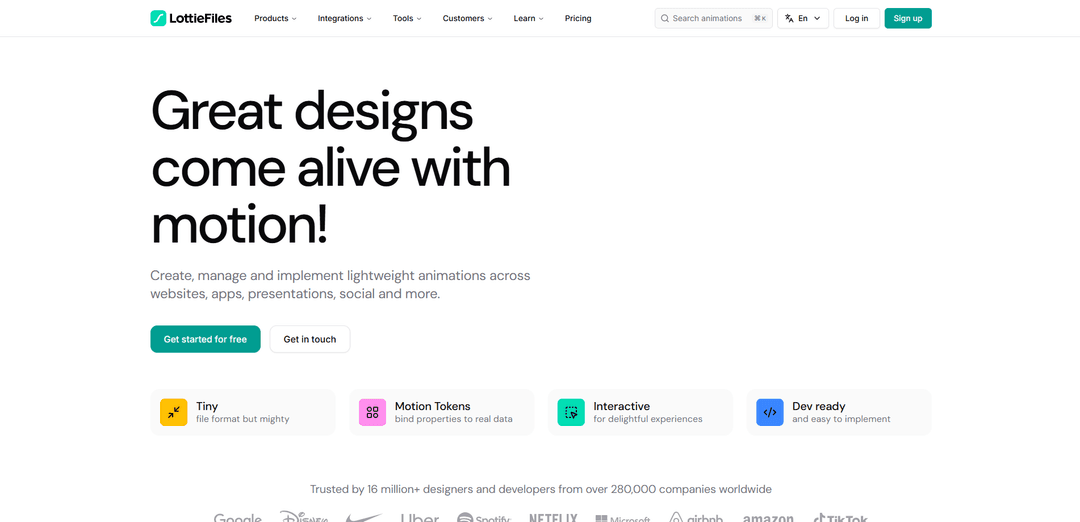
LottieFiles is an end-to-end motion platform for creating, editing, optimizing, collaborating on, and shipping lightweight Lottie and dotLottie animations—with interactivity, theming, AI-assisted tools, and broad integrations across design and development workflows.
https://lottiefiles.com/?ref=producthunt
Product Information
Updated:Aug 8, 2026
What is LottieFiles
LottieFiles is a motion design and animation workflow platform centered on the Lottie ecosystem (JSON-based vector animations) and the dotLottie format (a lightweight bundle that can include animations, assets, and interactivity). It helps designers and developers bring high-quality, scalable animations to websites, mobile apps, presentations, and product interfaces without the performance costs of traditional formats like GIFs. Alongside a large library of ready-to-use free and premium animations, LottieFiles provides tools such as Lottie Creator, plugins for popular design software (including Figma and After Effects), and team workspaces to manage, preview, and share motion assets from creation through implementation.
Key Features of LottieFiles
LottieFiles is an end-to-end motion design platform for creating, editing, testing, collaborating on, and shipping lightweight, cross-platform Lottie animations. It combines a large animation library with creation tools (including a browser-based Lottie Creator with AI and interactivity), integrations for popular design tools like Figma and Adobe After Effects, and developer-ready runtimes and delivery options (including dotLottie packaging and CDN-style hosting). The platform is designed to reduce development time, improve designer–developer handoff, and ensure animations render consistently across web, iOS, Android, and more.
Massive animation library: Access 800,000+ free and premium ready-to-use animations that can be previewed, customized (e.g., colors), and exported for production use.
Creation & editing tools (no-code + pro workflows): Create and refine animations via Lottie Creator (web-based) and Lottie Editor, supporting a streamlined workflow from concept to production without requiring After Effects for every task.
AI-assisted motion and asset generation: Includes AI features such as Motion Copilot (generate keyframes from descriptions), Prompt to Vector (generate vectors for animation), Raster to Vector (convert raster images into scalable vectors), and theming support for variations.
Interactivity with State Machines & Motion Tokens: Build interactive animations using State Machines and bind animation properties to real data using Motion Tokens, enabling richer UI behaviors beyond simple playback.
dotLottie packaging + optimization: Export to Lottie JSON or dotLottie (.lottie), a compressed bundle that can include multiple animations plus assets (images/fonts/metadata), designed to be smaller, faster to load, and easier to manage.
Integrations and developer handoff: Plugins for Figma and Adobe After Effects (exporting Lottie JSON, optimized variants, dotLottie, and more), plus developer tooling like platform runtimes (web/React/Vue/Svelte/iOS/Android), preview/testing, and sharing for collaboration.
Use Cases of LottieFiles
Mobile app onboarding and micro-interactions: Product teams can ship smooth, lightweight animations for onboarding flows, button states, success/error feedback, and delightful UI transitions across iOS and Android with consistent playback.
Marketing websites and landing pages: Replace heavy GIFs with optimized Lottie/dotLottie animations to improve page load speed and engagement while keeping visuals crisp across devices.
E-commerce UI enhancements: Add animated cues (cart actions, confirmations, promotions) that load quickly and can be themed/updated seasonally without rebuilding native animations from scratch.
Design-to-development workflow for teams: Designers export directly from Figma/After Effects, then developers preview, test, and implement using LottieFiles runtimes and sharing links, reducing rework and speeding handoff.
Social content creation and templates: Content creators and marketers can customize ready-made animations and templates for stories, posts, and presentations, accelerating production of branded motion assets.
Enterprise asset management for motion: Organizations centralize animation assets in shared workspaces with collaboration features (comments/status updates) and manage multiple formats (including native Lottie/dotLottie) for governance and reuse.
Pros
Speeds up shipping motion by combining creation, testing, optimization, and cross-platform runtimes in one ecosystem.
Strong integrations (Figma, After Effects) and export options (Lottie JSON, dotLottie, optimized variants) support both designers and developers.
dotLottie bundling and optimization can significantly reduce file size and improve performance versus GIFs.
Cons
Not all Adobe After Effects features translate perfectly to Lottie, so complex animations may require redesign or simplification.
Users report that more features have moved behind paid tiers, making the free plan more restrictive for evaluation or solo creators.
Potential learning curve/interface complexity for new users due to the breadth of tools and features.
How to Use LottieFiles
1) Create an account and log in: Go to https://lottiefiles.com/ and click “Sign up” (or “Log in” if you already have an account). This gives you access to the platform features for creating, managing, and implementing Lottie animations.
2) Find animations using search (or visual search): Use the site search to look up animations by keyword, or use the image upload option for visual search to find similar animations in the library.
3) Explore the animation library and pick an asset: Browse the library (free and premium) and open an animation’s page to preview it and decide whether it fits your project.
4) Create your own animations (optional): Use LottieFiles creation tools such as Lottie Creator to design animations, including interactive and customizable motion, then export for production use.
5) Use integrations to design/export from your favorite tools (optional): If you already design in tools like Figma or Adobe After Effects, use LottieFiles integrations/plugins to export your work as Lottie (.json) or dotLottie (.lottie) for implementation.
6) Optimize and package for delivery: Use LottieFiles tooling to optimize animations for faster loading. You can also convert formats (e.g., Lottie to dotLottie) to reduce size and improve performance.
7) Preview and test playback: Use LottieFiles preview/player tools to test how the animation plays before embedding it into your website or app.
8) Embed on a website using the Lottie Web Player (no/low code option): Use the Lottie Web Player to generate embed code: paste the URL of your Lottie file, adjust player options, then copy the generated embed code into your site where you want the animation to appear.
9) Host your animation file (choose a source URL): To embed via URL, either host the file yourself (upload to your own hosting and use that URL) or use a public URL from an animation hosted on LottieFiles.
10) Implement with dotLottie runtimes (developer option): For web/framework implementations, use LottieFiles dotLottie runtimes. Example (web): import DotLottie from '@lottiefiles/dotlottie-web' and load a .lottie (or .json) via a src URL into a canvas element, with options like autoplay and loop.
11) Publish animations to the community (optional): If you want to share your work, publish your animations to the LottieFiles community using the “Publish animation” flow on the site.
12) Enable the “Hire” button on your profile (optional): Open “Hire me settings” and toggle “Available for hire” to add a “Hire” button to your profile. Eligibility requirements include upgrading one of your workspaces to a paid workspace and having at least 10 animations published to the community.
LottieFiles FAQs
LottieFiles is a platform for creating, managing, and implementing lightweight motion animations (Lottie). It provides tools to create and customize animations, plus a large library of ready-to-use animations for websites, apps, presentations, and social content.
LottieFiles Video
Popular Articles

Vosko AI: Localize and Dub Videos for Global Audiences
Oct 15, 2026

Atoms: A Multi-Agent AI Platform That Transforms Ideas into Launch-Ready Products
Oct 13, 2026

Nano Banana SBTI: What It Is, How It Works, and How to Use It in 2026
Apr 15, 2026

Atoms Review — The AI Product Builder Redefining Digital Creation in 2026
Apr 10, 2026
Latest AI Tools Similar to LottieFiles

EzVideos
EzVideos is an all-in-one video creation tool that helps users generate viral videos for social media platforms like Instagram, TikTok, and YouTube with automated editing features and built-in resources.

Blanc AI
Blanc AI is a revolutionary AI solution that enables video content translation and dubbing into 47+ languages while preserving the original voice, emotions, and lip synchronization.
Wink Mody
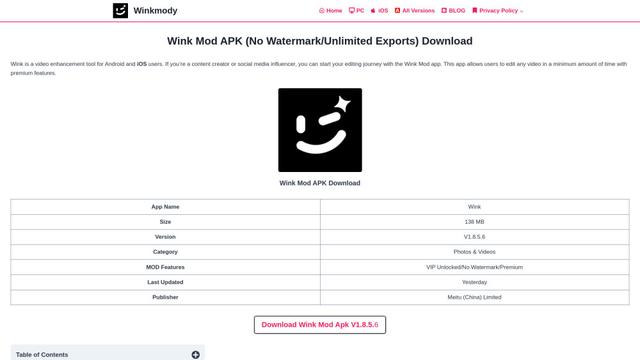
Wink Mody is a modified version of the Wink video editing app that offers premium features like AI-powered retouching, 4K exports, and watermark-free editing completely free of charge.
Shortmake AI
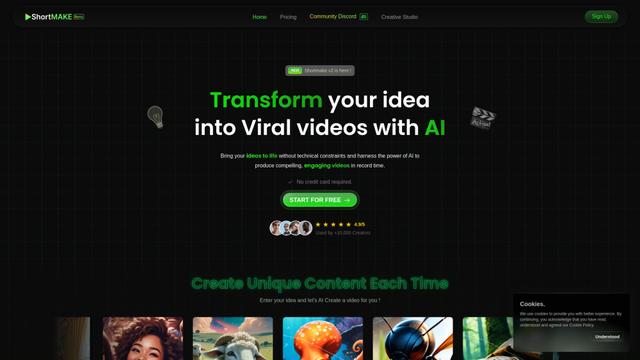
ShortMake is an AI-powered video creation platform that transforms ideas into viral-ready videos by automatically generating scripts, voiceovers, visuals, and subtitles specifically optimized for platforms like TikTok and YouTube Shorts.
Popular AI Tools Like LottieFiles
AI Clips - New Gen
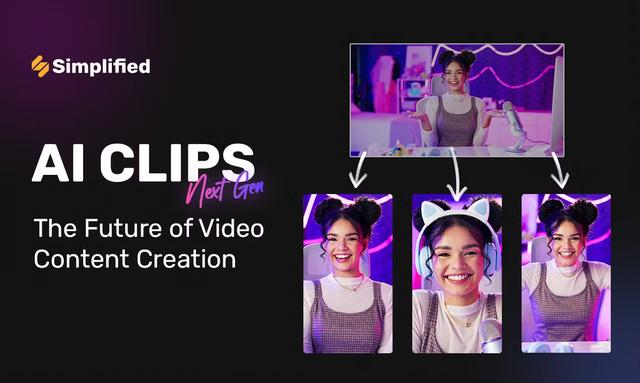
AI Clips - New Gen is an AI-powered video clipping tool that automatically generates engaging short-form content from long videos for multiple social media platforms like YouTube Shorts, TikTok, Instagram Reels and more.
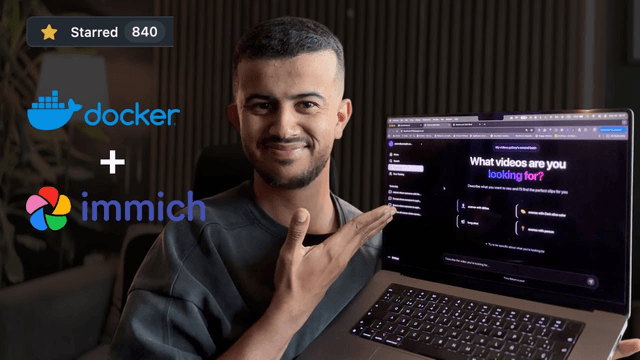
Edit Mind
Edit Mind is an open-source, AI-powered video indexing and semantic search platform that enables users to analyze and search through video content using natural language queries, with features including transcription, frame analysis, face recognition, and object detection.
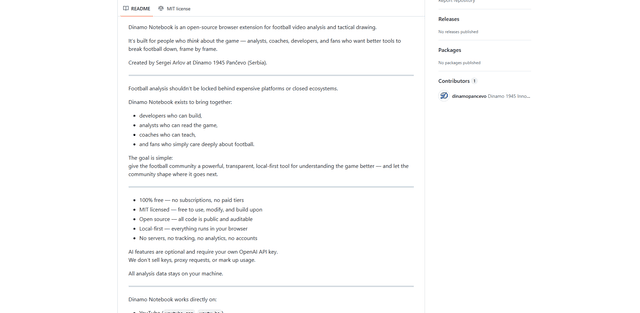
Dinamo Notebook
FreeAI Video Editing
Dinamo Notebook is a free, MIT-licensed, local-first browser extension for football video analysis that lets you draw tactical annotations on YouTube/Dailymotion/Twitch footage and optionally use AI (with your own OpenAI API key) for tactical insights.
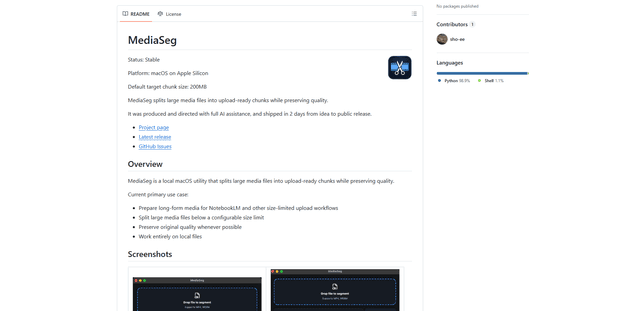
MediaSeg
MediaSeg is a stable, local-first macOS utility that splits large MP4/WEBM media files into upload-ready chunks under a configurable size limit while preserving quality using ffmpeg/ffprobe and an AI-assisted, target-based sizing strategy.