
Loop by ads.expert
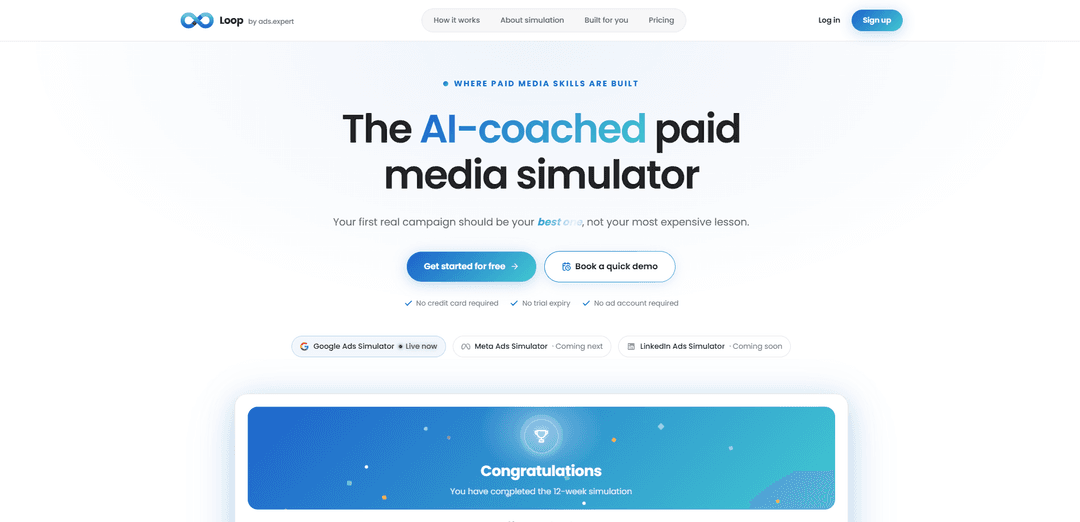
Loop by ads.expert is an AI-coached paid media simulator that lets you build, run, and optimize realistic Google Ads campaigns with simulated budgets, scored feedback, and week-by-week performance data—so you can learn without wasting real spend.
https://loop.ads.expert/?ref=producthunt
Product Information
Updated:Jul 8, 2026
What is Loop by ads.expert
Loop by ads.expert is a hands-on “flight simulator” for paid media designed to help marketers practice and improve before spending real money in live ad accounts. Instead of learning through slides or costly trial-and-error, Loop provides a realistic environment where you can create campaigns the way you would in Google Ads, then see how they perform over time. It’s built for founders, in-house marketers, and agencies who want to develop practical PPC skills, validate campaign strategy, and reduce the risk of expensive mistakes.
Key Features of Loop by ads.expert
Loop by ads.expert is an AI-coached paid media simulator designed to help people build real-world paid search skills without risking real budget. It lets you create and run simulated Google Ads campaigns (Search and Performance Max) through repeated “runs” that generate week-by-week performance data across a multi-week journey. The platform scores the quality of what you built (e.g., ad copy, keywords, landing page, structure, bids/budgets) and simulates auction outcomes (impressions, clicks, cost, conversions, position) with competitive noise and strategy-specific bidding behavior, then attributes performance changes to your optimizations so you can learn what actually moved the numbers.
Hands-on Google Ads simulation: Build campaigns the way you would in a real ad account and run them in a sandbox to generate realistic performance data without spending money.
12-week performance journey via repeated runs: Each run adds a full week of simulated results, letting you observe data maturity and performance ramp over time rather than judging changes from a single snapshot.
PULSE campaign scoring and diagnosis: Grades campaign build quality with a Quality Score (1–10), dimension scores, and actionable fixes/projections across key areas like copy, keywords, landing page, structure, and bid/budget.
Probabilistic auction engine with competitive noise: Simulates impressions, clicks, cost, conversions, and position by running your setup through auction dynamics influenced by bidding strategy and a shifting competitive field.
Change attribution for optimizations: Connects edits you make (e.g., structure, bids, creative) to week-over-week performance movement, helping you learn cause-and-effect instead of guesswork.
AI coaching and auditing tools (ARIA & VERA): Includes an on-demand PPC mentor for questions (ARIA) and an auditing workflow (VERA) intended to surface wasted spend and turn account analysis into a findings-style report once you go live.
Use Cases of Loop by ads.expert
Founder pre-launch ad readiness: Solo founders can practice building and optimizing their first Search or Performance Max campaign before spending real money, reducing costly early mistakes.
Agency buyer onboarding and training: Agencies can ramp new media buyers in a safe environment, validating fundamentals (Quality Score drivers, pacing, bidding choices) before touching client budgets.
In-house marketing upskilling: Small teams can pressure-test strategy changes and learn learning-period dynamics and Smart Bidding behavior, improving confidence and reducing “panic tweaks.”
E-commerce acquisition practice: Retail and DTC marketers can rehearse keyword strategy, ad messaging, and budget/bid decisions for purchase-focused campaigns, then translate proven patterns to live accounts.
Lead-gen campaign rehearsal (B2B/services): Service businesses and B2B teams can simulate how campaign structure, landing page alignment, and bidding strategy affect conversion volume and efficiency before launch.
Pros
Risk-free learning: practice with simulated budgets and realistic auction dynamics instead of paying for mistakes in a live account.
Actionable feedback loop: scoring + diagnosis + change attribution helps users understand what to fix and why results changed.
Built for multiple roles: positioned for founders, agencies, and in-house marketers with coaching (ARIA) and auditing (VERA).
Cons
Simulation limits: even with competitive noise and probabilistic auctions, results may not perfectly match every real-market nuance.
Channel coverage is still growing: Google Ads simulator is live, while Meta and LinkedIn simulators are listed as coming next/soon.
Best value depends on transfer to execution: users still need to apply learnings correctly in real accounts to realize ROI.
How to Use Loop by ads.expert
1) Open Loop and create an account: Go to https://loop.ads.expert/ and click “Create your first campaign” (or go to the sign-up link). Create your account so you can access the simulator workspace.
2) Start a new simulated campaign: From your dashboard, start building your first campaign in the simulator (the site indicates Google Ads Simulator is live). You’ll be building it the way you would in a real ad account, but with simulated spend and outcomes.
3) Build the campaign structure like a real ad account: Set up the core campaign components (as you would in Google Ads): campaign structure, keywords, ad copy, landing page, and bid/budget choices. Loop’s scoring system evaluates these areas explicitly.
4) Run (launch) the simulation for the first time: Launch your campaign inside Loop. Each run generates a full week of performance data and advances you through a 12-week journey, letting you practice without risking real budget.
5) Review your score and diagnostics from PULSE: After a run, review PULSE feedback. It scores your build consistently and provides a Quality Score (1–10), five dimension scores, plus diagnosis, top fixes, and projections. Use this to understand what’s helping or hurting performance.
6) Inspect the simulated performance metrics: Check the simulated outputs produced by the Auction Engine: impressions, clicks, cost, conversions, and position. Note that bidding strategy affects reach/position and that competitive noise changes the auction environment.
7) Make targeted improvements based on the top fixes: Iterate on the areas Loop grades: refine ad copy, tighten keyword choices, improve landing page alignment, adjust campaign structure, and tune bid/budget decisions. The goal is to raise Quality Score (which Loop notes can lower effective CPC and improve Ad Rank).
8) Re-run the simulation to observe week-over-week changes: Run the campaign again to add another week of data. Loop models “data maturity,” where performance ramps as the campaign gathers signal over time, so repeated runs help you see how performance evolves.
9) Use change attribution to learn what worked: Compare runs to see how each change moved results from one week to the next. Use the attribution feedback to keep changes that improve outcomes and roll back or revise changes that hurt performance.
10) Ask ARIA for coaching when you get stuck: Use “Ask ARIA” as an on-call PPC mentor for questions about bid strategy, Quality Score, pacing, learning periods, and Smart Bidding behavior—especially to avoid panic-tweaking when results fluctuate.
11) Practice within the Free plan limits (or upgrade when needed): On the Free plan, practice with a $2,000 simulated weekly budget and complete the first 4 weeks of the journey while building one campaign end-to-end. Upgrade if you want to go deeper beyond the free tier’s scope.
12) Use VERA to audit once you’re running real ads: When you move from simulation to a live ad account, use “Audit with VERA” to surface wasted spend and produce findings you can use for ROI proof (in-house) or client-facing reports (agencies).
Loop by ads.expert FAQs
Loop is an AI-coached paid media simulator designed to help people build paid media skills by creating and running simulated ad campaigns, starting with a Google Ads simulator.
Popular Articles

Atoms: A Multi-Agent AI Platform That Transforms Ideas into Launch-Ready Products
May 22, 2026

Nano Banana SBTI: What It Is, How It Works, and How to Use It in 2026
Apr 15, 2026

Atoms Review — The AI Product Builder Redefining Digital Creation in 2026
Apr 10, 2026

Kilo Claw: How to Deploy and Use a True "Do‑It‑For‑You" AI Agent(2026 Update)
Apr 3, 2026
Latest AI Tools Similar to Loop by ads.expert
Bidinfluence
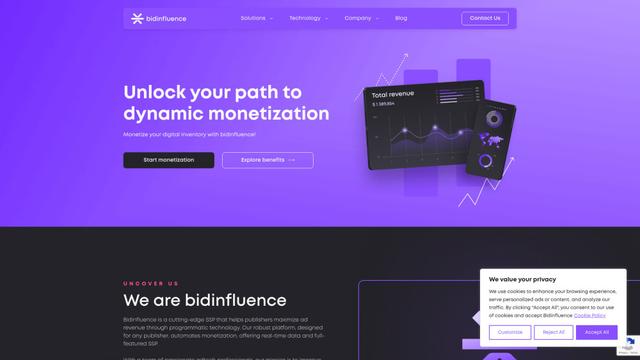
Bidinfluence is a cutting-edge supply-side platform (SSP) specializing in dynamic monetization through high-quality programmatic video advertising for publishers.
Omnitrain
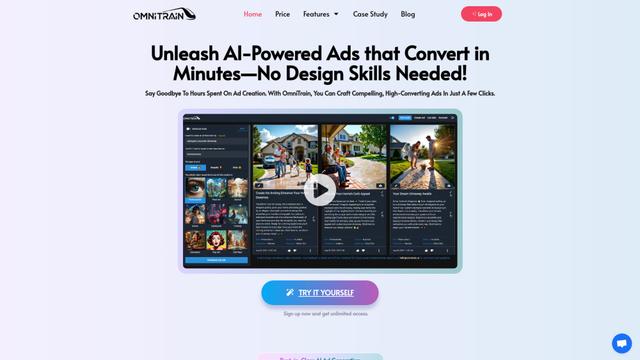
Omnitrain is an AI-powered platform that creates high-converting social media ads in minutes without requiring design skills.
Ads Copilot
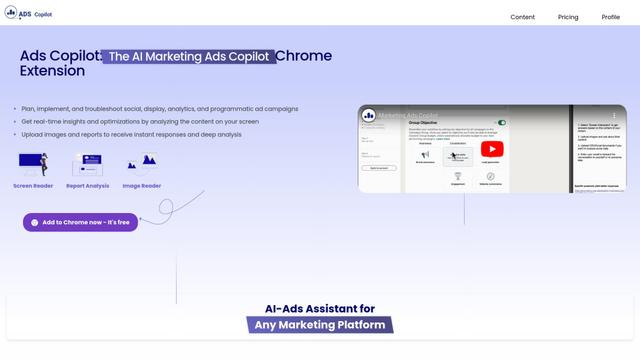
Ads Copilot is an AI-powered Chrome extension that assists marketers in planning, implementing, and optimizing ad campaigns across multiple platforms through real-time insights, report analysis, and image reading capabilities.
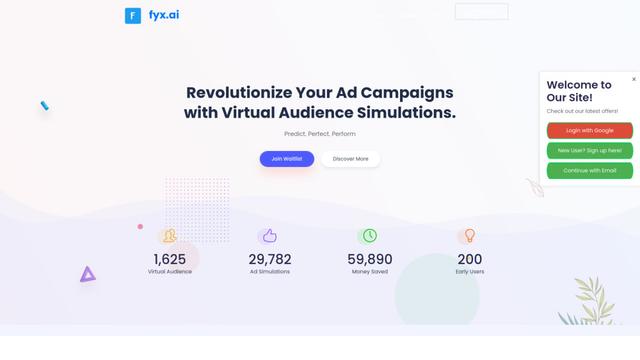
Fyx.ai
Fyx.ai is an AI-powered platform that enables advertisers to create virtual audiences, simulate ad campaigns, and optimize performance before real-world launch.
Popular AI Tools Like Loop by ads.expert
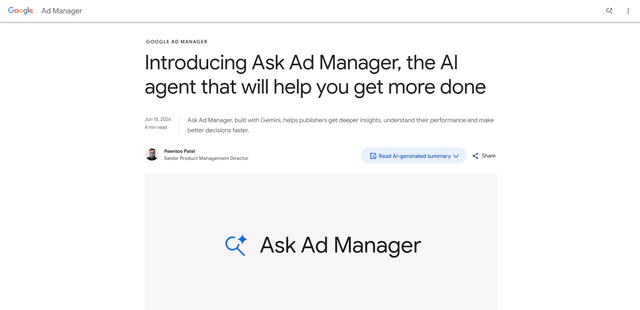
Ask Ad Manager by Google Ads
Ask Ad Manager is a Gemini-powered conversational agent inside Google Ad Manager that helps publishers troubleshoot issues in real time, generate custom performance reports from prompts, and navigate directly to the right settings using their own Ad Manager data.
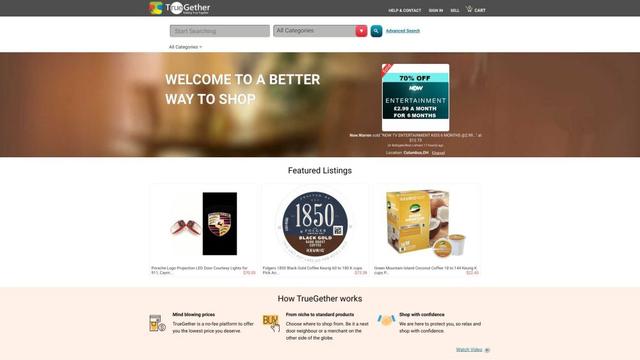
TrueGether
TrueGether is a no-fee, AI-powered e-commerce marketplace that offers buyers low prices and sellers an easy way to list products across multiple channels.
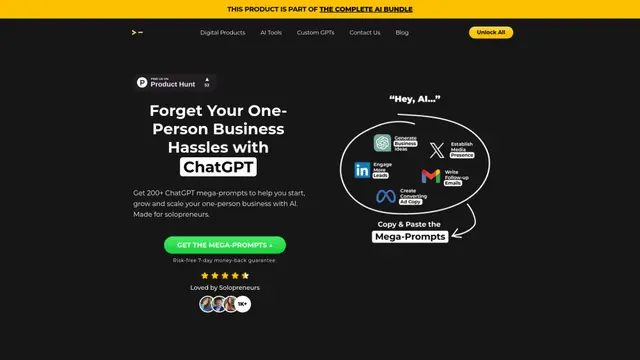
200+ ChatGPT Mega-Prompts for Solopreneurs
A curated collection of 200+ powerful ChatGPT mega-prompts designed to help solopreneurs streamline their business operations, boost productivity, and scale their ventures efficiently.
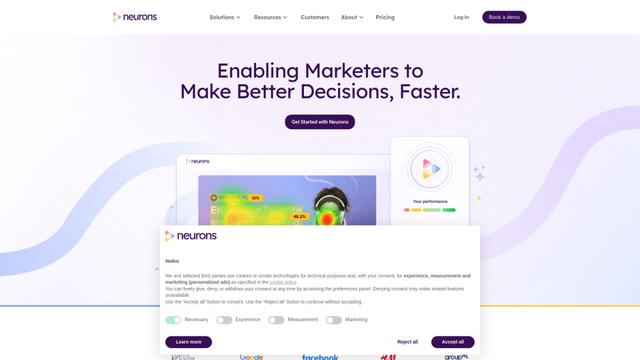
Neurons
Neurons is a consumer neuroscience company that uses AI and neuroscience to predict customer behavior and optimize marketing assets.