
Lium Ai
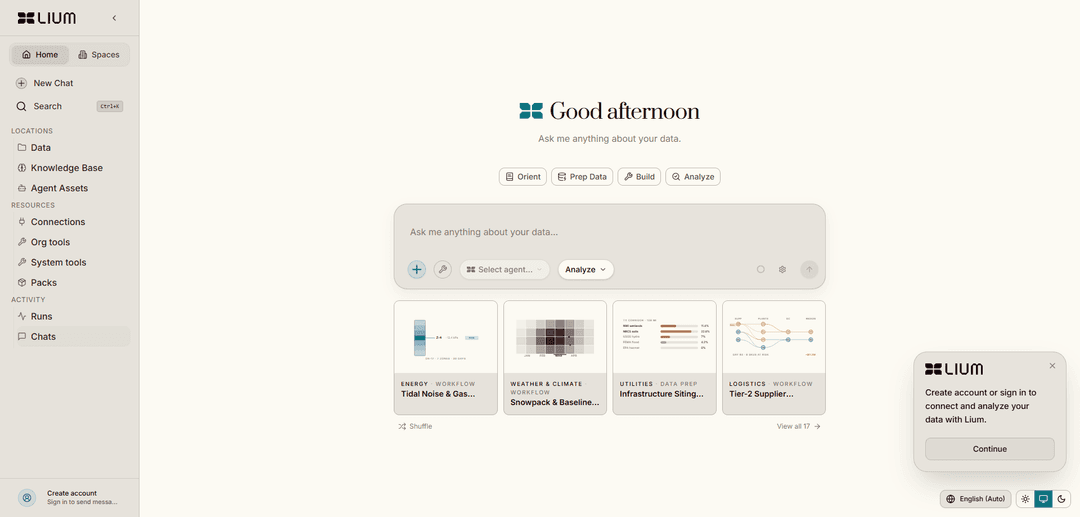
Lium AI is an AI infrastructure platform that unifies complex real-world datasets (e.g., geospatial, energy, space, infrastructure) into conversational intelligence, with automatic heavy-compute provisioning and reusable shared artifacts.
https://app.lium.ai/?ref=producthunt
Product Information
Updated:Jun 15, 2026
What is Lium Ai
Lium AI is built to make large, fragmented, hard-to-use “physical world” data usable with AI. It integrates diverse sources—structured databases, unstructured documents, and live APIs—into a unified workspace where teams can ask natural-language questions and get consistent, actionable outputs. Lium focuses on domains where data is complex and massive (such as satellite imagery, seismic surveys, sensor measurements, and infrastructure datasets), reducing the engineering burden of bespoke formats, unusual dependencies, and terabyte-scale processing so users can spend time on analysis rather than pipelines.
Key Features of Lium Ai
Lium AI is an AI infrastructure platform designed to make complex, real-world datasets usable through natural language. It ingests and integrates disparate data sources (e.g., geospatial, energy, space, infrastructure, sensor and scientific data), handles bespoke formats and large-scale dependencies, and enables AI to reason across connected databases, documents, and live APIs. For heavy workloads, it can provision compute automatically and save outputs—like analyses, scripts, charts, datasets, or tools—as shared workspace artifacts so teams can reuse and operationalize results.
Unified data integration for “real-world” domains: Connects and harmonizes geospatial, energy, space, infrastructure, and other complex datasets—reducing weeks of pipeline work into a conversational interface.
Handles bespoke formats and terabyte-scale data: Supports unusual file types, messy schemas, and “weird dependencies,” and is built to operate over very large datasets (including sensor and scientific measurements).
Cross-source reasoning (DBs, docs, and live APIs): Lets the AI reason across everything you’ve connected—structured databases, unstructured documents, and live API feeds—to produce actionable answers.
Automatic heavy-compute provisioning: When a query requires large scans or intensive processing (e.g., terabytes), Lium can provision the required compute automatically rather than forcing users to orchestrate infrastructure.
Reusable workspace artifacts: Persists useful outputs (analysis, scripts, charts, datasets, tools) as shared artifacts, helping teams codify institutional knowledge and reuse results.
GPU compute marketplace + developer tooling (CLI): Provides a web app and CLI to browse and rent GPU “pods,” then manage them via terminal workflows (list executors, launch pods, SSH, SCP, stop/remove).
Use Cases of Lium Ai
Climate and weather research analytics: Process and query large public datasets (e.g., NOAA-scale sensor/radar/satellite feeds) to answer questions about river levels, storm patterns, and historical conditions with rapid analysis.
Energy and subsurface interpretation: Make seismic surveys and other subsurface datasets queryable via natural language, enabling faster engineering investigations and decision support.
Geospatial and satellite intelligence: Integrate satellite imagery and geospatial layers with documents and databases to support monitoring, mapping, and operational planning.
Engineering/manufacturing data investigations: Unify fragmented infrastructure, lab, and production data so teams can ask end-to-end questions and generate scripts, charts, and datasets for operations.
On-demand GPU compute for ML workloads: Use the Lium web app/CLI to quickly rent and manage cloud GPU instances for training, inference, or large-scale data processing without manual infrastructure setup.
Pros
Strong fit for complex, fragmented, real-world datasets (geospatial/sensor/scientific) that typical AI tools struggle to use reliably.
Reduces engineering overhead by integrating data sources and provisioning heavy compute automatically.
Outputs are saved as shared artifacts, improving reuse and institutional knowledge capture.
Developer-friendly GPU workflows via CLI (launch, SSH, transfer files, manage pods).
Cons
Best value depends on having substantial data integration needs; may be overkill for simple, single-source analytics.
Some capabilities and positioning appear split across product lines (data-intelligence platform vs. GPU marketplace), which may add evaluation complexity.
Decentralized/marketplace-style GPU availability and performance can vary by executor/provider compared to fixed-capacity traditional clouds.
How to Use Lium Ai
1) Create an account and open the Lium workspace: Go to https://app.lium.ai/?ref=producthunt (or lium.io if you’re using the GPU marketplace UI), sign up/log in, and create or join a workspace where your compute pods and saved artifacts will live.
2) Install the Lium CLI (recommended for GPU pods): Clone and install the CLI locally: `git clone https://github.com/Datura-ai/lium-cli.git && cd lium-cli && pip install -e .`.
3) Initialize the CLI (first-time setup): Run `lium init` and follow the prompts to authenticate and configure your local environment for your Lium account/workspace.
4) Discover available GPU executors: List available machines with `lium ls`. Review the executor list to choose hardware (e.g., A100/H100) that fits your workload.
5) Launch a GPU pod by selecting an executor index: Start a pod using an executor number from `lium ls`, e.g. `lium up 1`.
6) Launch a GPU pod using filters (auto-select hardware): If you want a specific GPU type, run something like `lium up --gpu A100` to auto-select an appropriate executor.
7) Verify your running pods: Check pod status with `lium ps` to confirm the pod is running and note the pod name/identifier.
8) Upload code or data to the pod: Copy local files to the pod with `lium scp 1 ./my_script.py` (adjust the index/paths as needed). Use this to send training scripts, notebooks, configs, or datasets.
9) Connect to the pod via SSH: Open a shell on the remote machine with `lium ssh <pod-name>` and run your workload (training, inference, data processing) directly on the GPU instance.
10) Run heavy compute tasks and iterate: Use the pod to execute GPU-intensive jobs (e.g., scanning large datasets, training models). Iterate by editing locally, re-uploading with `lium scp`, and re-running remotely.
11) Save and share outputs as workspace artifacts: When you produce useful results (analysis scripts, charts, datasets, tools), save them back into your Lium workspace as shared artifacts so teammates/agents can reuse them.
12) Stop and remove pods when finished: To avoid ongoing usage, stop the pod with `lium rm <pod-name>` once your job is complete.
Lium Ai FAQs
Lium connects to your data sources (structured databases, unstructured documents, and live APIs), reasons across them, and turns the result into usable outputs.
Lium Ai Video
Popular Articles

Atoms: A Multi-Agent AI Platform That Transforms Ideas into Launch-Ready Products
May 22, 2026

Nano Banana SBTI: What It Is, How It Works, and How to Use It in 2026
Apr 15, 2026

Atoms Review — The AI Product Builder Redefining Digital Creation in 2026
Apr 10, 2026

Kilo Claw: How to Deploy and Use a True "Do‑It‑For‑You" AI Agent(2026 Update)
Apr 3, 2026
Latest AI Tools Similar to Lium Ai
Tomat
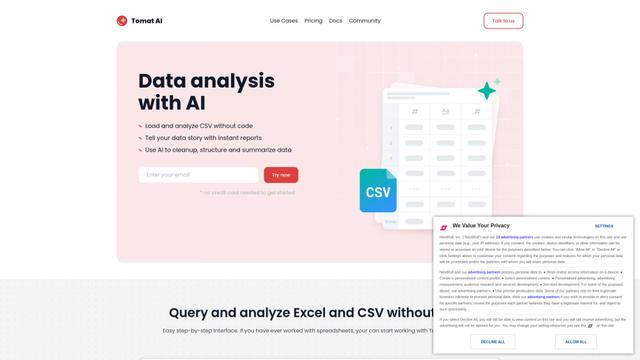
Tomat.AI is an AI-powered desktop application that enables users to easily explore, analyze, and automate large CSV and Excel files without coding, featuring local processing and advanced data manipulation capabilities.
Data Nuts
DataNuts is a comprehensive data management and analytics solutions provider that specializes in healthcare solutions, cloud migration, and AI-powered database querying capabilities.
CogniKeep AI
CogniKeep AI is a private, enterprise-grade AI solution that enables organizations to deploy secure, customizable AI capabilities within their own infrastructure while maintaining complete data privacy and security.

EasyRFP
EasyRFP is an AI-powered edge computing toolkit that streamlines RFP (Request for Proposal) responses and enables real-time field phenotyping through deep learning technology.
Popular AI Tools Like Lium Ai

Researcher & Analyst in M365 Copilot
Contact for PricingAI Data Mining
Researcher and Analyst are two first-of-their-kind AI reasoning agents in Microsoft 365 Copilot that help users tackle complex research and data analysis tasks by leveraging both enterprise and web data with advanced reasoning capabilities.
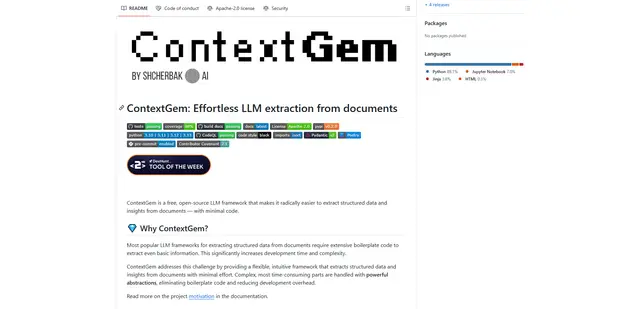
ContextGem
ContextGem is a free, open-source LLM framework that simplifies structured data and insights extraction from documents with minimal code through powerful built-in abstractions and automated features.
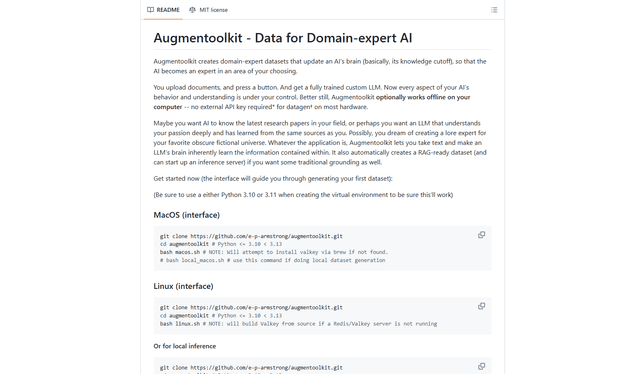
Augmentoolkit 3.0
Augmentoolkit 3.0 is a refined and battle-tested open-source tool that creates domain-expert datasets to train custom LLMs with your own data, featuring an intuitive interface, offline capability, and automatic dataset generation and training processes.
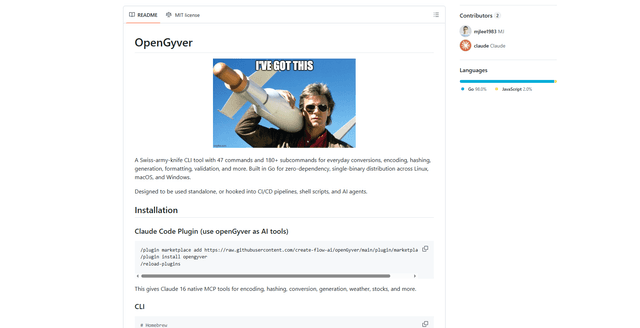
OpenGyver
OpenGyver is an open-source Swiss-army-knife CLI tool with 47 commands and 180+ subcommands for everyday conversions, encoding, hashing, generation, formatting, and validation, designed for standalone use or integration with CI/CD pipelines, shell scripts, and AI agents.