
Heym
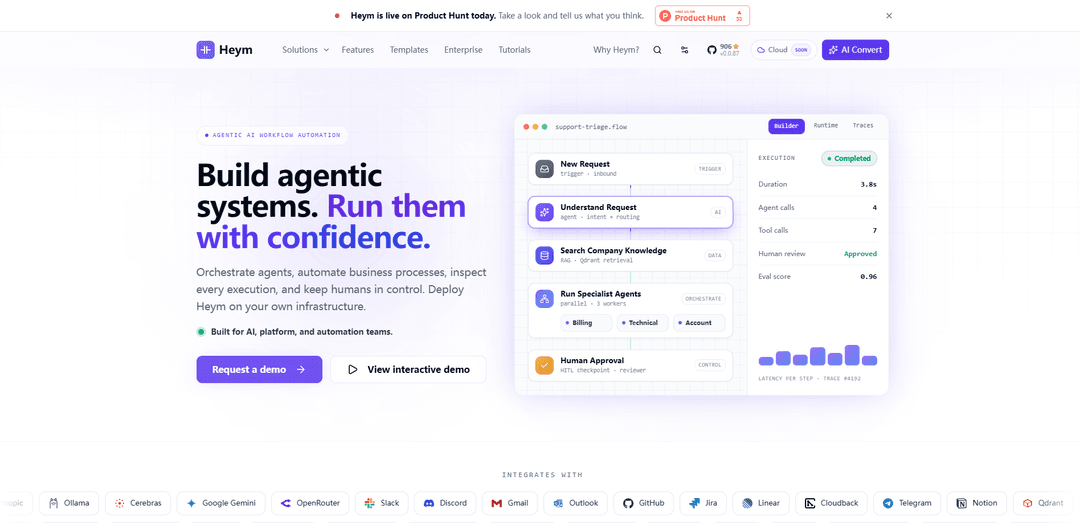
Heym is a source-available, self-hosted AI workflow automation platform that lets you build and run agentic, multi-step pipelines on a visual canvas with built-in RAG, MCP client/server support, human-in-the-loop approvals, and production observability (tracing, evals, and cost tracking).
https://heym.run/?ref=producthunt
Product Information
Updated:Aug 15, 2026
What is Heym
Heym is an AI-native workflow automation runtime designed for teams building real agentic automations—not just prototypes. It provides a visual, low-code editor where you can either describe a workflow in natural language and have Heym generate it, or manually wire nodes from a large library of AI, data, logic, and integration components. Because Heym is source-available and fully self-hosted, you can run it on your own infrastructure (e.g., Docker Compose or Kubernetes), use your own models and credentials, and inspect every execution from day one.
Key Features of Heym
Heym is a source-available, fully self-hosted AI workflow automation platform for building and running agentic pipelines on your own infrastructure. It provides a visual canvas (plus natural-language workflow generation) to compose production-grade DAG workflows with parallel execution, multi-agent orchestration, built-in RAG (pgvector/Postgres or Qdrant), MCP client/server support, and first-class human-in-the-loop approval checkpoints. The platform emphasizes inspectability and operations from day one—run history, LLM traces, evals, logs, OpenTelemetry export, and real cost tracking—alongside a broad node library for integrations (Slack, email/IMAP, GitHub/Jira/Linear, queues, databases, HTTP APIs) and automation primitives like Playwright browser automation.
Visual DAG workflow builder (no-code/low-code): Drag-and-drop canvas to connect triggers, AI, logic, data, integrations, automation, and utilities into validated directed acyclic graphs that execute in parallel where possible for higher throughput.
Agent nodes + multi-agent orchestration: Coordinate multiple agents, sub-workflows, skills, and tool calls under an orchestrator pattern to handle multi-part tasks faster than sequential LLM calls.
Built-in RAG and vector stores: Native retrieval pipelines with document upload and semantic search wired directly into workflows, using Qdrant or built-in Postgres/pgvector, all visible in a single execution trace.
MCP support (client and server): Agents can connect to external MCP servers and auto-discover tools; Heym can also expose published workflows as MCP tools callable from clients like Claude Desktop or Cursor.
Human-in-the-loop (HITL) checkpoints: Pause execution at critical steps, generate a one-time public review URL, and allow reviewers to accept, edit, or refuse before the workflow continues—keeping humans in control.
Production observability and governance: Execution history and search, LLM traces, evals, audit-style logs, OpenTelemetry export, and real USD cost tracking to debug, monitor, and manage workflows in production.
Use Cases of Heym
Customer support drafting with approvals: Summarize inbound emails or tickets, draft replies with an agent, route urgent items to Slack, and require HITL approval before sending customer-facing responses.
Dev & IT Ops PR review and dispatch: Pull PRs from GitHub, run multi-agent/adversarial code review, create actionable tasks, open or update PRs, and notify Slack when human input is needed.
Marketing content pipelines: Generate campaign assets end-to-end (e.g., topics from Sheets → scripts → video generation via external APIs → publishing) with review gates and traceable runs.
Document knowledge assistants (RAG): Upload internal docs, build semantic search + answering workflows, and expose them as tools (MCP) or via REST/SSE/portal chat for employees or customers.
Browser-based operations automation: Use first-party Playwright automation (visual steps, AI-generated steps, or full-code mode) to perform web tasks like data entry, scraping, or back-office workflows.
Pros
Self-hosted and source-available, keeping data, credentials, and execution on your infrastructure.
Strong agentic primitives (multi-agent orchestration, skills, MCP) combined with built-in RAG and HITL approvals.
Production-grade inspectability: run history, traces, evals, logs, OpenTelemetry export, and cost tracking.
Cons
Source-available licensing (Commons Clause + MIT) may not fit teams requiring a fully permissive open-source license.
Self-hosting introduces operational overhead (deployment, scaling, upgrades) compared with fully managed automation SaaS.
How to Use Heym
1) Choose how you’ll run Heym (self-hosted): Decide whether you will deploy Heym with Docker Compose or Kubernetes (Helm). Heym is source-available and designed to run on your own infrastructure so you can use your own models/credentials and keep data in your environment.
2) Install and start Heym: Follow the Getting Started Guide from the Heym GitHub docs to clone the repository, configure required environment variables, and start the services (commonly via Docker Compose). If you want a minimal setup, start with the “minimal DB + .env” style configuration referenced in the docs, then expand as needed using the environment reference.
3) Open the Heym web app and create a workflow: Launch the Heym UI and create a new workflow. Heym workflows are built on a visual canvas where you connect nodes into a directed acyclic graph (DAG).
4) Build a workflow in one of two ways: prompt-to-workflow or manual canvas wiring: Option A: Describe the workflow in natural language and let Heym’s assistant generate nodes and edges on the canvas. Option B: Drag and drop nodes from the node library (triggers, AI, logic, data, integrations, automation, utilities) and connect them manually.
5) Add an Agent node for tool-using automation: Place an Agent node when you want an LLM to plan and call tools. Configure the agent’s model provider (e.g., OpenAI/Anthropic/Gemini/Ollama/OpenRouter) and define what tools it can use (canvas node tools, skills, MCP tools, etc.).
6) Add LLM nodes for text/vision generation (when you don’t need tool calling): Use LLM nodes for straightforward generation tasks (summaries, extraction, rewriting, vision-based understanding). This keeps parts of the workflow simple and focused when full agent orchestration isn’t required.
7) Connect integrations (Slack, email/IMAP, HTTP APIs, queues, etc.): Add integration nodes to connect external systems such as Slack, Telegram, IMAP inboxes, email, Redis, RabbitMQ, Grist, Google Sheets/Drive, and generic HTTP APIs. Provide credentials in the node configuration panels.
8) Add RAG (Retrieval-Augmented Generation) if you need knowledge search: Configure RAG to search over a vector store such as Qdrant or built-in Postgres (pgvector). Use this when the agent/LLM must ground responses in your documents or internal knowledge.
9) Use MCP in either direction (client or server): As an MCP client: connect an Agent node to an external MCP server; Heym discovers tools and makes them available in the agent config. As an MCP server: publish workflows so external MCP clients (Claude Desktop, Cursor, VS Code extensions, etc.) can invoke them as tools.
10) Add Skills to make agent capabilities portable and reusable: Attach a skill (zip or Markdown with SKILL.md and optional Python tools) to an Agent node to extend its system context and toolbox without rewriting the node. Use the Skill Builder to draft/revise skills, and reuse the same skill across multiple workflows for consistent behavior.
11) Enable Human-in-the-Loop (HITL) approvals for risky actions: Turn on HITL for an Agent node and define guidelines for what requires approval (tool calls, side effects, sub-workflows, MCP actions, etc.). When the agent reaches a checkpoint, it calls request_human_review; Heym creates a public review request URL and pauses the main execution until approved. You can route the pending review URL to Slack/email/logging via nodes connected to the agent’s review handle.
12) Add guardrails to block unsafe inputs before execution: Enable Guardrails in node properties to prevent unsafe user messages from reaching the agent. This is useful for public-facing chat portals or workflows triggered by external inputs.
13) Design for parallelism with a DAG: Connect nodes so independent branches can run in parallel. Heym compiles and executes the DAG with parallel execution where dependencies allow, improving throughput without manual concurrency code.
14) Configure reliability: retries and error branches: For nodes that may fail (network calls, external APIs), enable Retry with attempts/backoff. Add an Error branch to route failures to a dedicated path instead of stopping the workflow, and use error context (e.g., $nodeName.error) in downstream nodes to handle/report failures.
15) Run the workflow from the canvas: Execute the workflow directly in the editor to watch the visual runtime: branches, tool calls, memory, and HITL checkpoints appear as the graph runs.
16) Run the workflow via API endpoints: Call workflows programmatically using /execute, stream progress via /execute/stream, expose them as MCP tools at /api/mcp/sse, or publish them as Portal chat apps at /chat/{slug}. This lets the same workflow serve people, backend services, and AI clients without rebuilding it.
17) Inspect executions with tracing and observability: Use Heym’s built-in traces to inspect each run and node execution. Optionally export OpenTelemetry spans over OTLP/HTTP to your observability backend using HEYM_OTEL_* environment variables (disabled by default), with W3C trace-context propagation.
18) Track token usage and costs: Use Heym’s token cost tracking to understand per-execution model usage and cost characteristics, especially when comparing multi-agent patterns, RAG, or different model providers.
19) Start from templates to learn common patterns quickly: Browse Heym templates, download a workflow, paste it onto the canvas, and run it in minutes. Templates cover patterns like HITL support reply drafting, adversarial PR review with multiple agents, batch LLM status tracking, and IMAP inbox triage to Slack.
20) Harden deployment and access controls: For production, keep registration controlled (e.g., disable open registration) and only enable sensitive features (like Docker log access) for trusted admins as documented. This reduces the risk of unverified users gaining elevated visibility.
Heym FAQs
Heym is a source-available, self-hosted agentic AI workflow automation platform with a visual, low-code canvas. It lets you build, visualize, and run intelligent workflows (DAGs) with agents, tools, and integrations on infrastructure you control.
Heym Video
Popular Articles

Vosko AI: Localize and Dub Videos for Global Audiences
Oct 15, 2026

Atoms: A Multi-Agent AI Platform That Transforms Ideas into Launch-Ready Products
Oct 13, 2026

Nano Banana SBTI: What It Is, How It Works, and How to Use It in 2026
Apr 15, 2026

Atoms Review — The AI Product Builder Redefining Digital Creation in 2026
Apr 10, 2026
Latest AI Tools Similar to Heym

Hapticlabs
Hapticlabs is a no-code toolkit that enables designers, developers and researchers to easily design, prototype and deploy immersive haptic interactions across devices without coding.
Deployo.ai
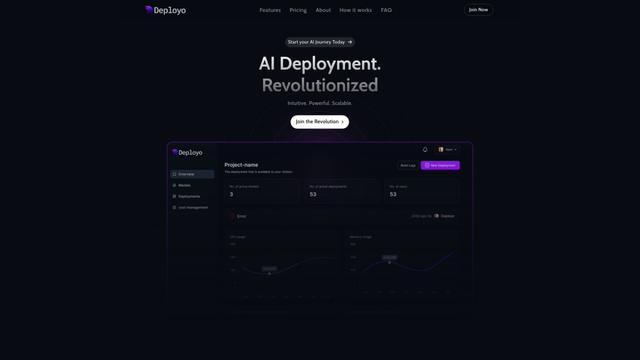
Deployo.ai is a comprehensive AI deployment platform that enables seamless model deployment, monitoring, and scaling with built-in ethical AI frameworks and cross-cloud compatibility.
CloudSoul
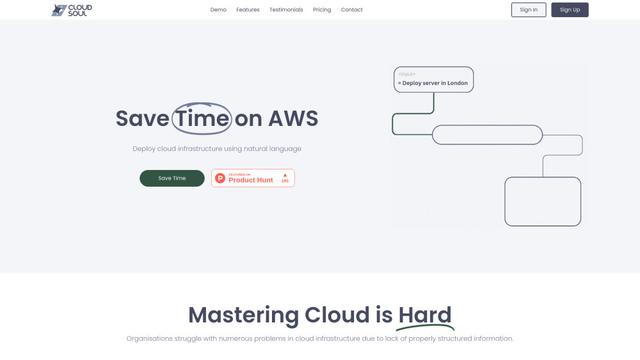
CloudSoul is an AI-powered SaaS platform that enables users to instantly deploy and manage cloud infrastructure through natural language conversations, making AWS resource management more accessible and efficient.

Devozy.ai
Devozy.ai is an AI-powered developer self-service platform that combines Agile project management, DevSecOps, multi-cloud infrastructure management, and IT service management into a unified solution for accelerating software delivery.
Popular AI Tools Like Heym

A2A Protocol
A2A (Agent2Agent) Protocol is an open interoperability protocol developed by Google that enables seamless communication and collaboration between AI agents across different frameworks and vendors, regardless of their underlying architecture.
VoltOps
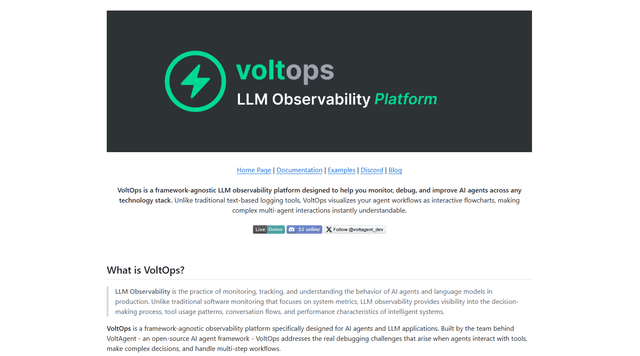
VoltOps is a framework-agnostic LLM observability platform that provides real-time visual monitoring, debugging, and optimization tools for AI agents across any technology stack.
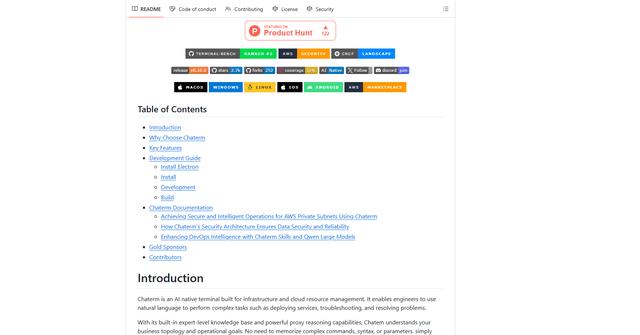
Chaterm
Chaterm is an open-source AI-native terminal and SRE copilot that enables engineers to manage complex infrastructure through natural language, automating deployment, troubleshooting, and operations without memorizing commands.
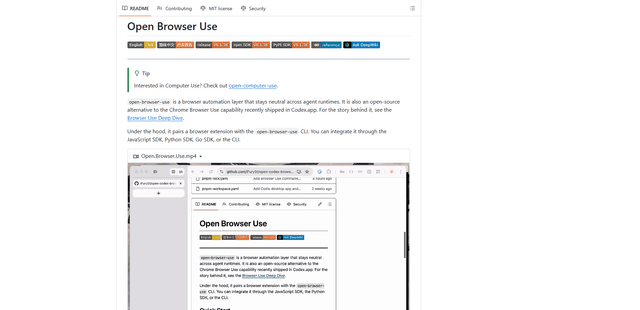
Open Browser Use
Open Browser Use is an open-source, agent-runtime-neutral browser automation layer that pairs a Chrome extension with a CLI/SDK/MCP to enable DOM-aware, CDP-powered tab control, navigation, and actions across different AI agent tools.