
LinkingMem — Graph-native RAG Engine
LinkingMem is a graph-native RAG engine that runs on Memgraph and a Python stack (e.g., LlamaIndex and Agno) to enable knowledge-graph-based retrieval and grounded LLM answering.
https://hub.docker.com/repository/docker/khapu2906/linkingmem/general?ref=producthunt
Product Information
Updated:Jul 8, 2026
What is LinkingMem — Graph-native RAG Engine
LinkingMem — Graph-native RAG Engine is an open-source style GenAI retrieval system designed around a property graph database, using Memgraph as the core store for entities and relationships. Instead of treating your data only as chunks in a vector index, it emphasizes graph structure (nodes, edges, and traversal) to build richer context for Retrieval-Augmented Generation (RAG). In practice, it is commonly run with Docker for the graph layer (Memgraph) and paired with a Python environment that integrates popular LLM/RAG tooling such as LlamaIndex and Agno to orchestrate ingestion, retrieval, and generation.
Key Features of LinkingMem — Graph-native RAG Engine
LinkingMem — Graph-native RAG Engine is positioned as a retrieval-augmented generation context layer that combines semantic retrieval with knowledge-graph structure to improve answer quality, especially for relationship-heavy and “global” questions that plain vector RAG struggles with. Based on the collected sources, it aligns with modern GraphRAG patterns: extracting entities/relations from documents into a graph, supporting graph traversal for multi-hop retrieval, and pairing that with vector/full-text search so applications can ground LLM responses in both unstructured passages and explicit relationships.
Graph-native retrieval (GraphRAG-style): Builds and queries a knowledge graph of entities and relationships to support multi-hop reasoning and relationship-aware retrieval beyond flat chunk similarity.
Hybrid search (vector + full-text + graph traversal): Combines semantic vector similarity, keyword/BM25-style full-text retrieval, and graph traversal to improve recall and precision across different query types.
Entity–relation extraction pipeline: Uses LLM-assisted extraction to turn documents into structured nodes/edges, enabling queries like “what connects X to Y?” and better context assembly.
Dual storage for RAG + knowledge graph: Pairs embedding-based semantic storage (e.g., pgvector/vector DB) with a property graph database (e.g., Neo4j/Memgraph-class systems) for complementary retrieval.
Docker-friendly deployment: Designed to run as a self-hosted stack using containers (common in GraphRAG/RAG engines), simplifying local evaluation and production rollout.
Operational observability hooks (RAG metrics patterns): Matches the broader GraphRAG ecosystem pattern of tracking retrieval/LLM latency, token usage, and entity/relation counts to monitor quality and cost.
Use Cases of LinkingMem — Graph-native RAG Engine
Enterprise knowledge assistant with relationship reasoning: Answer internal questions that require connecting policies, systems, teams, and projects (e.g., “how does system A depend on service B?”) using graph traversal plus grounded citations.
Technical documentation and DevOps troubleshooting: Link incidents, runbooks, services, and dependencies to support multi-hop queries (e.g., connecting Docker/Kubernetes components, deployment steps, and failure modes).
Compliance, risk, and audit traceability: Model controls, evidence, owners, and requirements as a graph to quickly retrieve supporting documents and explain how an answer is derived across linked artifacts.
Research and literature intelligence: Extract entities (methods, datasets, findings) and relations (builds-on, compares-to) from papers to enable thematic/global questions and relationship-centric exploration.
Customer support and product issue triage: Connect tickets, known issues, components, and fixes so the assistant can retrieve not only similar cases but also the dependency chain and root-cause relationships.
Pros
Better handling of relationship-heavy and multi-hop questions than vector-only RAG via graph traversal and explicit entity links.
Hybrid retrieval (graph + vector + full-text) improves robustness across query styles (keywords, semantic, and connectivity queries).
Self-hostable/container-friendly architecture fits common enterprise deployment and data-governance needs.
Cons
Graph construction requires reliable entity/relation extraction, which can add LLM cost/latency and may introduce noisy edges if not tuned.
Operating dual systems (graph DB + vector/full-text store) increases infrastructure and maintenance complexity compared to a simple vector DB.
Quality depends on schema/ontology choices and ongoing curation; weak schemas can reduce the advantage of graph-native retrieval.
How to Use LinkingMem — Graph-native RAG Engine
1) Prepare prerequisites: Install Docker (Docker Engine / Docker Desktop) on your machine. Ensure you have an LLM provider ready (e.g., OpenAI API key) if the stack requires it, and confirm required ports are free on your host.
2) Pull the LinkingMem Docker image: From the official Docker Hub listing, pull the image: docker pull khapu2906/linkingmem:latest (or the specific tag you intend to use).
3) Create a working directory and environment file: Create a project folder and add a .env file for configuration (API keys, database connection strings, model settings). If the project provides an env.sample, copy it to .env and fill in values such as OPENAI_API_KEY and any graph/vector store endpoints.
4) Start required backing services (graph/vector/fulltext) with Docker: If your LinkingMem setup depends on external stores (common GraphRAG pattern), start them via Docker Compose or docker run. Typical stacks include a graph database (e.g., Memgraph/Neo4j), plus optional vector/fulltext components. Keep all services on the same Docker network so LinkingMem can reach them by container name.
5) Run LinkingMem container with your configuration: Run the container and mount your .env (or pass env vars). Example pattern: docker run -d --name linkingmem --env-file /path/to/.env -p <HOST_PORT>:<CONTAINER_PORT> khapu2906/linkingmem:latest. Choose a host port that is free.
6) (Optional) Change the serving port if needed: If you deploy via docker-compose, update the port mapping in docker-compose.yml (e.g., change 80:80 to <YOUR_SERVING_PORT>:80). After changing configuration, reboot/recreate containers for changes to take effect.
7) Initialize the application (first-time setup): If the stack exposes an initialization UI/endpoint (common in RAG dashboards), open the provided URL (e.g., http://localhost:<HOST_PORT>/install or the documented init route) and complete initialization (admin user, workspace, connectors).
8) Ingest documents / build the graph-native index: Upload or register your data sources (files, URLs, repositories). Run the ingestion pipeline to extract entities/relations into the knowledge graph and compute embeddings for chunks. This typically creates: (a) graph nodes/edges, (b) chunk embeddings, and (c) a vector index for semantic retrieval.
9) Enable GraphRAG retrieval mode: Configure retrieval to use graph traversal + vector similarity (GraphRAG). In many GraphRAG systems, the query flow is: natural language question -> LLM generates a structured graph query (e.g., Cypher) -> graph executes -> results are fused with vector hits -> LLM synthesizes the final answer.
10) Run queries (GraphRAG + RAG): Use the UI or API to ask questions. Validate that responses include grounded context from retrieved graph subgraphs and/or top-k chunks. For global questions (themes across corpus), prefer GraphRAG-style summarization over naive vector-only retrieval.
11) Tune retrieval and ranking: Adjust parameters such as top-k vector hits, graph traversal depth, hybrid fusion (BM25 + vector + graph), and re-ranking. Many RAG engines support multiple recall strategies paired with fused re-ranking to improve answer quality.
12) Operate and maintain: Persist data using Docker volumes for your databases and indexes. When changing environment variables, port mappings, or core configs, restart/recreate containers. Monitor latency and usage (retrieval/LLM latency, token usage, entity/relation counts) if metrics are available.
LinkingMem — Graph-native RAG Engine FAQs
Click the red cross beside the parsing status bar, then restart the parsing process to see if the issue remains. If it persists and your deployment is local, the parsing process is likely being killed due to insufficient RAM—try increasing memory allocation by raising the MEM_LIMIT value in docker/.env.
Popular Articles

Proferex: A Cloud-Based Ad Tracking and Campaign Optimization Platform
Nov 4, 2026

How to Create Viral Talking Baby Podcast Videos with AI: Step-by-Step Guide
Nov 2, 2026

Vosko AI: Localize and Dub Videos for Global Audiences
Oct 15, 2026

Atoms: A Multi-Agent AI Platform That Transforms Ideas into Launch-Ready Products
Oct 13, 2026
Latest AI Tools Similar to LinkingMem — Graph-native RAG Engine
Tomat
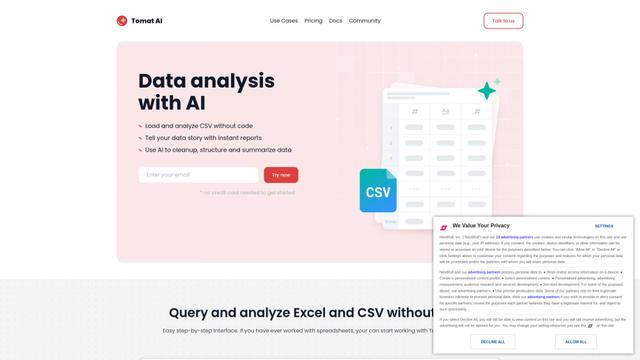
Tomat.AI is an AI-powered desktop application that enables users to easily explore, analyze, and automate large CSV and Excel files without coding, featuring local processing and advanced data manipulation capabilities.
Data Nuts
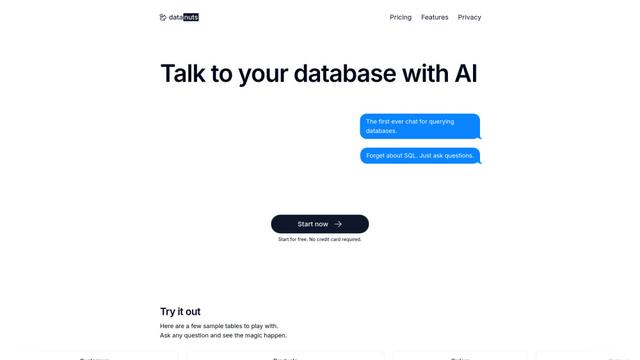
DataNuts is a comprehensive data management and analytics solutions provider that specializes in healthcare solutions, cloud migration, and AI-powered database querying capabilities.
CogniKeep AI
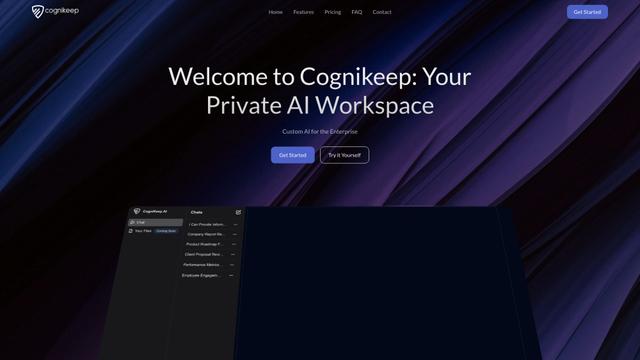
CogniKeep AI is a private, enterprise-grade AI solution that enables organizations to deploy secure, customizable AI capabilities within their own infrastructure while maintaining complete data privacy and security.

EasyRFP
EasyRFP is an AI-powered edge computing toolkit that streamlines RFP (Request for Proposal) responses and enables real-time field phenotyping through deep learning technology.
Popular AI Tools Like LinkingMem — Graph-native RAG Engine

Researcher & Analyst in M365 Copilot
Contact for PricingAI Data Mining
Researcher and Analyst are two first-of-their-kind AI reasoning agents in Microsoft 365 Copilot that help users tackle complex research and data analysis tasks by leveraging both enterprise and web data with advanced reasoning capabilities.
ContextGem
ContextGem is a free, open-source LLM framework that simplifies structured data and insights extraction from documents with minimal code through powerful built-in abstractions and automated features.
Augmentoolkit 3.0
Augmentoolkit 3.0 is a refined and battle-tested open-source tool that creates domain-expert datasets to train custom LLMs with your own data, featuring an intuitive interface, offline capability, and automatic dataset generation and training processes.
OpenGyver
OpenGyver is an open-source Swiss-army-knife CLI tool with 47 commands and 180+ subcommands for everyday conversions, encoding, hashing, generation, formatting, and validation, designed for standalone use or integration with CI/CD pipelines, shell scripts, and AI agents.