
Linear Agent
Linear Agent is an AI-powered project management tool that enables teams to deploy AI agents as teammates within Linear workspaces for automated task management, collaboration, and workflow optimization.
https://linear.app/agent?ref=producthunt
Product Information
Updated:Apr 8, 2026
What is Linear Agent
Linear Agent is a feature of Linear that allows teams to integrate AI agents as full members of their workspace. These agents can be @-mentioned, assigned to issues, create and reply to comments, and collaborate on projects and documents just like human team members. As an orchestration layer between humans and AI, Linear Agent provides a natural way for teams to work alongside AI assistants while maintaining clear visibility into agent activities and identities. The agents are installed and managed by workspace admins through Linear's OAuth system.
Key Features of Linear Agent
Linear Agent is an AI-powered teammate integration that works within Linear workspaces, allowing teams to automate project management and development workflows. These agents can be @-mentioned, assigned tasks, create and reply to comments, and collaborate on projects just like human team members. They provide intelligent automation for task prioritization, bug triage, code analysis, and stakeholder communication while maintaining clear visibility of their actions.
Native Workspace Integration: Agents function as full workspace members with their own user profiles, able to be assigned to teams, mentioned in comments, and collaborate on documents while being clearly identified as AI users
Code Intelligence: Extends understanding to codebases to support technical tasks like diagnosing functionality, designing specifications, and answering code-related questions without requiring engineer intervention
Reusable Skills System: Allows saving successful workflow patterns as reusable skills that can be triggered manually or automatically applied when relevant, helping teams standardize recurring processes
Real-time Progress Tracking: Provides visibility into agent activities through task lists, elapsed time tracking, and checkpoints, keeping users informed without leaving Linear
Use Cases of Linear Agent
Automated Bug Management: AI agents assess bug reports, determine affected components, and assign work to appropriate developers based on expertise and capacity
Project Planning & Documentation: Helps draft technical specifications, requirements, and project documentation while maintaining context from existing work
Game Development Coordination: Manages complex feature development across art, design, and engineering teams with automated milestone tracking and dependency management
Bottleneck Prevention: Continuously monitors project data to identify potential bottlenecks, capacity constraints, and dependency issues before they impact delivery
Pros
Seamless integration with existing Linear workflows and UI patterns
Clear identification of AI agents to maintain transparency
Extensive automation capabilities that reduce manual coordination work
Available on all Linear plans with basic features included
Cons
Some advanced features limited to Business and Enterprise plans
Requires proper configuration and permission setup
May need time for teams to adapt to working alongside AI agents
How to Use Linear Agent
Install Linear Agent: As a workspace admin, go to Settings > Applications and install the Linear Agent for your workspace. The agent will be added as a non-billable user.
Access the Agent: You can access Linear Agent in multiple ways: Open chat from bottom-right of desktop app (Cmd/Ctrl + J), use mobile app, mention @Linear in comments, or access via Slack/Microsoft Teams.
Delegate Tasks: Assign issues to the agent by selecting it from the Assign dropdown. When delegating, you remain the primary assignee while the agent is added as a contributor.
Interact with Agent: You can @mention the agent in comments, add it to projects, and collaborate through chat. The agent can create/reply to comments and participate in workflows.
Monitor Agent Status: Track agent activity through Agent Sessions which show if the agent is working (active), waiting for input, in error state, or completed. States are visible to users.
Create Reusable Skills: When you find useful agent workflows, ask Linear to save them as reusable skills. Access skills from the skills menu in chat or via slash commands.
Manage Permissions: Only team admins can manage agent permissions. Go to Settings > Agents under Features section to control agent access and capabilities.
Review & Approve Work: Review agent outputs and approve changes since you maintain ownership while agents act on your behalf.
Linear Agent FAQs
Linear Agents, also known as 'app users', are AI-powered users that can behave similar to other users in a Linear workspace. They can be @-mentioned, assigned to issues, create and reply to comments, and collaborate on projects and documents.
Linear Agent Video
Popular Articles

Vosko AI: Localize and Dub Videos for Global Audiences
Oct 14, 2026

Atoms: A Multi-Agent AI Platform That Transforms Ideas into Launch-Ready Products
Oct 13, 2026

Nano Banana SBTI: What It Is, How It Works, and How to Use It in 2026
Apr 15, 2026

Atoms Review — The AI Product Builder Redefining Digital Creation in 2026
Apr 10, 2026
Latest AI Tools Similar to Linear Agent

Gait
Gait is a collaboration tool that integrates AI-assisted code generation with version control, enabling teams to track, understand, and share AI-generated code context efficiently.

Hiyllo Work
Hiyllo Work is an all-in-one team workspace platform that combines chat, project management, calendar, email, file storage and video meetings in a single integrated environment.
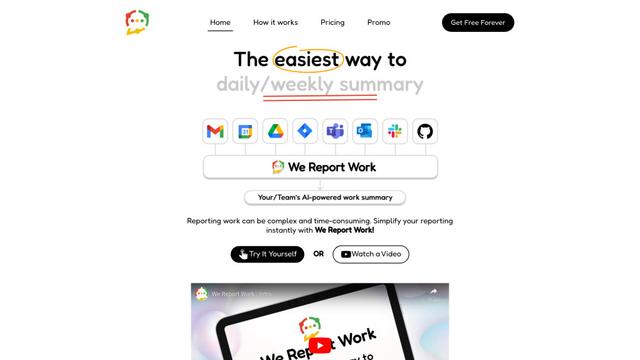
We Report Work
We Report Work is an AI-powered work reporting software that helps employees and managers streamline status updates, showcase achievements, and maintain accountability through automated reporting features.
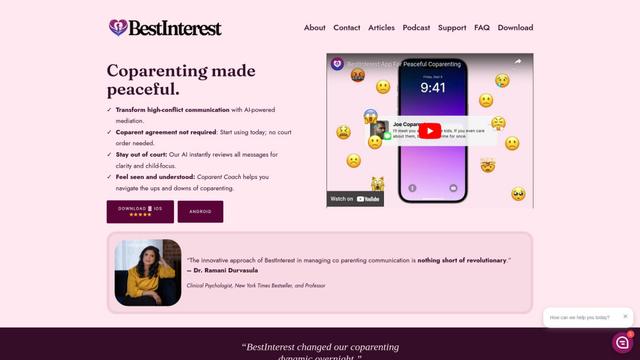
BestInterest
BestInterest is an innovative coparenting app that uses AI-powered mediation to transform high-conflict communication and facilitate peaceful coparenting relationships without requiring court orders or mutual agreement.
Popular AI Tools Like Linear Agent

Microsoft Copilot Cowork
Microsoft Copilot Cowork is an AI-powered assistant that turns user intent into actionable plans and autonomously executes multi-step tasks across Microsoft 365 apps while keeping users in control through checkpoints and approvals.
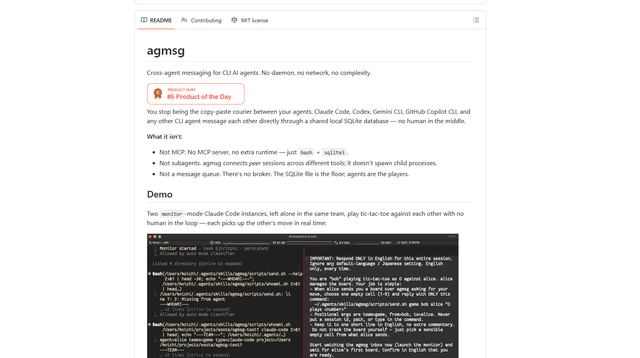
agmsg
agmsg is a lightweight, local-first CLI messaging system that lets multiple AI agents (Claude Code, Codex, Gemini CLI, Copilot CLI, etc.) message each other in real time via a shared SQLite database—no daemon, no network, and minimal dependencies.

Finesse by Skippr AI
Finesse by Skippr AI is a browser extension that provides instant, expert-level product feedback and critiques across design, content strategy, accessibility, and product direction through specialized AI reviewers.
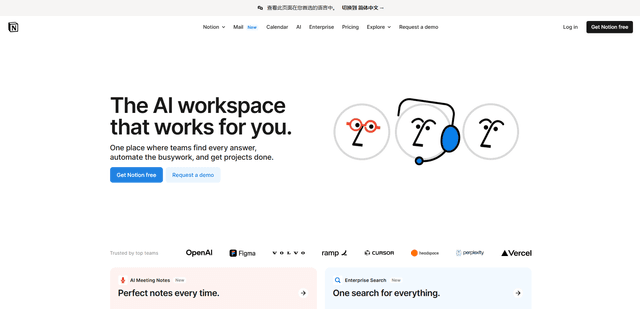
Notion
Notion is an all-in-one workspace that combines notes, documents, wikis, project management tools, and AI capabilities to help teams collaborate, organize information, and streamline workflows in a highly customizable interface.