
Letter Maps
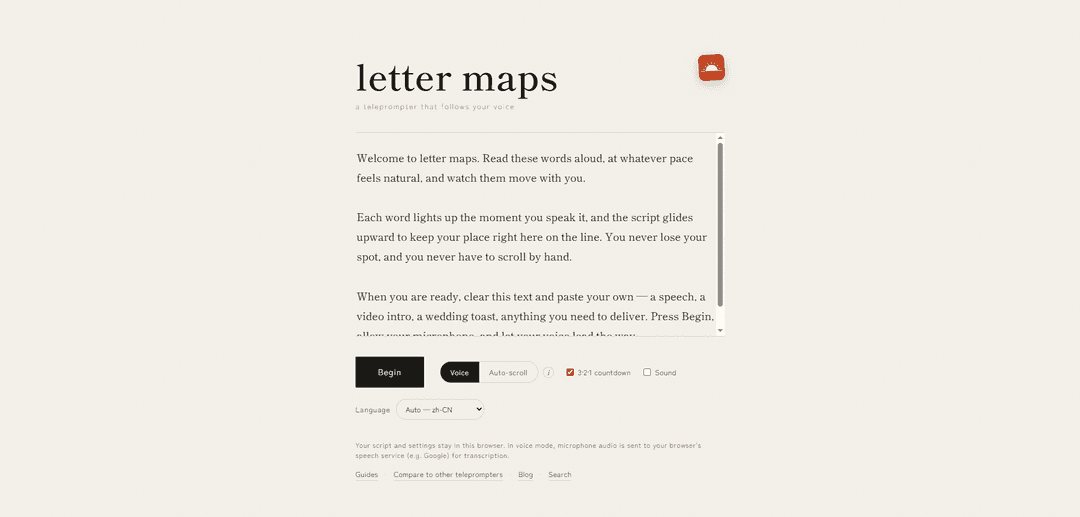
Letter Maps is a free, browser-based teleprompter that scrolls to follow your voice, requiring no sign-in or installation and keeping your script in your browser with optional on-device/offline recognition.
https://lettermaps.com/?ref=producthunt
Product Information
Updated:Jul 8, 2026
What is Letter Maps
Letter Maps is a web teleprompter designed to help you read scripts smoothly while speaking. Unlike traditional teleprompters that scroll at a fixed speed, it can follow your voice so the text advances in sync with what you’re saying. It runs directly in the browser with no account required and no software to install, positioning it as a lightweight, privacy-conscious option for creators, presenters, and anyone who needs to deliver spoken content from a script.
Key Features of Letter Maps
Letter Maps is a free, browser-based teleprompter that scrolls your script in sync with your voice, helping you present naturally without manual scrolling. It requires no sign-in or installation, keeps your script and settings in your browser, and can support on-device/offline recognition depending on the speech recognition mode available in your environment. It includes presentation-friendly controls like a countdown, sound options, and language selection, and provides guides and comparisons to help users choose an effective setup.
Voice-follow scrolling: Automatically advances the teleprompter based on what you say, reducing the need for pedals, hotkeys, or manual scrolling.
No sign-in, no install: Runs directly in the browser with zero onboarding friction—open the page and start prompting immediately.
Privacy-first local script storage: Your script and settings stay in the browser; in voice mode, mic audio is sent to your browser’s speech service for transcription (e.g., Google), rather than to a separate Letter Maps account.
Offline/on-device capable recognition (environment-dependent): Can run fully on-device and offline when supported by the underlying speech recognition stack, useful for sensitive or low-connectivity contexts.
Presentation controls: Includes practical tools like a 3-2-1 countdown, sound toggles, and language selection to fit different speaking setups.
Guides and comparisons: Provides reference materials (guides/compare pages/blog) to help users learn workflows and evaluate it against other teleprompters.
Use Cases of Letter Maps
Video creators and YouTubers: Read scripts smoothly while maintaining eye contact and natural pacing, minimizing awkward pauses or manual scrolling.
Corporate presentations and demos: Keep product demos and executive messaging on-track with voice-synced prompting, especially when hands are occupied.
Online teaching and training: Instructors can deliver structured lessons while staying focused on the audience/camera instead of managing scroll controls.
Podcasting and voiceover work: Use voice-follow prompting to maintain consistent flow during long-form reads, intros/outros, and ad segments.
Journalism and on-camera reporting: Support accurate delivery of prepared statements and complex names/figures while keeping a natural on-camera presence.
Privacy-sensitive rehearsals: Draft and rehearse scripts locally in the browser, with the option to use on-device/offline recognition where available.
Pros
Free and frictionless to start (no sign-in, no install).
Voice-follow scrolling can feel more natural than fixed-speed scroll.
Script/settings remain in-browser, improving control over your content.
Can be offline/on-device in supported setups, useful for low-connectivity or sensitive environments.
Cons
Voice mode relies on the browser’s speech service (e.g., Google) for transcription, which may raise privacy or compliance concerns in some contexts.
Accuracy and offline capability depend on the device/browser/recognition backend and may vary by language and accent.
Browser-based tools can be sensitive to microphone permissions, background noise, and connectivity when cloud transcription is used.
How to Use Letter Maps
1. Open Letter Maps in your browser: Go to https://lettermaps.com/ to access the teleprompter. The app runs in the browser.
2. Prepare your script: Paste or type your script into the teleprompter so it’s ready to read while recording or presenting.
3. Choose your operating mode (Voice-follow or manual): Use voice mode if you want the teleprompter to follow along as you speak; otherwise use it like a standard scrolling teleprompter.
4. Select your language: Set the Language option to match the language you will speak so speech transcription can track your voice accurately.
5. Configure sound and countdown: Enable/adjust Sound if desired and use the 3·2·1 countdown so you have a moment to get ready before starting.
6. Start voice-follow mode and grant microphone permission: When prompted by your browser, allow microphone access so Letter Maps can listen and follow your speech.
7. Begin speaking and let the teleprompter follow your voice: Read your script aloud; the teleprompter tracks your place based on live transcription and advances as you speak.
8. Understand privacy and where processing happens: Your script and settings stay in your browser. In voice mode, microphone audio is sent to your browser’s speech service (e.g., Google) for transcription.
9. Use Guides and comparisons if you need help: Open the Guides section for usage tips and the Compare page to understand how Letter Maps differs from other teleprompters.
Letter Maps FAQs
letter maps is a free, browser-based teleprompter that scrolls to follow your voice.
Popular Articles

Atoms: A Multi-Agent AI Platform That Transforms Ideas into Launch-Ready Products
May 22, 2026

Nano Banana SBTI: What It Is, How It Works, and How to Use It in 2026
Apr 15, 2026

Atoms Review — The AI Product Builder Redefining Digital Creation in 2026
Apr 10, 2026

Kilo Claw: How to Deploy and Use a True "Do‑It‑For‑You" AI Agent(2026 Update)
Apr 3, 2026
Latest AI Tools Similar to Letter Maps
Callaia
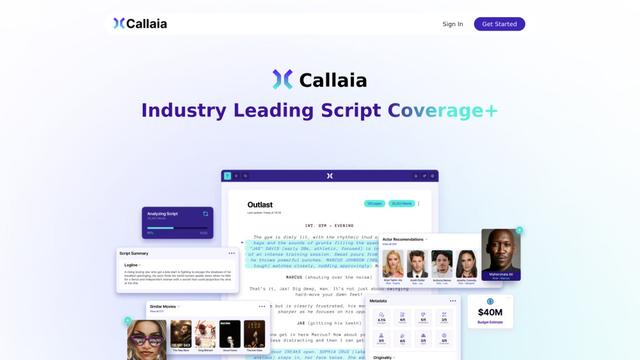
Callaia is an AI-powered script analysis tool that provides comprehensive script coverage, including logline, synopsis, character summaries, and actionable recommendations in under a minute for $79 per script.
Narrai
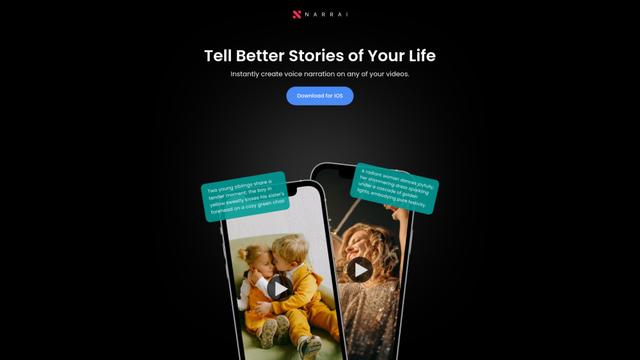
Narrai is an AI-powered mobile app that instantly creates voice narration and background music for short videos by automatically generating relevant scripts and offering multiple narrator personas.
THE FABLE STUDIO
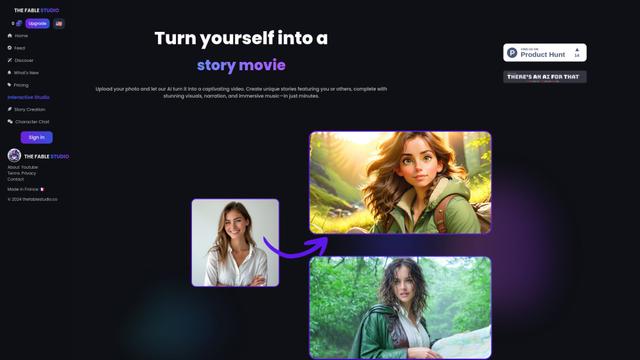
THE FABLE STUDIO is an AI-powered platform that enables users to create, direct, and interact with animated stories using generative AI technology.
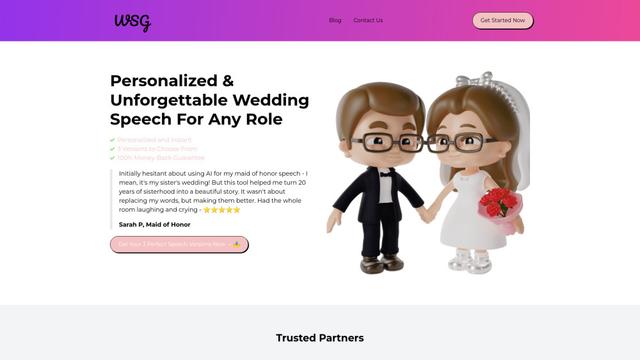
Wedding Speech Genie
Wedding Speech Genie is an AI-powered platform that crafts personalized wedding speeches in minutes by generating 3 custom versions based on your input, helping speakers deliver memorable toasts for any wedding role.
Popular AI Tools Like Letter Maps
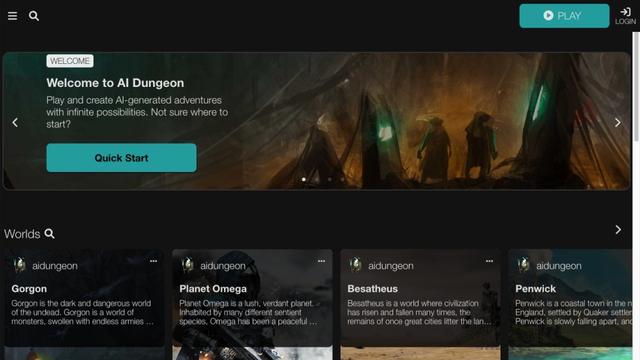
AI Dungeon
AI Dungeon is an AI-powered text adventure game that allows players to create and experience infinite interactive stories across any genre.
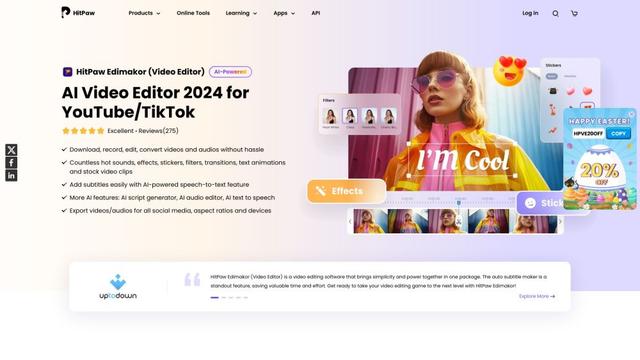
HitPaw Edimakor
HitPaw Edimakor is a powerful AI-powered video editor that combines advanced features like AI script generation, speech-to-text, and background removal with an intuitive interface for easy and creative video editing.
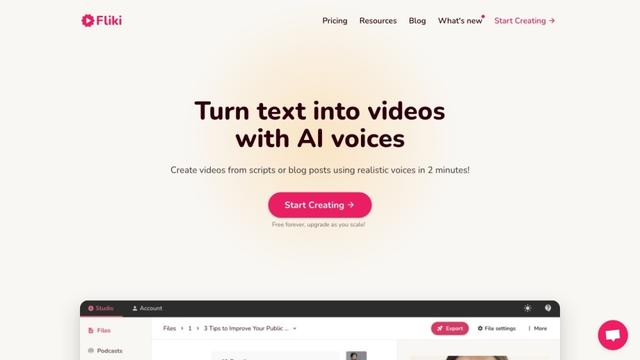
Fliki
Fliki is an AI-powered text-to-video and text-to-speech platform that transforms written content into engaging audio and video materials using lifelike voices in over 80 languages.
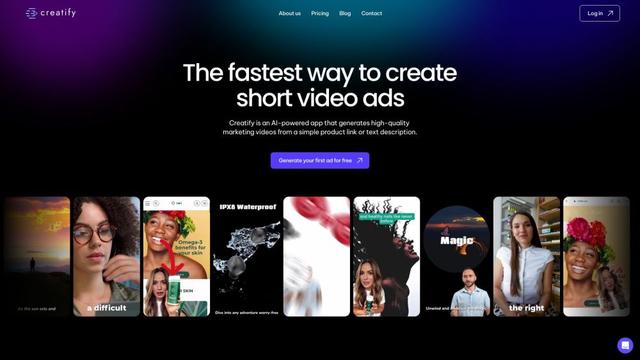
Creatify
Creatify is an AI-powered platform that generates high-quality marketing videos from product URLs or descriptions, enabling effortless creation of engaging video ads.