Labrynth AI
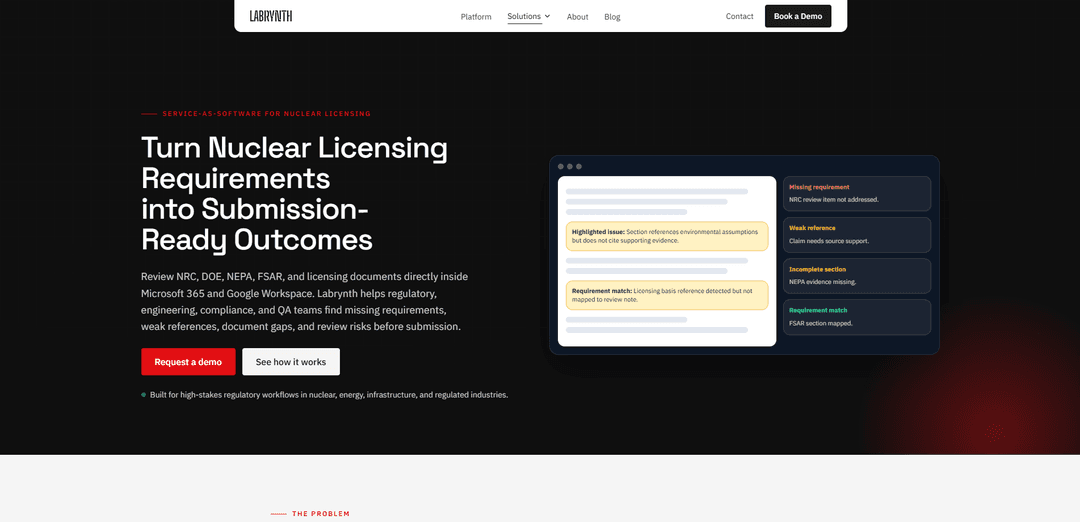
Labrynth AI is an outcome-based, traceable AI regulatory review and workflow platform that validates complex permitting, licensing, and compliance documents inside Microsoft 365 and Google Workspace, flagging gaps, weak references, and unsupported claims before submission.
https://www.labrynth.ai/nuclear-licensing?utm_source=aipure
Product Information
Updated:Aug 4, 2026
What is Labrynth AI
Labrynth AI (Labrynth.ai) is an AI-powered regulatory intelligence and compliance workflow platform built for high-stakes, regulated environments such as nuclear and energy licensing, infrastructure, construction permitting, and related approval processes. Rather than acting like a generic AI assistant that only summarizes content, Labrynth is designed as an enterprise-grade “review layer” that helps teams prepare audit-ready, defensible regulatory outputs—supporting review quality, controlled access, traceability, and structured documentation. It is used by regulatory affairs, licensing engineers, nuclear safety teams, QA, document control, and environmental/NEPA teams to reduce rework and review risk in complex, multi-agency regulatory submissions.
Key Features of Labrynth AI
Labrynth AI is an AI-powered regulatory review and compliance workflow platform designed for high-stakes regulated industries (notably nuclear, energy, infrastructure, and permitting-heavy environments). It operates as a review layer inside Microsoft 365 and Google Workspace to help teams validate complex regulatory documents by mapping content to selected frameworks (e.g., NRC, DOE, NEPA, FSAR, internal standards), detecting missing requirements and evidence gaps, flagging weak references and unsupported claims, identifying inconsistent terminology, and generating structured, traceable review notes and exportable reports to improve submission readiness and auditability.
In-document AI review layer (Microsoft 365 & Google Workspace): Runs where teams already draft and review (Word/Google Docs), reducing the need to move sensitive regulatory workflows into generic public AI tools.
Requirements mapping & validation against frameworks: Lets users select regulatory or internal frameworks (NRC, DOE, NEPA, FSAR, licensing basis, internal criteria) and compares document sections against those requirements to identify omissions and weak coverage.
Gap, risk, and quality detection: Highlights missing requirements, weak regulatory references, unsupported claims, incomplete responses, and document gaps before submission to reduce rework and downstream review comments.
Consistency and terminology checks across long documents: Flags inconsistent language and terminology across large, multi-section regulatory submissions where small inconsistencies can trigger additional questions or delays.
Structured review notes with traceability: Generates review notes tied to requirements, evidence, and issues (e.g., missing evidence, weak reference, unresolved issue) to support defensible, reviewable outputs for compliance and audit readiness.
Exportable review reporting: Produces structured summaries/reports for internal review cycles (regulatory, legal, engineering, QA), helping teams standardize feedback and track readiness.
Use Cases of Labrynth AI
NRC/DOE nuclear licensing document review: Validate licensing application sections, safety review materials, and licensing basis documentation by catching missing requirements, weak citations, and inconsistencies before formal submission.
NEPA and environmental documentation readiness: Review environmental assessments, EIS materials, and supporting project documentation to identify evidence gaps, missing references, and inconsistent claims early in the process.
FSAR/PSAR and safety analysis internal QA: Support safety teams reviewing FSAR/PSAR sections and technical references by flagging unsupported claims, incomplete sections, and terminology inconsistencies across long reports.
Construction permitting pre-submission checks: Compare construction documentation to applicable permitting requirements to identify cited gaps and reduce avoidable review comments, resubmissions, and delays.
Healthcare licensing/credentialing packets: Draft and check licensing packets, credentialing files, attestations, and evidence against applicable rules (e.g., state licensing, payer requirements, accreditors, SOPs) with traceable outputs.
Enterprise compliance workflows (anti-fraud, supply chain, payroll, pensions): Apply the platform’s requirement-to-evidence mapping and review-note generation to complex approval and audit-readiness workflows where decisions must be reviewable and documented.
Pros
Purpose-built for regulated workflows: emphasizes review quality, traceability, and audit-ready outputs rather than generic summarization.
Works inside Microsoft 365 and Google Workspace, aligning with existing drafting/review habits and reducing workflow disruption.
Helps catch gaps earlier (missing requirements, weak references, unsupported claims), potentially reducing rework and submission delays.
Cons
Does not replace regulatory experts or licensed professionals; outputs still require human judgment and sign-off (human-in-the-loop).
Effectiveness depends on configuring the right frameworks/requirements and having suitable source materials; incomplete inputs can limit validation quality.
Primarily focused on document-based review and validation rather than replacing full end-to-end regulatory submission or authority decision processes.
How to Use Labrynth AI
1) Open your regulatory document in your existing workspace: In Microsoft 365 (e.g., Word) or Google Workspace (e.g., Google Docs), open the licensing/compliance document you want to review (e.g., NRC, DOE, NEPA, FSAR, safety analysis, environmental assessment/EIS materials). Labrynth is designed to run where drafting and review already happen, so you don’t need to move the document into a public AI tool.
2) Launch Labrynth as the AI review layer: Activate Labrynth from within your Microsoft 365 or Google Workspace environment so it can analyze the document in-place and produce review-ready outputs with controlled access suitable for regulated workflows.
3) Select the review framework (requirements set) you want to validate against: Choose the applicable framework for your review, such as NRC, DOE, NEPA, FSAR, licensing basis materials, or internal requirements/criteria. This tells Labrynth what requirements and guidance to compare your document against.
4) Run validation on the document: Start the validation scan. Labrynth reviews the document to identify common regulatory review risks, including missing requirements, weak or missing regulatory references, unsupported claims, incomplete responses, inconsistent terminology across long documents, and gaps that could cause rework later.
5) Review highlighted issues directly in the document: Inspect the highlighted passages and flagged sections in your Word/Google Doc. Labrynth surfaces where content may be incomplete, inconsistent, weakly supported, or misaligned with the selected requirements.
6) Compare document sections against selected requirements/guidance: Use Labrynth’s requirements comparison to see how specific sections map to NRC/DOE/NEPA/FSAR (or internal) requirements. This helps you confirm coverage and spot where a requirement appears missing or only partially addressed.
7) Examine requirement-to-section mapping for traceability: Review how Labrynth connects requirements to specific document sections and related evidence/references. This supports requirements traceability by creating a clearer line between obligations, the text that addresses them, and what still needs evidence or revision.
8) Generate structured review notes for your team: Have Labrynth produce structured review notes that capture issues such as missing evidence, weak references, unresolved gaps, and terminology inconsistencies. These notes are intended for licensing, regulatory affairs, engineering, legal, QA, document control, and environmental/NEPA teams.
9) Iterate: update the document and re-run validation: Revise the document to address the flagged issues (e.g., strengthen citations, add missing sections, resolve inconsistent language, and support claims with evidence). Re-run validation to confirm improvements before moving into later internal review cycles or submission preparation.
10) Export a structured report for internal sign-off and review readiness: Export Labrynth’s findings as a structured summary/report to support internal review, controlled workflows, and audit-ready documentation. Use the exported output to coordinate resolution of gaps and prepare cleaner, submission-ready materials.
Labrynth AI FAQs
Labrynth is an AI-powered regulatory document review layer designed for regulated workflows. It helps teams validate licensing, compliance, safety, and environmental documents by finding missing requirements, weak references, document gaps, inconsistent terminology, and other review risks before submission.
Popular Articles

Vosko AI: Localize and Dub Videos for Global Audiences
Oct 15, 2026

Atoms: A Multi-Agent AI Platform That Transforms Ideas into Launch-Ready Products
Oct 13, 2026

Nano Banana SBTI: What It Is, How It Works, and How to Use It in 2026
Apr 15, 2026

Atoms Review — The AI Product Builder Redefining Digital Creation in 2026
Apr 10, 2026
Latest AI Tools Similar to Labrynth AI
Plani.ai
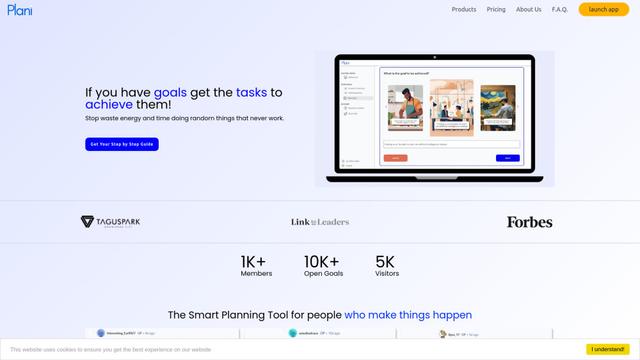
Plani.ai is an AI-powered business planning tool that generates customized strategies, tasks, and actionable plans to help entrepreneurs, startups, and small businesses achieve their business goals.
Tendery.ai
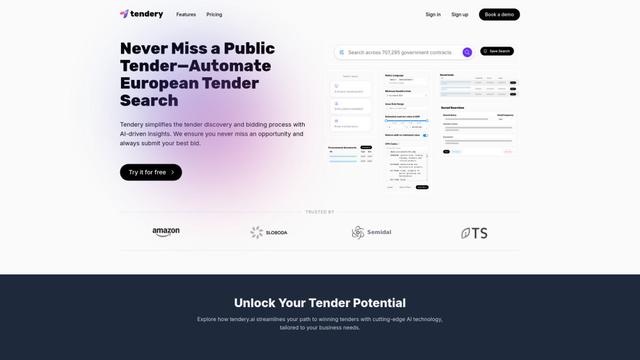
Tendery.ai is an AI-powered platform that transforms EU public procurement by providing automated tender discovery, intelligent matching, and enhanced proposal creation capabilities.

Devozy.ai
Devozy.ai is an AI-powered developer self-service platform that combines Agile project management, DevSecOps, multi-cloud infrastructure management, and IT service management into a unified solution for accelerating software delivery.
MDLR
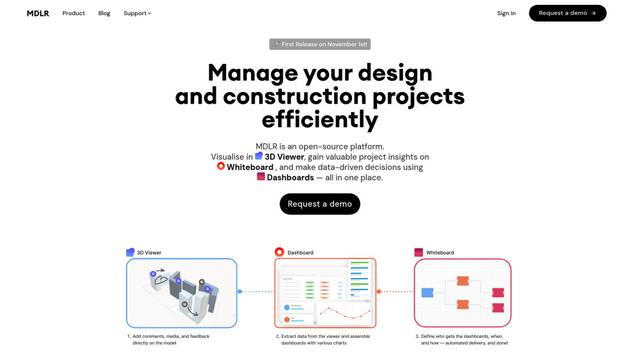
MDLR is an open-source AI-powered platform that streamlines design and construction project management through integrated 3D viewing, real-time dashboards, and interactive whiteboards.
Popular AI Tools Like Labrynth AI
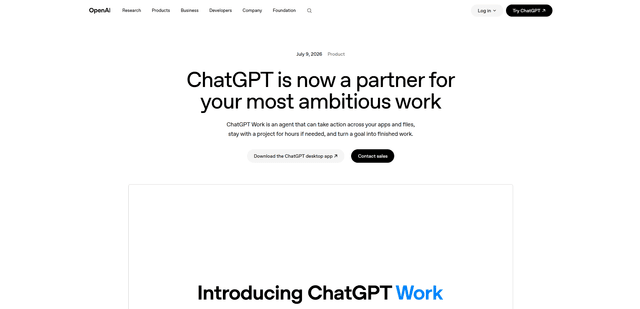
ChatGPT Work
ChatGPT Work is an agent mode inside ChatGPT that can run multi-step projects for hours, pull context from your connected apps and files, and produce finished outputs like docs, slides, sheets, and interactive Sites—while keeping you in control with approvals and enterprise governance.
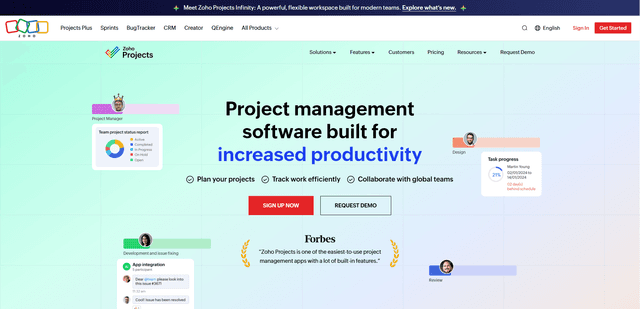
Zoho Projects
Zoho Projects is a cloud-based project management software that helps teams plan, track, and collaborate on projects with features like Gantt charts, task automation, time tracking, and comprehensive reporting tools.
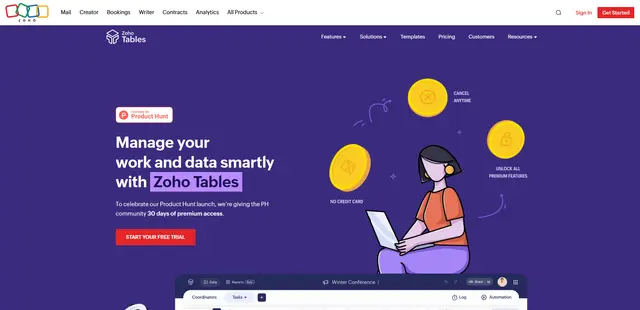
Zoho Tables
Zoho Tables is a modern spreadsheet-database hybrid that helps teams organize data with relational links, build views and dashboards, collaborate in real time, and automate workflows with no-code and AI assistance.
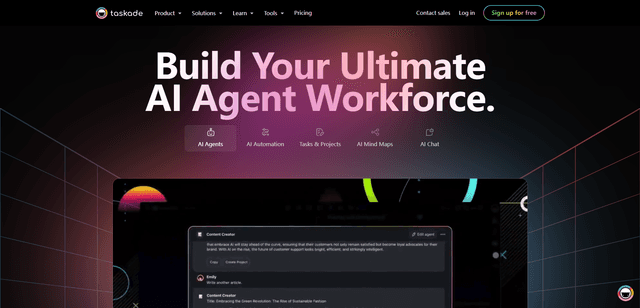
Taskade
Taskade is an AI-powered productivity platform that combines task management, real-time collaboration, and AI automation in one unified workspace for teams and individuals.